

Tecktonik AI Dance Generator: Create Electro Dance Videos
October 16, 2026 | Flips
Tecktonik AI Dance: How to Create High-Energy Electro Dance Videos
Sharp arm gestures. Fast transitions. Energetic footwork. Tecktonik has a distinctive movement style that makes it an interesting choice for AI-generated dance videos.
Instead of recording a full performance, you can start with a photo and use an AI video generator to explore an electro-dance animation. The challenge is getting the movement to look energetic while keeping the subject recognizable.
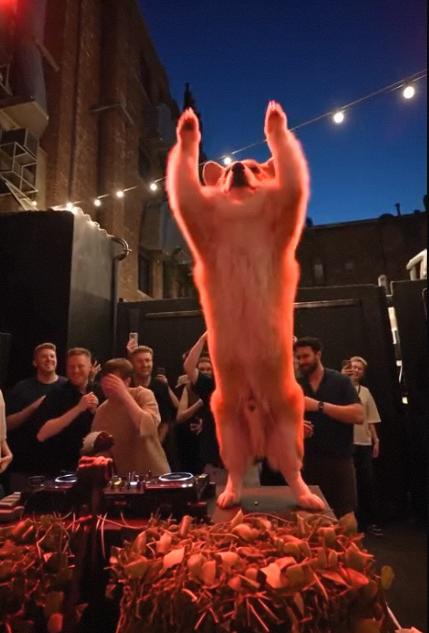
This guide explains what makes Tecktonik visually distinctive, how to create a Tecktonik-inspired AI dance video, and how to improve the results.
What Makes Tecktonik Different From Other Dance Trends?
Tecktonik became associated with electronic music and dance culture in the late 2000s. Its recognizable style combines quick arm movements, angular gestures, coordinated upper-body motion, and rhythmic footwork.
These characteristics matter when generating AI dance videos. A generic instruction such as “make this person dance” may produce movement that looks more like a different dance style.
To communicate the intended look, focus your prompt on three elements:
-
Arm choreography: sharp, rhythmic gestures and clear changes in arm position.
-
Body coordination: energetic upper-body movement combined with footwork.
-
Performance energy: a confident, upbeat electro-dance atmosphere.
The goal is to describe the movement clearly rather than simply repeating the word “Tecktonik” throughout the prompt.
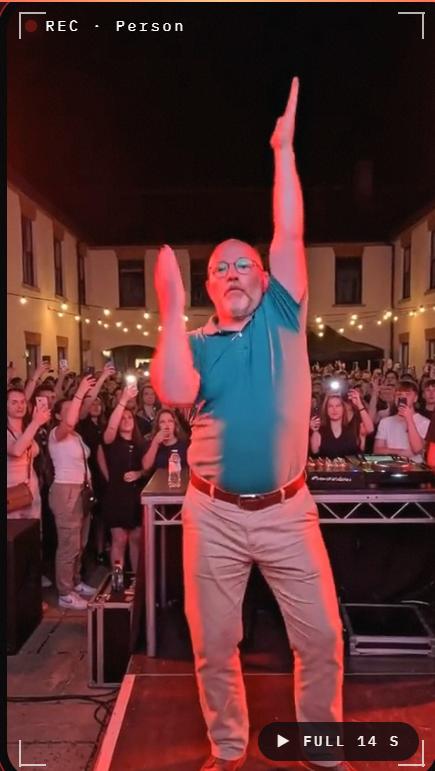
How to Generate a Tecktonik-Inspired Video
Start With a Full-Body Reference Image
Choose a photo with clearly visible arms, legs, and torso. A full-body image is particularly helpful for energetic dance movements because a close-up portrait may not provide enough information about the subject's posture.
Use good lighting and avoid images where the arms are hidden behind the body.
Build a Movement-Focused Prompt
Try the following starting prompt:
Animate the person in the reference image performing a high-energy Tecktonik-inspired electro dance. Include sharp rhythmic arm gestures, coordinated upper-body movements, quick footwork, and confident changes in posture. Keep the person recognizable, preserve natural body proportions, and use steady full-body framing.
For a retro electronic atmosphere, you can add:
Add colorful club lighting and a nostalgic electronic dance aesthetic, while keeping the dancer clearly visible.
Avoid adding too many camera movements or costume changes to the first generation. Complex requests can make it harder to identify which instruction caused a poor result.
Generate a Short Test Clip
Visit Viddo AI and choose a suitable image-to-video model.
Check the supported duration, available input types, and credit cost. Generate a short test before attempting a longer sequence.
When reviewing the result, focus on the arm movements first. Are the gestures sharp and coordinated? Does the subject remain recognizable? Are the legs and body proportions consistent?
Refine the Movement, Not Just the Style
If the output looks like a slow generic dance, change the movement instructions rather than adding more visual adjectives.
For example, emphasize:
-
Quick, angular arm gestures.
-
Clear transitions between arm positions.
-
Rhythmic footwork.
-
Consistent full-body framing.
If the subject's limbs become distorted, simplify the requested sequence and try again with a clearer reference image.
Common Problems With AI Dance Generation
| Problem | What to try |
|---|---|
| Arms look tangled or distorted | Use a clearer full-body image and reduce the complexity of the movements. |
| The dance looks too slow | Emphasize quick, rhythmic gestures and energetic transitions. |
| The person changes appearance | Use a sharper source image and choose a model suited to subject consistency. |
| The camera crops out the feet | Specify steady full-body framing. |
| The choreography does not match the reference | Use a compatible motion-reference workflow, if available. |
AI models can struggle with rapid movement and intricate choreography. A few focused iterations are often more useful than repeatedly rewriting the entire prompt.
Can You Turn Any Photo Into a Tecktonik AI Dance?
You can experiment with many kinds of photos, but the quality of the result depends on the image and the model.
A full-body photo is generally a better starting point than a close-up portrait when you want visible footwork and arm choreography. Images with obscured limbs, extreme poses, or complicated backgrounds may produce less consistent results.
If you want to animate someone else's photo, obtain their permission before uploading or publishing the result.
What About Music and Audio?
Electronic music can complement a Tecktonik-inspired dance video. You can add suitable audio during editing or use a compatible music-video workflow.
Viddo AI offers an AI Music Video tool for music-based video creation. Check the supported inputs and settings before using it.
If you intend to publish the video commercially, verify the relevant music rights and platform requirements. A generated video does not automatically include permission to use a copyrighted soundtrack.
Take Your AI Dance Experiments Further
Tecktonik is a useful style to explore when you want more than a generic dance animation. Its sharp arm gestures, quick transitions, and energetic footwork give you concrete movement details to work with.
Start with a full-body photo, describe the choreography clearly, and choose a model that supports the level of motion control you need.