
Seedance 2.0: As low as $0.345 per video
Veo3.1 Lite: As low as $0.0575 per video


Waiting for your creations!
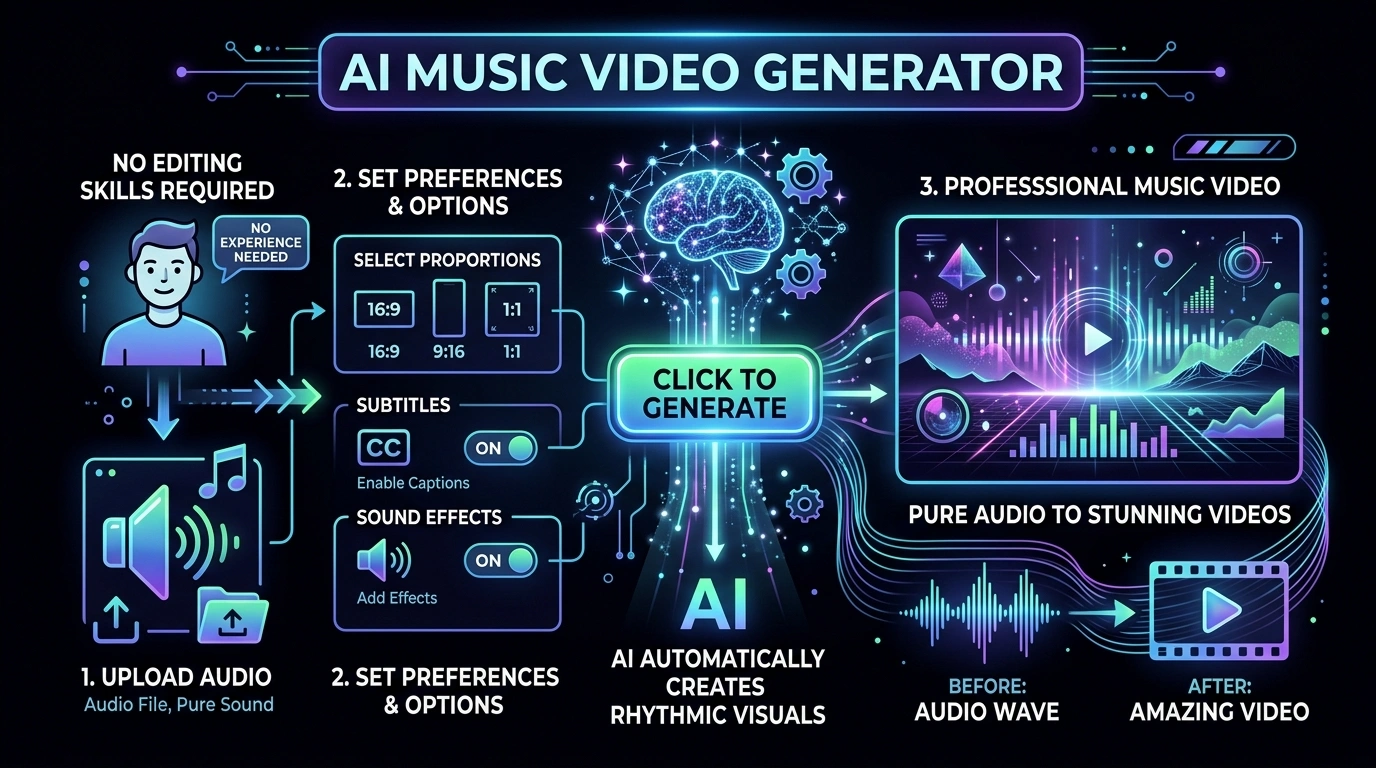
Generate an engaging music video with a duration that matches the length of the music you uploaded.
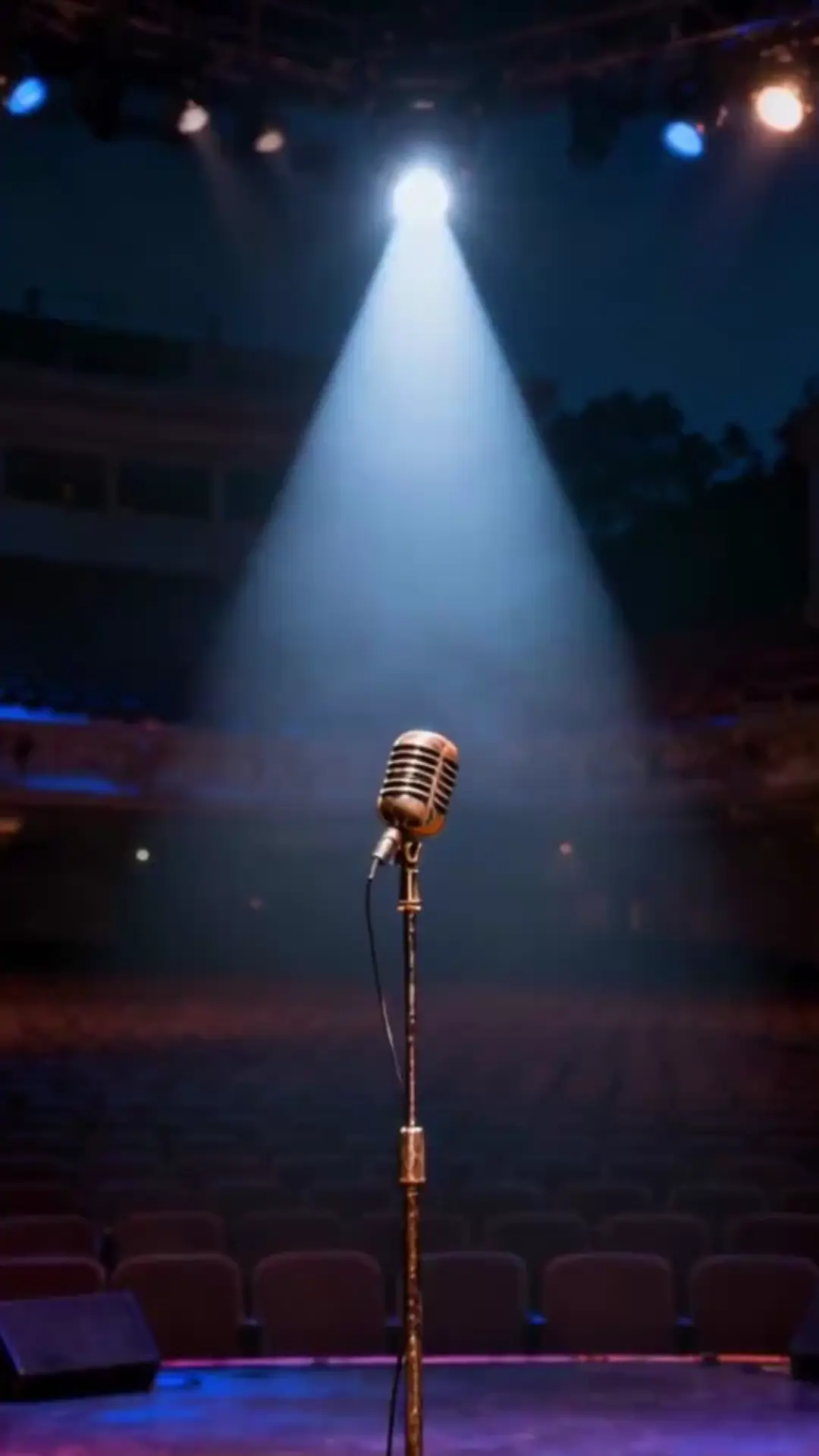
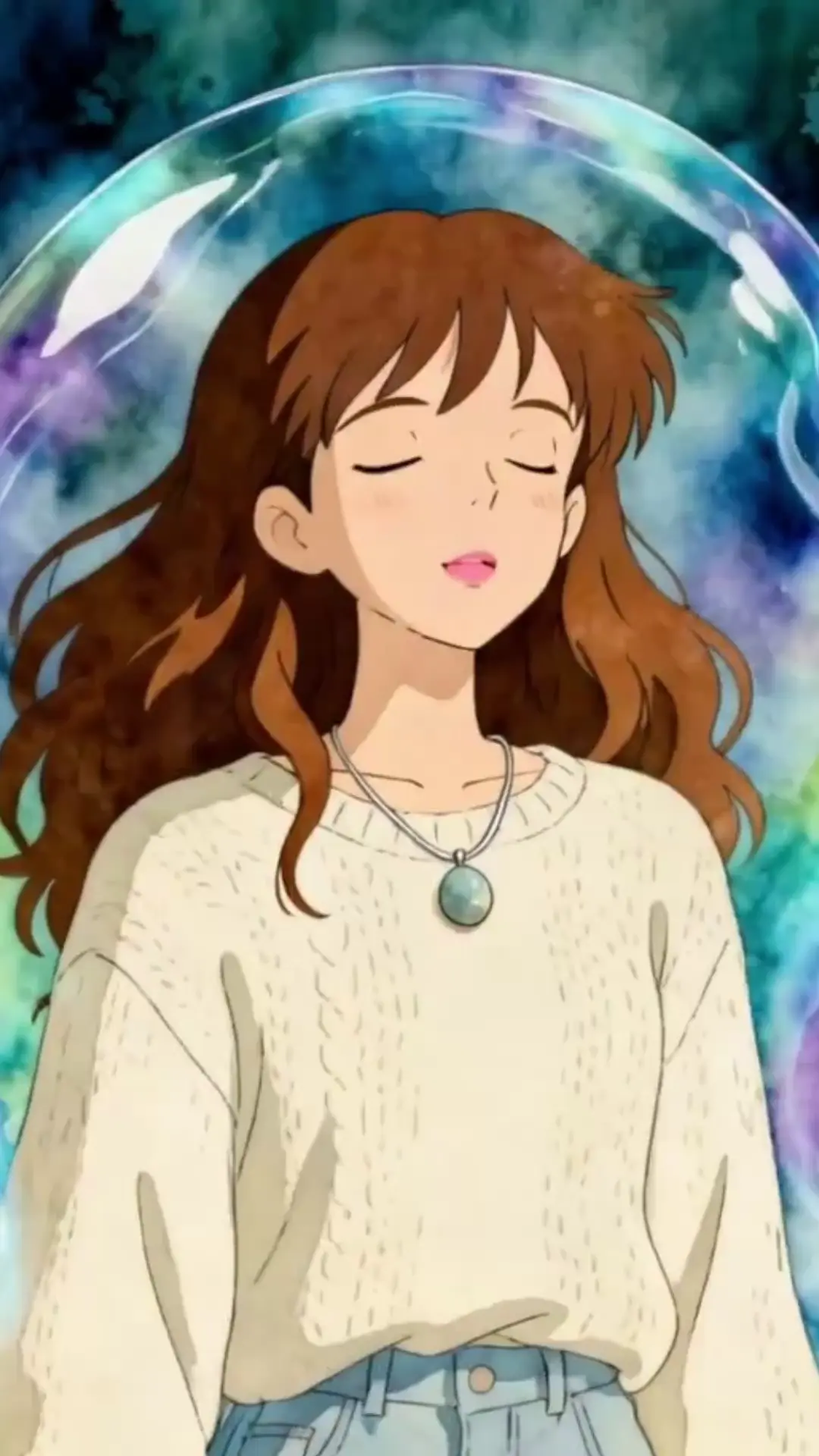
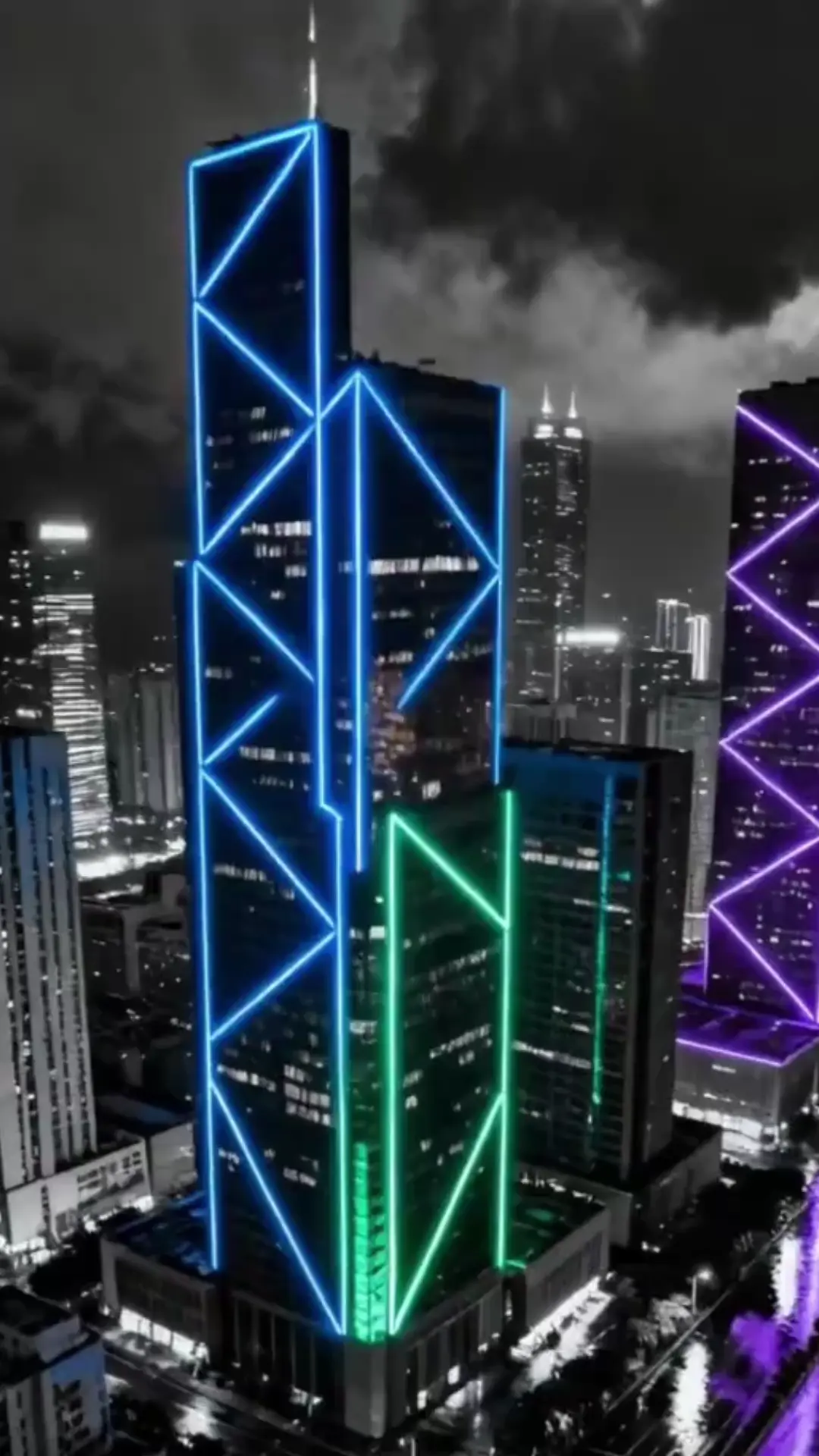
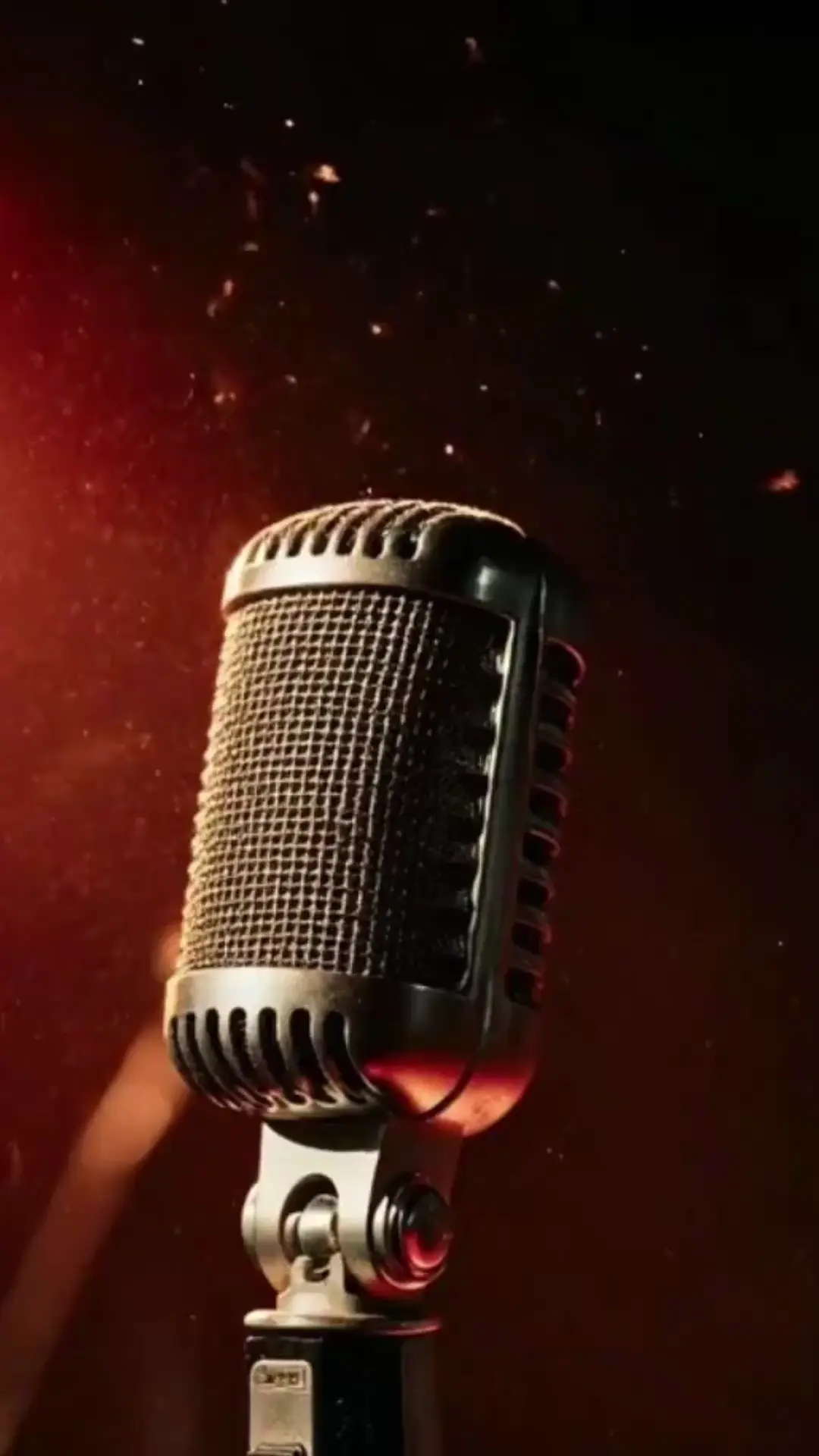
Zero-threshold operation
Highly synchronized audio and visuals
Full platform compatibility
Commercial use allowed
Boosted engagement
Time and cost efficient
Tips for High-Quality AI Music Video
AI Music Video Style & Visual Effect Reference
Leo, Independent Musician
I uploaded my original song, and in just 12 minutes, the AI created a perfect video. My music instantly feels way more professional
Mia, Short-Video Creator
The 9:16 vertical ratio fits my account perfectly. I made a video for my DJ mix, and the sound wave effects lined up exactly with the beats. My account engagement has gone up a lot.
Chloe, Independent Singer
My ballad paired with gentle visuals created amazing atmosphere, and the subtitles made the lyrics stand out even more.
Jake, Music Enthusiast
I have no technical experience, but this tool is incredibly easy to use. Upload music, pick a ratio, wait 10 minutes, and I get a great MV.
You can upload most common audio formats including MP3, WAV, AAC, and M4A. Audio must be longer than 5 seconds to ensure stable generation.
We offer three practical ratios: 16:9, 9:16, and 1:1, covering all major social platforms and use cases.
Yes, both are optional features you can freely enable or disable before generating your AI music video.
Normal processing time is 5–20 minutes, depending on the length and quality of the uploaded audio. Longer tracks may take slightly more time to render.
No. No editing experience or professional equipment is required. Simply upload your music, complete basic settings, and the AI does all the work.
Yes. Finished AI music video can be used for personal creation, commercial promotion, social media publishing, and other scenarios.
Viddo AI is an advanced all-in-one AI video and image generation platform that lets you quickly and easily create stunning videos and images from various inputs. These AI Model powered by Google, OpenAI, Grok AI, ByteDance, Alibaba, Kling, Runway, Vidu, Minimax, Elevenlabs, Midjourney,and so on.