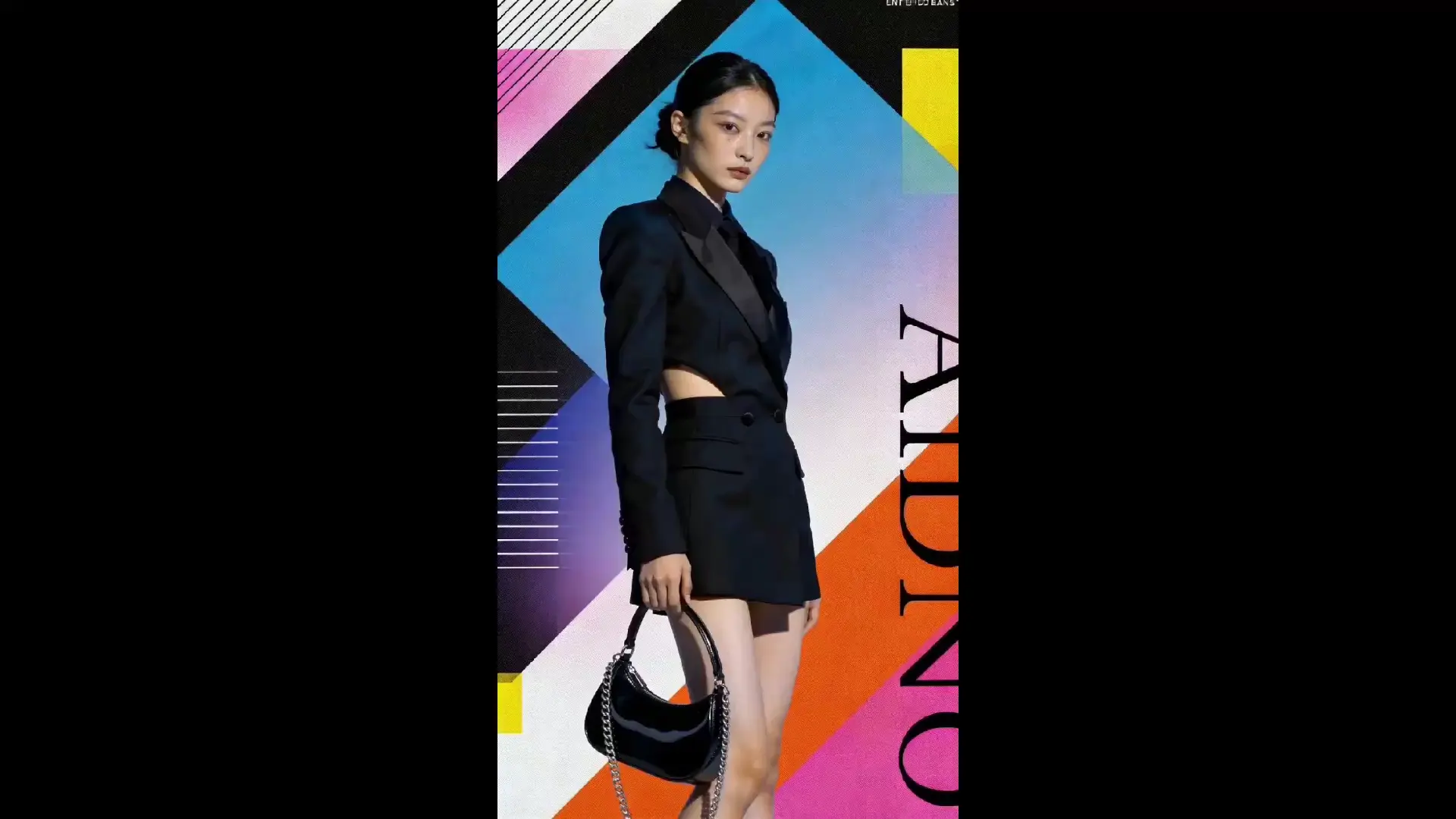
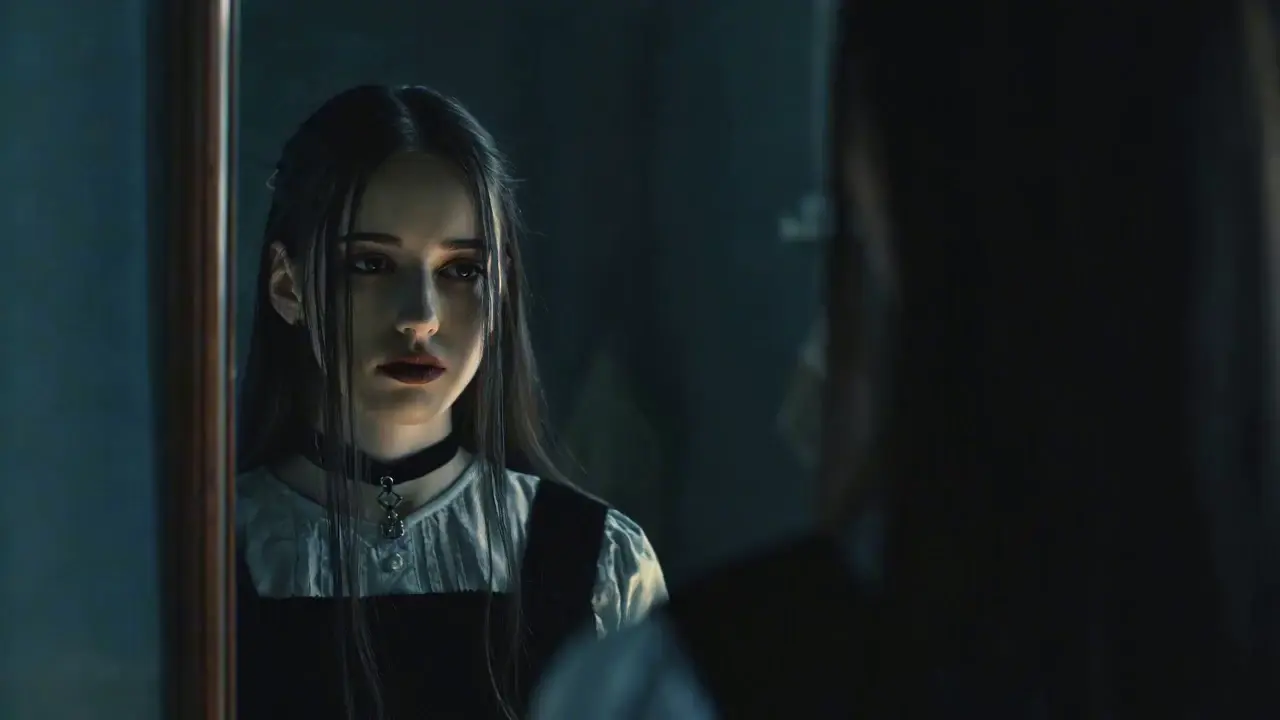
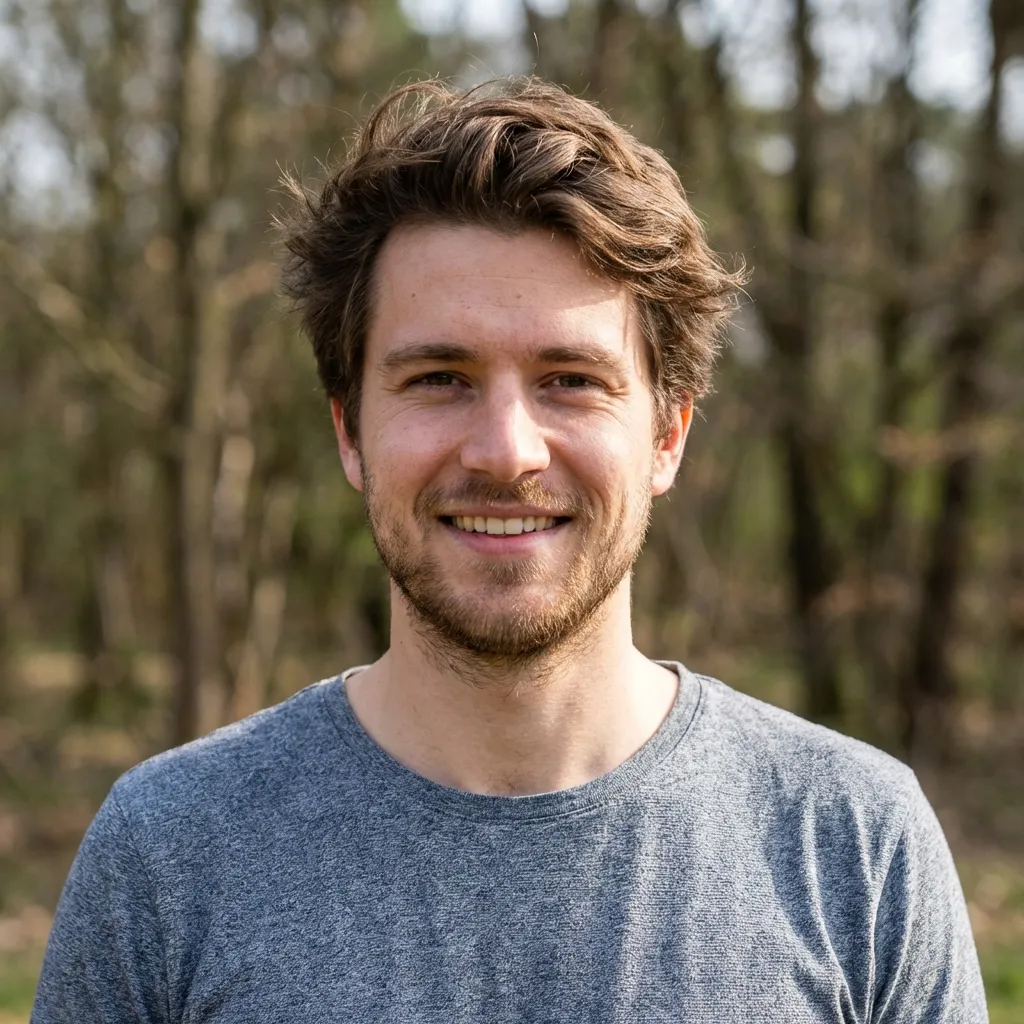
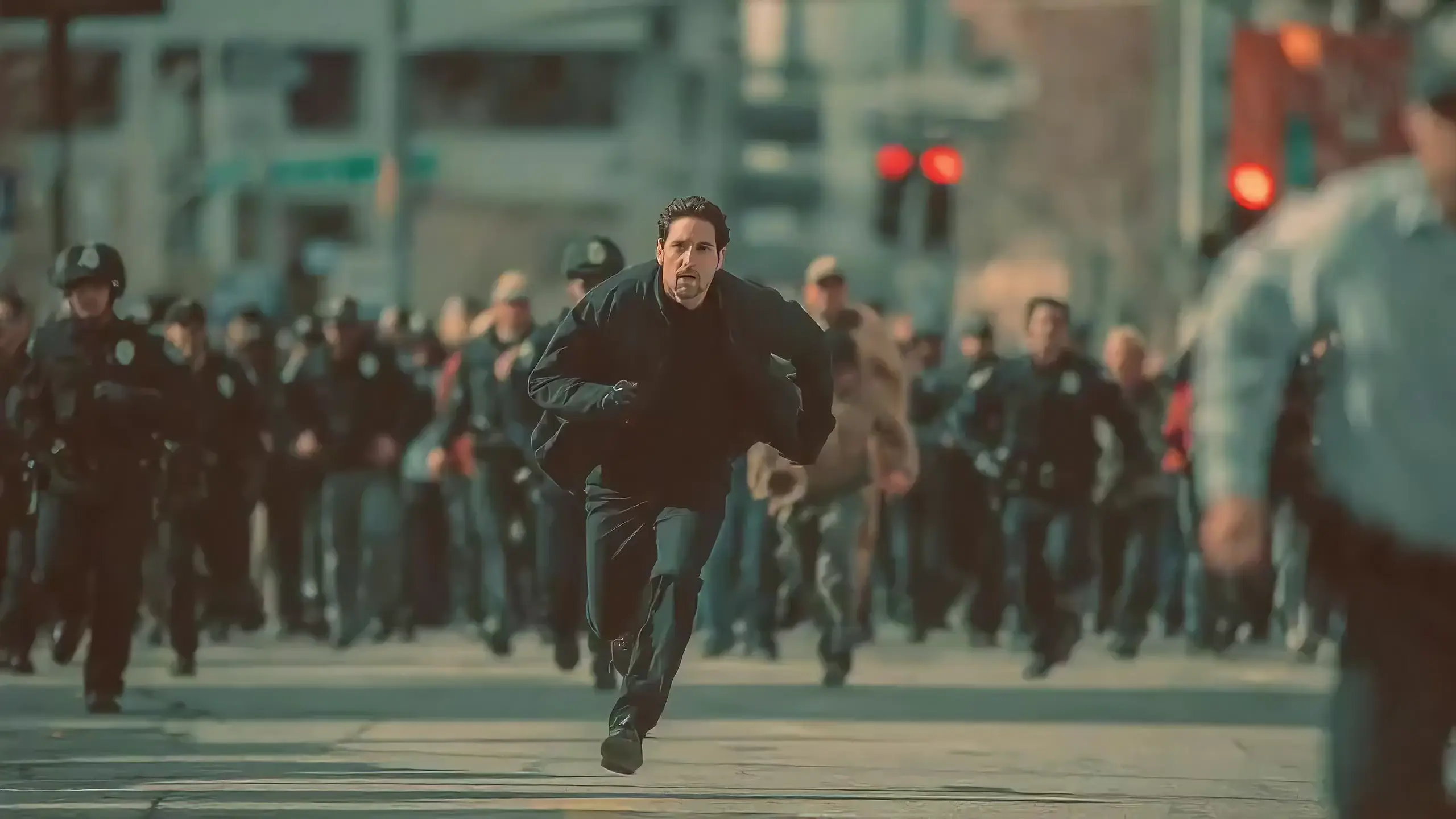
Are you still troubled by the high threshold of video creation? Want to make creative short films but lack professional editing skills? Aspire to replicate movie-level cinematography but don't know where to start? Struggle with disjointed footage when extending video clips? As a newly launched multimodal AI video creation model, Seedance 2.0 completely breaks the boundaries of traditional video creation. With its four-dimensional input mode of images, videos, audio and text, you can easily create movie-level video works without any professional skills.Designed entirely from the user's perspective, our product simplifies complex video creation into a straightforward process of uploading materials + writing prompts, truly delivering a what you imagine is what you get creative experience.
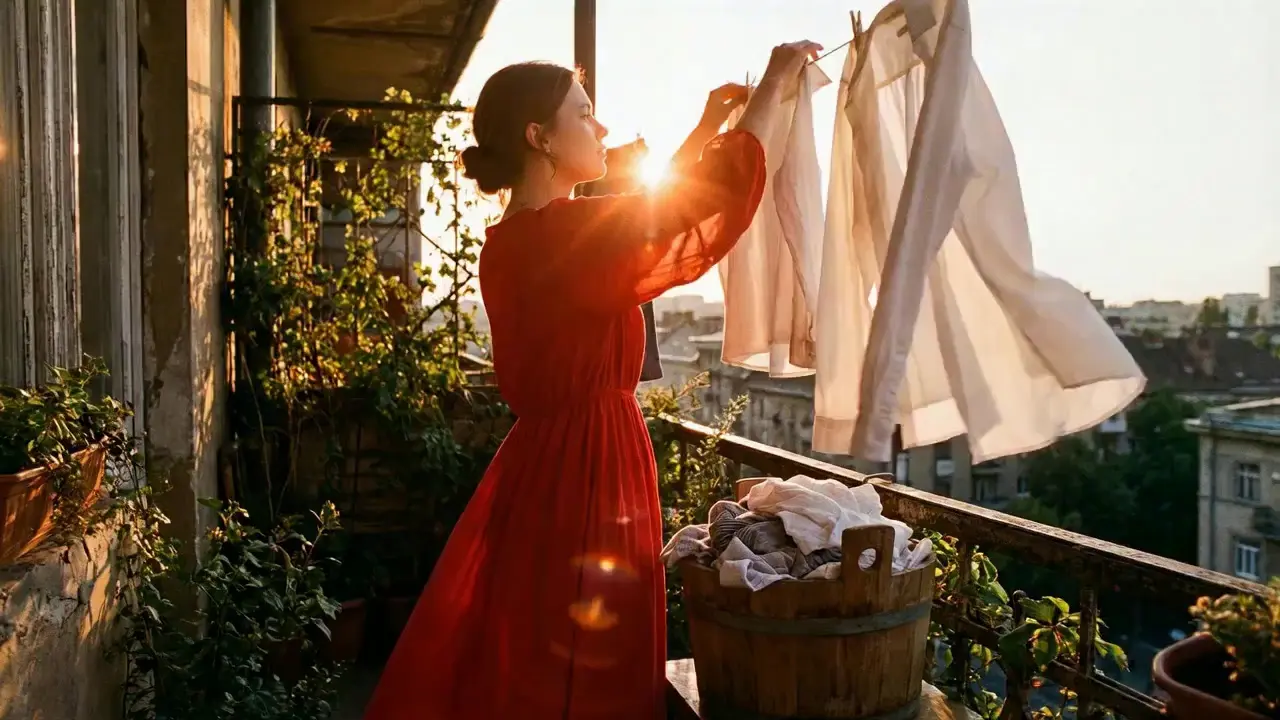
Seedance 2.0 features exclusive optimizations for image-to-video and text-to-video scenarios with its intelligent lens switching function. No professional editing knowledge or complex lens commands are needed—simply with an image sequence or text description, the model automatically matches the suitable lens switching methods. It supports a variety of transition effects such as fade in/out, pan, tilt, push, pull, and seamless scene transitions, and can adjust the switching speed based on frame content and plot rhythm. This turns static images or text-described scenes into dynamic videos with naturally flowing camera movements.
For an image-to-video project with landscape photos, just upload 6 images of mountains, lakes, sunsets and more, and write the prompt: "The lens slowly switches from mountains to lakes, then pushes in to the sunset with a seamless transition". The model will complete the lens switching automatically, boosting transition naturalness by 92%. For text-to-video, simply describe: "The girl hangs out the laundry elegantly. After finishing, she takes another piece from the bucket and gives it a firm shake.", and a complete video with smooth lens switching is generated—no additional transition details required.

Seedance 2.0 supports mixed input of up to 9 images, 3 videos (total duration ≤15s), 3 audio files (MP3 format / total duration ≤15s) plus natural language text, with a maximum total of 12 files for mixed input. You can set the visual style with a single image, specify character movements and cinematography with a video, set the rhythmic mood with a few seconds of audio, and add details with text. It’s just like a director arranging on-set materials, ensuring every creative idea is accurately realized.
For a product promotion short film, upload real product photos + a reference advertising cinematography video + brand background music, then write the prompt: "Close-up of product details + slow lens push-in". No from-scratch editing is needed—a tailored short film is generated in 1 minute, improving creative efficiency by 80%.

This is the standout core feature of Seedance 2.0. It not only accurately replicates movements, cinematography, special effects and sound timbres from reference materials, but also enables smooth extension and connection of existing videos to achieve a continue shooting effect. Whether it’s a Hitchcock zoom from a movie or the beat-matching rhythm of a viral video, just upload the reference video and the model replicates it 1:1—no more lengthy prompts required.
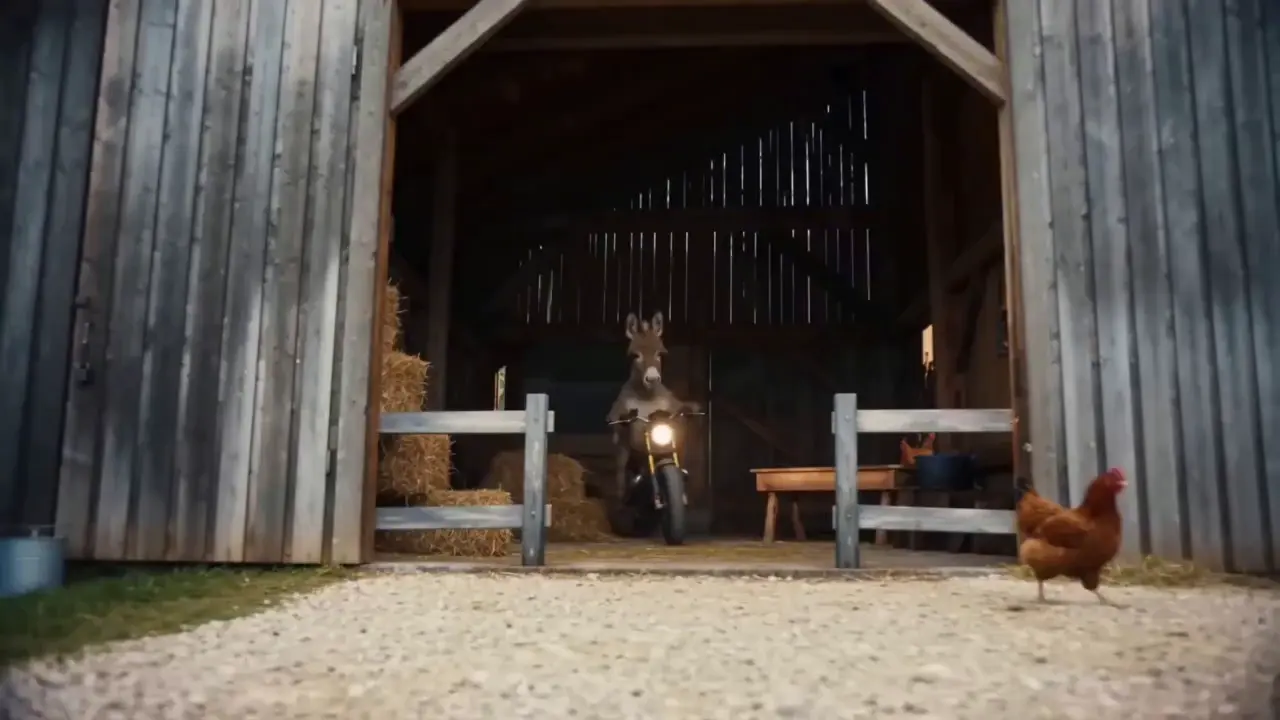
If your plot short film is missing only the ending, upload the original video and write the prompt: "Extend @Video 1 by 15 seconds. Refer to the character riding a motorcycle from @Image 1 and @Image 2, and add a creative ad segment.". A naturally connected ending is generated instantly, enhancing video extension naturalness by 90%.

When you’re unsatisfied with a small detail in a generated video, there’s no need to start over. Seedance 2.0 supports character replacement, clip deletion and movement adjustment, allowing targeted revisions of specific parts without altering the overall frame, rhythm or style.
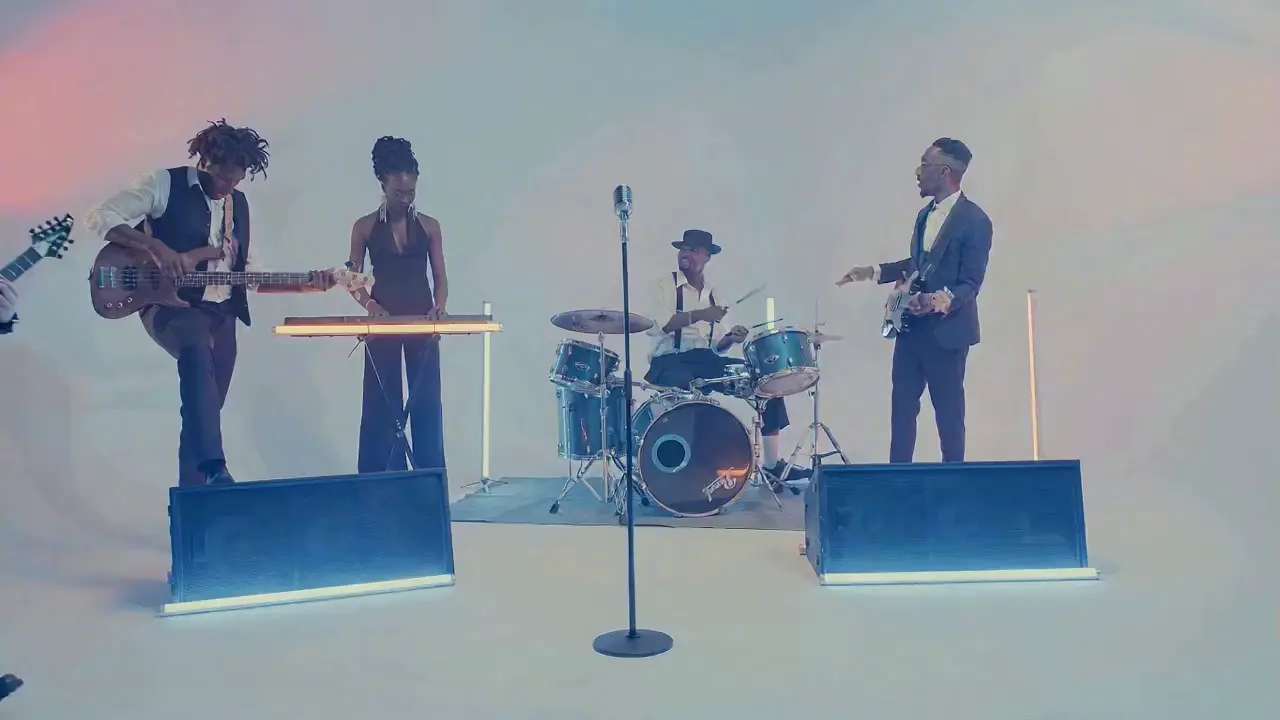
If the lead singer in a band performance video doesn’t meet your expectations, upload a new image of the lead singer and write the prompt: "Replace the female lead singer in @Video 1 with the male lead singer in @Image 1, replicating all original movements exactly". A new video is generated quickly, reducing revision time by 70%.

The most frustrating creative pain points—character face distortion, lost product details, abrupt scene changes, inconsistent lens styles—are completely solved in Seedance 2.0. The model maintains high consistency throughout the video, from facial features and costumes of characters to small text and prop details in the frame, greatly enhancing the video’s integrity and professionalism.
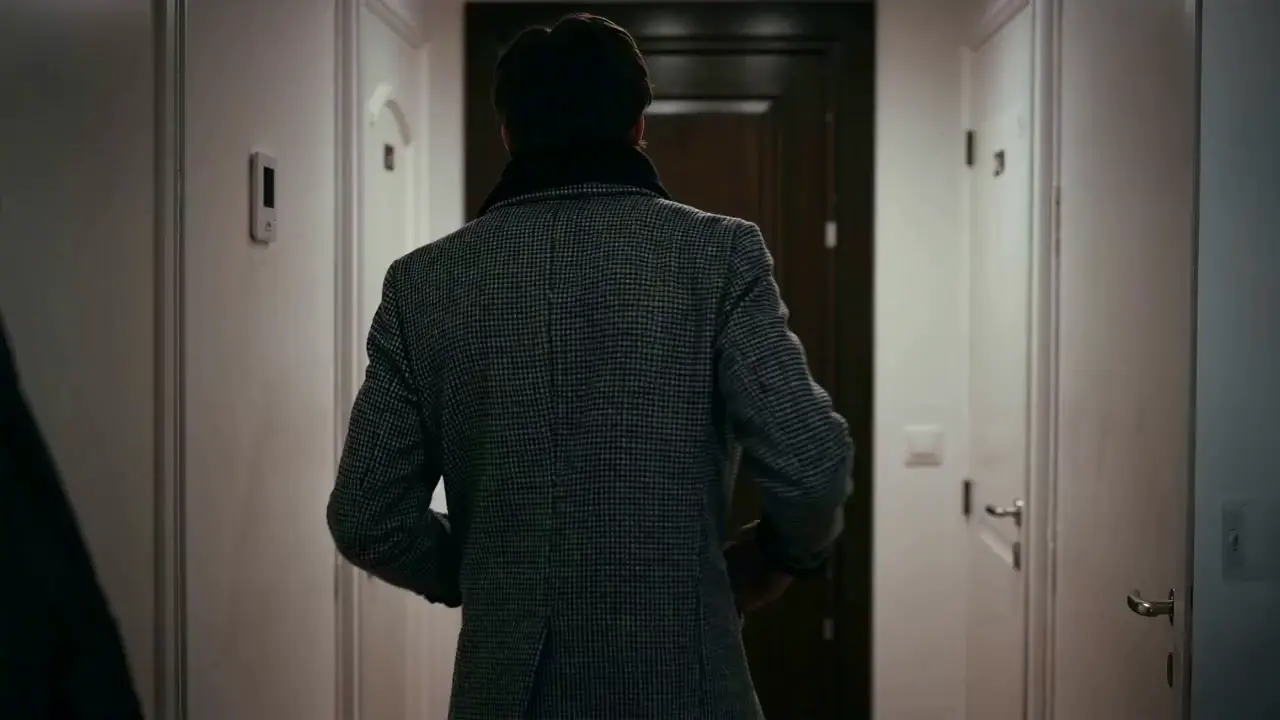
When creating a plot short video, from the opening corridor scene to the warm indoor ending, the character’s facial features and costume style remain unchanged throughout, improving frame consistency by 95% and delivering a smoother viewing experience for the audience.

Seedance 2.0 not only generates high-quality frames, but also achieves accurate sound timbre reproduction and natural sound effect matching. It supports multi-language line generation (e.g., Spanish, English), and details such as equipment collision and environmental sound effects are presented synchronously. No additional audio editing is needed—the generated video comes with an immersive audio-visual experience out of the box.
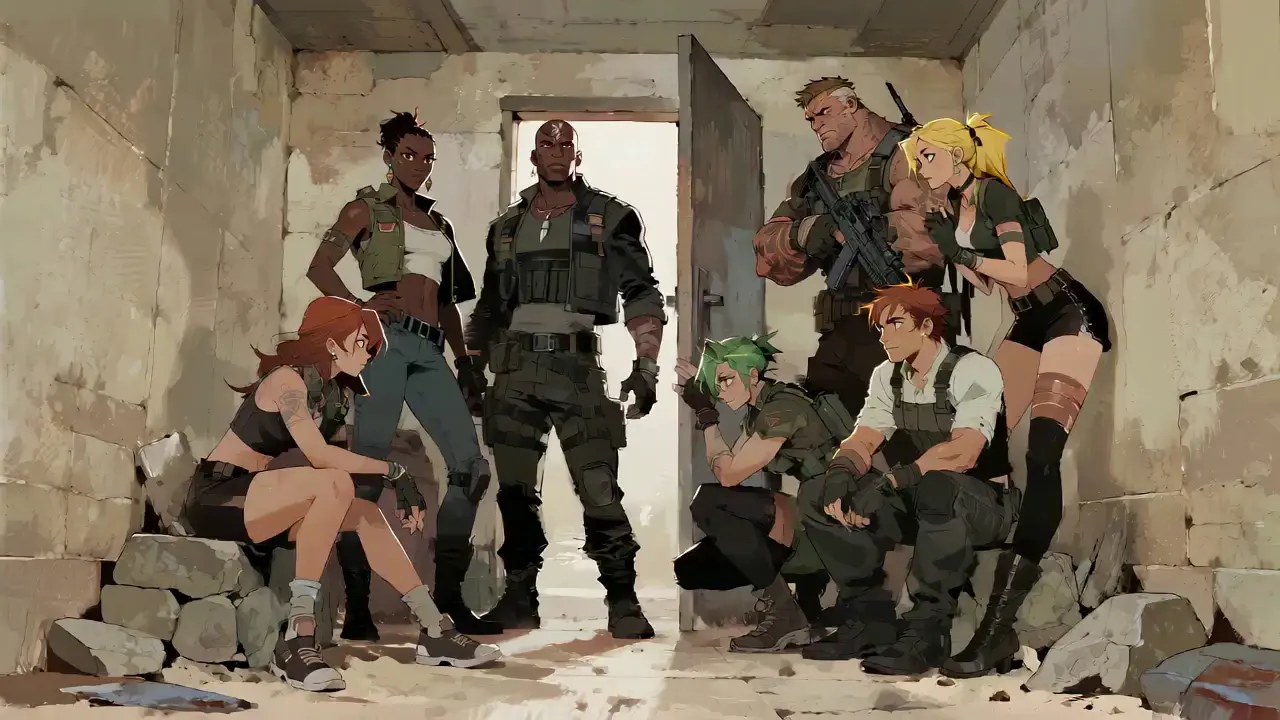
For a tactical short film, make characters deliver precise Spanish lines paired with sound effects like equipment collisions and breathing, boosting audio-visual matching by 85% to create a cinema-level auditory experience.

No complex operations are required to use Seedance 2.0. Even beginners with zero experience can complete creation in 4 simple steps—all operations are web-based, no software download needed. The detailed steps are as follows:
After logging into your account, find the Seedance 2.0 entry in the navigation bar and click to enter the operation page, which is divided into three core modules: Material Upload Area, Prompt Input Area and Parameter Setting Area. First select the suitable model, then prepare the materials needed for video generation.
Upload images, videos and audio materials according to your needs, and pay attention to the material quantity limits: up to 9 images, 3 videos (total duration ≤15s), 3 audio files (MP3 format / total duration ≤15s) plus natural language text, with a maximum total of 12 files for mixed input.Prioritize uploading materials that have the greatest impact on the frame and rhythm, such as core reference videos or style-defining images.
Describe your creative needs in natural language in the text input box. The core tip is to tag material objects with @ and clearly specify instructions such as reference/edit/use as first frame/use as last frame to avoid material confusion.
✅ Excellent Prompt Example: @Image 1 as the first frame; reference the fight movements in @Video 1, the camera follows the character's movement, with an ancient-style courtyard as the background.
❌ Common Mistake: Failing to tag materials, only writing: Reference fight movements, ancient style courtyard.
Select the desired video duration (4-15s optional) according to your needs, and click Generate Video. Seedance 2.0 will complete generation in 3-4 minutes. You can preview the video online directly after generation; if unsatisfied, revise the prompt based on the original materials and regenerate with one click.
Writing high-quality prompts is the key to making Seedance 2.0’s output match your expectations.
Use the format of @Material + Function, e.g., @Image 2 as the last frame, Reference the beat matching in @Audio 1, Replace the character in @Video 1 with @Image 1.
Specify lens types (e.g., bird's-eye view/circular tracking shot/one-take), movements (e.g., The character jumps and then rolls with smooth movements) and emotions (e.g., Break down and scream, reference the expression in @Video 1).
No lengthy descriptions are needed—express core needs in concise natural language. It is recommended to keep a single prompt within 50 words for more accurate model understanding.
When combining multiple materials, clarify the synthesis logic, e.g., Add a scene between @Video 1 and @Video 2 with the landscape in @Image 1 as the content, a slow lens push-in, and reference the beat matching in @Audio 1.
See What They Created with Seedance 2.0
Yes, video downloads are free of charge. All generated videos are in high-definition MP4 format, which can be directly published on Douyin, Xiaohongshu, YouTube, and other platforms without additional format conversion.
The total duration of reference videos must be ≤15s. If your material is longer than 15s, it is recommended to edit it into a 15s core clip before uploading for optimal generation results.
Prioritize core reference materials. For example, when replicating cinematography, you can allocate 1 reference video + 3 images + 1 audio file, and use the remaining quota for supplementary materials. Avoid uploading too many materials to prevent model recognition deviations.
If you use your own original materials (images/videos/audio) for generation, you hold the complete copyright of the generated video and can use it directly for commercial promotion, social media publishing and other scenarios. If you use third-party materials, you must obtain copyright authorization to avoid infringement risks.
Material confusion is mostly caused by failing to clearly tag @material objects in the prompt. The solution is to accurately label the purpose of each material in the prompt, e.g., @Image 1 as the character image, @Image 2 as the scene background, and avoid vague descriptions.