llms

The audio duration must be between 2 and 60 seconds

Create Audio

or

Select from your creations

or
Required credits: 0

Waiting for your creations!

AI Lip Sync Generator – Perfectly Match Voice to Video

Create natural mouth movements with accurate voice synchronization in seconds

Lip Sync Video Generator — Create Stunning Lip Sync Effects Effortlessly

Powered by the advanced Kling model, Lip Sync Video Generator lets you create natural, high-precision Lip Sync videos in one click. Whether you want to replace video voiceovers, make multilingual portrait voiceover content, or reuse existing footage, this Lip Sync tool accurately matches dialogue rhythm, delivering realistic lip movements, natural jaw motion, and subtle facial expressions.
No reshooting, no professional actors, and no complex editing workflow required. Simply upload your footage and set up the audio, and you can quickly generate professional-grade Lip Sync videos to fully meet content creation and commercial promotion needs.

Core Features & Advantages of Lip Sync Video Generator

In actual content creation, many creators face the same pain point: once you change the voiceover, you have to reshoot the entire video. Lip Sync Video Generator is built to solve this problem, making video localization more efficient and flexible.

Kling Model Driven, High-Precision Lip Sync Performance

Adopting the advanced Kling deep learning model, it greatly improves Lip Sync accuracy and video smoothness. The system automatically identifies facial key points to achieve precise synchronization between lip movements and audio, while retaining subtle facial changes for more natural and authentic Lip Sync video results. Compared with traditional methods, it saves about 60% of post-production time and directly outputs ready-to-use finished videos.
poster

Three Audio Input Modes, Flexible for Lip Sync Production

To fit different creation scenarios, Lip Sync Video Generator provides three audio solutions: generate AI voice from text, use audio from past creations, or upload local audio files. It supports multilingual versions and diverse tone styles, enabling flexible Lip Sync production and meeting multi-platform content distribution demands.
poster

One-Click to Generate Lip Sync, Easy for Newbies

No need to install complicated software. The whole Lip Sync process takes only three steps: upload video, select audio, click to generate. The interface is intuitive and easy to use. Even users without editing experience can quickly produce high-quality Lip Sync videos.
poster

Commercial-Grade Output & Cloud Management

All generated Lip Sync videos support watermark-free export and can be directly used for commercial purposes. The platform offers cloud workflow; all Lip Sync projects are automatically saved for cross-device access and editing anytime, ensuring material safety and project continuity.
poster

How to Use Lip Sync Video Generator?

Follow three simple steps to make a high-quality Lip Sync video:

  • Step1

    Upload Portrait Video Footage

    Drag or upload clear front-facing portrait footage. The system will automatically conduct facial recognition and mapping for Lip Sync. Avoid blurry or side-profile materials for better Lip Sync results.
  • Step2

    Add Audio and Adjust Parameters

    Choose any audio method for Lip Sync creation: Create Audio to generate custom AI voice via text, Select from your creations, or upload local audio. You can trim audio segments and adjust volume as needed.
  • Step3

    Preview and Download Lip Sync Video

    Hit the Generate button, and the system will finish Lip Sync rendering quickly. Download directly if the preview is satisfactory; tweak parameters and regenerate anytime if needed for flexible and efficient video creation.

Who Is Suitable for Using Lip Sync Video Generator?

Lip Sync technology applies to various content and commercial scenarios to reduce costs and boost efficiency:

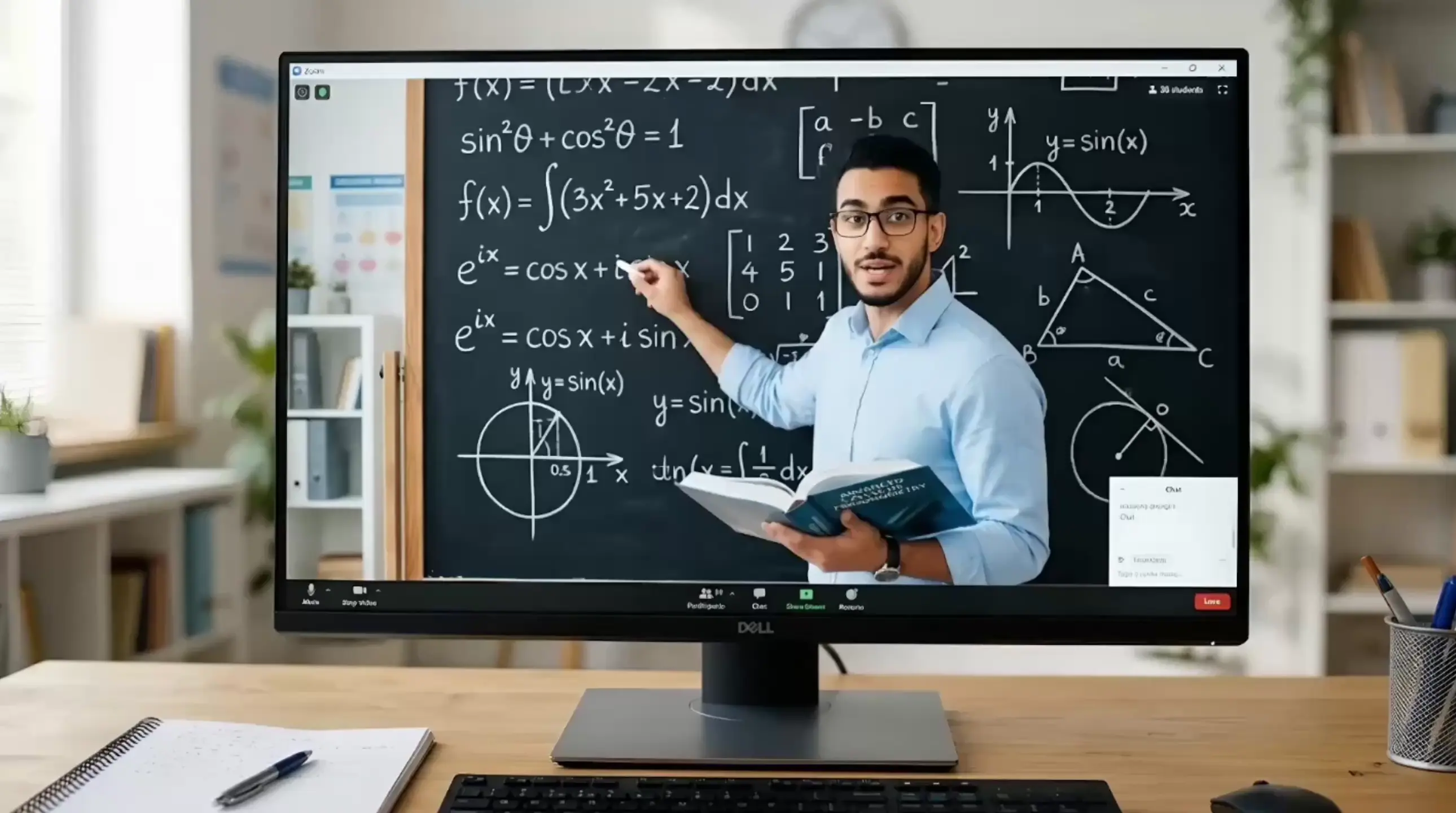
Online Education Practitioners

Combine teaching materials with Lip Sync to produce multilingual courses and double course localization efficiency. Learners can feel the instructor speaking in their native language naturally via Lip Sync, greatly improving course completion rate.

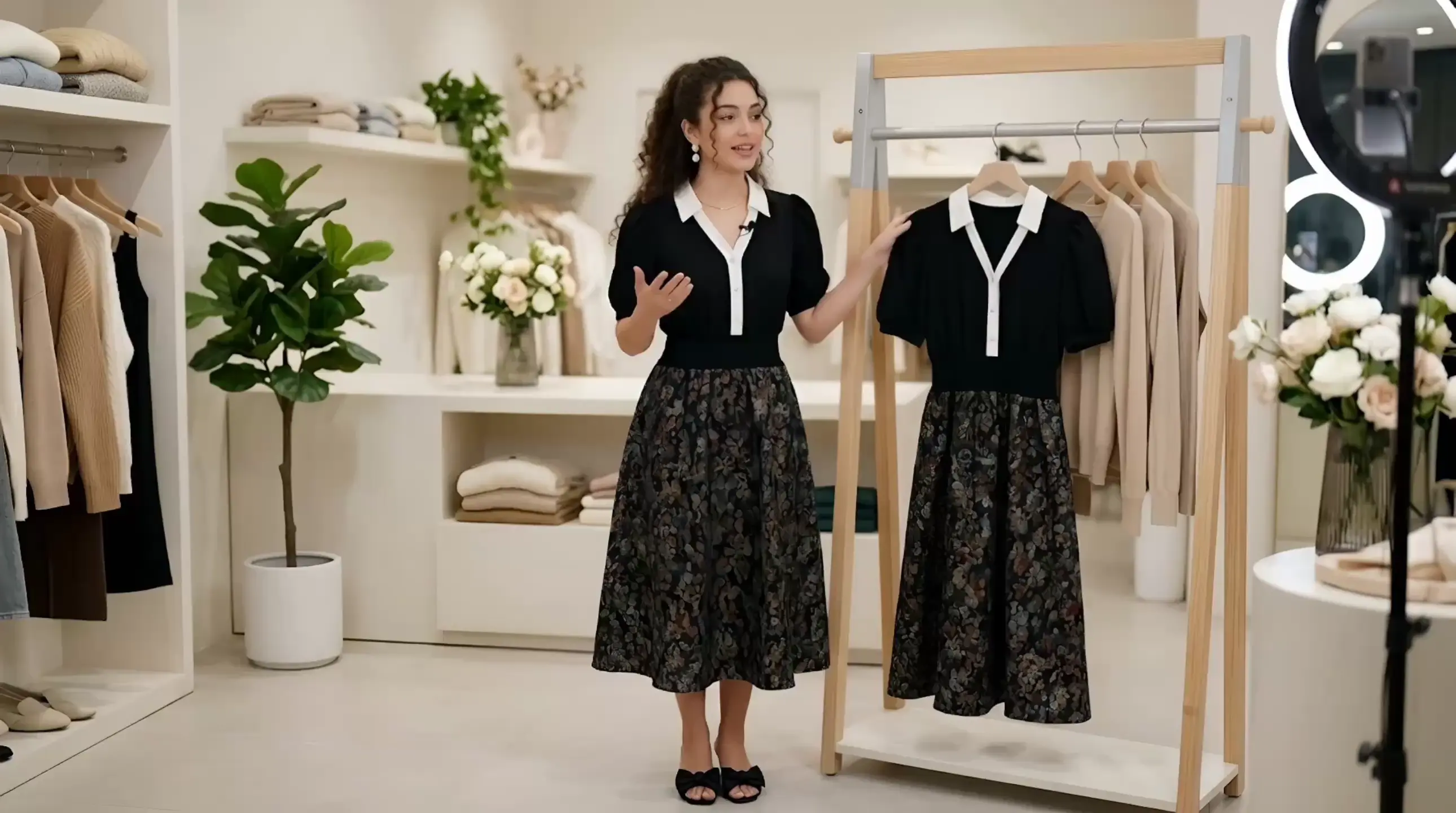
Cross-Border E-commerce Sellers

Shoot one product demo video, and use Lip Sync to generate multilingual versions in English, French, German, Spanish and more with one click. No need for foreign models or reshooting, saving nearly 50% of video production costs and accelerating local market promotion.

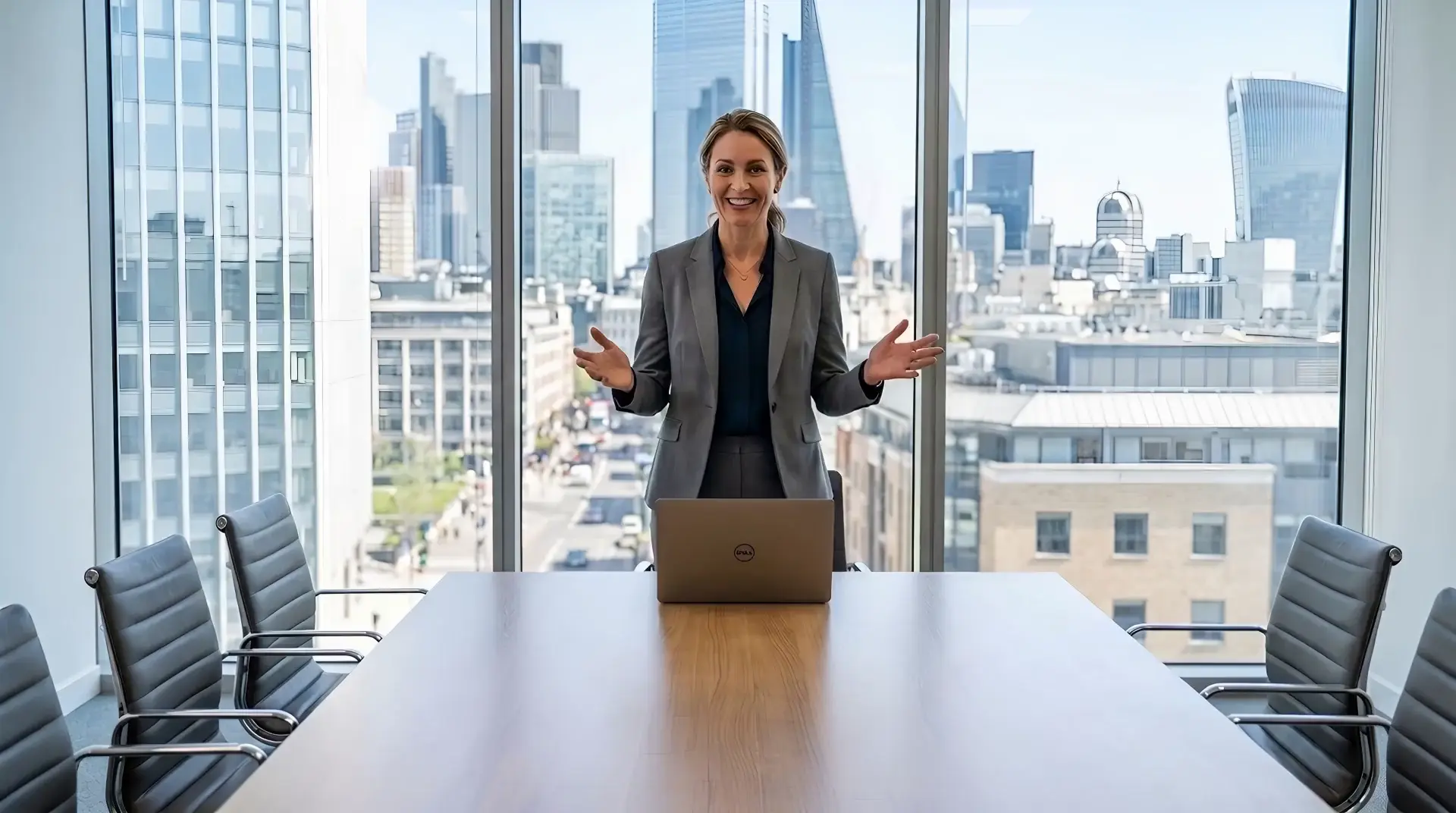
Corporate Marketing & Training Teams

Record one video of executives or representatives, and use Lip Sync to generate multilingual versions for corporate announcements, quarterly reports and employee training. Keep a unified personal image and realize one-time shooting for global reuse via Lip Sync.

Short Video Creators

Shoot one original portrait video, then use Lip Sync to batch replace multilingual voiceovers. Keep a steady daily update rhythm without repeated shooting, and improve content output efficiency and exposure.

Advertising & Creative Agencies

On the same spokesperson video footage, use Lip Sync to quickly test multiple creative versions, shorten proposal cycles, avoid repeated shooting costs, and make creative delivery more efficient.

Individual Creators & Bloggers

When traveling or on business, use existing materials plus Lip Sync to keep updating account content, maintain activity, and sustain monetization and brand cooperation without frequent on-camera appearances.

Real User Reviews of Lip Sync Video Generator

Mark Evans — Short Video Multi-Account Operator

We shoot one core clip every week, then use Lip Sync to localize it into Spanish and Arabic. The results are surprisingly natural, especially the mouth timing. Our content output doubled without doubling effort.

Carlos Martinez — Cross-Border E-commerce Seller

I tested several tools before, but Lip Sync gave me the most consistent results for product videos. I only recorded once and generated multiple language versions. That alone saved me a lot of production cost.

Sarah Davis — Corporate Brand & Communications Specialist

Previously, executives had to re-record videos for each region. With Lip Sync, we create multiple localized versions from one recording. The facial expressions and tone feel consistent across languages.

Lin Zhou — Online Education Instructor

I used Lip Sync to adapt my course into different languages. Students actually feel like I'm speaking their native language, and engagement improved significantly.

Lucas Taylor — Advertising Studio Founder

We used Lip Sync to test multiple ad scripts on the same footage. This made A/B testing much faster and reduced production time drastically.

Emily Carter — Digital Marketing Growth Lead

We started using Lip Sync to localize campaign videos for multiple regions. It helped us reduce production time and scale content much faster across different markets without additional shoots.

Discover More

Lip Sync FAQ

1

How does Lip Sync achieve accurate mouth shape matching?

Our Lip Sync technology integrates Kling deep learning and professional facial motion mapping. Simply upload your portrait video and corresponding audio; the system will intelligently predict and generate accurate mouth shapes, subtle facial micro-expressions and slight head movements. No reshooting, professional actors or manual animation are required, directly generating naturally synchronized Lip Sync videos.

2

Is portrait and material privacy safe?

Completely safe. Your uploaded materials are only used for the current Lip Sync creation and stored in an encrypted exclusive workspace. You may delete source files anytime after rendering. The platform will never store your original Lip Sync materials in a public library.

3

Are generated Lip Sync videos available for commercial use?

Yes. All Lip Sync videos produced under paid subscription plans hold complete commercial copyright, applicable to brand marketing, monetized accounts, cross-border e-commerce listings and client project delivery.

4

Is this Lip Sync tool easy for beginners to get started?

Very easy to start with. The interface is concise and straightforward, with no complex professional settings for Lip Sync production. Follow the three-step process, and beginners can quickly create high-quality Lip Sync videos.

5

What audio duration does Lip Sync support?

Currently, Lip Sync supports audio import from 2–60 seconds. It ensures precise mouth sync while covering most scenarios such as short video ads, daily content and short lesson videos.
Start Your Lip Sync Creation Now
Start using Lip Sync Video Generator right now, and turn your existing video materials into high-quality Lip Sync content. With Lip Sync technology, achieve more efficient video creation and wider content distribution.
poster
viddo.ai

Viddo AI is an advanced all-in-one AI video and image generation platform that lets you quickly and easily create stunning videos and images from various inputs.

© 2026 viddo.ai. All rights reserved.