llms

The maximum number of pictures is 5, and the total number of pictures + videos ≤ 5;

The upper limit of the number of videos is 3, the duration of each video is 1s-30s and the total number of pictures + videos ≤ 5

Generate With AI

If you're not satisfied, you can generate again or enter prompt for your own.

720p
1080p
5s
10s

When enabled, the output video is presented in a multi-shot format

Required credits: 0

Waiting for your creations!

Reference to Video AI – Generate Videos from Reference Images and Videos

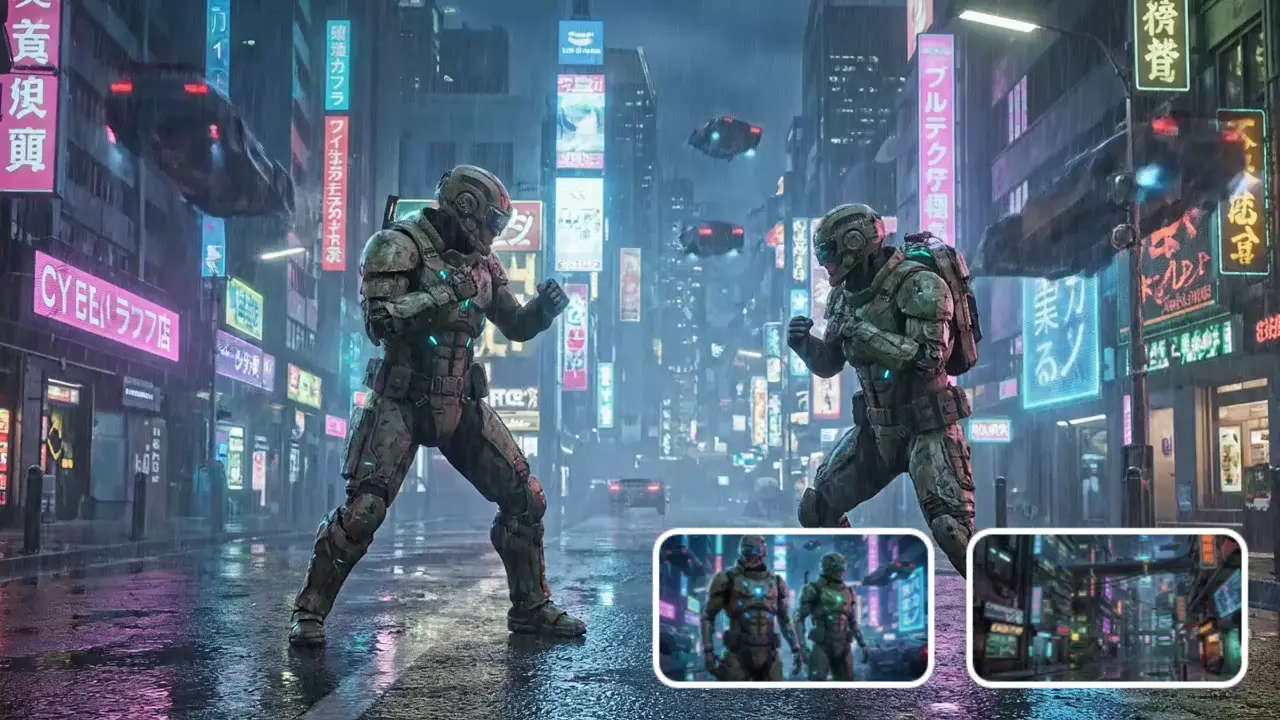
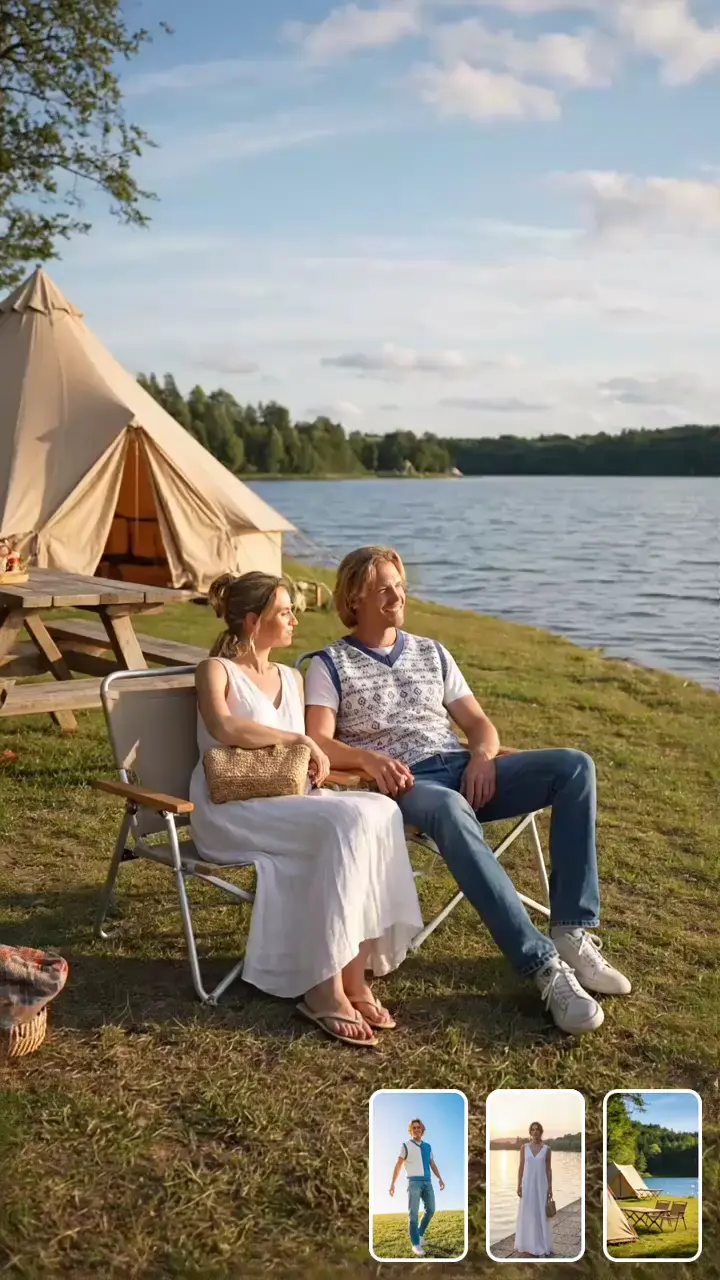
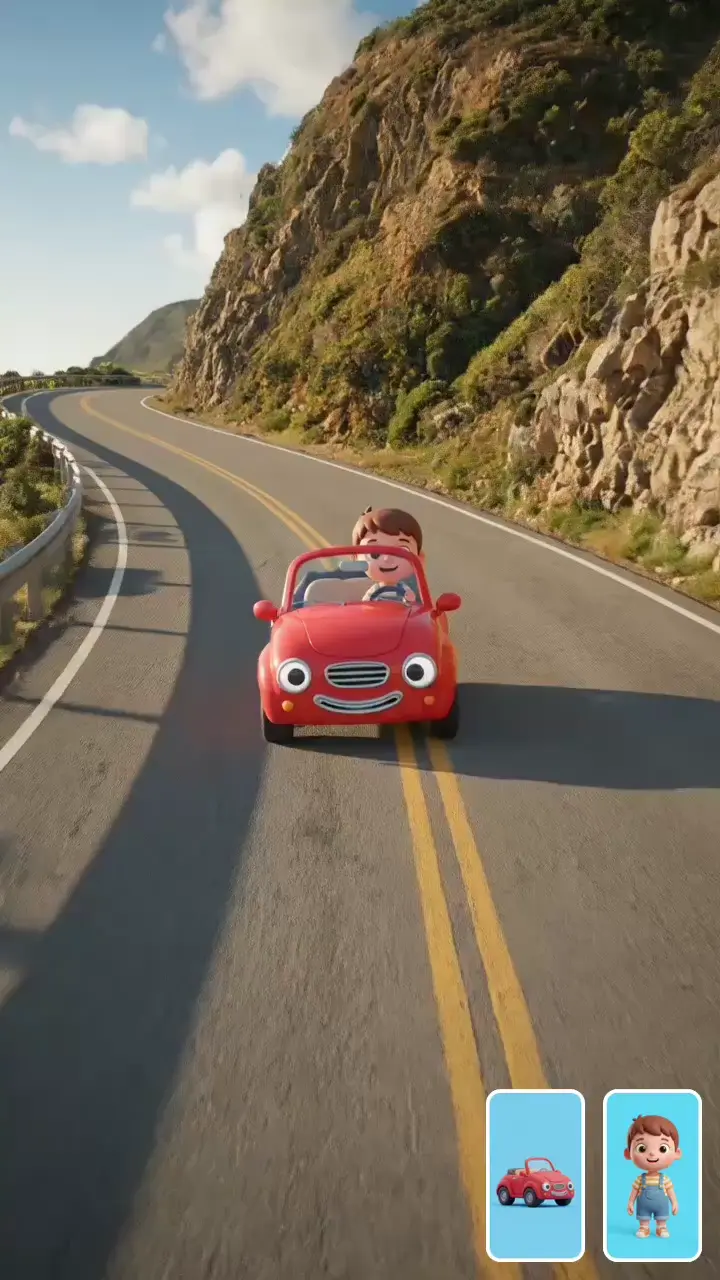
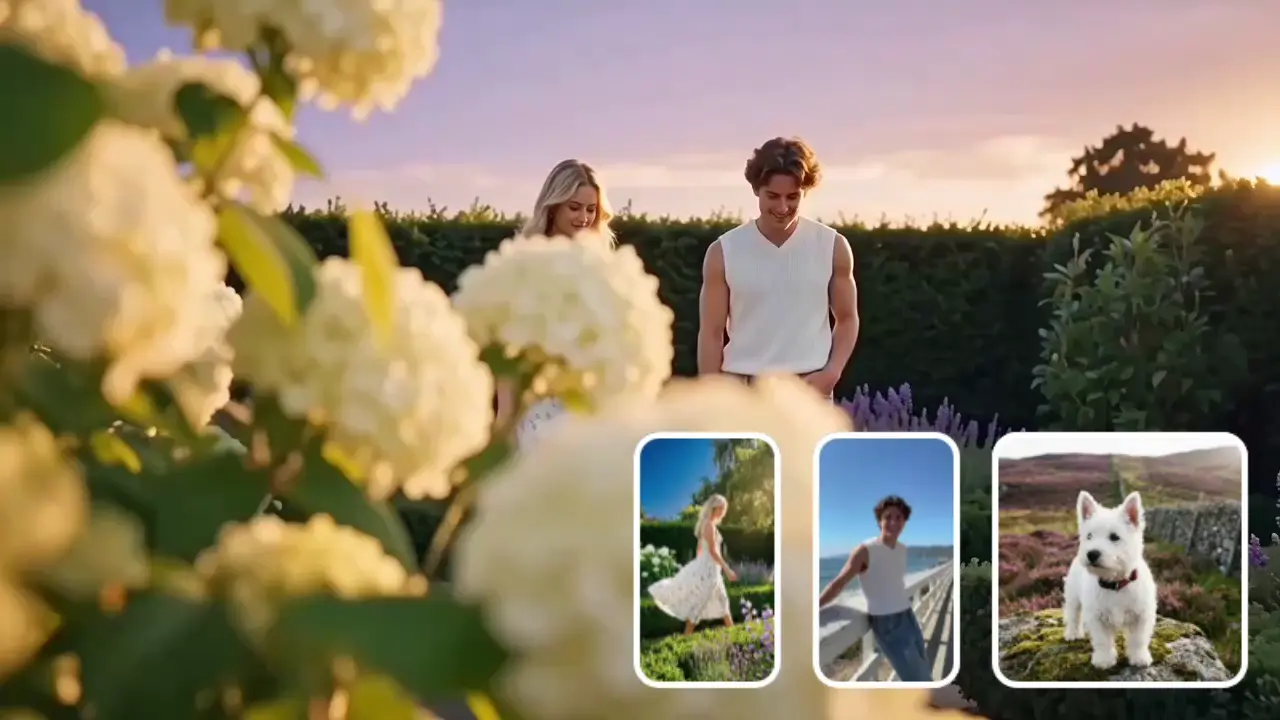
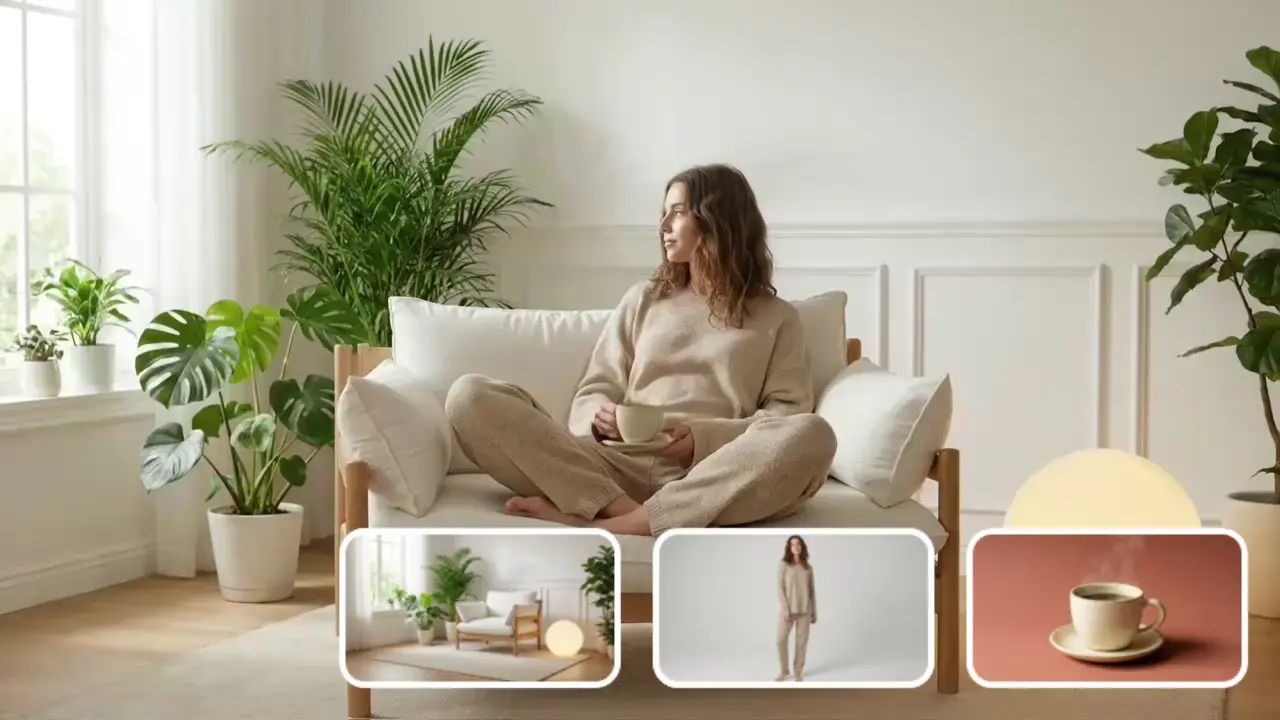
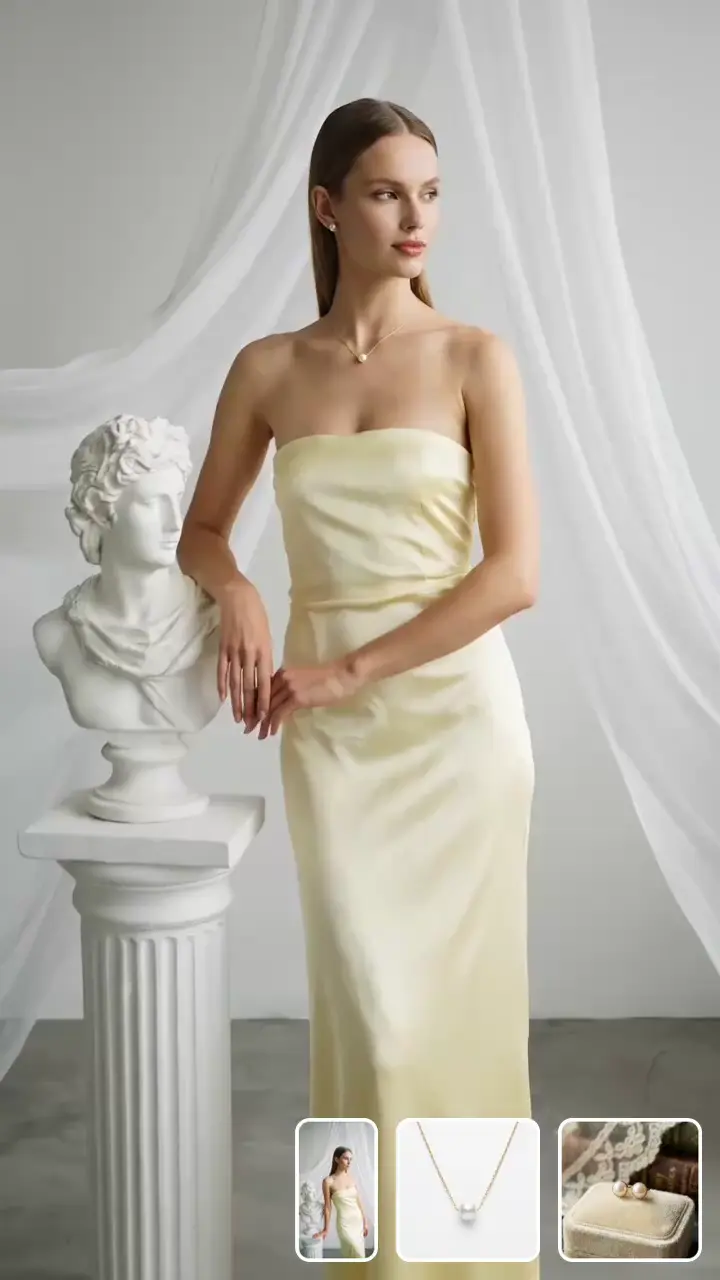
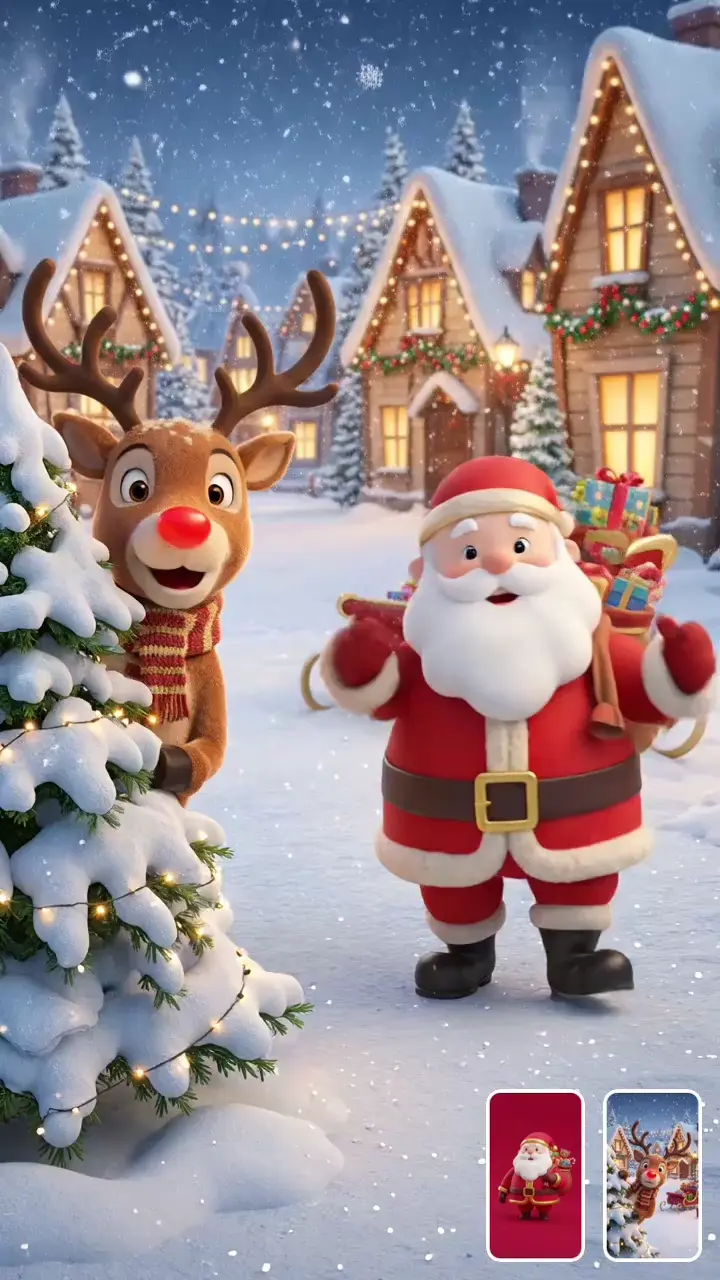
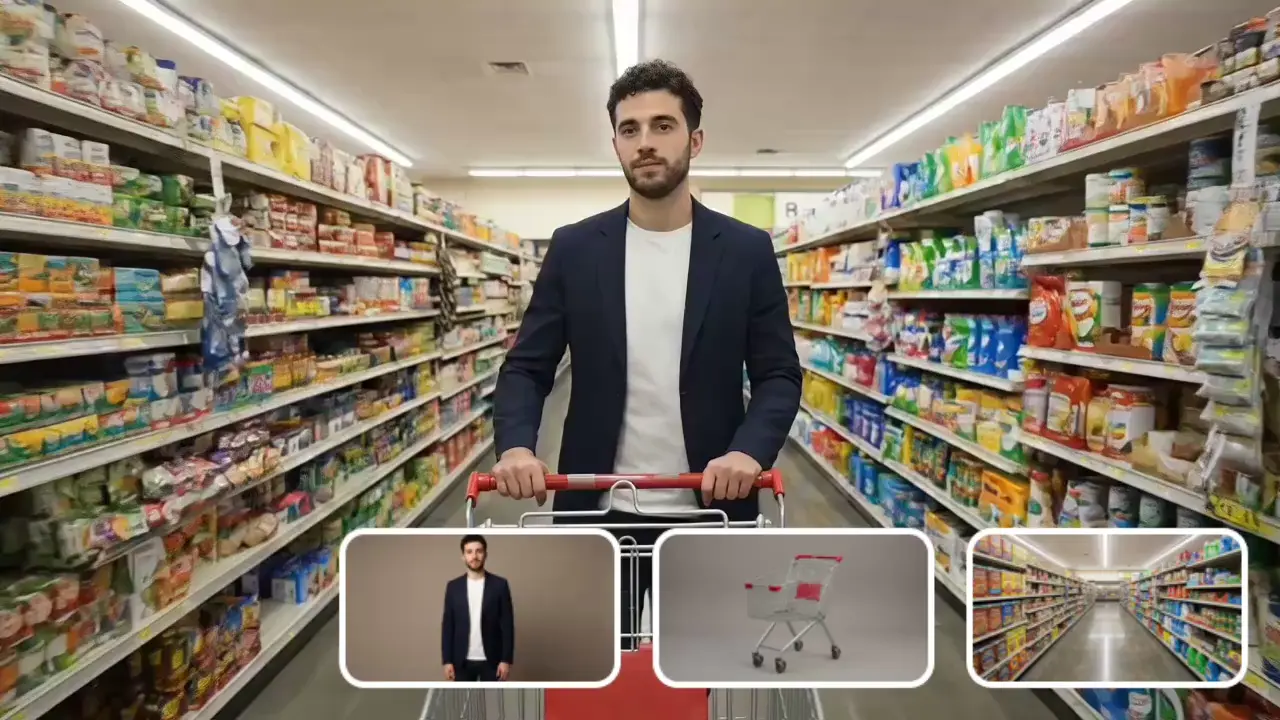
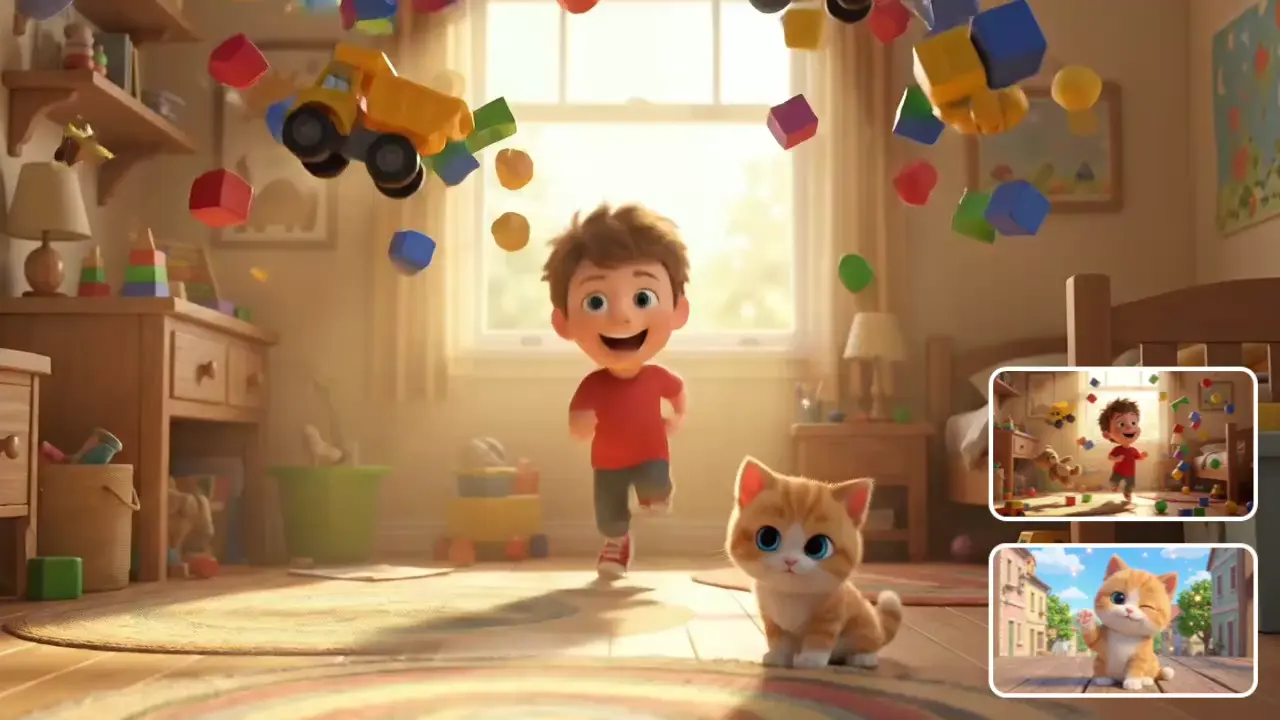
Keep characters, style, and scenes consistent using reference images or videos

Reference to Video: An Efficient Solution for Image-to-Video Creation

poster
poster
poster
poster
poster
poster
poster
poster

Product Definition & Core Value

Reference to Video: AI-powered video generation with multi-reference fusion, enabling highly consistent, controllable and high-fidelity content creation.
The product provides users with four major value upgrades to support efficient creation:

Cost Optimization

Compared with the labor and equipment investment required for traditional video shooting plus professional editing, the production cost per short video is reduced by 55%, greatly compressing creative budgets and suitable for creators of all scales.

Efficiency Improvement

There is no need to build a visual framework from scratch. Upload reference materials to quickly generate a first draft of the video, shortening the creation cycle by 65% and enabling efficient content output.

Precise Style Replication

It accurately matches the color system, composition logic, and visual texture of reference materials, with a style restoration rate of over 92%. This reduces repeated revision costs and ensures creative expectations are achieved.

Flexible Creation Adaptation

It supports mixed input of multiple materials and real-time adjustment of core parameters, increasing creative flexibility by 80% to meet creative implementation needs in different scenarios.

Core Features & Scenario Applications

  • Multi-material Compatibility for Easier Mixed Input

    Breaking the limitations of single-material creation, Wan 2.6 R2v supports simultaneous upload of images and videos as references:
    1. Up to 5 images
    2. Up to 3 videos
    3. Total number of materials not exceeding 5
    Audio can be automatically extracted from video materials as a reference for the generated video, supporting video clips from 1 second to 30 seconds.

    Applicable Scenarios
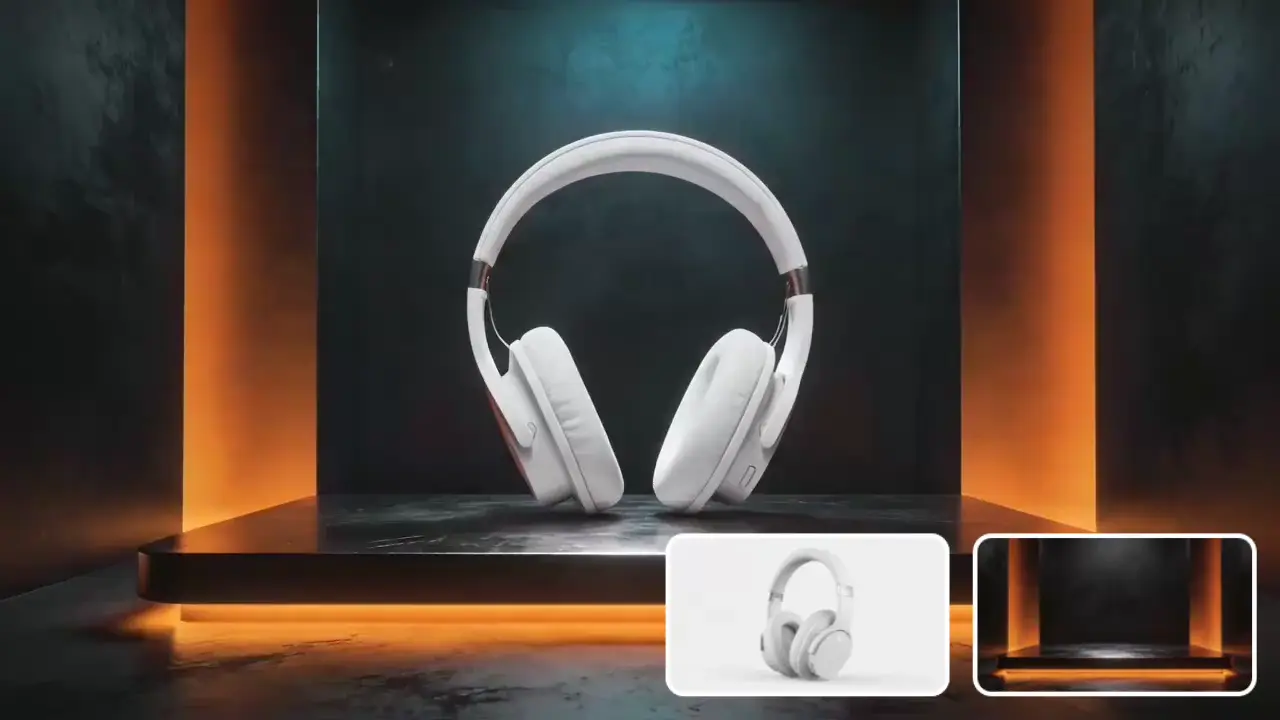
    1. E-commerce: Upload product detail images + usage scenario videos to automatically integrate visual styles and generate coherent product showcase videos to boost product promotion.
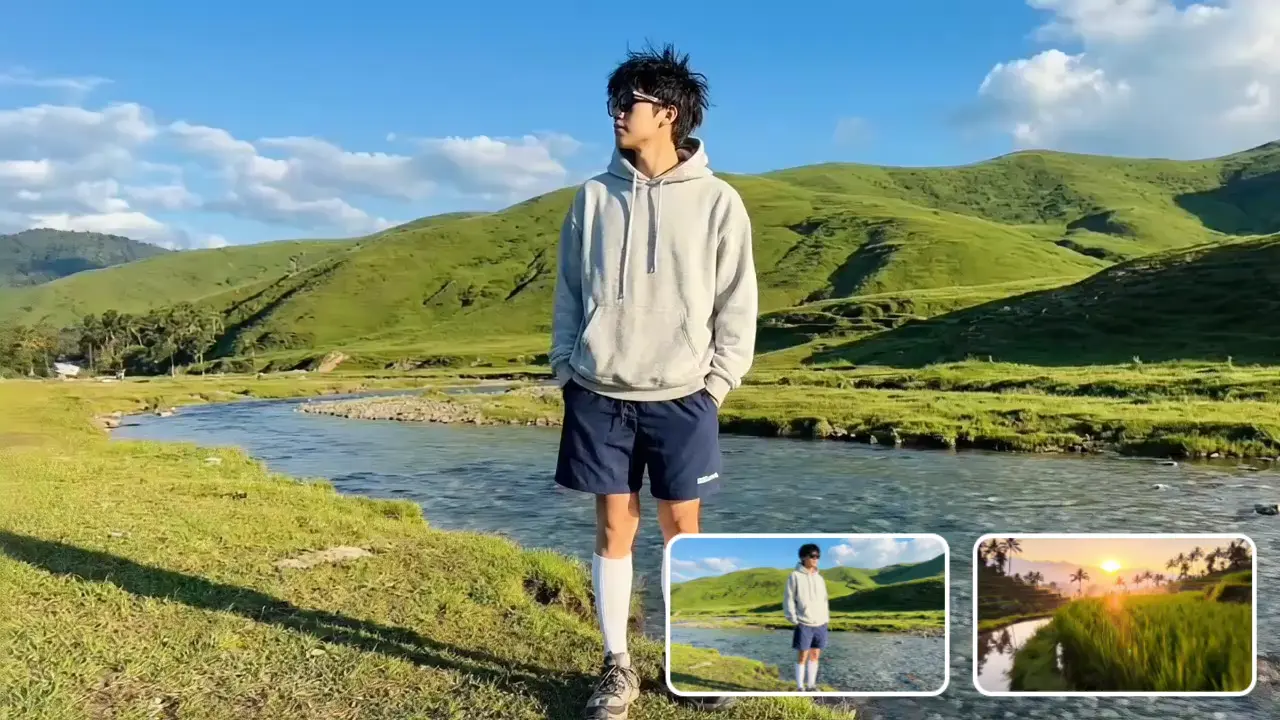
    2. Self-media: Upload portraits + dynamic clips to generate videos that accurately restore character images, while retaining the audio and motion logic of the original video, suitable for character-focused content creation.

    Practical Case

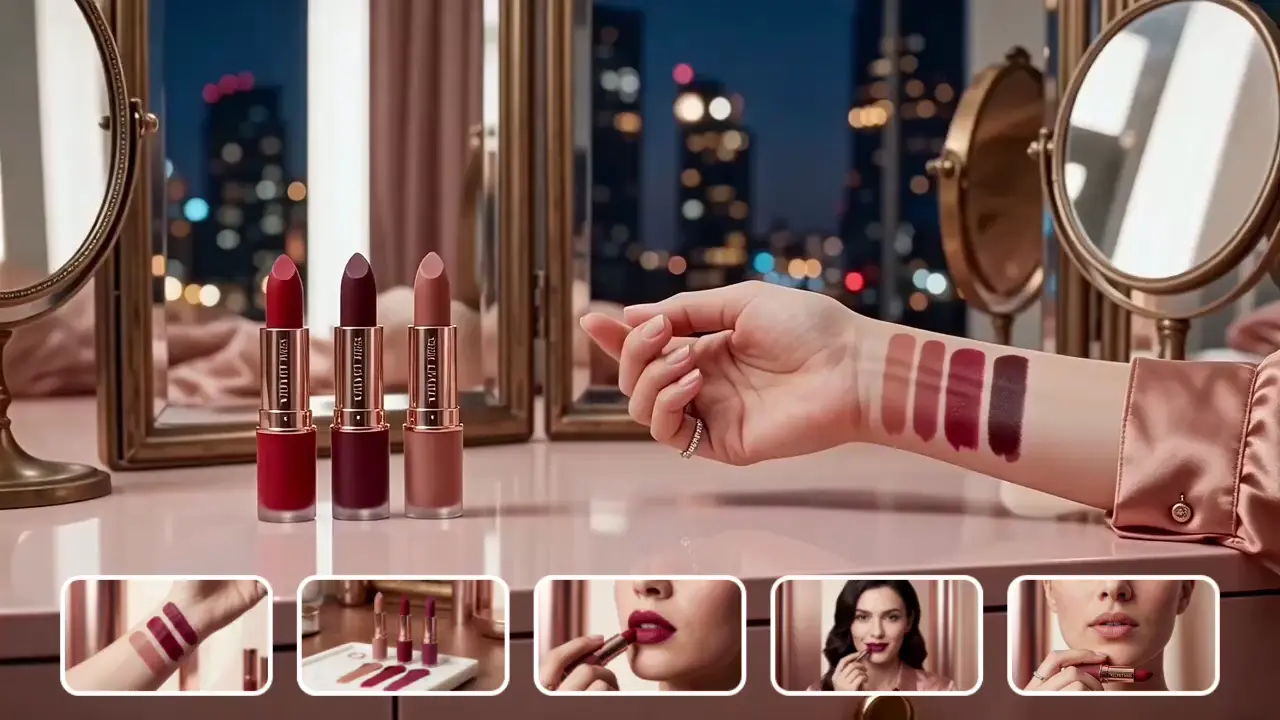
    A beauty influencer uploaded 4 lipstick swatch images + 1 close-up hand video. The generated short video accurately simulated hand rotation movements and dynamically presented lipstick colors. After publication, the number of likes increased by 40% compared with pure image content.
    poster
  • Intelligent Multi-camera + Adjustable Parameters for Full Creative Freedom

    It supports an intelligent multi-camera mode that automatically generates multi-lens switching effects, replicating the lens language of professional editing and enriching the visual hierarchy of the video.It also supports custom settings for resolution (720P / 1080P) and video duration (5s / 10s) to meet content requirements of different publishing platforms.

    Applicable Scenarios
    1. Education: Enable intelligent multi-camera to automatically switch between different angles of reference materials. Paired with explanatory audio, knowledge points are presented more vividly, improving classroom engagement.
    2. Social Communication: Choose 1080P high-definition resolution + 10s duration to generate high-quality content that meets platform recommendation standards, helping to improve communication effects.

    Practical Case

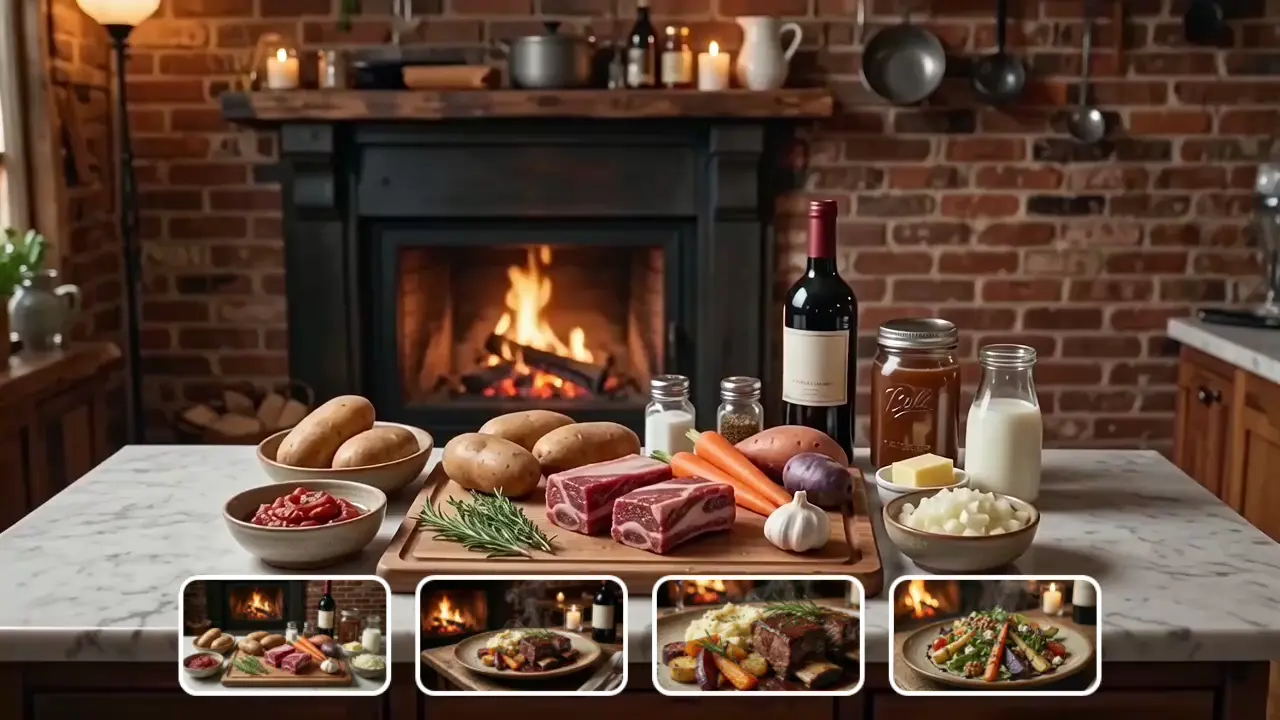
    A food blogger uploaded 3 food material images + 1 food showcase video. After enabling the intelligent multi-camera mode, the generated video automatically achieved lens transitions: "full view → ingredient details → finished product display", making the food presentation more layered and visually appealing.
    poster

4-Step Practical Guide for Beginners

  • Step1

    Enter the Function Interface and Prepare Reference Materials

    After logging in, find the "Reference to Video" function entry in the navigation bar and click to enter the operation page. The page is divided into four core modules: Model Selection Area, Material Upload Area, Prompt Input Area, and Parameter Settings Area.First select a suitable model, then prepare the materials needed to generate the video.

    Image materials:
    Recommended high-definition images with resolution ≥ 720P

    Video materials:
    1s–30s, clear picture and smooth motion

    Material quantity rules:
    ● Wan 2.6 R2v: ≤ 5 images, ≤ 3 videos, total ≤ 5
    ● Google Veo 3.1 Fast: ≤ 3 images
    Avoid exceeding limits to prevent impact on creation.

    Tip:
    Try to keep the material themes consistent to improve the visual relevance and style consistency of the generated content.
  • Step2

    Upload Materials and Complete Basic Parameter Settings

    Image Upload:
    Click the "Select Image" button. JPG and PNG images can be uploaded by dragging or clicking. You can preview the effect in the preview area and delete redundant materials.

    Video Upload:
    Click the "Select Video" button to upload short video clips of 1s–30s. The tool will automatically extract character images and voice information from the video as references for video generation.

    Core Parameter Settings (Wan 2.6 R2v)
    ● Resolution: 720P (fast generation for efficient creation) or 1080P (high-definition quality for quality communication)
    ● Video Duration: 5s (for fast spread on short-video platforms) or 10s (for detailed content display)
    ● Intelligent Multi-camera: Enable multi-lens mode, suitable for narrative videos
  • Step3

    Write Accurate Prompts to Optimize Generation Results

    Prompts are the key to improving video generation quality. It is recommended to follow the logic of Subject + Action + Style + Details to accurately convey creative needs.

    Basic Prompt Templates
    ● Product Showcase: Lipstick rotates slowly 360°, showing paste color and shell texture, pure white background, even lighting, minimalist and high-end style.
    ● Character Creation: Ancient-style woman gently waving a round fan, background of peach blossom forest with falling petals, slow camera push-in, ink-wash style.

    Advanced Tips
    If you upload video materials, you can specify "Refer to hand movements and audio in Reference Video 1" in the prompt to improve the alignment of motion and sound effects.
  • Step4

    Generate Video, Preview, Export and Optimize

    After confirming that materials, prompts, and parameters are correct, click the "Generate Video" button. Video generation takes about 3–4 minutes (speed depends on complexity, definition, and duration).

    Export & Share:
    After generation, you can preview online. Once the video generation is complete, you can preview it online. After confirming the effect is correct, click Download to save it locally, and you may share it on various social platforms.

Real User Feedback

poster
Emma Cross-border E-commerce Seller
Emma

Cross-border E-commerce Seller
Previously, each product video for my small store cost $200 to produce. After using Reference to Video, I only need to upload 3 product images + 1 short video, and get high-quality finished products in a few minutes. It has greatly reduced my operating budget.
poster
Jack Travel Blogger

Jack

Travel Blogger

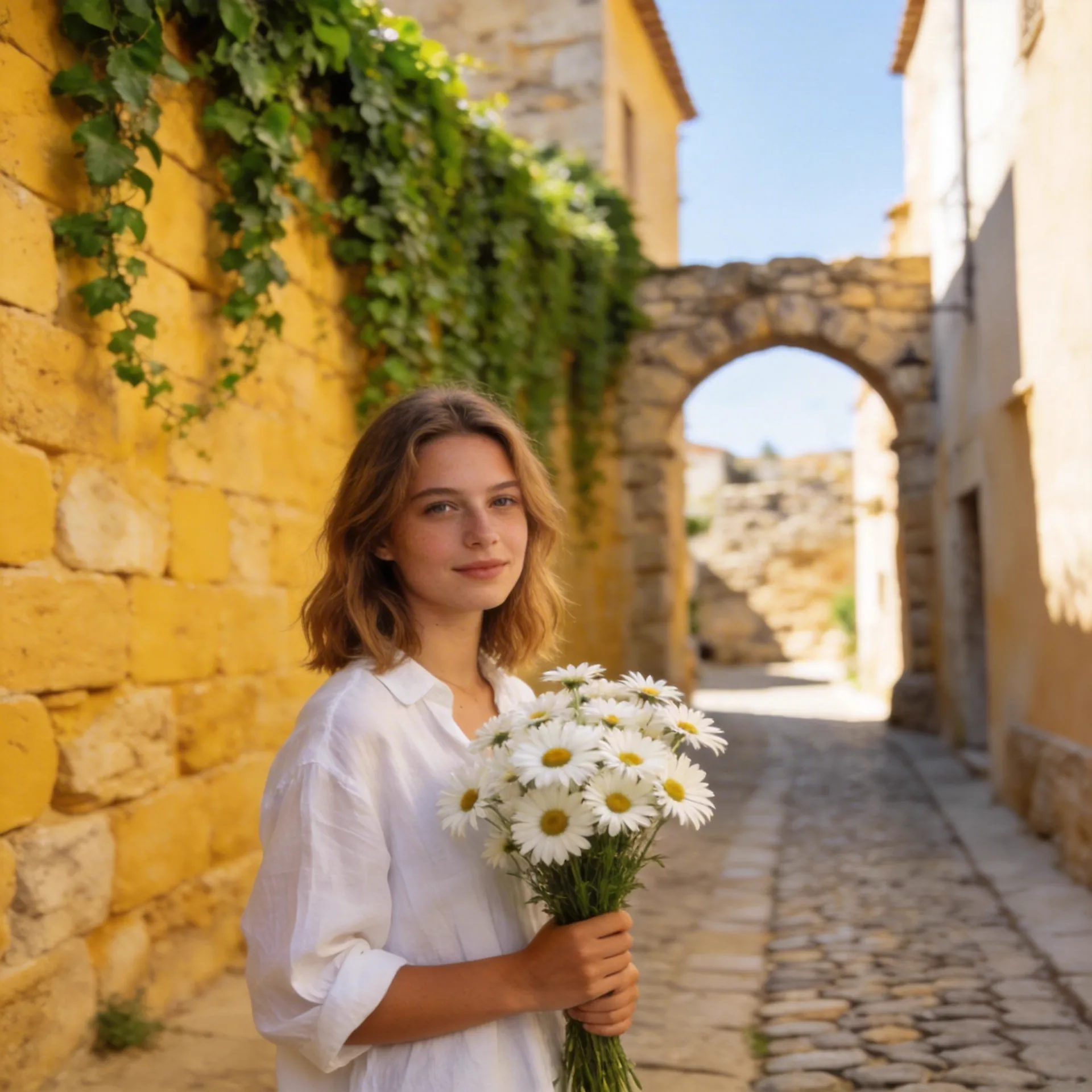
As a travel blogger, I need to update content daily. This tool can quickly convert travel photos into dynamic vlogs, keeping my content style consistent. Fans have noticed a significant improvement in professionalism.
poster
Lily Primary School Science Teacher

Lily

Primary School Science Teacher

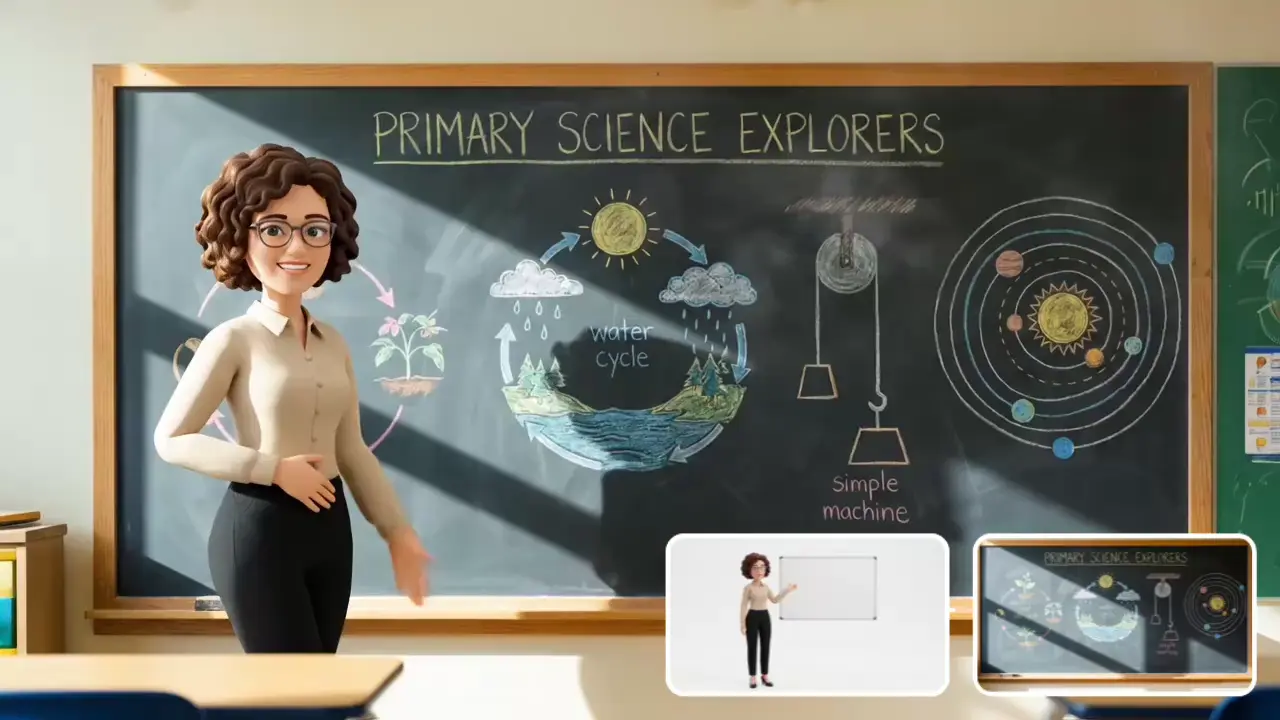
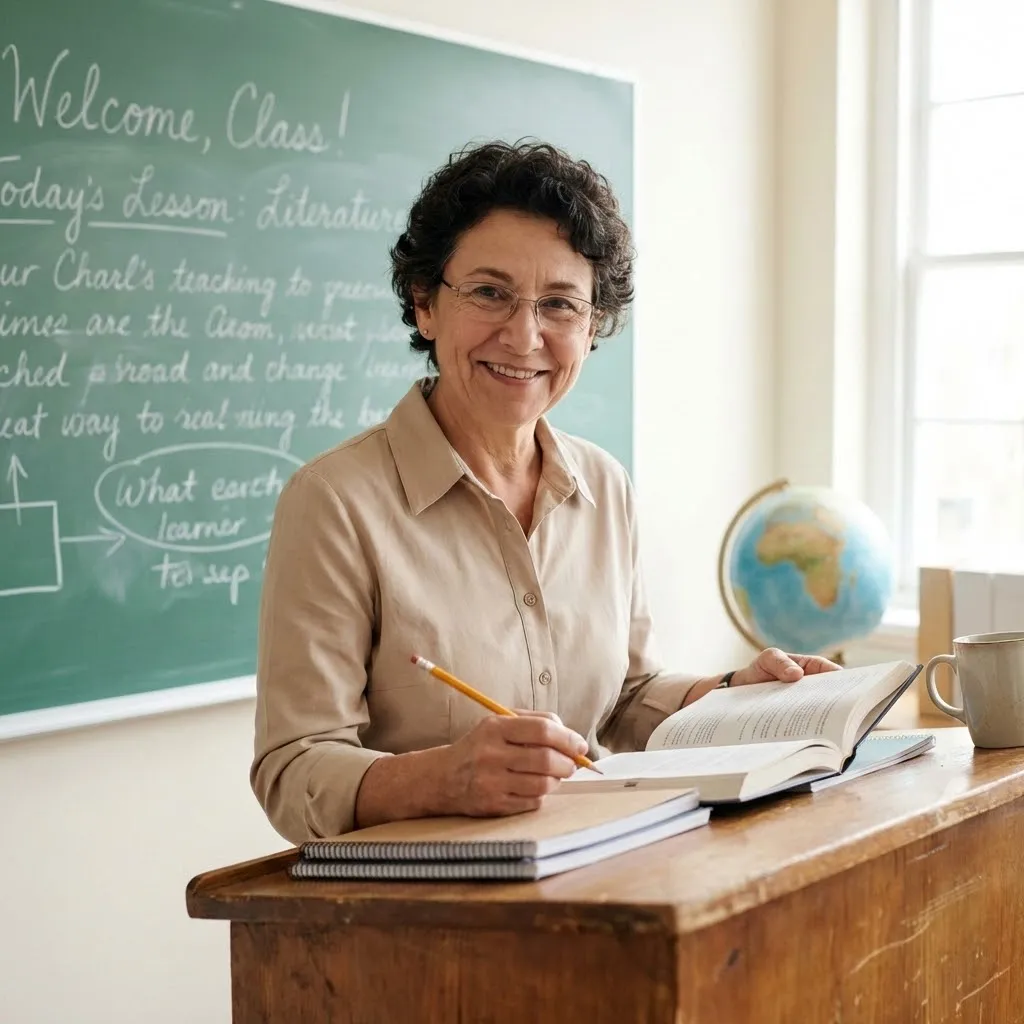
I am a primary school science teacher with no video editing experience. By uploading hand-drawn teaching illustrations, I can generate lively animated videos. Classroom fun has greatly improved, and students' attention span has increased by 50%.

Discover More

FAQ About Reference to Video

1

Are there format restrictions for uploaded materials?

Images support JPG, PNG; videos support MP4, MOV.Images are recommended to have resolution ≥ 720P, and video duration must be between 1s–30s. Files outside this range cannot be uploaded.

2

Can generated videos be used for commercial purposes?

Videos generated with materials you own the copyright to can be used commercially. If using third-party materials, you must obtain copyright authorization, otherwise you may face infringement risks.

3

Why is the style of the generated video inconsistent with the reference materials?

This may be due to too many materials or inconsistent themes. We recommend keeping the total number of materials within 3 and ensuring similar styles. You can also optimize the prompt by clearly stating "Strictly replicate the colors and composition of the reference materials".

4

What are the differences between effects generated by different models?

Veo 3.1 Fast: Focuses on fast generation, suitable for daily short videos.
Wan 2.6: Supports multi-character interaction and professional lens transitions, suitable for promotional videos.Choose the corresponding model according to your needs.

Reference to Video: Start Your Creative Journey
Create high-quality dynamic content easily. Try Reference to Video now!
poster
viddo.ai

Viddo AI is an advanced all-in-one AI video and image generation platform that lets you quickly and easily create stunning videos and images from various inputs.

© 2026 viddo.ai. All rights reserved.