
Seedance 2.0: 最低 $0.345 ビデオあたり
Veo3.1 Lite: 最低 $0.0575 ビデオあたり

Waiting for your creations!
OpenAI の GPT Image 2 を活用した次世代の画像作成。GPT Image 2 は、2026 年の OpenAI の最新 AI 画像ジェネレーターであり、高品質で超詳細な画像生成、高度な AI 画像編集、一貫したマルチ画像出力向けに設計されています。 これにより、クリエイター、マーケティング担当者、デザイナーは、正確なテキスト、強力な即時理解、およびスケーラブルなワークフローを備えた写真のようにリアルなビジュアルを作成できます。
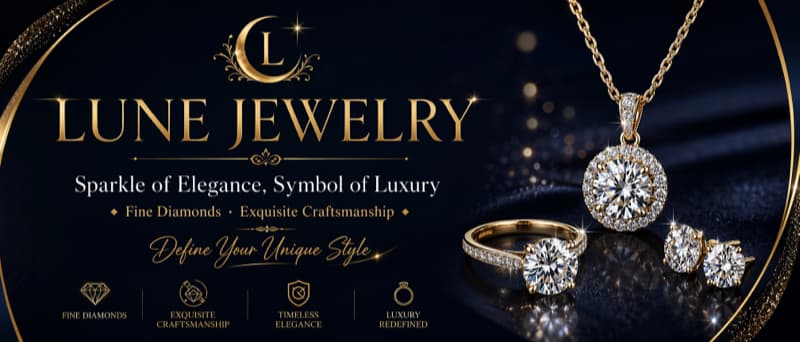
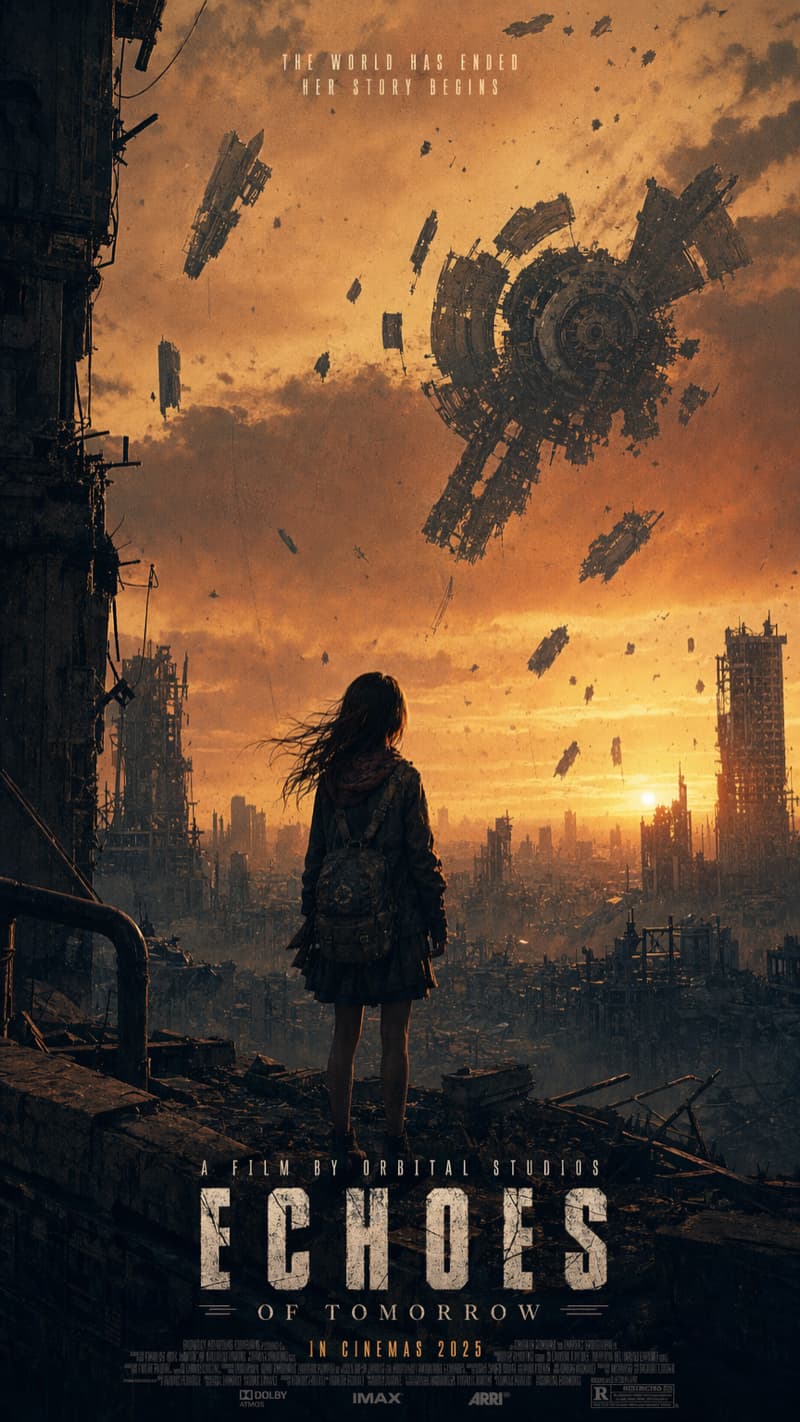

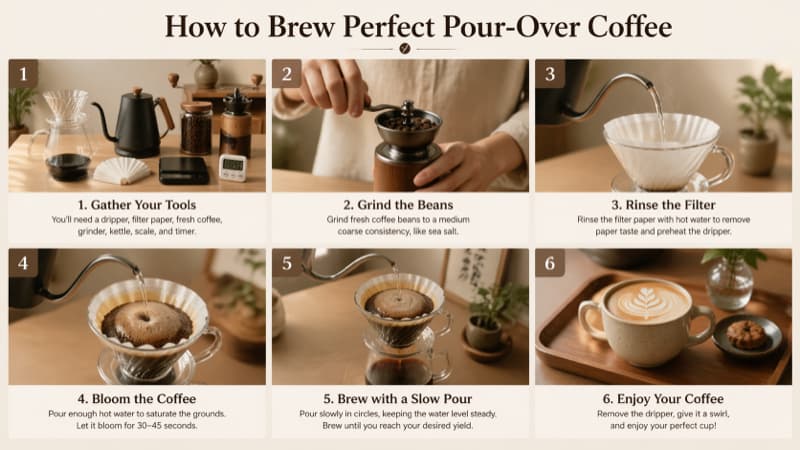
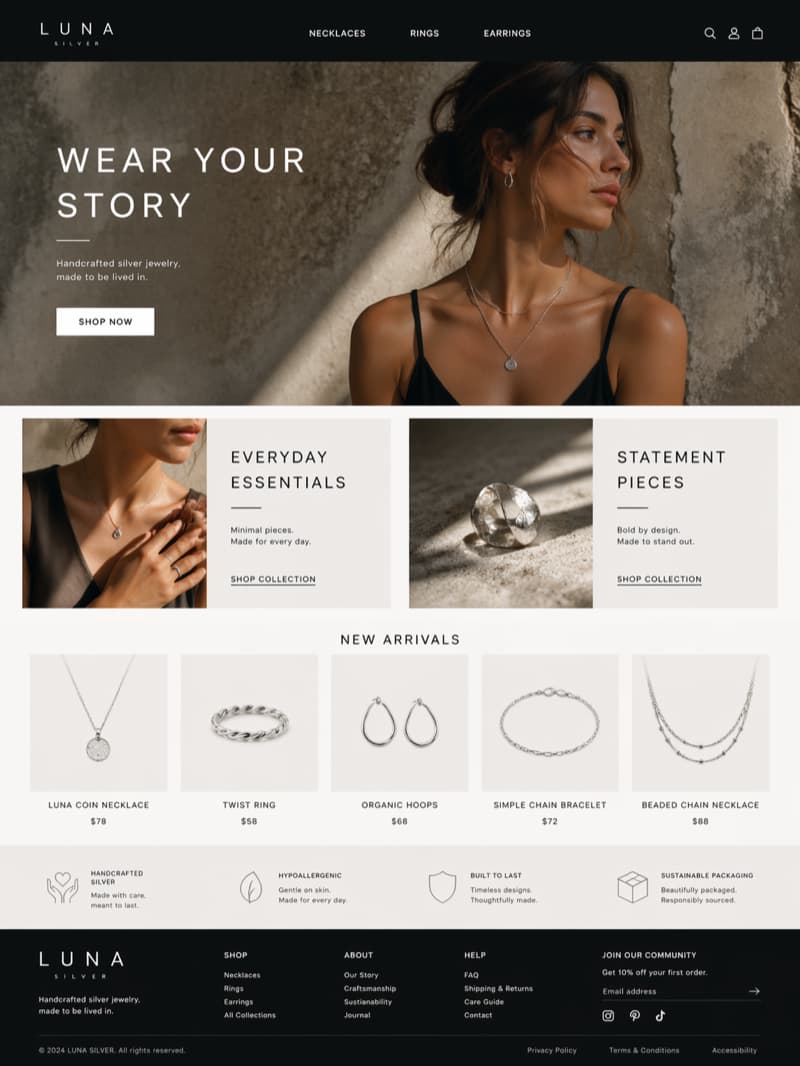
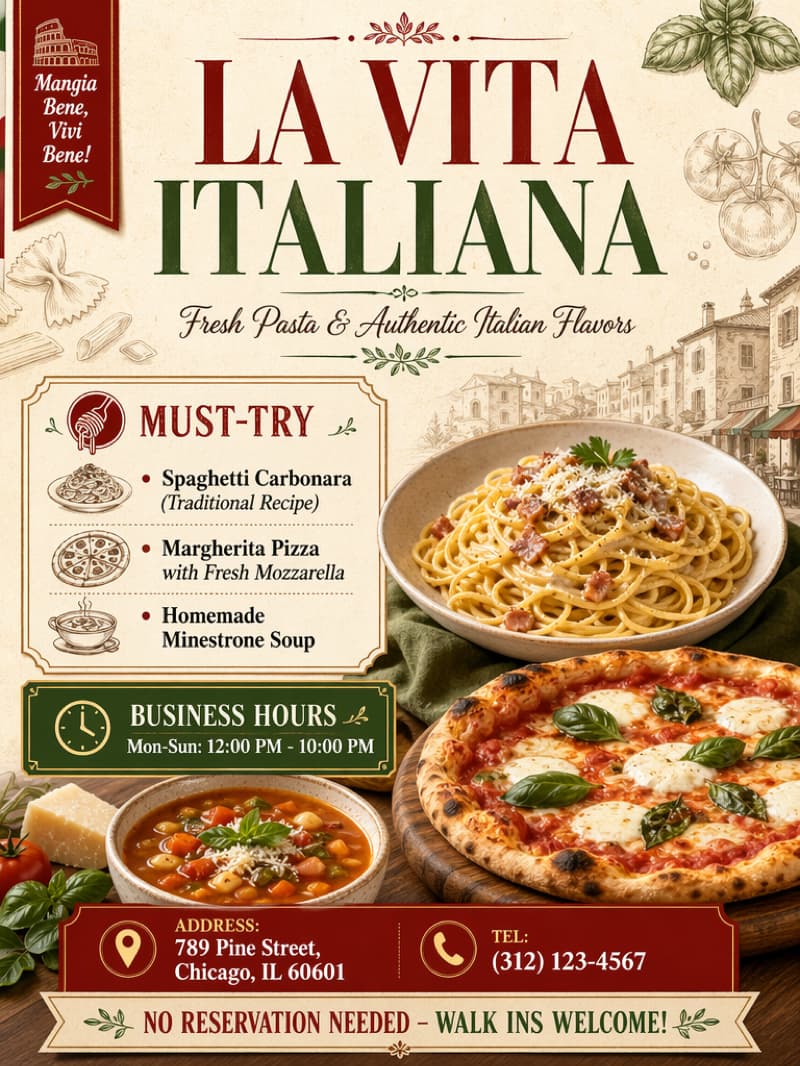
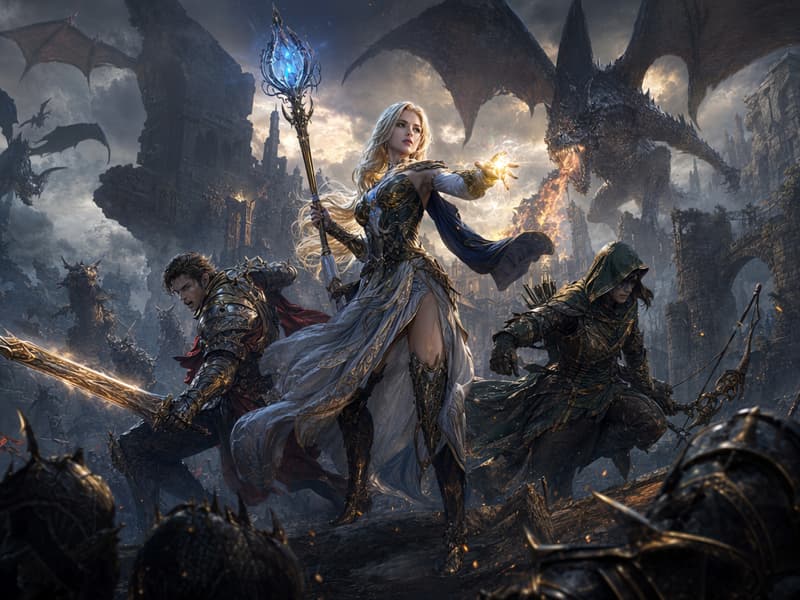
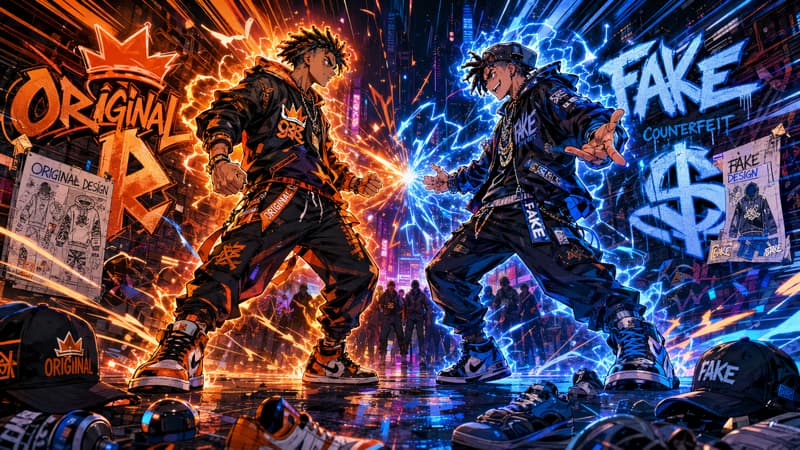
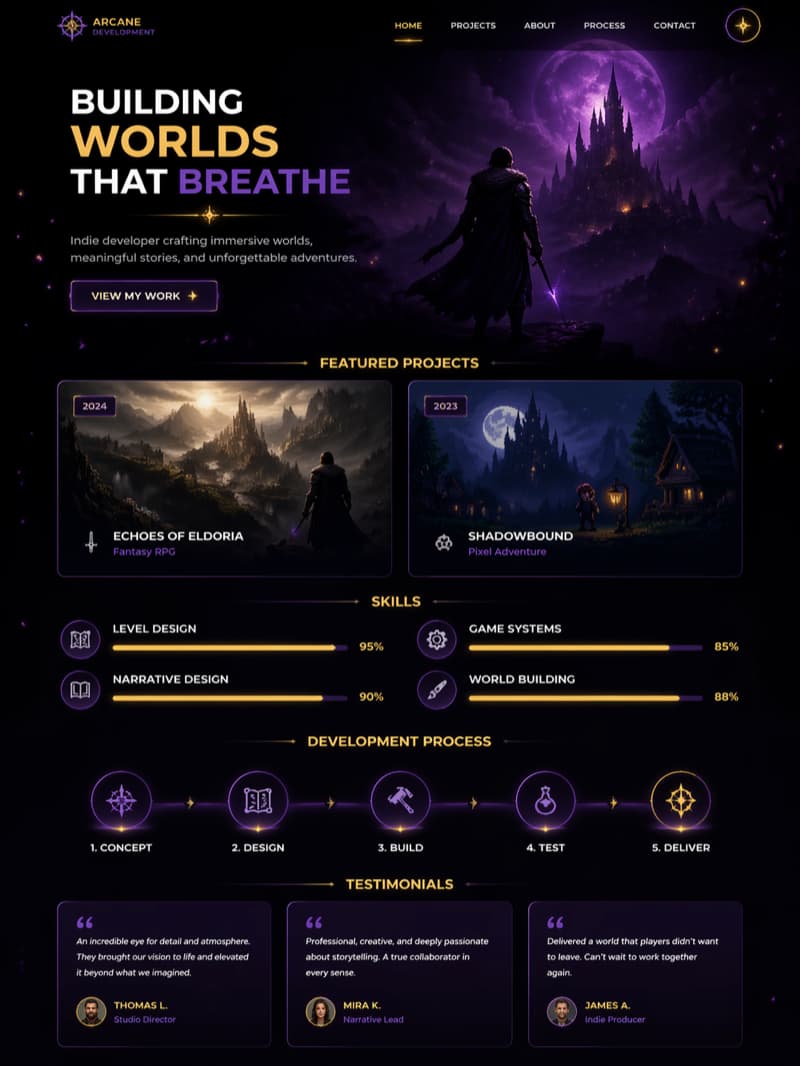
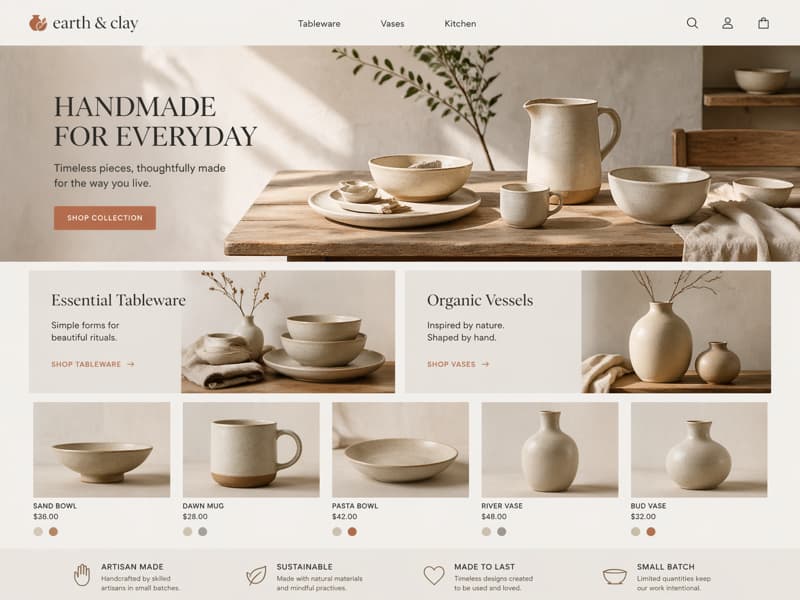
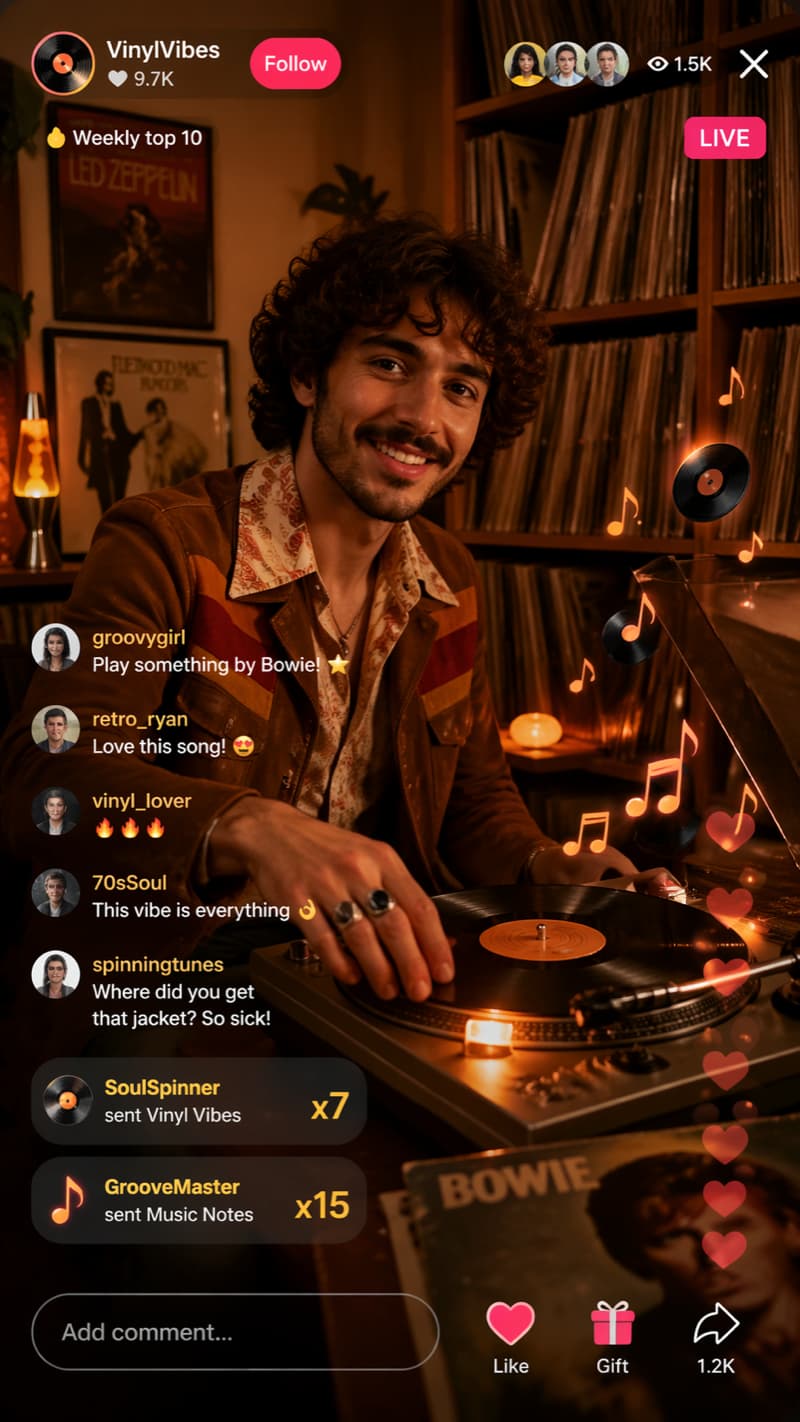
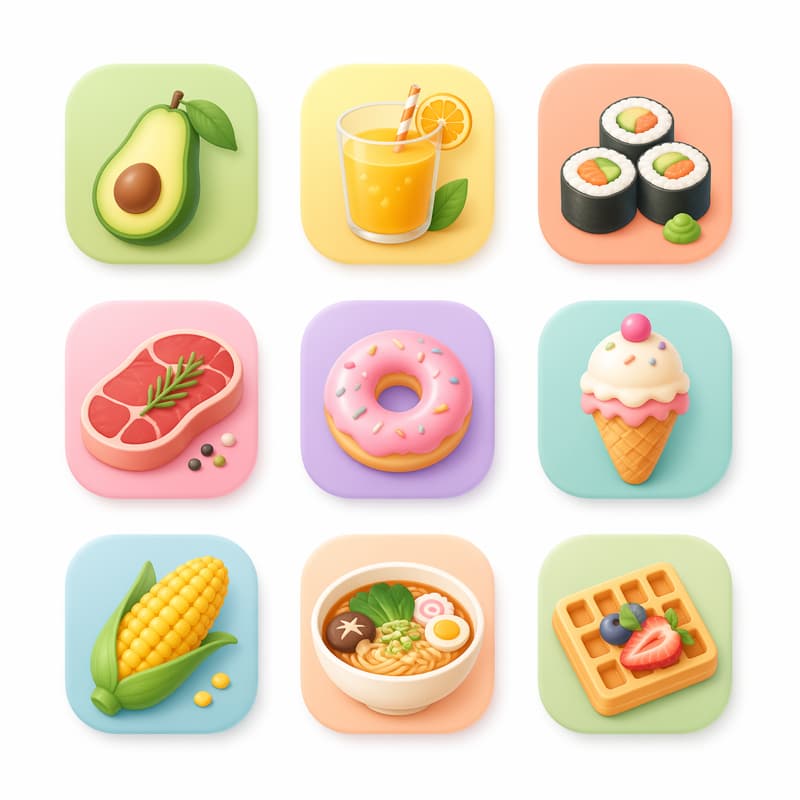
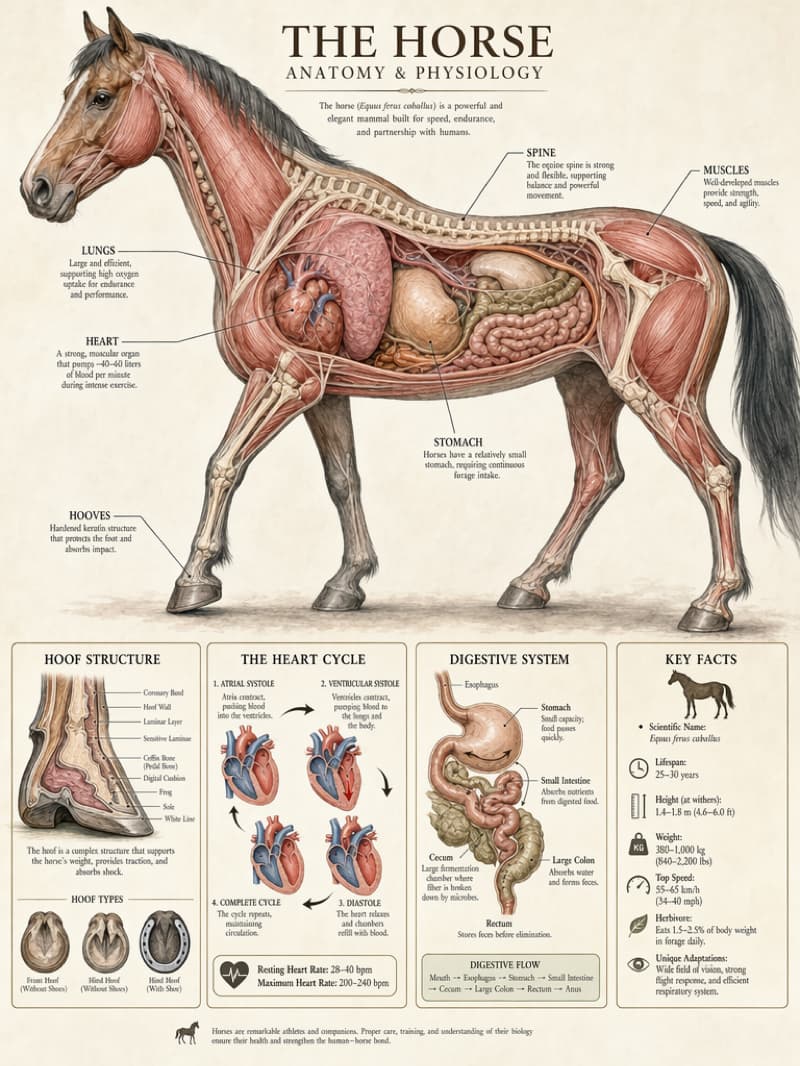
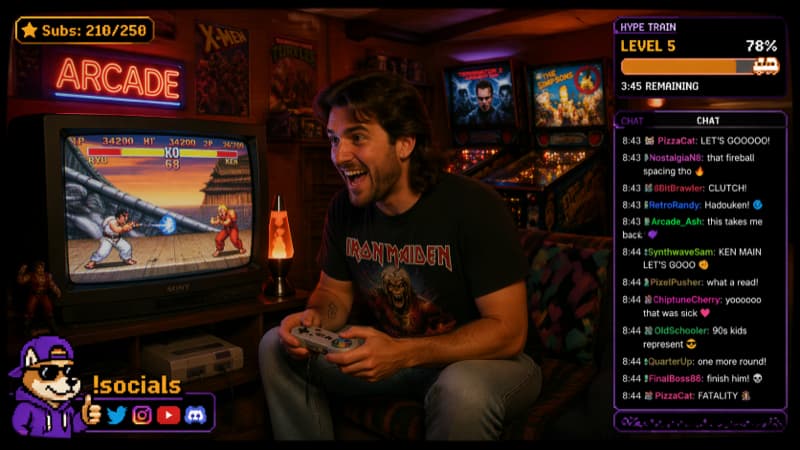

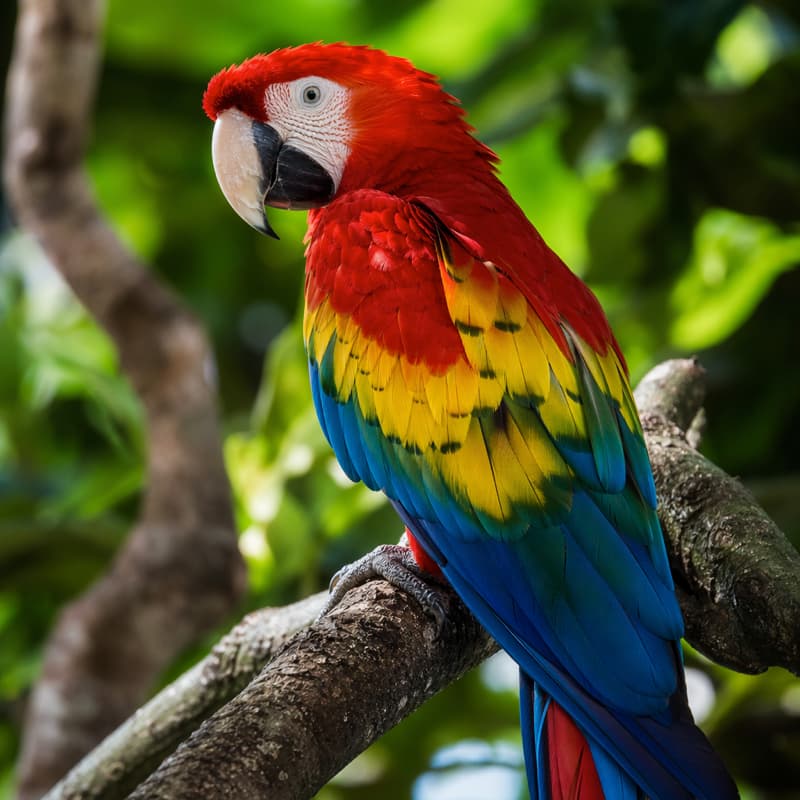
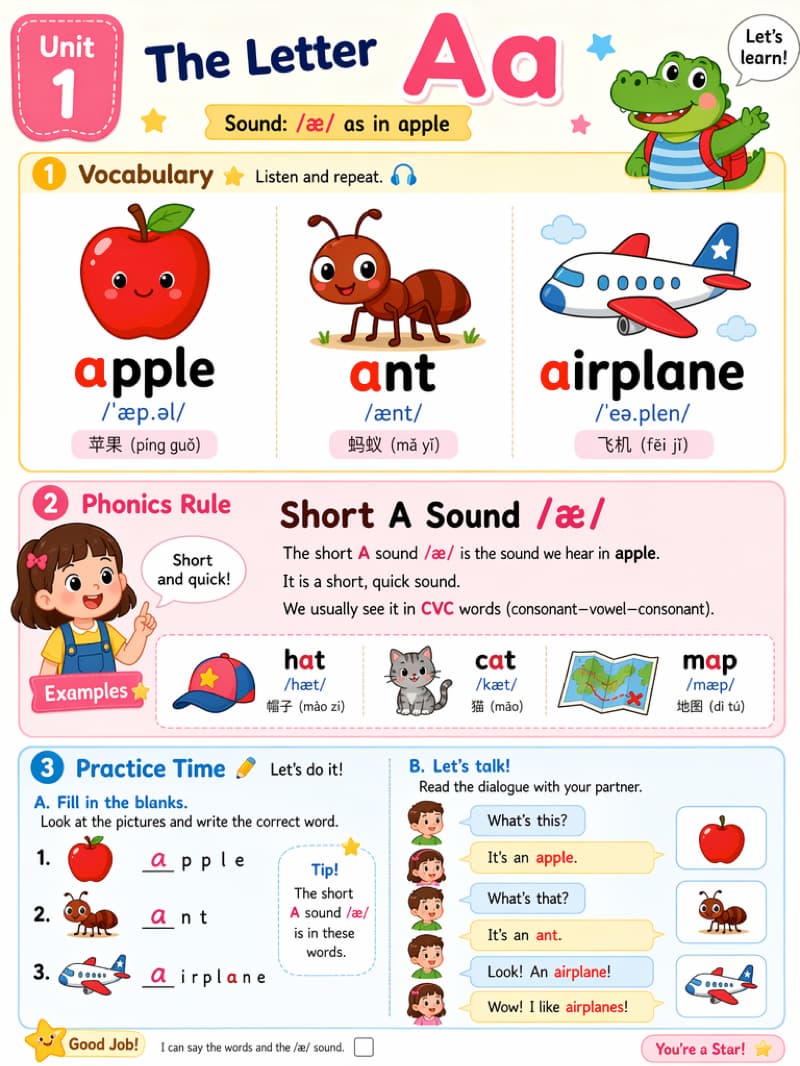
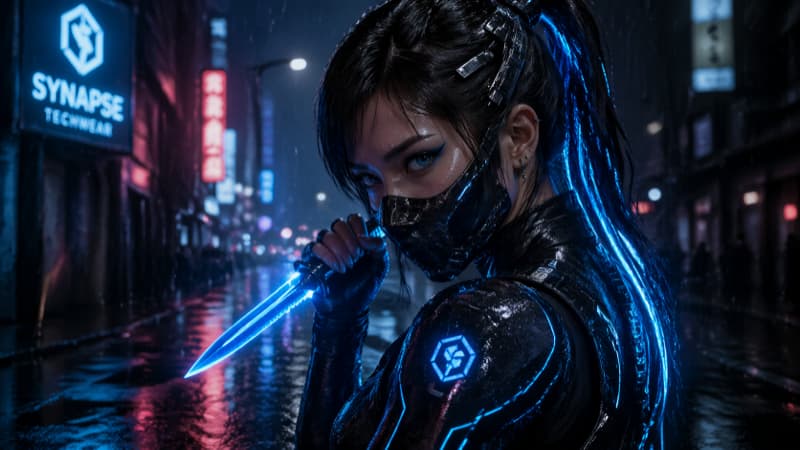
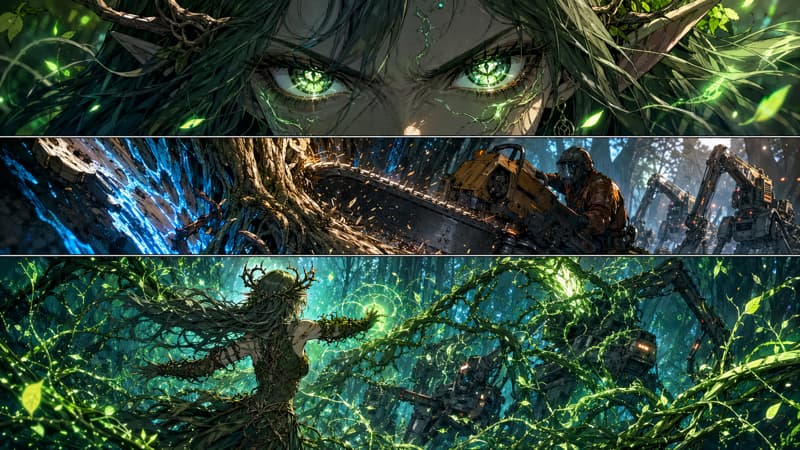
超詳細な画像生成
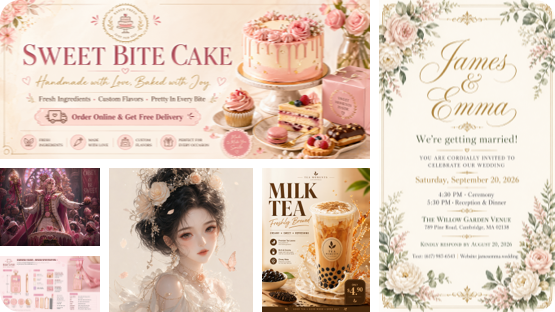
ほぼ完璧なテキストレンダリング
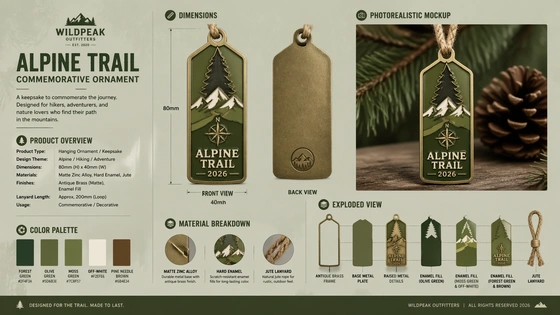
写実的な詳細
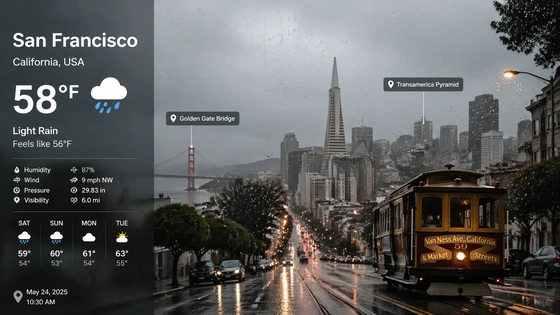
強力かつ迅速な理解
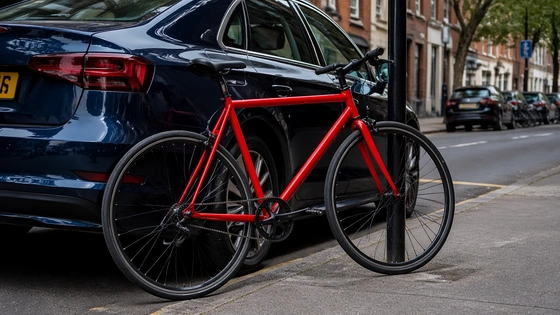
忠実度の高い編集
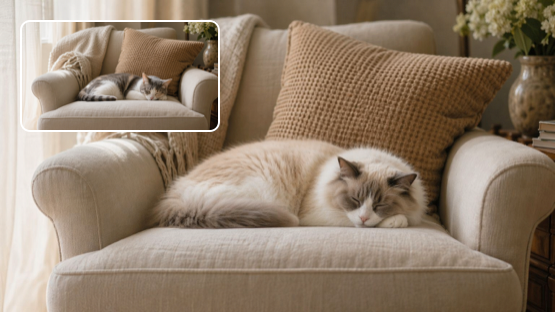
バッチ
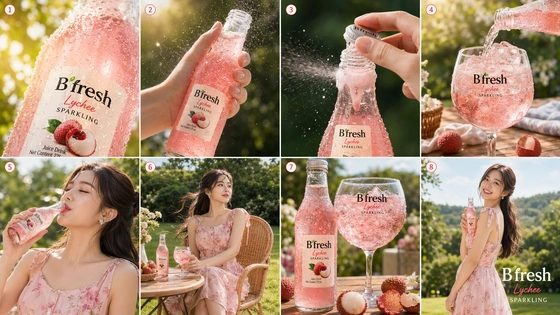
GPT Image 2 produces more detailed, more accurate and realistic images, with advanced image editing and multi-image generation capabilities.This new model significantly outperforms GPT Image 1 across all key dimensions.
電子商取引製品ビジュアル用の GPT イメージ 2
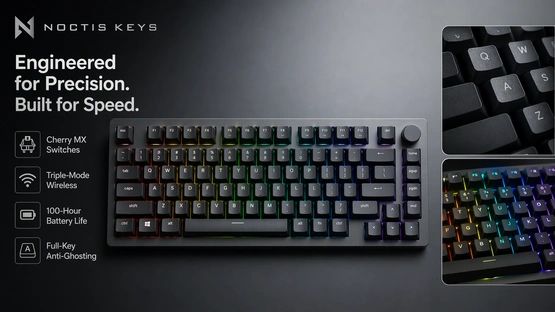
GPT Image 2 ソーシャルメディア用 AI 画像ジェネレーター
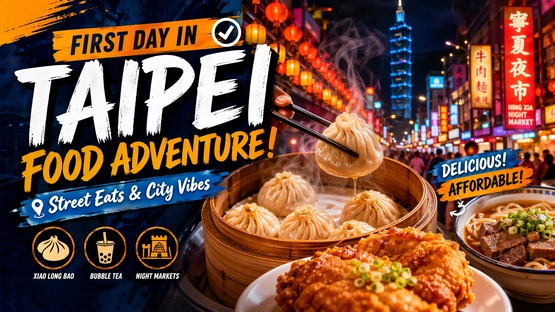
ブランドの GPT 画像 2
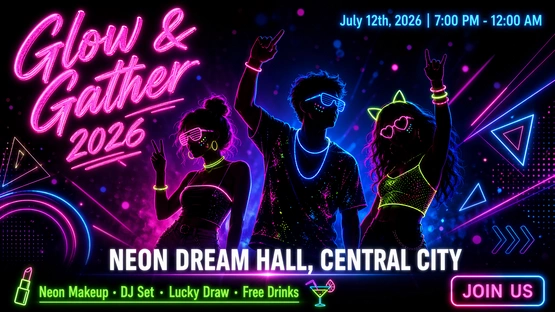
ゲームアート用 GPT 画像 2
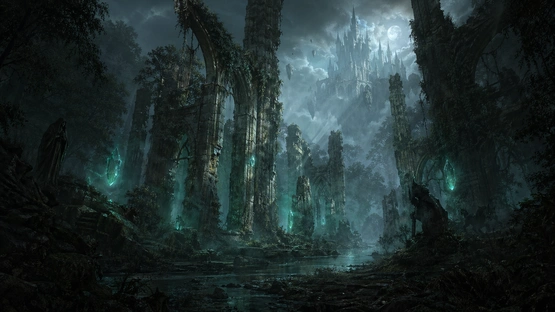
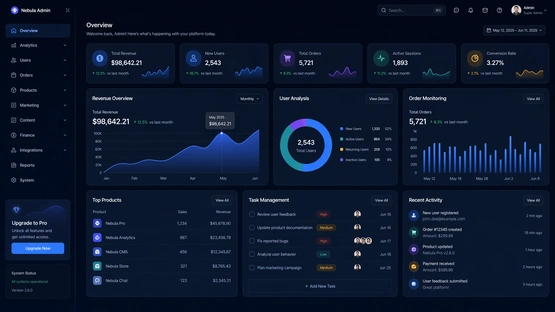
GPT Image 2 UI、インフォグラフィックス用 AI 画像ジェネレーター
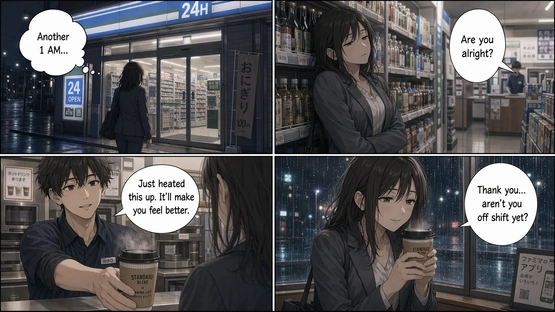
ストーリーテリング用の GPT 画像 2
Emily Carter
Brand Designer at a DTC Skincare Company
Before switching to GPT Image 2, we were using separate tools for image generation and image editing, plus Photoshop for text fixes.
What surprised me most is how well it handles typography. We generated product posters with headlines, subtext, and layout already in place — something that never worked reliably before.
In our latest campaign, we produced over 40 ad creatives from a single structured prompt. The outputs were consistent enough that we barely needed manual adjustments. That used to take our team several days, now it’s closer to a few hours.
Daniel Kim
Frontend Developer & Indie SaaS Founder
I’m using GPT Image 2 as part of a dynamic image generation system for landing pages.
The size control is actually a big deal — being able to generate flexible large-format images that fit perfectly into responsive layouts saves a lot of front-end hacks.
With GPT Image 1, I had to rewrite prompts multiple times to get close to what I wanted. Now it’s usually one or two iterations, and the model follows structure much more reliably.
Lucas Moretti
YouTube Creator (1.2M subscribers)
Thumbnail performance improved noticeably after switching to GPT Image 2.
The images feel less ‘AI-generated’ — lighting, contrast, and facial details look closer to real photography. That makes a difference when you’re competing for clicks.
Across about 10 videos, I saw roughly an 18% increase in click-through rate using thumbnails generated with GPT Image 2 compared to my previous workflow.
Sophia Nguyen
E-commerce Store Owner (Shopify)
We started using GPT Image 2 mainly for product image generation, but the image editing turned out to be even more valuable.
I can upload a product photo and generate different lifestyle scenes without reshooting anything. The product shape and proportions stay accurate, which was always an issue with older AI tools.
It’s made it much easier to scale visuals for new collections without increasing our production costs.
Alex Petrov
Game Artist & Concept Designer
Character consistency is where GPT Image 2 really stands out.
I tested generating multiple variations of the same character — different poses, angles, and lighting — and the core design stayed stable. That’s something I couldn’t rely on with GPT Image 1.
It reduces a lot of repetitive correction work when building concept sets.
Rachel Stein
Performance Marketing Manager (Agency)
For performance marketing, speed matters more than anything.
With GPT Image 2, we can generate and iterate ad creatives much faster because image generation and image editing are in the same workflow.
Recently, we built over 20 variations for a campaign in a single afternoon. Normally, that would involve design back-and-forth for at least a couple of days.
マーケティング ビジュアル、製品画像、ポスター、ストーリーボード、UI デザイン、多言語レイアウトを生成できます。 正確な構成と一貫性が必要なプロジェクトに特に効果的です。
はい。 GPT Image 2 は、視覚的な一貫性と正確なテキスト レンダリングの両方を考慮して設計されており、同じ文字、スタイル、またはブランドを使用して複数の画像を作成するのに最適です。 バリエーション全体で一貫した要素を維持しながら、ポスター、広告、UI レイアウト、マーケティング アセット用に明確で読みやすい画像上のテキストを生成することもできます。 これにより、デザインの精度と一貫性の両方が重要となるスケーラブルなコンテンツ制作に特に効果的です。
GPT Image 2 は、画像上のテキストを大幅に改善します。 拡張された詳細レベルで小さなテキストや図像などの「きめの細かい要素をレンダリング」できます。 テストとドキュメントでは、英語のテキスト精度が最大 99% であり、日本語、韓国語、ヒンディー語、ベンガル語、中国語、アラビア語、ヘブライ語、キリル文字、ラテン文字を含む 48 の言語で大幅な向上が報告されています。 GPT Image 2 は、さまざまなスクリプトであっても、実際の言葉を含む看板や UI に実用的です。
はい。
この画像編集システムには 4 つのモードがあります。
(1) インペイント — 選択した領域内のオブジェクトを変更または置換します
(2) アウトペイント — 元の境界を超えて画像を拡張します
(3) スタイル転送 — 芸術的なスタイルを適用します
(4) 領域マスキング — 他の領域を維持しながら特定の領域を調整します
マルチステップの編集ワークフローにより、最小限のクリーンアップで正確な結果が得られます。
GPT Image 2 は、一般的に使用される比率 1:1、16:9、9:16、4:3、3:4、および 21:9 をサポートしており、正方形のポスト、縦型ビデオ、ワイドスクリーン ディスプレイ、および映画のような構成の柔軟な出力が可能です。 すべての出力は正確な生成制約に従い、一貫したビジュアル品質を保証します。
GPT Image 2 では大幅な改良が加えられています。 GPT Image 1 ではマルチイメージ生成 (一度に 8 つのイメージ) が可能でしたが、これだけでマルチイメージ生成が可能になりました。 GPT1 の標準スケール制限に対して拡張された詳細容量をサポートします。 テキスト出力の精度は 90 ~ 95% (文字化けが多い) から ~99% になりました。 GPT Image 2 はプロンプトにはるかに忠実に従い、推論 (Web データと自己チェック) が組み込まれています。 つまり、GPT Image 2 はクリエイティブなタスクにとってはるかに強力で信頼性が高くなります。

Viddo AI は、高度なオールインワン AI ビデオおよび画像生成プラットフォームであり、さまざまな入力から素晴らしいビデオや画像を迅速かつ簡単に作成できます。 これらの AI モデルは、Google、OpenAI、Grok AI、ByteDance、Alibaba、Kling、Runway、Vidu、Minimax、イレブンラボ、Midjourney などによって強化されています。