
Seedance 2.0: As low as $0.345 per video
Veo3.1 Lite: As low as $0.0575 per video


Waiting for your creations!
Transform your still images into lively videos with Viddo's image to video diffusion feature. With just a few clicks, bring your visuals to life and captivate your audience with stunning animations.




Our AI engine integrates leading models to ensure high-quality video generation from images. Experience the best results without the hassle of managing multiple subscriptions.
Explore a variety of effects that can enhance your videos generated from images. Our collection of video effects is designed to inspire creativity and elevate your storytelling.
Upload your static images and let our AI create stunning animations. Transform any photo into a captivating video effortlessly.
Try Text to Video
Incorporate zoom, pan, and rotation effects to your videos, making them more engaging and visually appealing.
Try Image to Video
Create videos that loop seamlessly, ideal for sharing on platforms like Instagram and TikTok.
Try Video to Video
Enjoy high-definition video outputs that highlight the details in your images beautifully.
Try Image to Video
Our platform is designed for everyone, making it easy to turn your images into videos without any technical skills.
Try Video to Video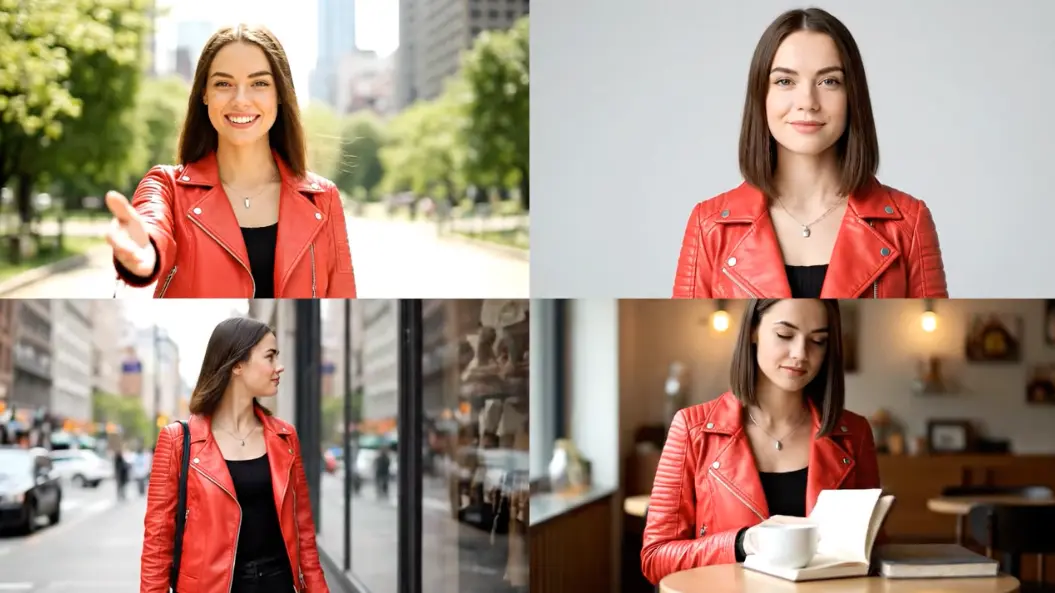

Liam Smith, Photographer
The image to video diffusion feature has completely changed how I present my work. My stills now tell stories, and my clients love the results.

Emma Brown, Social Media Influencer
I can now create captivating videos from my photos in minutes. The engagement on my posts has skyrocketed thanks to Viddo!

Noah Wilson, Small Business Owner
Turning product images into videos has boosted our sales. It's an incredible tool for marketing!

Ava Davis, Graphic Designer
I love the dynamic effects that I can apply to my images. It’s so easy to use and highly effective.

Oliver Martinez, Content Creator
The quality of videos produced is phenomenal. I can’t imagine my workflow without it now.

Sophia Johnson, Educator
Using image to video diffusion in my teaching materials has made learning more interactive and fun for my students!

Begin by uploading the image you want to animate. Our platform supports various image formats.
Choose from different effects and styles to customize how your image will be animated.
Click 'Generate' to create your video. Once completed, you can preview and share it with your audience.
Image to video diffusion is a process where static images are transformed into dynamic videos using AI technology, allowing for animations and effects that enhance visual storytelling.
Yes, you can use various types of images, including photos, illustrations, and digital art to create videos.
Our platform supports multiple video formats, including MP4 and WebM for easy sharing and compatibility.
There is no strict limit, but performance may vary based on the size and number of images uploaded.
The time required to generate a video depends on the complexity of the animation, but most videos are ready in under 120 seconds.
Yes, you can make adjustments to your videos after generating them, allowing for further customization.

Viddo AI is an advanced all-in-one AI video and image generation platform that lets you quickly and easily create stunning videos and images from various inputs. These AI Model powered by Google, OpenAI, Grok AI, ByteDance, Alibaba, Kling, Runway, Vidu, Minimax, Elevenlabs, Midjourney,and so on.