llms
Standard
Professional
720p
1080p
2k
4k
Original
30 FPS
60 FPS
General
UGC Short Video
AIGC
Short Drama
Old Film Restoration
Required credits: 0

Waiting for your creations!

Enhance Your Videos with AI Video Enhancer for Sharper, High-Quality Results

Video Enhancer: AI Video Enhancement Tool for One-Click HD Video Restoration

Have you ever experienced blurry videos, heavy noise, faded colors, or low resolution issues? Whether you are working with daily footage, social media content, or restoring old recordings, traditional video editing tools are often complex and time-consuming while delivering limited results.
Video Enhancer is a lightweight and easy-to-use AI video enhancement tool that enables one-click upload and multi-resolution output. With advanced AI-powered processing, the platform helps transform low-quality videos into clearer, sharper HD footage with more natural and professional visual performance—no editing skills required.
poster
poster
poster
poster

Core Features of Video Enhancer

Multi-Resolution Upscaling from 720p to 4K
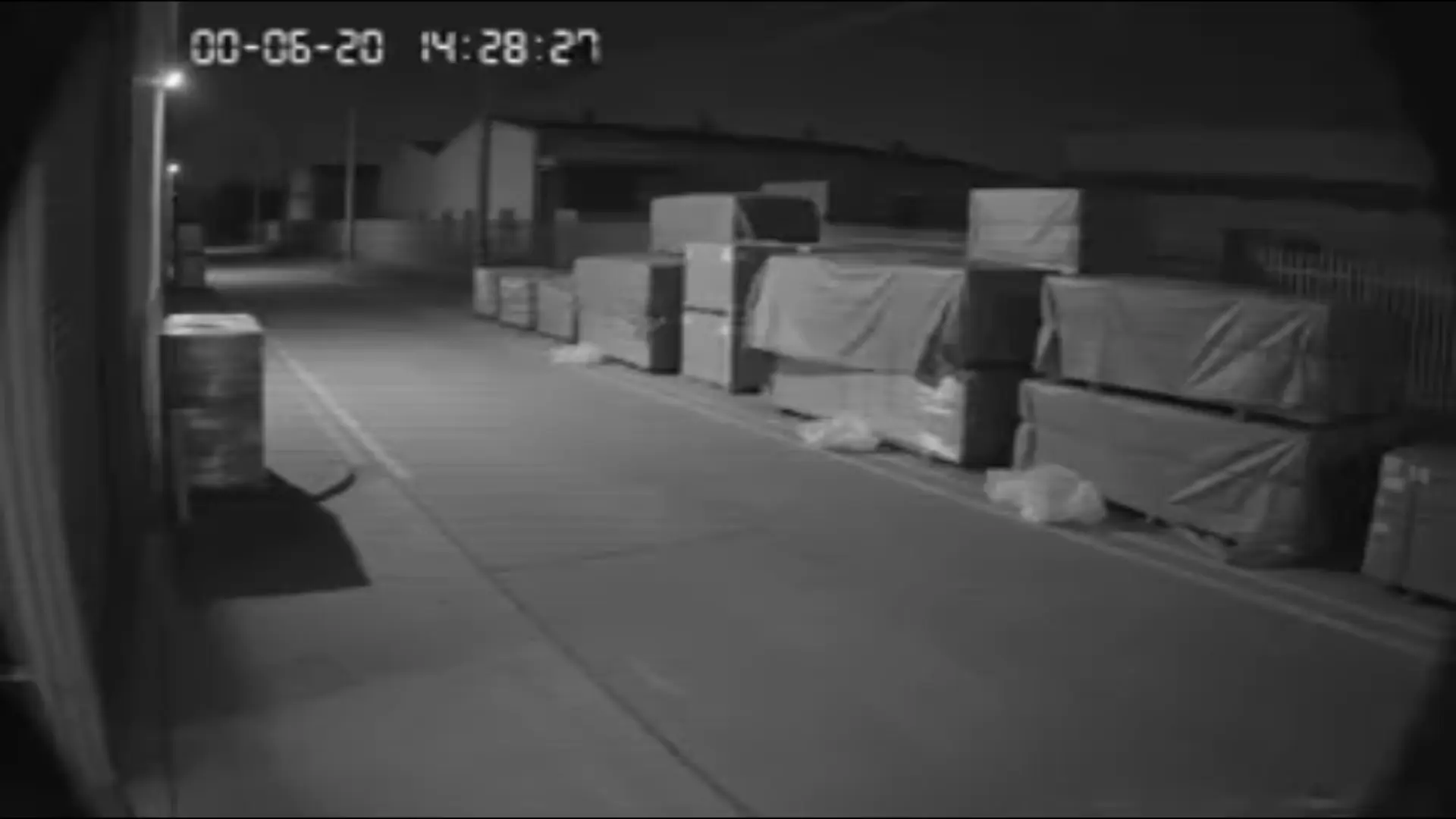
Video Enhancer supports four output resolutions: 720p, 1080p, 2K, and 4K. It is designed to handle both casual content and commercial-grade video needs, making it suitable for a wide range of use cases.
In 4K mode, Video Enhancer can enhance video clarity up to 4× compared to the original footage, significantly improving sharpness while reducing blur, noise, and compression artifacts. The result is cleaner, more detailed visuals without mosaic effects or jagged edges.
Use cases: old video restoration, social media content optimization, e-commerce product videos, and surveillance footage enhancement.
poster

AI Noise Reduction and Color Enhancement
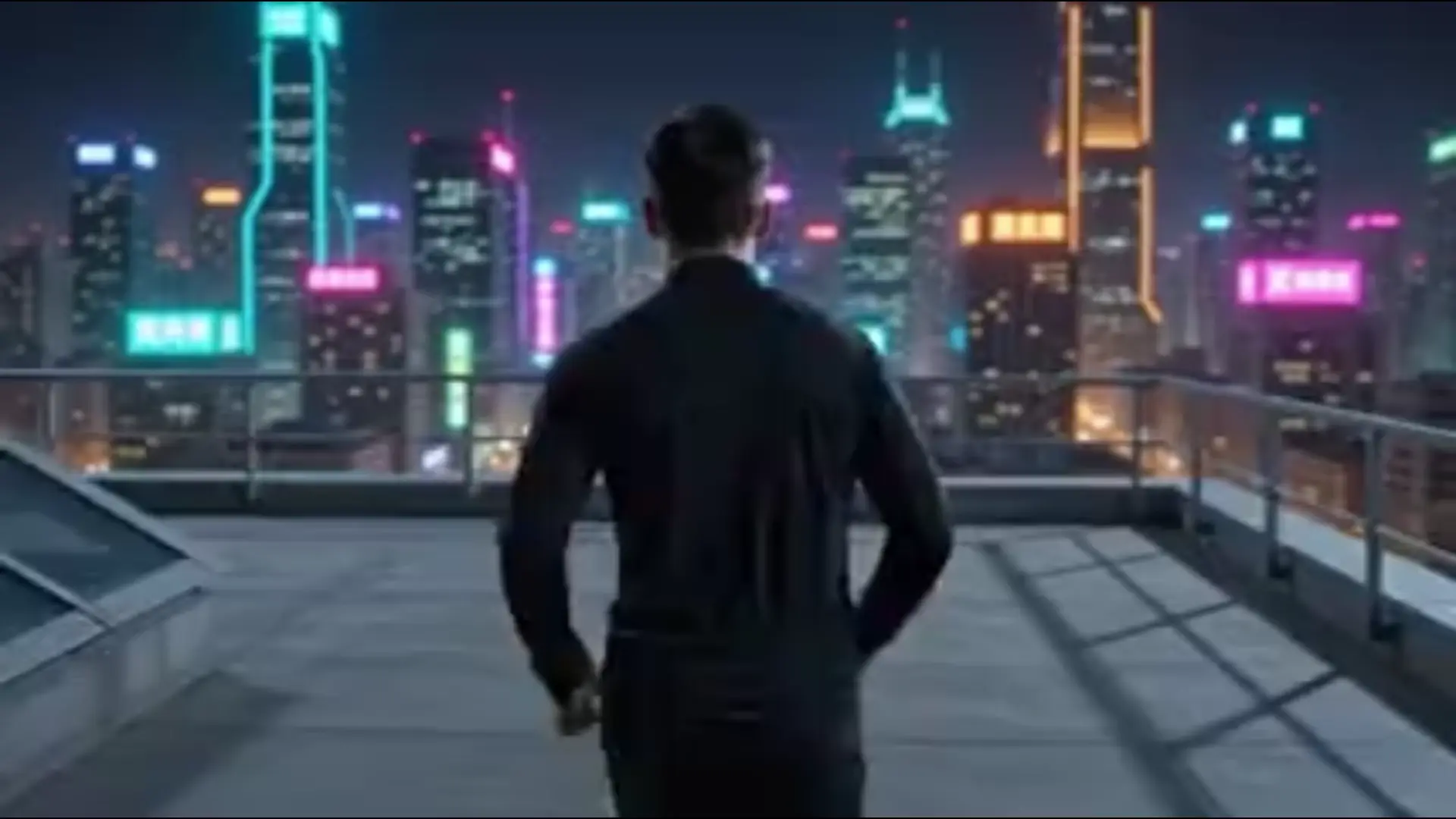
Video Enhancer uses advanced AI algorithms for denoising and color restoration. It automatically detects and removes grain, compression blocks, and haze from video frames, achieving up to 92% noise reduction performance in tested scenarios.
At the same time, the tool restores natural color tones, enhances brightness in low-light areas, and improves overall contrast to produce cleaner and more visually balanced results. This allows users to achieve high-end visual quality without manual editing or color correction.
Use cases: low-light footage, indoor recordings, vintage videos, and heavily compressed media files.
poster

Natural Portrait Enhancement with Texture Preservation

For human-centered videos such as selfies, livestreams and interviews, Video Enhancer intelligently detects and enhances facial details while preserving natural skin texture.
It prevents over-smoothing, plastic-looking skin and facial distortion to deliver realistic results. With up to 98% facial restoration accuracy, Video Enhancer stands out from ordinary video repair tools.
Use cases: selfie vlogs, livestream replays, interviews, and wedding video enhancement.
poster

Cloud-Based Processing with No Installation Required

All processing is performed in the cloud. Users simply access Video Enhancer through a browser—no software installation or high-end hardware is required.
The platform runs smoothly across mobile devices, tablets, and low-spec computers, making high-quality video enhancement accessible anywhere.
Use cases: fast editing tasks, cross-device workflows, and online content production.
poster

Transparent Credit-Based Pricing System

Video Enhancer uses a clear and transparent credit-based billing system. Credit usage is automatically calculated based on video length and output resolution, and is displayed in real time before processing begins.
This ensures full cost transparency with no hidden charges. Video Enhancer helps both individual creators and businesses manage video production budgets more efficiently.
Use cases: personal content creation, social media studios, and e-commerce video production at scale.
poster

How to Use Video Enhancer

  • Step1

    Upload Your Video

    Go to the Video Enhancer platform and upload your video in the "Upload Media" area. You can drag and drop files or select existing materials from your project history via "Select Creations".
  • Step2

    Choose Output Resolution

    Select the resolution based on your needs:
    ● 720p: ideal for quick social sharing
    ● 1080p: standard HD for daily content creation
    ● 2K: suitable for medium-length videos and light commercial use
    ● 4K: best for advertising, product showcases, and high-definition archiving
    Video Enhancer allows flexible balance between output quality and processing cost.
  • Step3

    Generate and Download

    After confirming your settings, check the required credits displayed on the interface and click "Generate". Once processing is complete, Video Enhancer allows you to download watermark-free HD videos without additional compression.

Why Choose Video Enhancer?

Simple Workflow with No Learning Curve

The platform uses a drag-and-drop workflow with one-click resolution selection, allowing beginners to enhance videos quickly without complicated parameter settings.

Flexible Resolution Support for Different Scenarios

From 720p to 4K, Video Enhancer supports multiple output resolutions suitable for social media sharing, commercial content creation, product showcases, and HD video archiving.

Cloud-Based Processing Without Hardware Limitations

The tool runs directly in the browser without requiring high-performance computers or software installation. Cloud processing also improves efficiency compared with many local editing tools.

Watermark-Free and Lossless Export

All users can export videos without watermarks. Video Enhancer uses lossless encoding to preserve optimized video quality without secondary compression.

Privacy and File Security Protection

Uploaded videos are only used for the current enhancement task. Cached files are automatically deleted within 24 hours and are never stored or used for AI model training.

Real User Reviews

Mike, Family User

I used Video Enhancer to restore my child's old birthday videos. The footage was blurry and yellowed, but after enhancement, it became clear and natural with no noticeable artifacts.

Luna, Content Creator

My social media videos always looked flat and dark. Video Enhancer improved brightness and clarity in one click and saved me hours of editing work.

Sophia, E-commerce Merchant

Our product videos looked low quality before, but after using Video Enhancer in 4K mode, textures and details improved significantly compared to the original footage.

Discover More

Video Enhancer FAQ

1

What is Video Enhancer?

Video Enhancer is a cloud-based AI video enhancement tool that supports upscaling, noise reduction, color enhancement, and portrait restoration. It runs directly in the browser without installation.

2

How fast is Video Enhancer?

Video Enhancer uses cloud rendering technology to process videos efficiently, often faster than traditional desktop editing software. A standard one-minute short video can be enhanced quickly with no long waiting time.

3

What resolution options are available?

Video Enhancer supports 720p, 1080p, 2K, and 4K outputs for different content creation needs. 720p works well for quick publishing, while 1080p is the universal HD standard. 2K and 4K are more suitable for commercial use or high-definition archiving. Higher resolutions deliver richer visual details and consume more credits accordingly.

4

Will videos have watermarks?

Video Enhancer offers watermark-free export for all users. With lossless encoding, the platform avoids secondary compression and fully preserves optimized video quality.

5

How does the credit billing work?

Credits are automatically calculated based on video duration and output resolution. Required credits are displayed in real time with transparent pricing and no hidden charges.

6

Are my video files secure during processing?

Video Enhancer only uses files for current AI tasks. Cache will be deleted within 24 hours, and no data will be stored, shared or used for model training to protect your privacy.

Ready to Experience Video Enhancer
Start using Video Enhancer today to remove blur, restore old footage, and upgrade your videos into high-definition quality directly in your browser.
poster
viddo.ai

Viddo AI is an advanced all-in-one AI video and image generation platform that lets you quickly and easily create stunning videos and images from various inputs.

© 2026 viddo.ai. All rights reserved.