llms

Generate With AI

If you're not satisfied, you can generate again or enter prompt for your own.

Select the aspect ratio for your image

1:1

16:9

9:16

4:3

3:4

21:9

1K
2K
4K
Required credits: 0

Waiting for your creations!

GPT Image 2-powerful AI image generation tool

GPT Image 2: Next-Generation AI Image Generator on Viddo AI

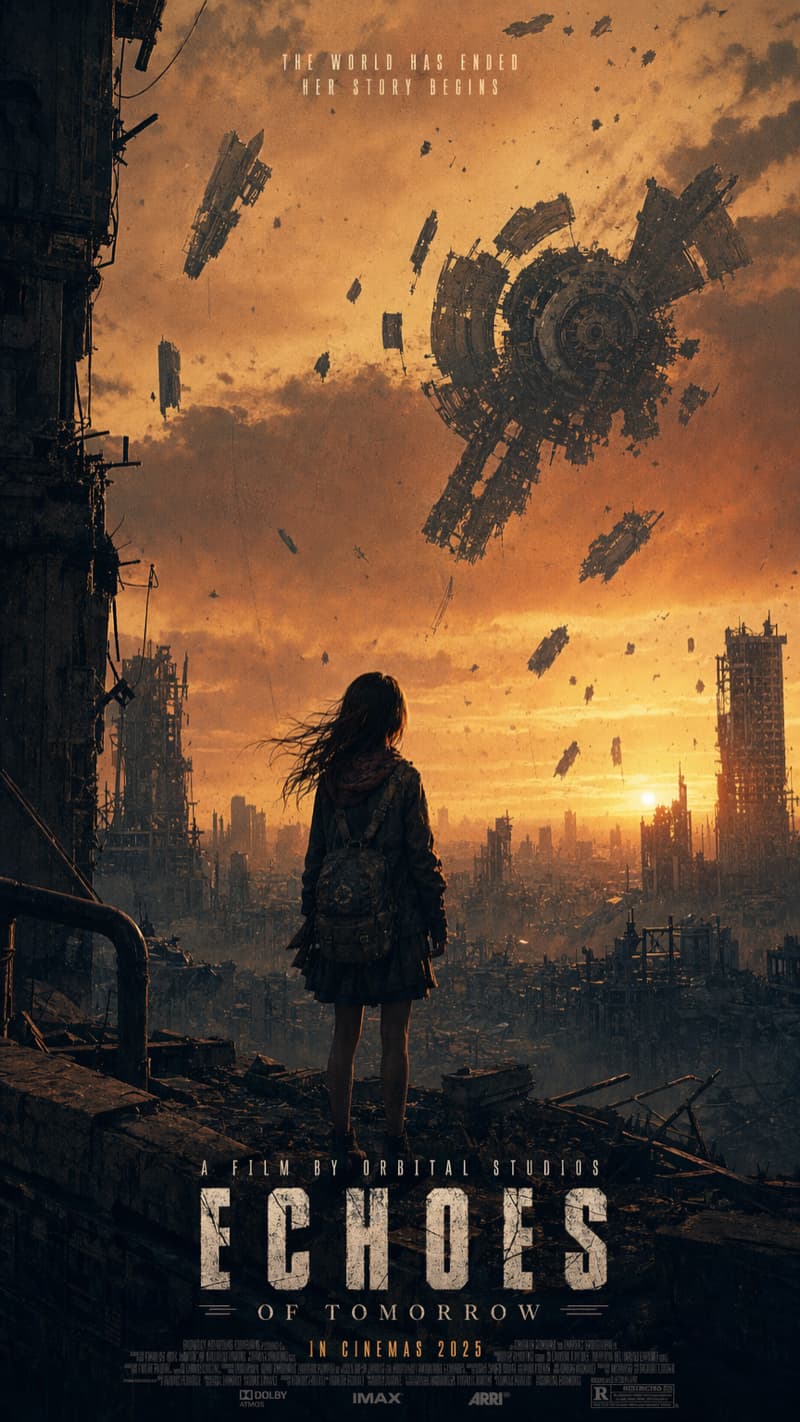
GPT Image 2 is OpenAI’s latest AI image generator in 2026, designed for high-quality ultra-detailed image generation, advanced AI image editing, and consistent multi-image outputs. It enables creators, marketers, and designers to produce photorealistic visuals with accurate text, strong prompt understanding, and scalable workflows.
Crevid AI
Crevid AI
Crevid AI
Crevid AI
Crevid AI
Crevid AI
Crevid AI
Crevid AI
Crevid AI
Crevid AI
Crevid AI
Crevid AI
Crevid AI
Crevid AI
Crevid AI
Crevid AI
Crevid AI
Crevid AI
Crevid AI

GPT Image 2 Key Highlights on Viddo AI

Ultra-Detailed Image Generation & Flexible Ratios
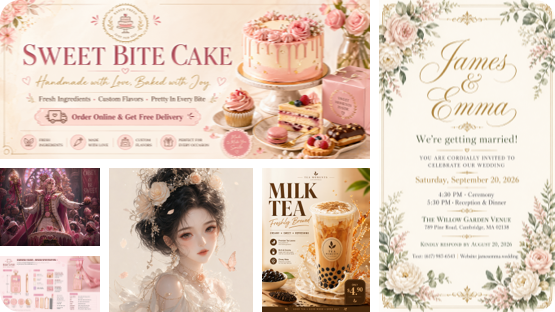
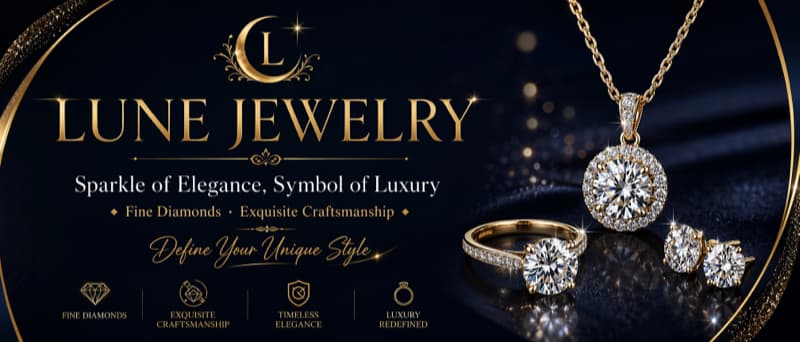
The model generates native ultra-detailed images with no quality loss from scaling, ensuring sharp, print-ready visuals. It supports flexible aspect ratios including 1:1, 16:9, 9:16, 4:3, 3:4, 21:9, and Auto, ideal for banners, posters, mobile content, and more.
Ultra-Detailed Image Generation & Flexible Ratios

Near-Perfect Text Rendering
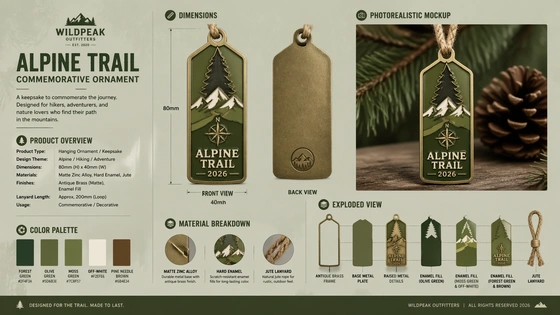
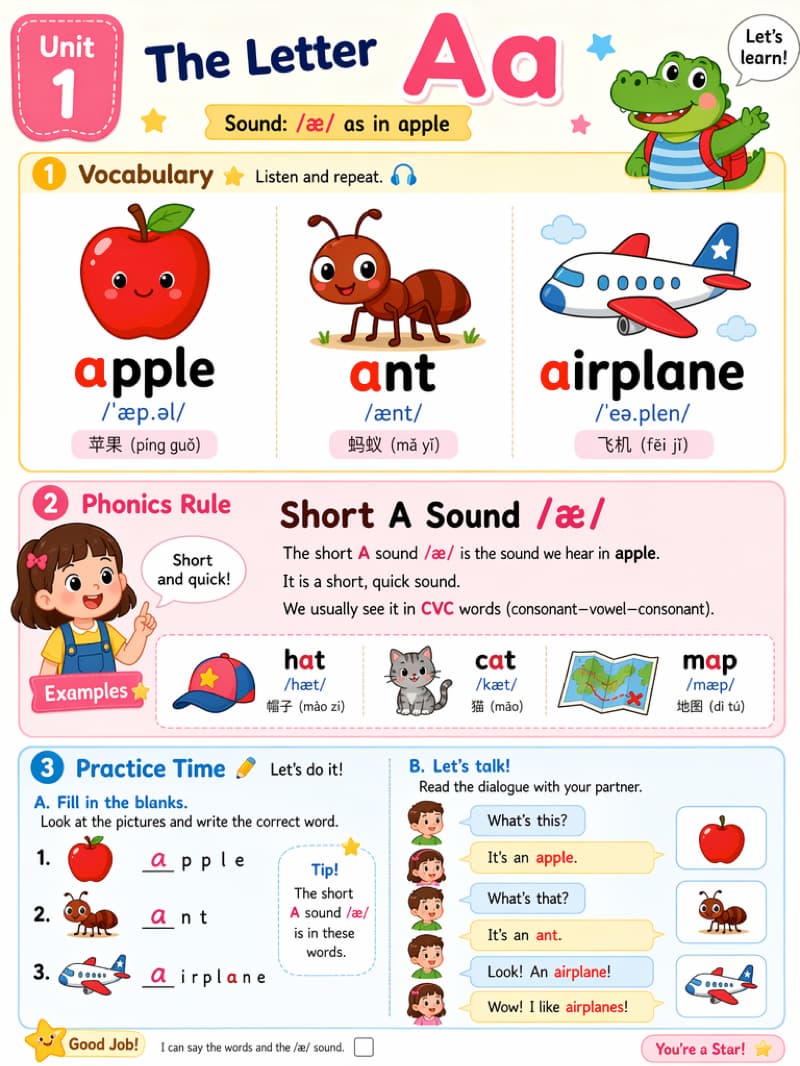
This AI image generator renders letters, labels, and UI text with ~99% character accuracy. It handles complex layouts, dense signage, and supports 48+ languages including Japanese, Korean, Hindi, Bengali, Chinese, Arabic, Hebrew, Cyrillic, and Latin scripts.
Near-Perfect Text Rendering

Photorealistic Detail
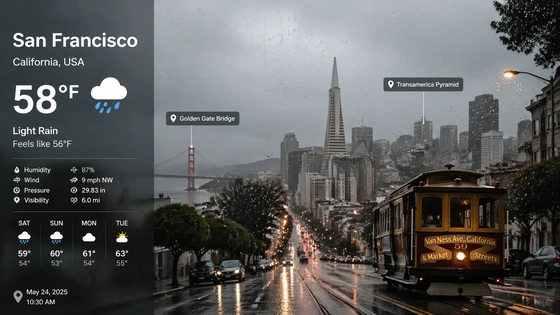
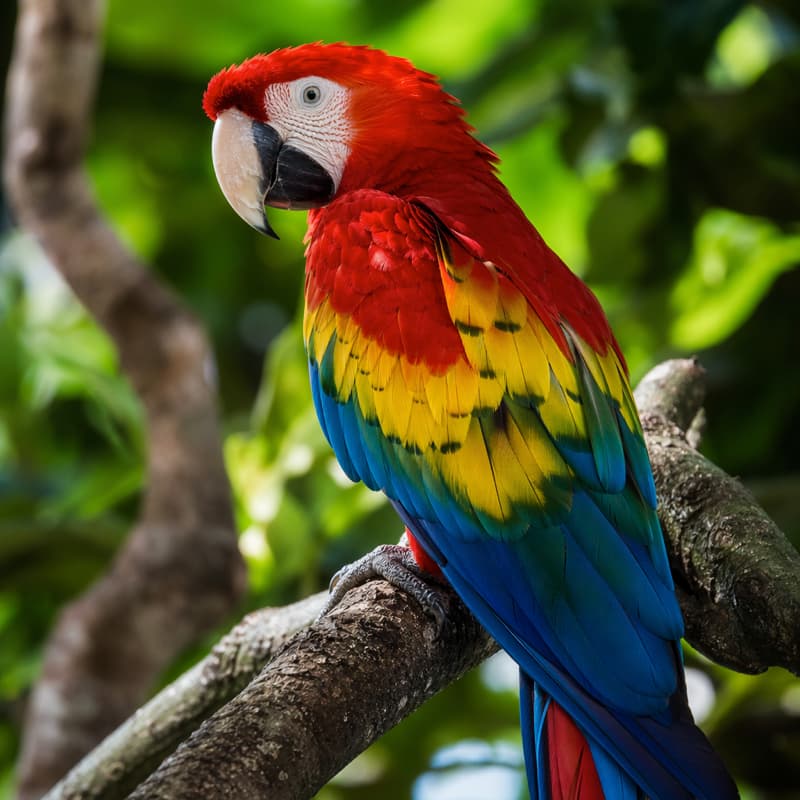
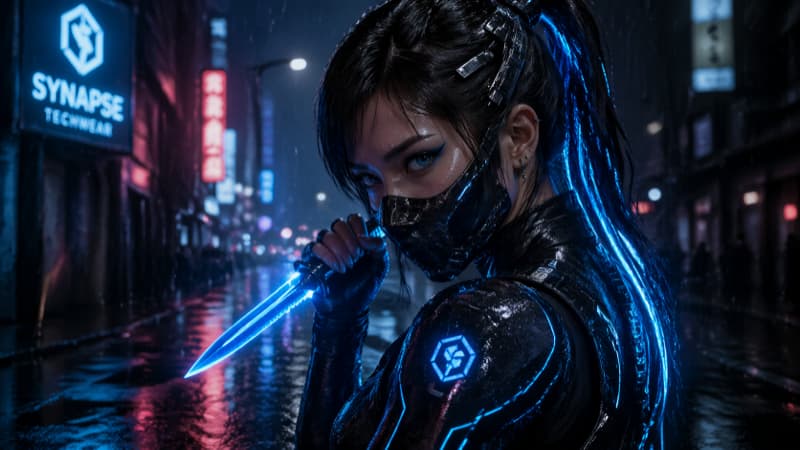
The system produces images that look like real photos – with correct lighting, reflections, and textures. In tests, the model created realistic scenes such as a rainy San Francisco weather infographic with accurate landmarks and lifelike product visuals.
Photorealistic Detail

Strong Prompt Understanding
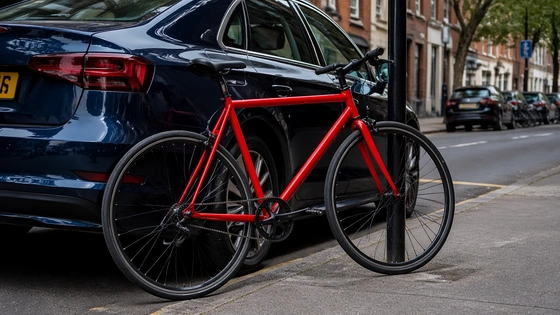
The model follows detailed instructions and preserves specified details. It consistently places objects correctly and respects relationships (e.g. a “red bicycle next to a blue car on the left”).
Strong Prompt Understanding

High-Fidelity Editing
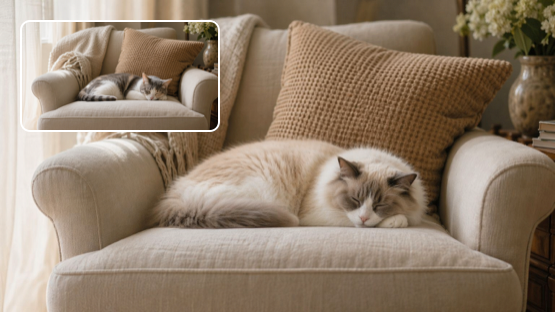
Supports precise image editing and inpainting. You can remove or modify objects while only altering selected regions, keeping the rest of the image intact. Iterative editing workflows produce professional results with minimal artifacts.
High-Fidelity Editing

Batch & Consistency (8-Image Output)
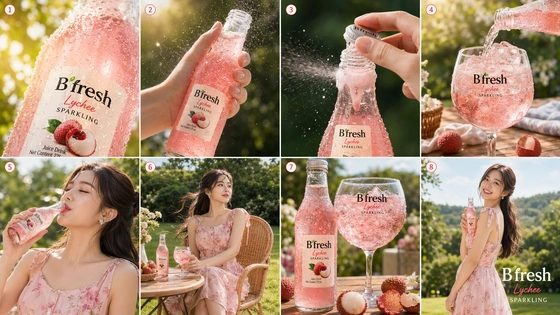
This image generation system can generate up to 8 related images from a single prompt, maintaining consistent style, characters, and objects across outputs.
Batch & Consistency (8-Image Output)

Key Features of GPT Image 2 AI Image Generator on Viddo AI

Accurate Multilingual Text

Achieves ~99% accuracy on English labels and significantly improved performance across 48+ languages including CJK, Arabic, Hebrew, Cyrillic, and Latin scripts.

Multimodal Inputs

This AI image generator accepts text or image prompts. You can provide reference visuals or generate content from scratch using text-to-image capabilities.

Premium Scale Support

Creates images at full-scale format with exceptional detail density, suitable for digital billboards, ads, and print workflows. Common presets include multiple industry-standard formats.

Advanced Layouts & Graphics

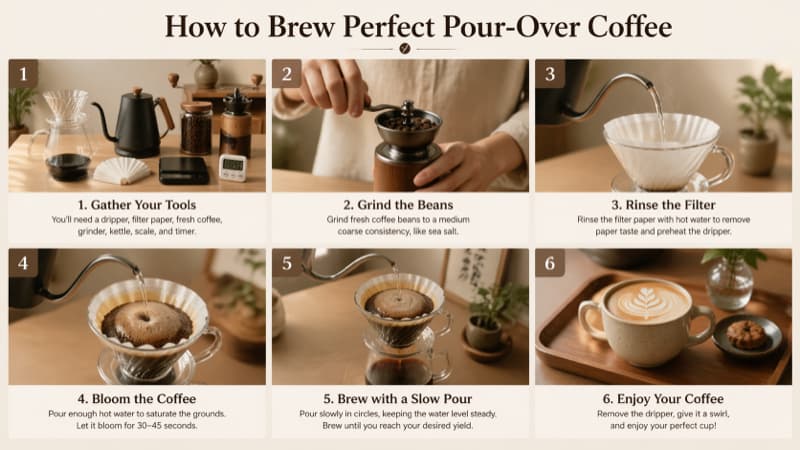
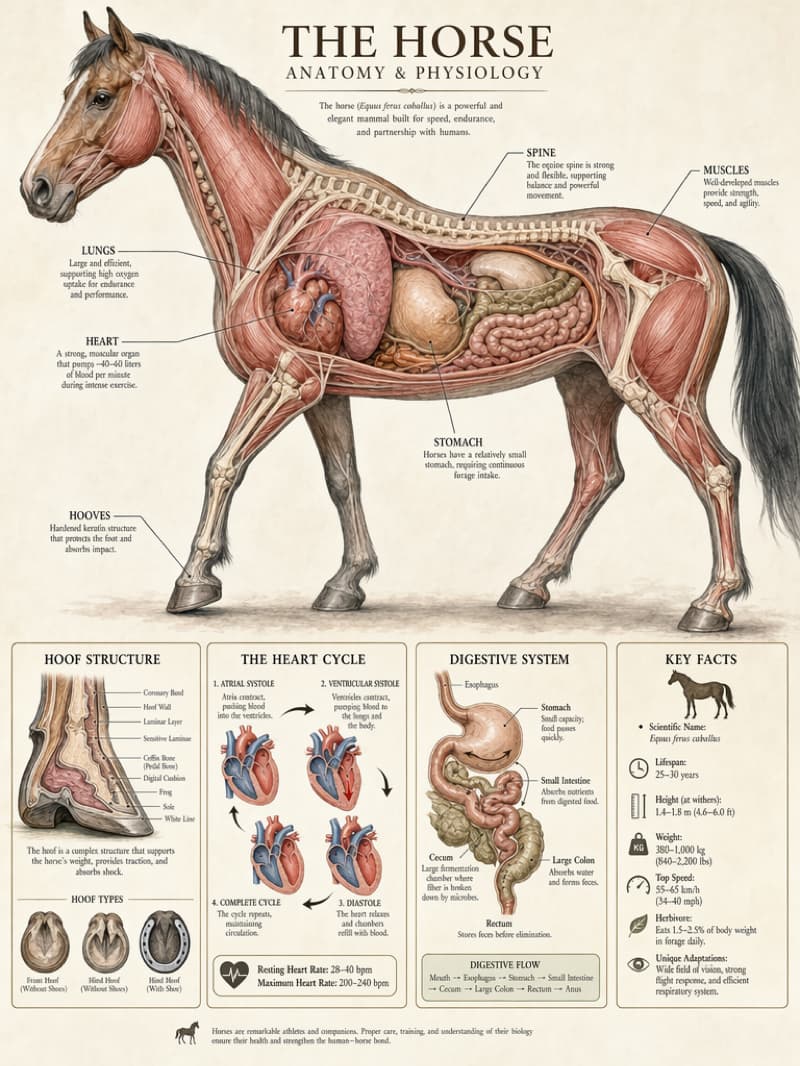
Excels at structured visuals – infographics, charts, posters, UI mockups, and comics. It handles typography and complex layouts natively within the image generation pipeline.

Multi-Image Consistency

Generates image series (up to 8 outputs) that maintain the same characters, style, and composition—ideal for campaigns and storytelling.

Fast Generation

Capable of generating high-quality visuals within seconds (depending on output settings), enabling fast creative iteration and design workflows.

GPT Image 2 vs GPT Image 1: AI Image Generator Comparison

GPT Image 2 produces more detailed, more accurate and realistic images, with advanced image editing and multi-image generation capabilities.This new model significantly outperforms GPT Image 1 across all key dimensions.

GPT Image 2 (2026)
GPT Image 1 (2025)
Text Rendering
~99% accuracy on text labels
Often poor or fake text
Prompt Following
Advanced, follows detailed instructions
Basic (often 'almost right')
Image Editing
4-mode high-fidelity editing
Limited (noticeable artifacts)
Multi-Image
Up to 8 consistent images per prompt
Single-image only
Aspect Ratios
Flexible (supports 1:1, 3:2, 16:9)
Fixed (1:1, 3:2, 2:3)
Realism & Styles
Photorealistic outputs (no yellow cast)
Diffusion look, color cast issues
Speed
4× faster (~3-5 seconds per image)
Slow (tens of seconds)
Multilingual
48+ languages (CJK, Arabic, Hebrew, Cyrillic, Latin)
English-focused
Workflow Features
“Thinking” mode with web search and multi-step reasoning
One-shot generation

GPT Image 2 AI Image Generator Use Cases on Viddo AI

GPT Image 2's combination of image generation and image editing streamlines workflows. Teams can generate draft visuals and refine them using follow-up prompts within a single AI-powered design workflow.

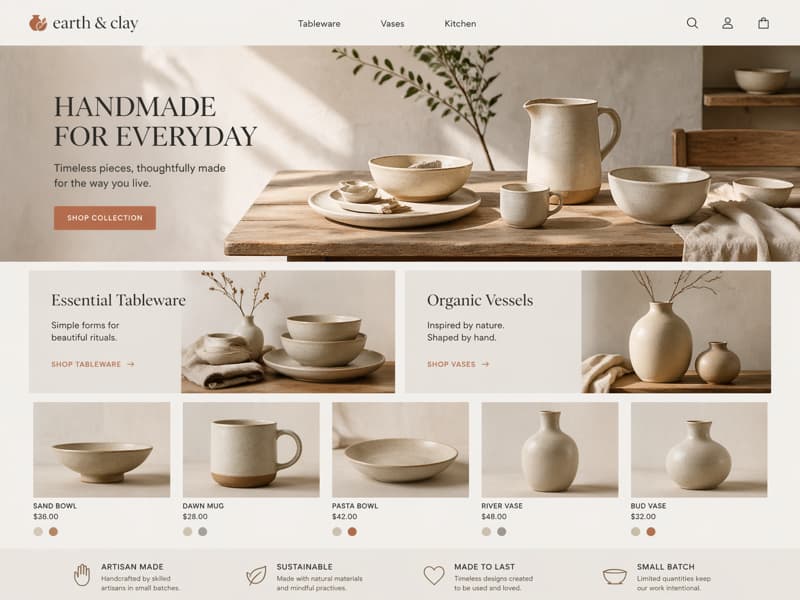
GPT Image 2 for E-commerce Product Visuals
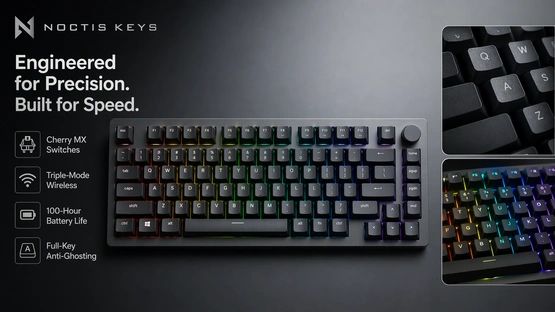
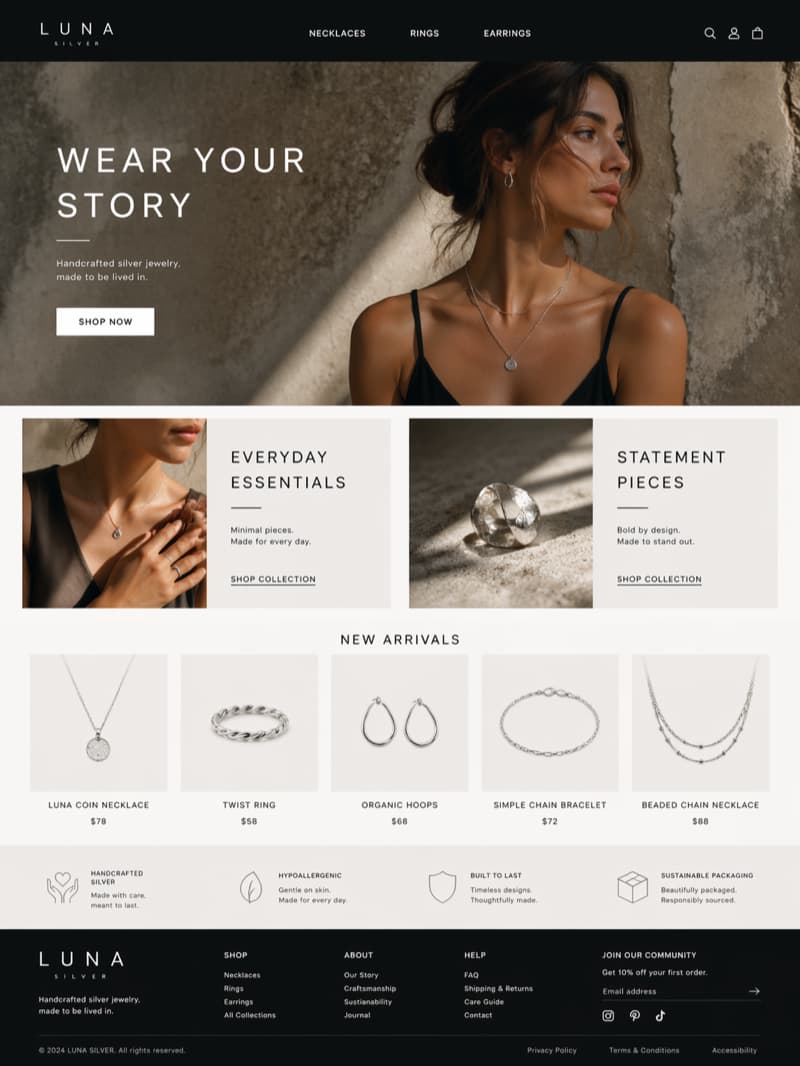
Create high-quality product images, lifestyle scenes, and promotional banners using this AI image generator. Generate consistent product visuals across different backgrounds, lighting conditions, and styles while maintaining accurate details and branding. Transparent background output enables seamless marketplace integration.
Perfect for:
Amazon & Shopify listings
Product launch campaigns
Seasonal promotions
Multi-angle product catalogs
GPT Image 2 for E-commerce Product Visuals

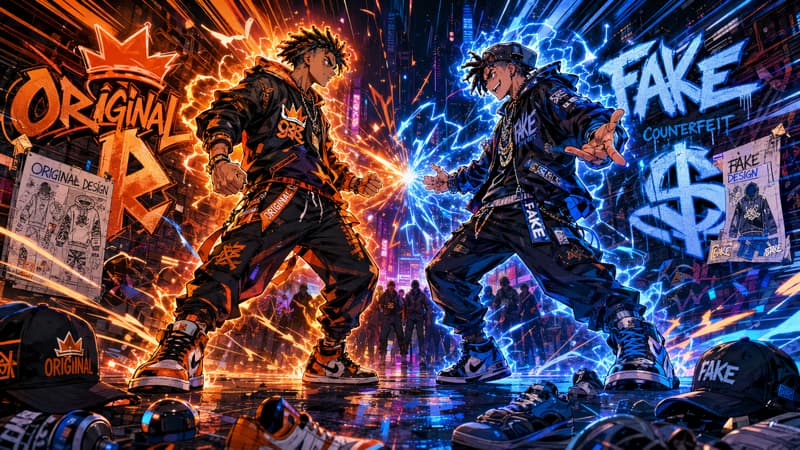
GPT Image 2 AI Image Generator for Social Media & Ad Creatives
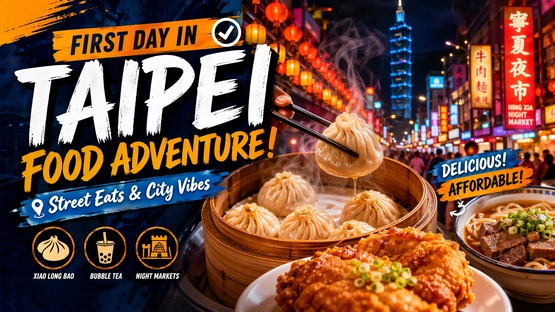
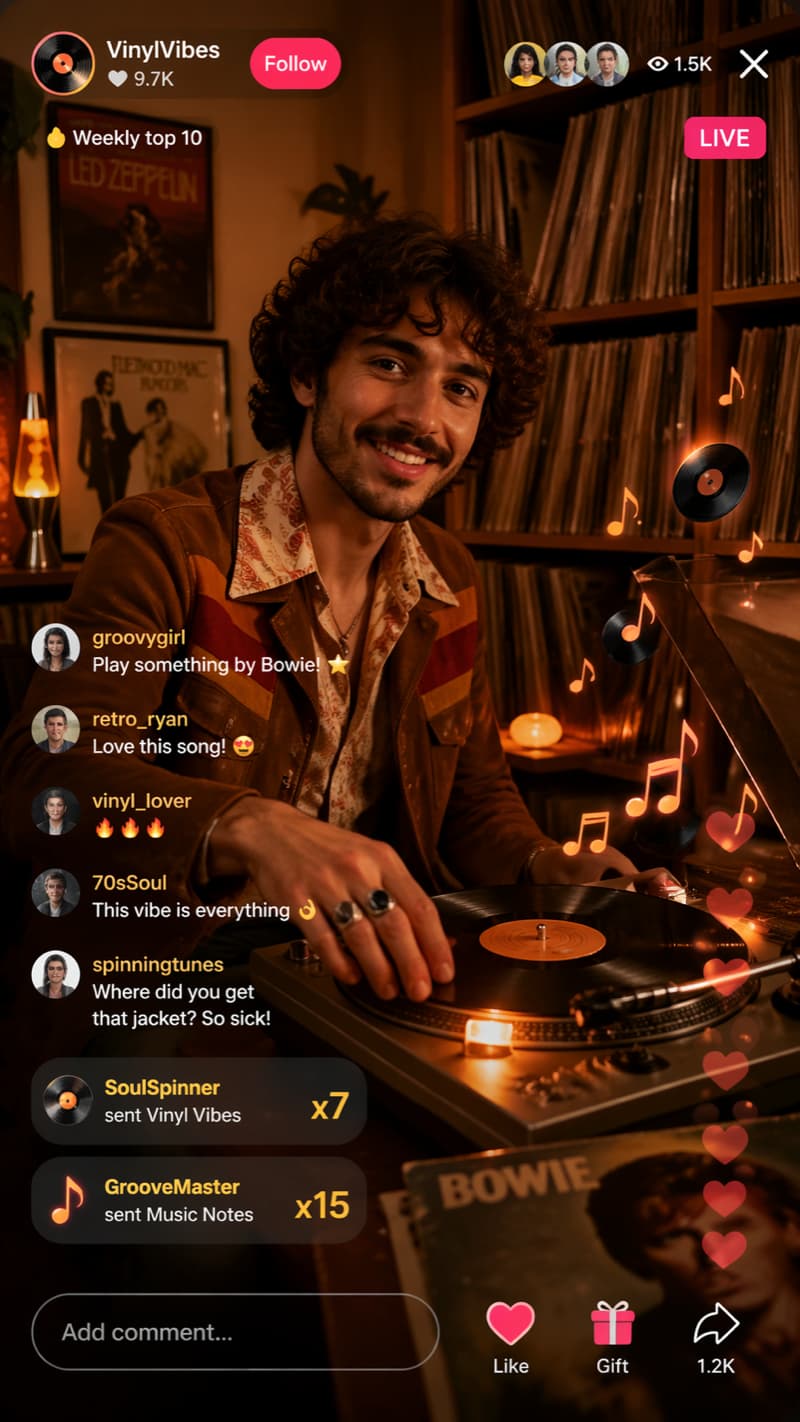
Use this image generation platform to create scroll-stopping visuals for social media and paid ads. With strong prompt understanding, precise text rendering, and style transfer capabilities, you can design posters, thumbnails, and ad creatives with consistent branding.
Perfect for:
Instagram / TikTok content
Facebook & Google Ads
YouTube thumbnails
Multi-platform brand campaigns
GPT Image 2 AI Image Generator for Social Media & Ad Creatives

GPT Image 2 for Brand & Marketing Design Assets
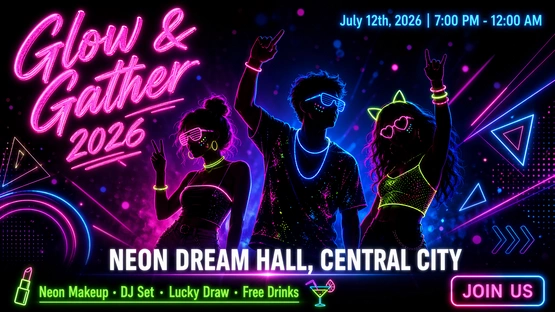
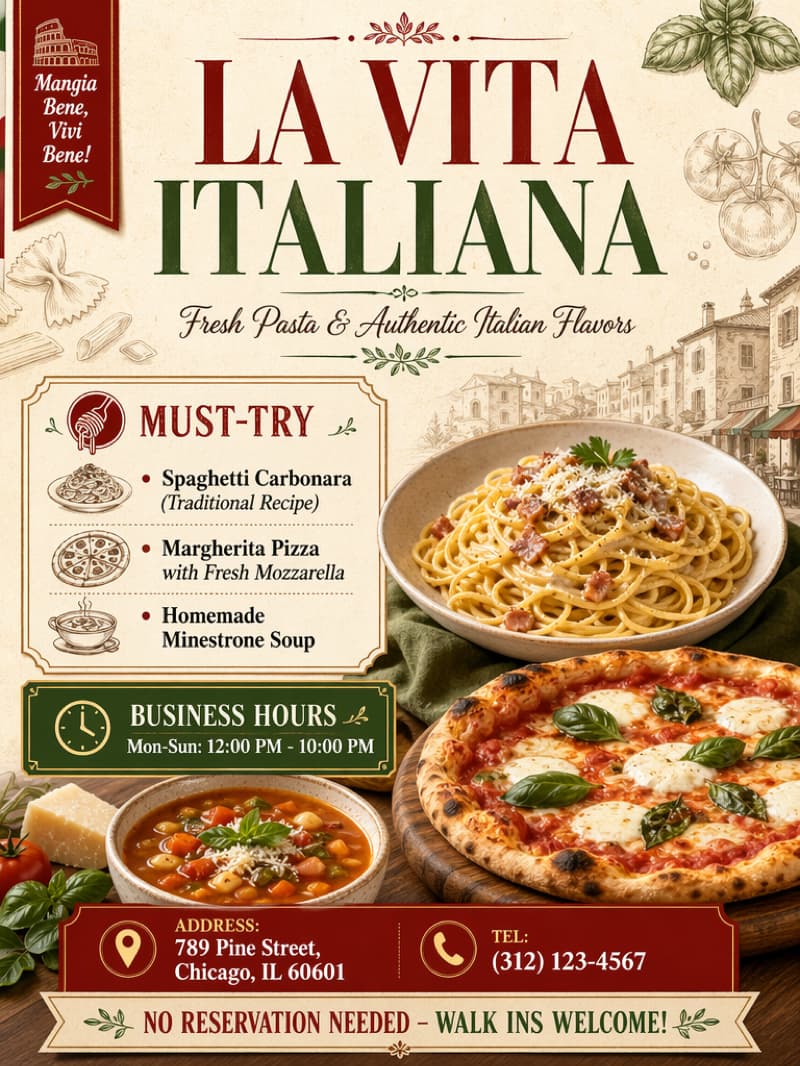
Design professional marketing materials with consistent style and layout. This AI image generator excels at text-heavy visuals such as posters, banners, and promotional graphics with accurate typography and clean composition. Region masking and inpainting enable fast iteration.
Perfect for:
Campaign posters
Landing page visuals
Brand storytelling assets
Multi-language marketing materials
GPT Image 2 for Brand & Marketing Design Assets

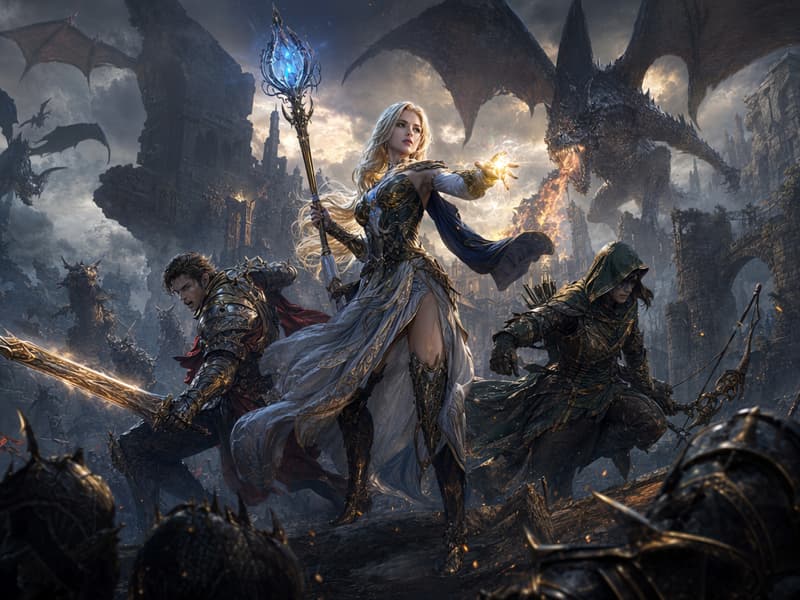
GPT Image 2 for Game Art & Concept Design
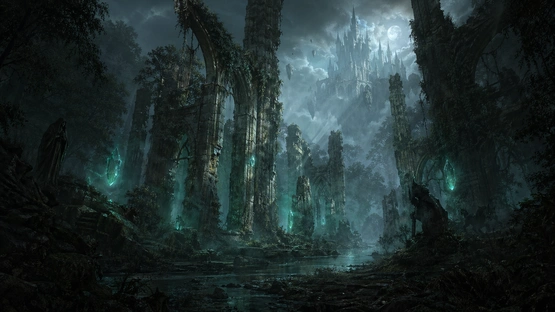
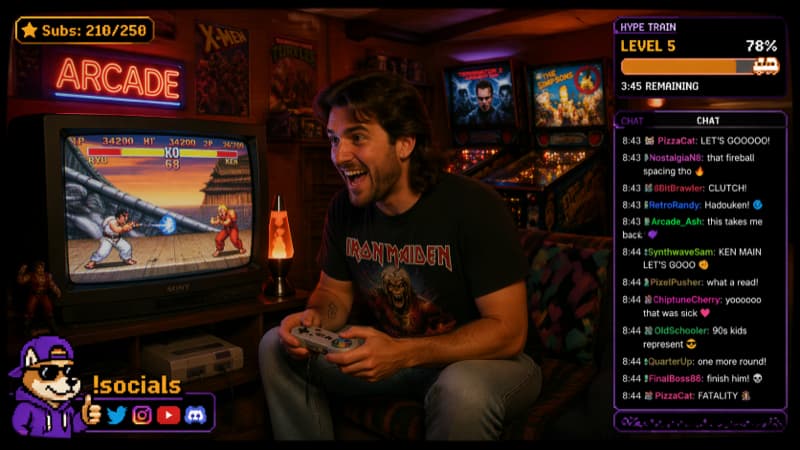
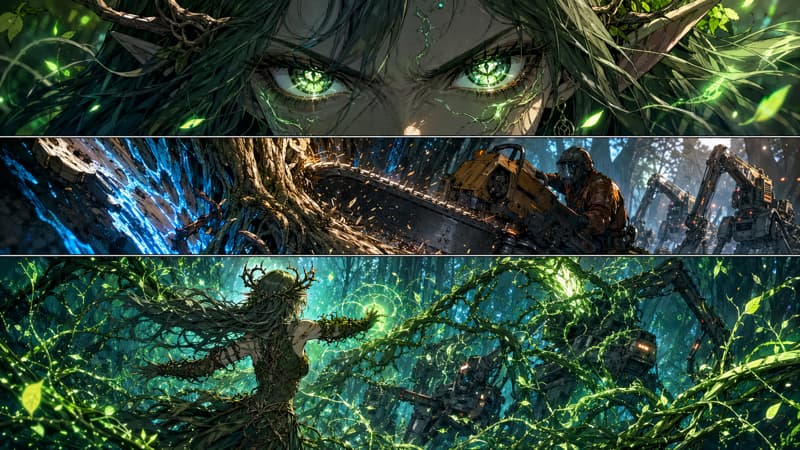
Generate environments, characters, and fantasy scenes with strong visual consistency. The model maintains coherent lighting, perspective, and style across outputs. Outpainting expands scenes, while style transfer enables rapid art direction exploration.
Perfect for:
Game concept art
World-building scenes
Character design iterations
UI and HUD element design
GPT Image 2 for Game Art & Concept Design

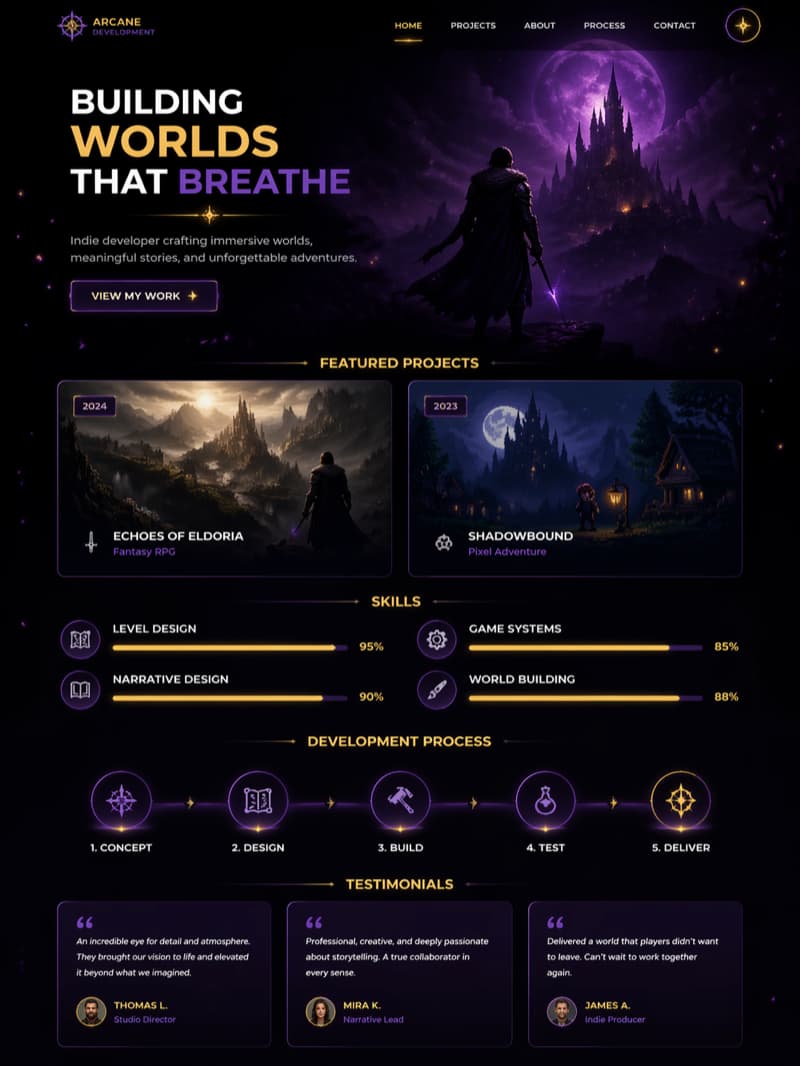
GPT Image 2 AI Image Generator for UI, Infographics & Data Visualization
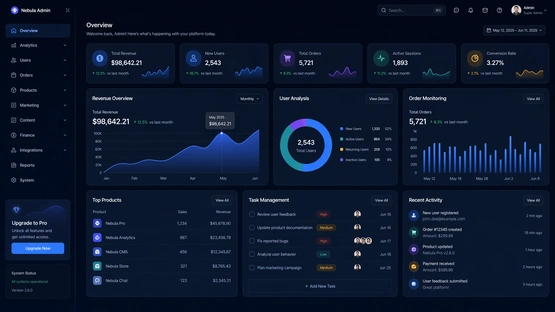
Create structured visuals such as UI mockups, dashboards, and infographics. This AI-powered system ensures clear layouts and readable text, making it suitable for information-heavy design tasks.
Perfect for:
SaaS dashboards
Product UI concepts
Data storytelling
Design system
GPT Image 2 AI Image Generator for UI, Infographics & Data Visualization

GPT Image 2 for Storytelling & Visual Content Creation
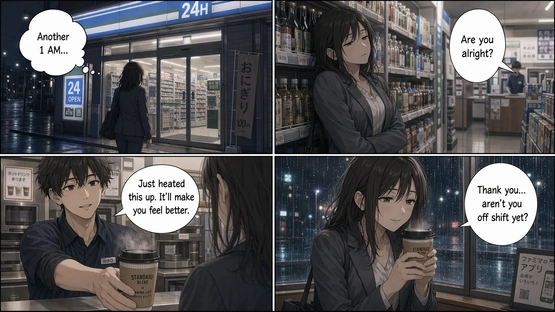
Produce cinematic scenes, illustrated narratives, and story-driven visuals. The system maintains character consistency across multiple generated images, supporting long-form visual storytelling.
Perfect for:
Storyboards
Visual storytelling
Content series creation
Comic and manga production
GPT Image 2 for Storytelling & Visual Content Creation

How to Use GPT Image 2 AI Image Generator on Viddo AI

Creating high-quality AI-generated videos with GPT Image 2 on Viddo.ai is fast and beginner-friendly — no editing skills required.

  • Step1

    Describe Your Vision or Upload an Image

    Start by describing your idea in a detailed text prompt. You can specify elements like characters, environment, lighting, camera angles, mood. Alternatively, upload a reference image to generate a video based on it. This is ideal for maintaining facial consistency and achieving more realistic motion.
  • Step2

    Customize Video Settings

    Choose the output settings that fit your needs:
    Aspect Ratio: 16:9, 9:16, 1:1, 4:3, 3:4, or 21:9
    These options make it easy to create content for platforms like TikTok, YouTube, or ads.
  • Step3

    Generate and Download Your Video

    Click Generate, and GPT Image 2 will create your video in seconds — complete with synchronized visuals and audio.
    Once ready, you can instantly download your video or publish it directly to your preferred platform.

What Users Say About GPT Image 2 AI Image Generator

Emily Carter

Brand Designer at a DTC Skincare Company

Before switching to GPT Image 2, we were using separate tools for image generation and image editing, plus Photoshop for text fixes.
What surprised me most is how well it handles typography. We generated product posters with headlines, subtext, and layout already in place — something that never worked reliably before.
In our latest campaign, we produced over 40 ad creatives from a single structured prompt. The outputs were consistent enough that we barely needed manual adjustments. That used to take our team several days, now it’s closer to a few hours.

Daniel Kim

Frontend Developer & Indie SaaS Founder

I’m using GPT Image 2 as part of a dynamic image generation system for landing pages.
The size control is actually a big deal — being able to generate flexible large-format images that fit perfectly into responsive layouts saves a lot of front-end hacks.
With GPT Image 1, I had to rewrite prompts multiple times to get close to what I wanted. Now it’s usually one or two iterations, and the model follows structure much more reliably.

Lucas Moretti

YouTube Creator (1.2M subscribers)

Thumbnail performance improved noticeably after switching to GPT Image 2.
The images feel less ‘AI-generated’ — lighting, contrast, and facial details look closer to real photography. That makes a difference when you’re competing for clicks.
Across about 10 videos, I saw roughly an 18% increase in click-through rate using thumbnails generated with GPT Image 2 compared to my previous workflow.

Sophia Nguyen

E-commerce Store Owner (Shopify)

We started using GPT Image 2 mainly for product image generation, but the image editing turned out to be even more valuable.
I can upload a product photo and generate different lifestyle scenes without reshooting anything. The product shape and proportions stay accurate, which was always an issue with older AI tools.
It’s made it much easier to scale visuals for new collections without increasing our production costs.

Alex Petrov

Game Artist & Concept Designer

Character consistency is where GPT Image 2 really stands out.
I tested generating multiple variations of the same character — different poses, angles, and lighting — and the core design stayed stable. That’s something I couldn’t rely on with GPT Image 1.
It reduces a lot of repetitive correction work when building concept sets.

Rachel Stein

Performance Marketing Manager (Agency)

For performance marketing, speed matters more than anything.
With GPT Image 2, we can generate and iterate ad creatives much faster because image generation and image editing are in the same workflow.
Recently, we built over 20 variations for a campaign in a single afternoon. Normally, that would involve design back-and-forth for at least a couple of days.

Discover More

GPT Image 2 AI Image Generator FAQ

1

What can I create with GPT Image 2 on viddo.ai?

You can generate marketing visuals, product images, posters, storyboards, UI designs, and multilingual layouts. It is especially effective for projects requiring precise composition and consistency.

2

Can GPT Image 2 generate consistent visuals and handle text-heavy designs accurately?

Yes. GPT Image 2 is designed for both visual consistency and accurate text rendering, making it ideal for creating multiple images with the same characters, style, or branding. It can maintain consistent elements across variations while also generating clear, readable on-image text for posters, ads, UI layouts, and marketing assets. This makes it especially effective for scalable content production where both design precision and consistency matter.

3

How well does it handle text and multiple languages?

GPT Image 2 substantially improves on-image text. It can "render fine-grained elements" like small text and iconography at expanded detail levels. Tests and documentation report ~99% text accuracy in English, and significant gains across 48+ languages including Japanese, Korean, Hindi, Bengali, Chinese, Arabic, Hebrew, Cyrillic, and Latin scripts. GPT Image 2 is now practical for signage and UI containing real words, even in diverse scripts.

4

Can I edit images with GPT Image 2?

Yes. This image editing system offers four modes:
(1) Inpainting — modify or replace objects within a selected region
(2) Outpainting — extend images beyond original boundaries
(3) Style Transfer — apply artistic styles
(4) Region Masking — adjust specific areas while preserving others
Multi-step editing workflows produce precise results with minimal cleanup.

5

What aspect ratios does GPT Image 2 support?

GPT Image 2 supports the following commonly used ratios: 1:1, 16:9, 9:16, 4:3, 3:4, and 21:9, allowing flexible outputs for square posts, vertical videos, widescreen displays, and cinematic compositions. All outputs follow precise generation constraints to ensure consistent visual quality.

6

What’s new compared to GPT Image 1?

GPT Image 2 brings major improvements. It alone allows multi-image generation (8 images at once), whereas GPT Image 1 did not. It supports expanded detail capacity vs GPT1’s standard scale limit. Text output went from 90–95% accuracy (often garbled) to ~99%. GPT Image 2 follows prompts far more faithfully and has built-in reasoning (web data and self-checking). In short, GPT Image 2 is far more powerful and reliable for creative tasks.

footer-banner

Generate Your First AI Image with GPT Image 2 on Viddo AI Today

On Viddo AI, GPT Image 2 AI image generator combines ultra-detailed image generation, accurate text rendering, and advanced AI image editing into one unified workflow, helping teams create high-quality visuals faster and more efficiently.
viddo.ai

Viddo AI is an advanced all-in-one AI video and image generation platform that lets you quickly and easily create stunning videos and images from various inputs.

© 2026 viddo.ai. All rights reserved.