
Seedance 2.0: As low as $0.345 per video
Veo3.1 Lite: As low as $0.0575 per video


Waiting for your creations!
Paste your product URL . Viddo AI will automatically extract images, product descriptions and key selling points, then generate a polished video ad you can publish directly to TikTok, Instagram, YouTube Shorts or any platform.
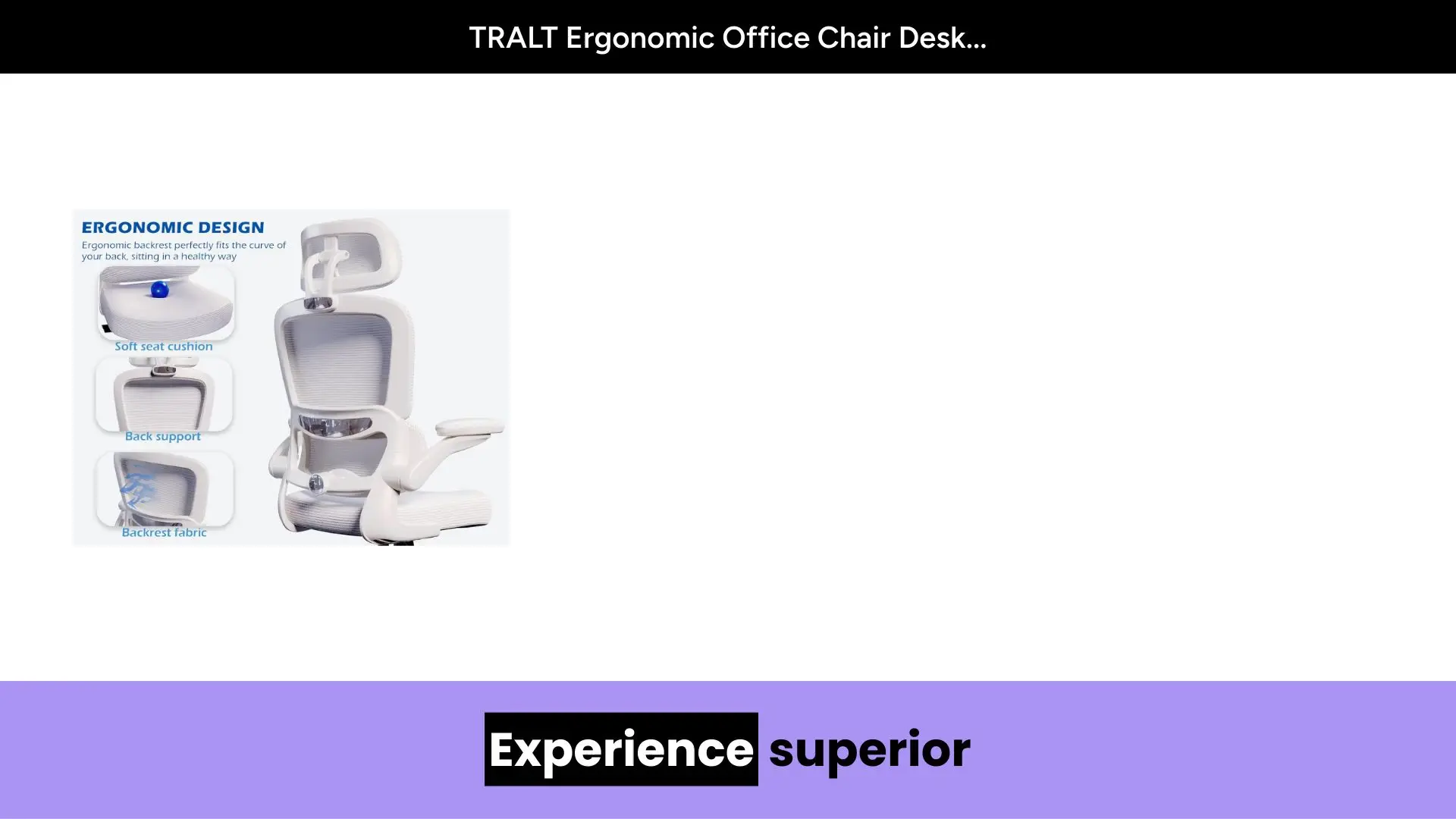
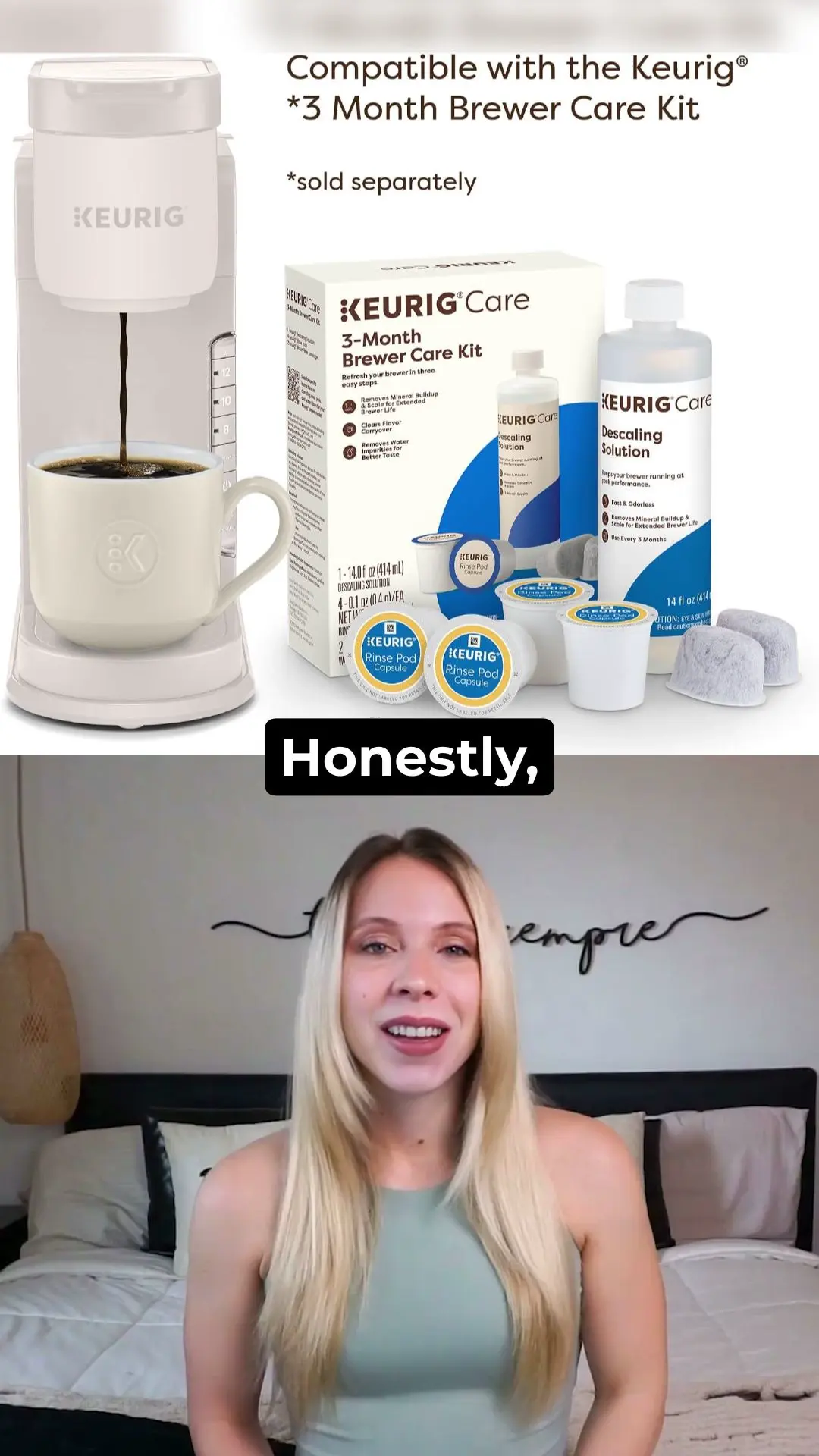
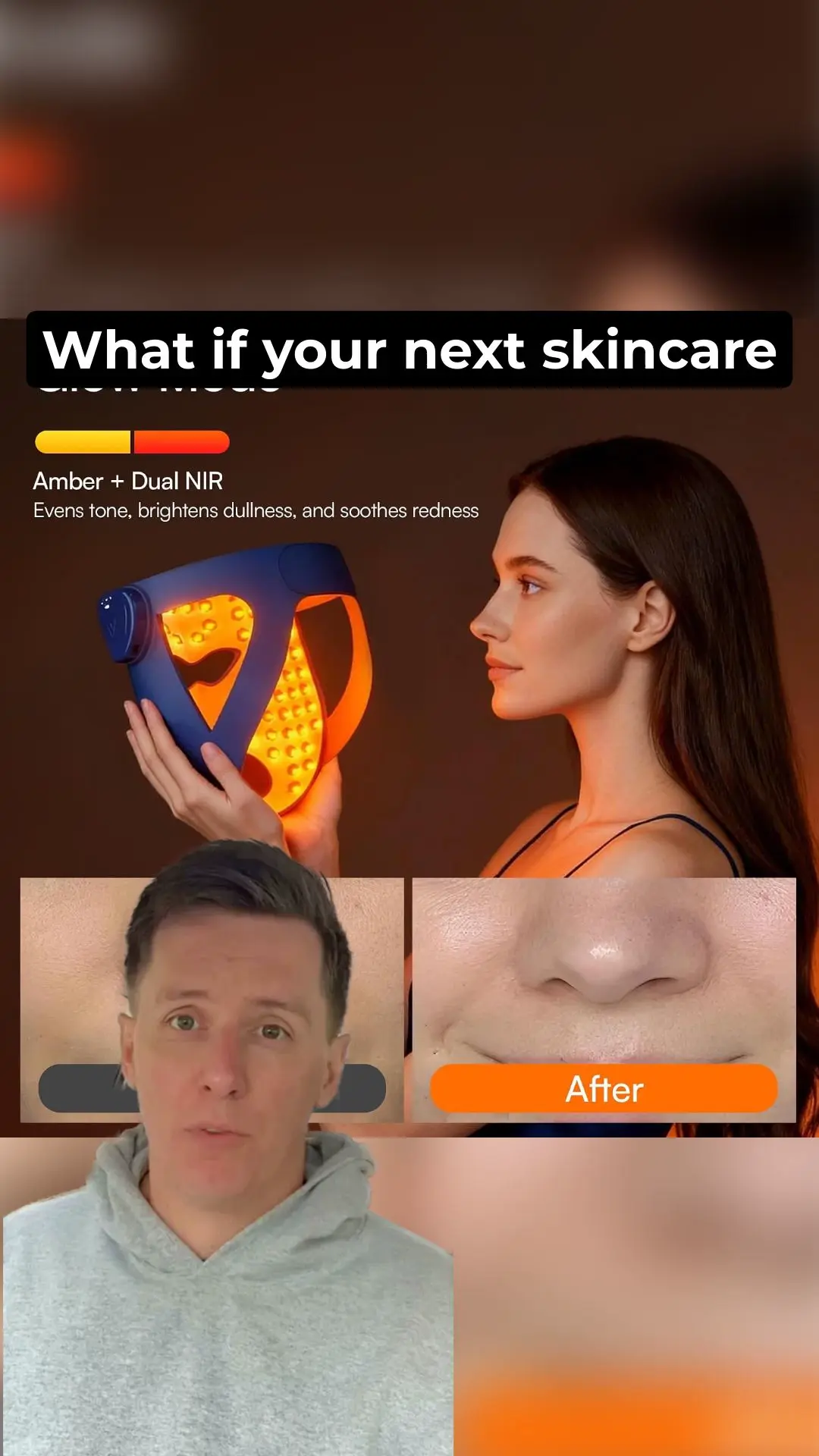
Copy any product page link — from Amazon, Shopify, your own website, or any e-commerce listing. Paste it into the input field and click Generate. Viddo AI's scraper will automatically pull product images, titles, descriptions, pricing and customer reviews from the page.
Choose your preferred aspect ratio (16:9 for YouTube, 9:16 for TikTok & Reels, 1:1 for Instagram Feed), set the resolution (720p or 1080p) and video length (5s, 15s or 30s). You can also write a custom prompt to adjust the script tone, highlight specific features or target a particular audience.
Click Generate , your video ad is ready. Preview it directly in the browser, download the MP4 file, or share the link. The output is watermark-free on paid plans and licensed for commercial use.
When you paste a product link, Viddo AI automatically scrapes and organizes the following elements for your video ad:
Rachel Kim — E-commerce Store Owner, Skincare Brand
I used to spend $350 per product video with freelancers, and the turnaround was always 5–7 days. With Viddo AI's URL to Video Ads, I pasted my Shopify product link and had a 15-second TikTok ad ready in under 3 minutes. The AI pulled my product images, extracted the key ingredients from my description, and even included a customer review quote I hadn't thought to highlight. I ran the generated ad as a test campaign — it performed within 10% of my professionally shot videos. For a small brand, that's a game changer.
Marcus Oduya — Dropshipping Operator
My workflow used to be: find product on AliExpress → order sample → wait 2 weeks → shoot ad → edit → finally test. Now I paste the supplier URL directly into Viddo AI, and I have 3 ad variations ready before my morning coffee. Last week I tested 8 products in one day — something that would've taken me a full month before. The image extraction isn't always perfect on supplier pages with low-res photos, but I just swap in better images and regenerate. Still 10x faster than the old way.
Sophie Laurent — Creative Director, Marketing Agency
We manage ad creatives for 12 clients across fashion, beauty and home goods. URL to Video Ads lets us generate first-draft video concepts from each client's product pages in minutes, then present options during our weekly review meetings. Clients see their actual products in a polished video format — not a mood board or a storyboard. It's changed how we pitch. We've reduced our internal production time by roughly 60%, and the team can focus on strategy instead of repetitive editing.
Jake Torres — Content Creator & Affiliate Marketer
I promote products across YouTube Shorts, TikTok and Instagram Reels. Before, I'd screenshot product pages, throw them into CapCut, add voiceover and hope for the best. Now I paste the affiliate link, pick the 9:16 format, and Viddo AI generates a complete short ad with transitions, text overlays and a clean CTA. The 75-language support is huge for me — I run accounts in both English and Spanish, and the Spanish voiceover sounds surprisingly natural. My conversion rate on affiliate links has gone up noticeably since I switched.
Nina Patel — Small Business Owner, Handmade Jewelry
I'm a one-person shop. I don't have a video budget, I don't have editing skills, and I definitely don't have time. I tried URL to Video Ads by pasting my Etsy listing URL, and the result genuinely surprised me — it picked up my product photos, pulled the description text I'd written, and arranged everything into a clean 15-second video with music. I posted it on Instagram and got more saves than any photo post I've ever made. I've since made ads for my entire catalog of 30+ pieces. This tool was clearly built for people like me.
David Chen — Performance Marketer, DTC Brand
We run Meta and TikTok ads at scale — typically 50+ creatives per week across 6 product lines. URL to Video Ads is now part of our creative testing pipeline. We paste each product page URL, generate 3–4 variations with different aspect ratios and script styles, then feed them into our ad manager for A/B testing. The speed is the real value: what used to require a designer, a copywriter and a video editor now happens in a single tool. We're not replacing our creative team — we're giving them a faster way to prototype before committing to full production.
Viddo AI supports any publicly accessible URL. The system is optimized for e-commerce platforms including Amazon, Shopify, Etsy, TikTok Shop, eBay, WooCommerce and BigCommerce. It also works with blog posts, landing pages, review sites and any page with product images and text content.
Yes. After Viddo AI extracts the product information, you can edit the title, description, images and customer reviews before generating the video. You can also write a custom prompt to change the script tone, add a call-to-action or highlight specific product features.
URL to Video Ads supports 16:9 (landscape, ideal for YouTube), 9:16 (vertical, ideal for TikTok and Instagram Reels), 1:1 (square, ideal for Facebook and Instagram Feed) and 4:3. Output format is MP4, with resolutions up to 1080p.
Yes. All videos created under a paid subscription plan include a worldwide, royalty-free commercial license. You can use them for paid advertising, product pages, client deliverables and social media — no attribution required.
If the link contains few or no images, Viddo AI will generate relevant visuals using its built-in AI image model based on text descriptions. You may also manually upload more images to supplement the captured materials.
Yes. Viddo AI supports creating video ads in 75 languages, including English, Spanish, French, German, Portuguese, Japanese, Korean, Chinese and Arabic. Voiceover, on-screen text and subtitles will all be generated in your selected language.
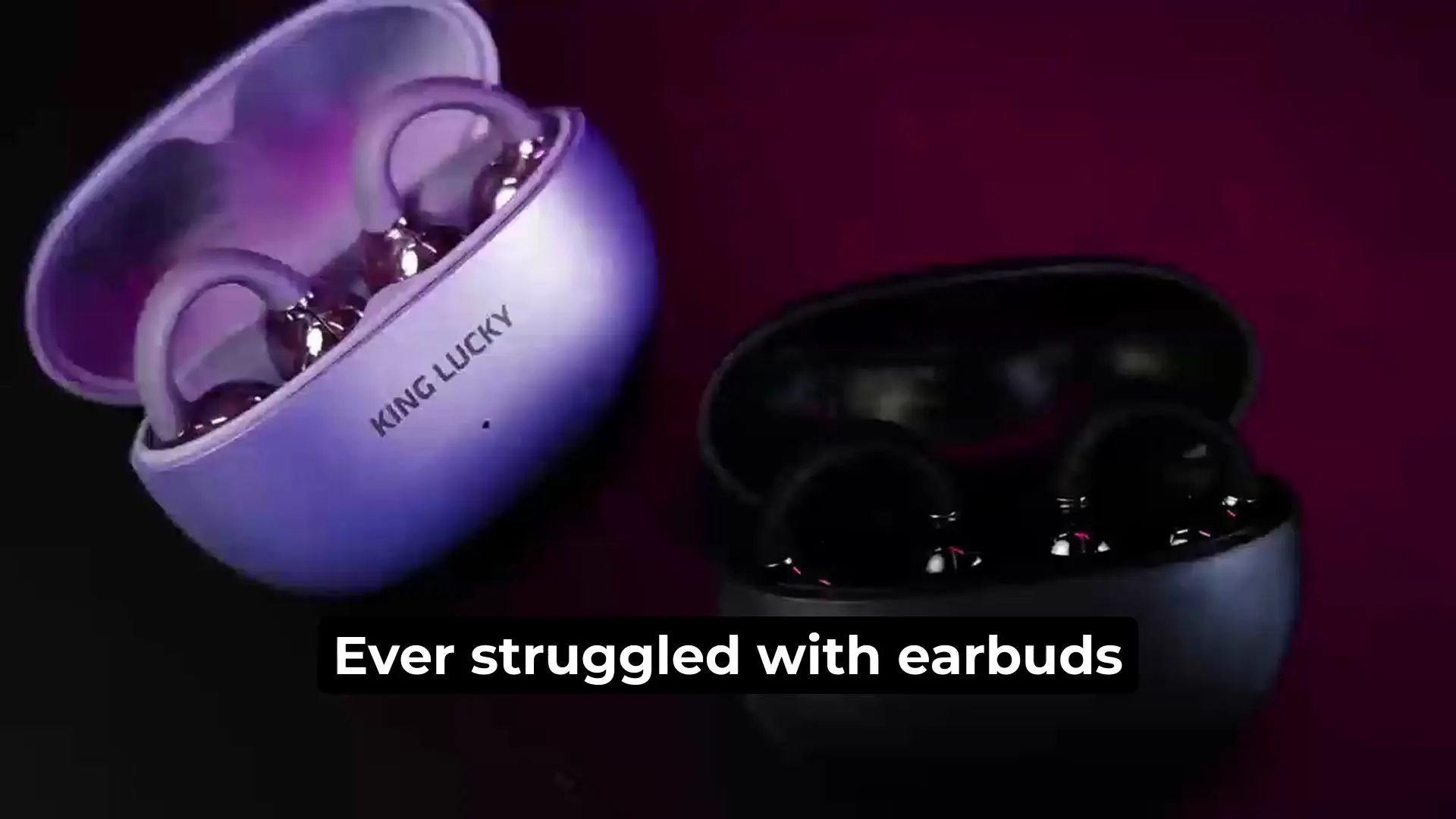
Viddo AI is an advanced all-in-one AI video and image generation platform that lets you quickly and easily create stunning videos and images from various inputs.