
Seedance 2.0: As low as $0.345 per video
Veo3.1 Lite: As low as $0.0575 per video


Waiting for your creations!
ByteDance's Seedance 2.5 powers next-level video generation. Tired of stitching together multiple short clips to tell a complete story? Frustrated when your AI-generated video loses consistency after 15 seconds? Struggling to keep characters, products, and scenes looking the same across edits?
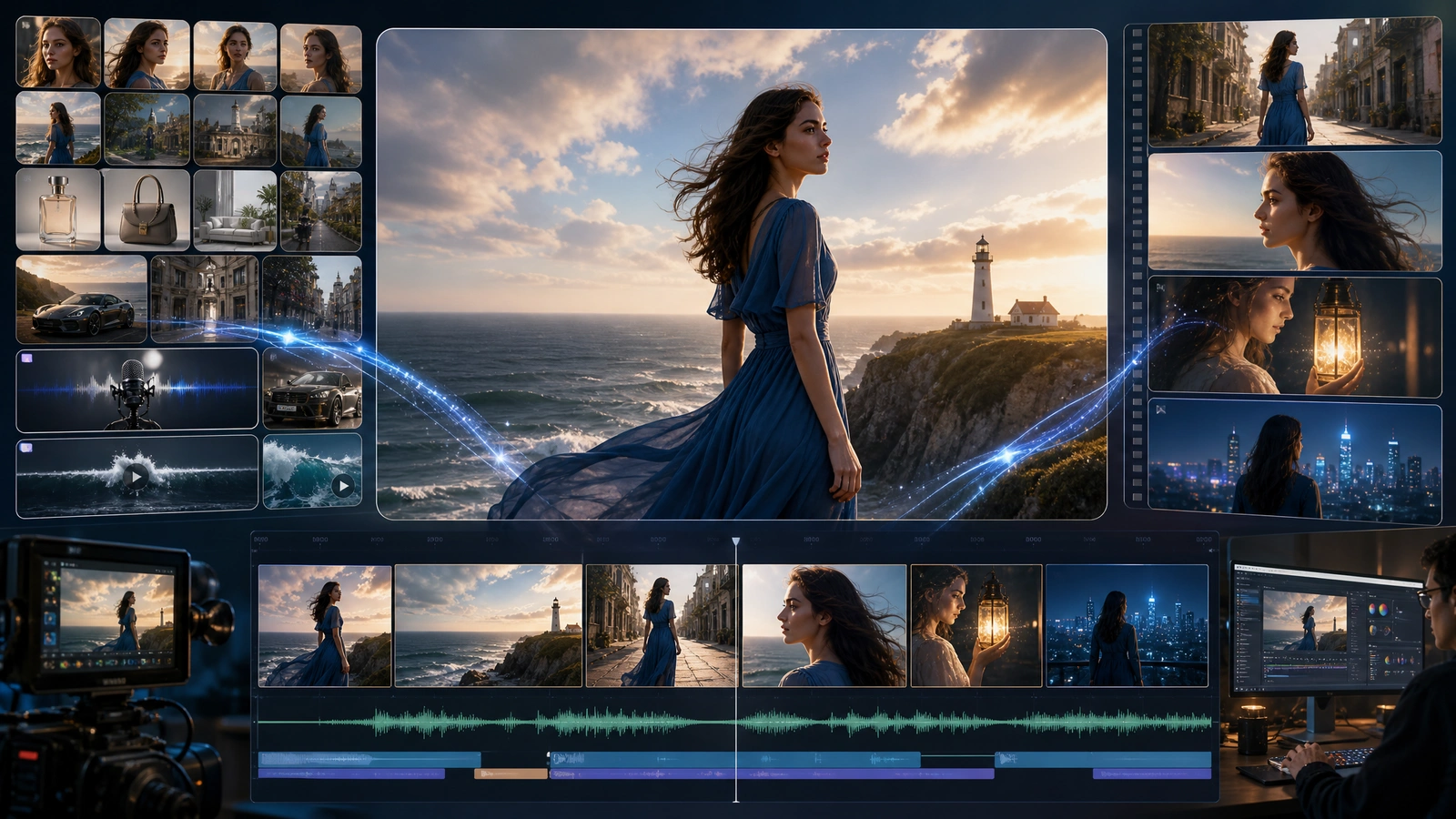
Longer native video, broader reference input, and more reliable refinement — so complex ideas move from brief to finished direction with less manual assembly.
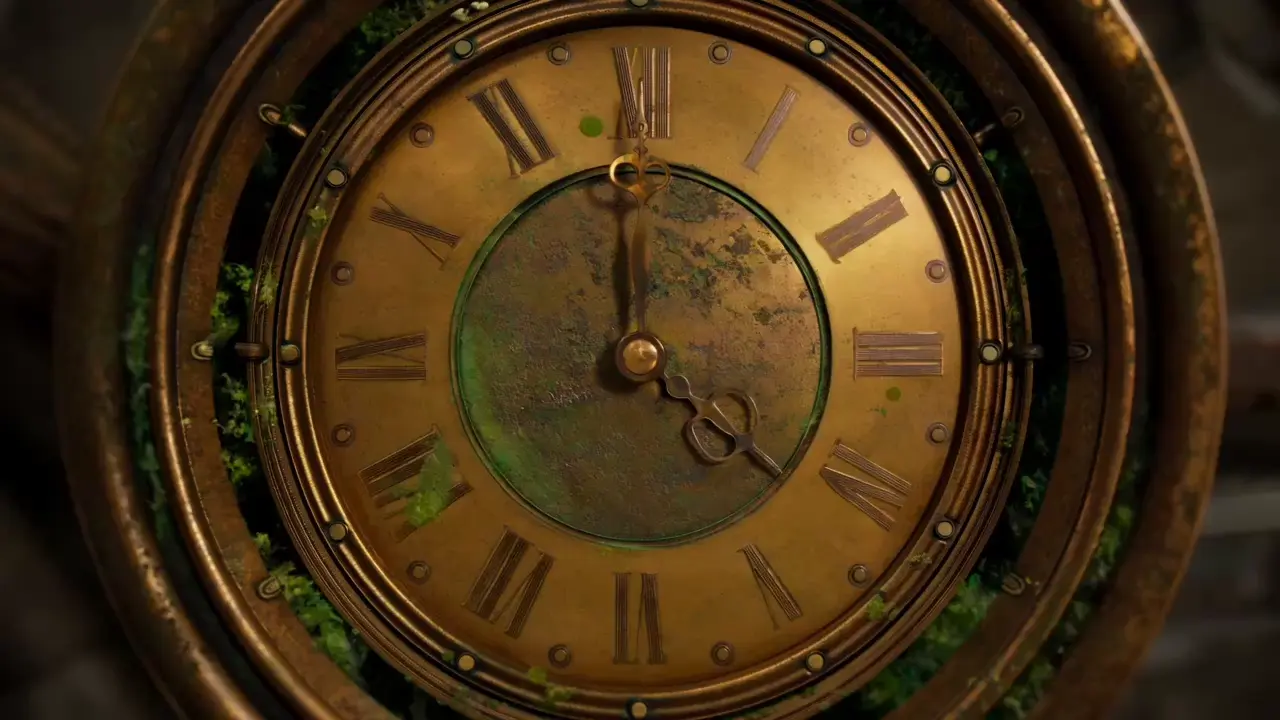
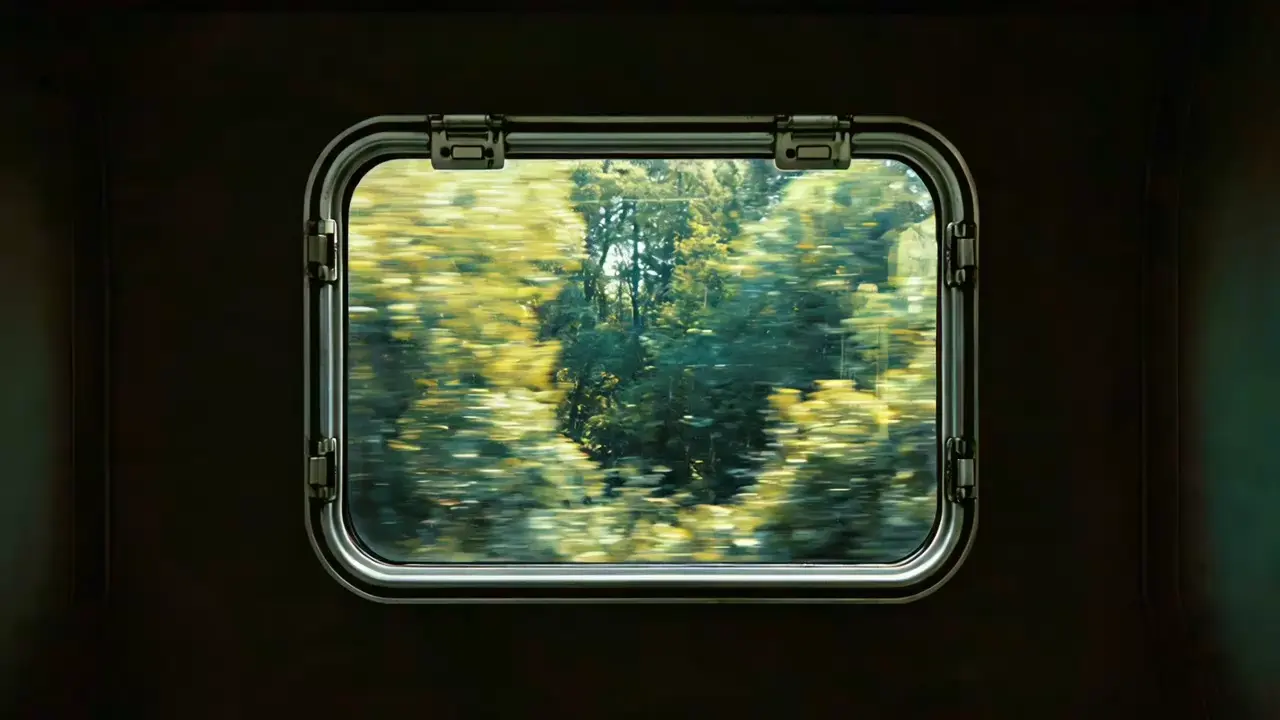
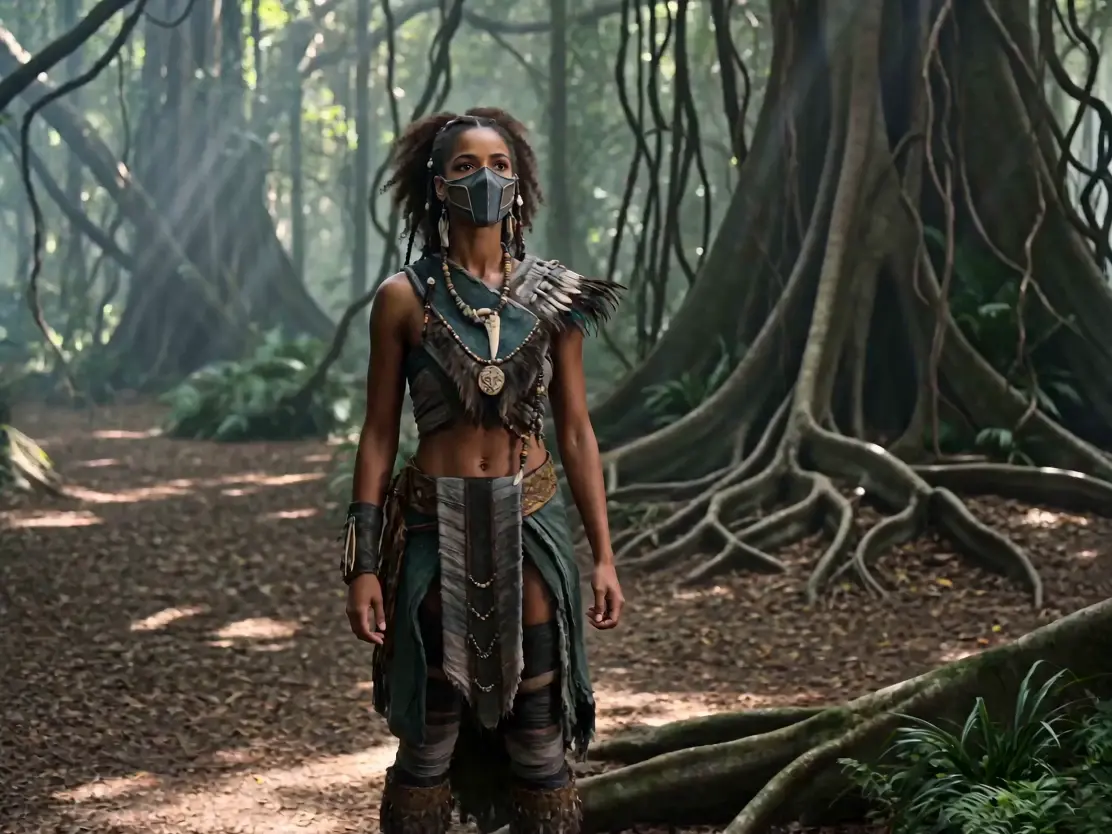
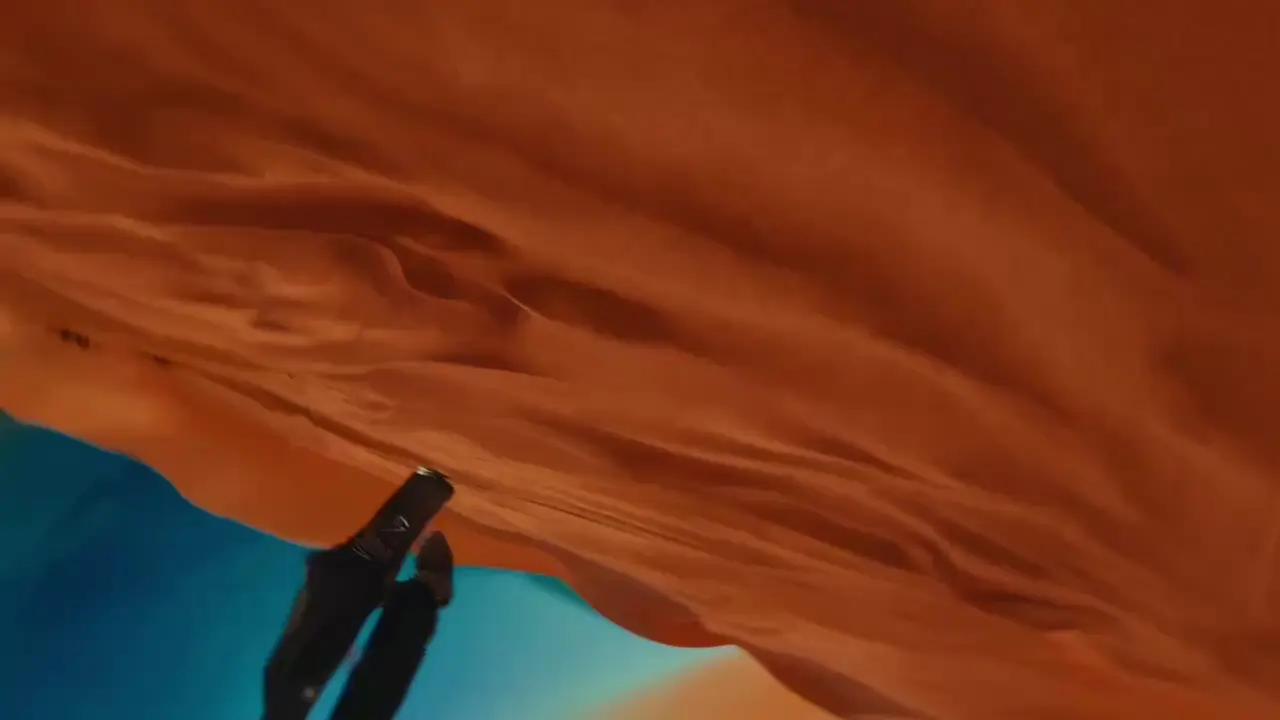
High-quality prompts are the key to getting results that match your vision. Here are 3 core tips that even beginners can master quickly.
More than an upgrade — it's a new standard for AI video creation.
See how Seedance 2.5 pushes every capability forward.
Marcus, Indie Filmmaker
The native 30-second generation changed everything for me. I used to spend hours stitching 4 clips together and the lighting would shift between every cut. Now I describe the full scene once and get a continuous shot with consistent cinematography. My storyboard previews went from 'clip soup' to actual visual narratives.
Sarah, E-commerce Marketing Lead
With 50 reference slots, I upload everything at once: product angles, model poses, brand colors, background music, even a competitor ad for motion reference. The output nails every element. One video replaced what used to take 3 separate shoots. My cost per video dropped from $200 to under $50.
James, Social Media Content Creator
The local editing is insane. I generated a fashion video, and the client wanted the model's jacket changed from red to blue. One edit later — same pose, same lighting, same camera angle — just a different jacket. No re-rendering the whole thing. That alone saved me a full day of work.
Rachel, Corporate Training Manager
The video continuation feature is a game-changer for my training content. I generate a 15-second safety procedure demo, then continue it for another 15 seconds showing the next steps. The transition is so smooth that new employees can't tell where the original clip ends and the continuation begins. Cut our training video production time by 60%.
Daniel, Ad Agency Founder
I run a small ad agency and we produce 20+ social media videos per week. Seedance 2.5 lets me batch-generate variations: same product, different angles, different music, different endings — all from one set of 50 reference assets. Our output tripled without hiring a single editor. The ROI is insane.
Lena, Video Production Lead
The audio-visual sync blew my mind. I uploaded a voiceover track and a brand jingle, and Seedance 2.5 matched the lip sync to the narration and layered the music perfectly underneath — all in one generation. No more spending hours in Premiere Pro syncing audio. This used to take my team a full day.
Seedance 2.5 is the latest AI video generation model from ByteDance's Seed team. Compared to Seedance 2.0, it supports native 30-second single-segment video generation (vs 15s stitched), up to 50 reference assets (vs 12), native 4K resolution, video continuation, advanced local editing, and unified audio-visual synchronization.
Seedance 2.5 supports up to 50 combined reference assets across images, videos, and audio files — a 4× increase from Seedance 2.0's 12-asset limit.
Native 30-second generation means the model produces a complete continuous video in a single inference pass, eliminating the need to stitch multiple short clips together. This ensures consistent camera movement, lighting, character appearance, and narrative flow.
Yes. Seedance 2.5 introduces high-quality video continuation. You can upload an existing video and the model will extend it with strong visual continuity.
Yes. Seedance 2.5 supports native 4K video generation with optimized spatial-temporal attention for structural detail.
Seedance 2.5 uses advanced semantic video editing — replace or modify specific elements while preserving actor movements, camera angles, lighting, and composition.
Seedance 2.5 processes visual and audio signals together in a shared latent space, enabling native synchronization between on-screen actions and their corresponding sound effects. Dialogue, footsteps, environmental sounds, and music are automatically generated in sync with the video. You can also upload a brand music track and the model will blend it seamlessly into the final video.
Yes. If you use your own original materials, you hold complete copyright. Third-party materials require proper authorization.
Explore other powerful models and tools available on Viddo AI.

Viddo AI is an advanced all-in-one AI video and image generation platform that lets you quickly and easily create stunning videos and images from various inputs. These AI Model powered by Google, OpenAI, Grok AI, ByteDance, Alibaba, Kling, Runway, Vidu, Minimax, Elevenlabs, Midjourney,and so on.