llms

Generate With AI

If you're not satisfied, you can generate again or enter prompt for your own.

Select the aspect ratio for your Video

16:9

9:16

4:3

3:4

1:1

21:9

768P
2K
15s
4
Required credits: 0

Waiting for your creations!
MiniMax H3 – Advanced AI Video Generator by MiniMax

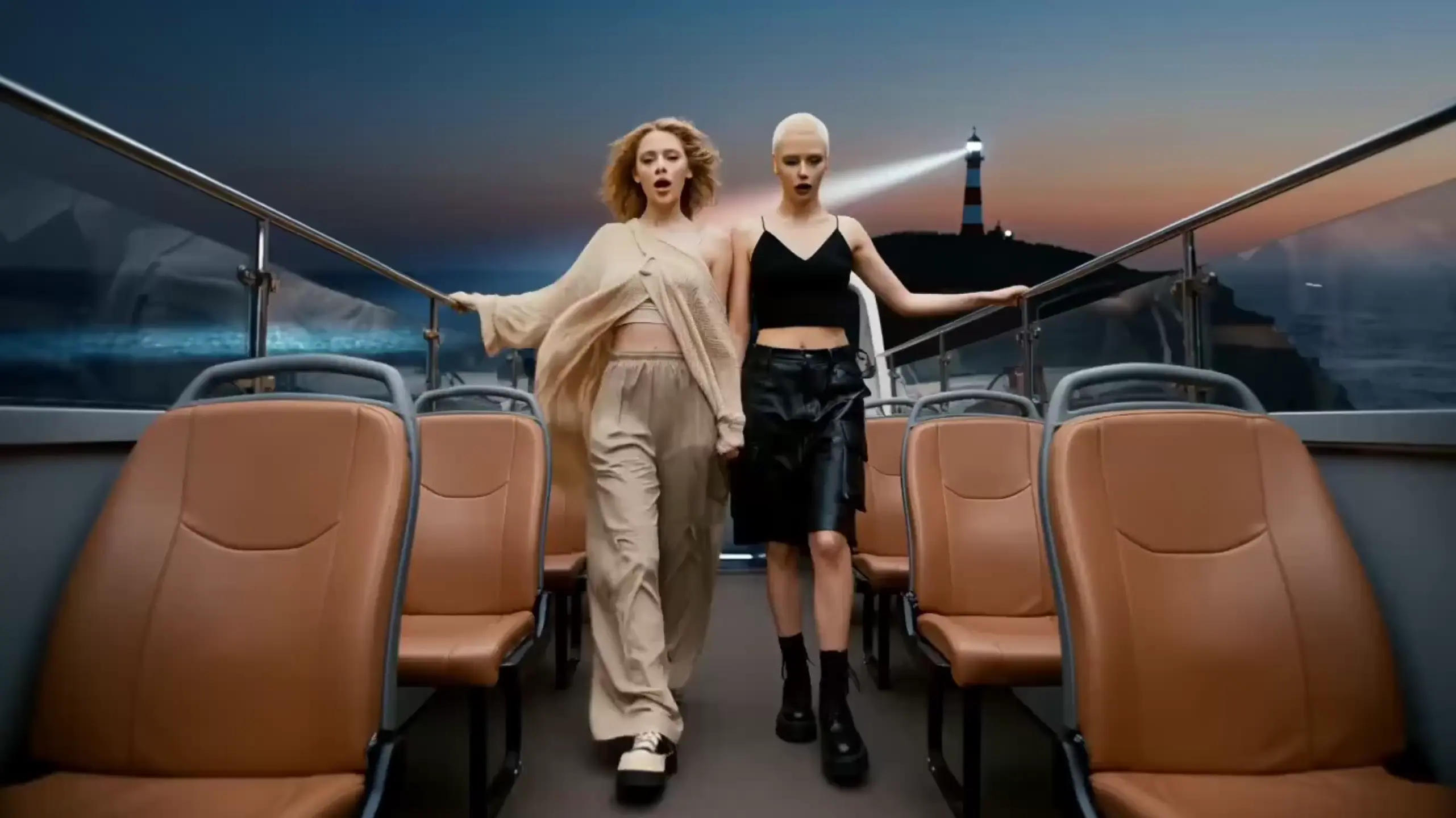
Create captivating videos with MiniMax's H3 technology. Viddo AI's MiniMax H3 is an omni-modal AI video generator that transforms your text, images, video clips, and audio into stunning 15-second cinematic videos in native 2K resolution with dual-channel sound. Designed for creators, marketers, filmmakers, and brands, MiniMax H3 unifies video generation, image creation, and audio synthesis in one powerful model — delivering production-quality results at one-third the cost of comparable tools.
poster
poster
poster
poster

What is MiniMax H3 AI Video Generator

MiniMax H3 is MiniMax's third-generation omni-modal generative model, representing a significant leap from its predecessors (Hailuo 01 and Hailuo 02). Unlike traditional video generators that treat text-to-video, image-to-video, and audio generation as separate tasks, MiniMax H3 unifies all modalities — text, image, video, and audio — into a single architecture. Viddo AI brings this powerful model to your browser with no software installation required.

Viddo AI's MiniMax H3 transforms your creative inputs into production-ready video content. Simply describe your vision, upload reference materials, and generate cinematic videos with synchronized audio — all within minutes.
AI Image to Video Ads

MiniMax H3 Core Features Overview

Omni-Modal Understanding for Complex Creations
MiniMax H3 processes text, images, video clips, and audio simultaneously through a unified multi-modal understanding system. You can combine up to 9 images, 3 videos, and 3 audio tracks as reference inputs in a single generation. For example, describe a scene using a reference video for camera movement, a portrait image for character appearance, and an audio clip for voice style — H3 interprets all inputs together and produces a cohesive result. This eliminates the need to chain multiple tools or manually composite separate outputs, improving creative workflow efficiency by up to 80%.
Omni-Modal Understanding for Complex Creations
Native 2K Resolution Output
MiniMax H3 generates video at native 2K resolution without relying on traditional upscaling modules. Instead, it uses an innovative In-context Regeneration technique — the base model re-generates its own low-resolution output at full 2K quality, preserving fine details like small text, product labels, and texture patterns that conventional super-resolution methods cannot recover. This approach delivers sharper, more accurate results at a fraction of the cost, with 2K pricing at less than one-third of comparable models.
Native 2K Resolution Output
Native Dual-Channel Audio Generation
Every video generated by MiniMax H3 includes native dual-channel audio — encompassing dialogue, sound effects, and ambient audio — all synchronized with the visual content. Unlike tools that require separate audio post-production, H3 generates sound as part of the video creation process. Human voice, environmental sounds, and music are unified in a single generation pass, producing audio-visual content that feels natural and professionally mixed.
Native Dual-Channel Audio Generation
Multi-Reference Video-to-Video Motion Transfer
MiniMax H3 supports advanced video-to-video (V2V) motion transfer, allowing you to transfer camera movements, character actions, and scene dynamics from a reference video to a new creation. Upload a source video to define motion style, combine it with new images for character or product appearance, and add audio for voice or music reference. H3 preserves the motion intent while generating entirely new visual content — achieving up to 92% transition naturalness in blind tests.
Multi-Reference Video-to-Video Motion Transfer
Precise Instruction Following and Text Rendering
MiniMax H3 excels at following complex, multi-step instructions. It accurately renders brand logos, on-screen text, product names, and UI elements within generated videos — a capability that many competing models struggle with. Whether you're creating product demonstrations with specific specifications, brand advertisements with logo placement, or educational content with labeled diagrams, H3 faithfully reproduces textual and visual details as instructed.
Precise Instruction Following and Text Rendering
Cost-Effective High-Quality Generation
MiniMax H3 delivers professional-grade video at industry-leading price points. At 2K resolution, the per-second cost is less than one-third of comparable mainstream models. At 768P resolution, pricing is approximately half of what competitors charge for 720P output. Combined with fast generation times, MiniMax H3 on Viddo AI makes high-quality AI video creation accessible to individual creators and small teams — not just enterprise budgets.
Cost-Effective High-Quality Generation

How to Use MiniMax H3 on Viddo AI

Creating professional videos with MiniMax H3 on Viddo AI requires no editing skills or technical expertise. Follow these simple steps to generate your first video.
  • Step1

    Sign Up or Log In to Viddo.ai

    Create a free account or sign in to your existing Viddo AI account. This gives you access to MiniMax H3 and all other AI video models available on the platform.
  • Step2

    Select the MiniMax H3 Model

    From the model selector, choose MiniMax H3. You'll see options for Text to Video, Image to Video, and Video Transition modes. Select the creation mode that matches your project.
  • Step3

    Upload Your Reference Materials (Optional)

    For richer results, upload up to 9 images, 3 videos, and 3 audio clips as reference inputs. These can include character portraits, product photos, motion reference clips, voice samples, or background music. H3's omni-modal engine interprets all materials together.
  • Step4

    Write Your Prompt

    Describe the video you want to create. Be specific about scene composition, camera movement, character actions, lighting, and audio cues. You can also use Viddo AI's built-in AI assistant to help generate or refine your prompt for better results.
  • Step5

    Choose Settings and Generate

    Select your preferred video ratio (16:9, 9:16, 4:3, 3:4, 1:1, or 21:9), resolution (768P or 2K), and duration (up to 15 seconds). Click Generate and wait for MiniMax H3 to produce your video. Results typically arrive in minutes.

Who Can Benefit from MiniMax H3 Tool

Viddo AI's MiniMax H3 helps different types of creators and professionals produce high-quality video content faster and more affordably than traditional production methods.

Content Creators & Social Media Influencers

Generate scroll-stopping videos for YouTube, TikTok, and Instagram without filming equipment or editing software. MiniMax H3's native dual-channel audio means your videos come ready with synchronized sound effects and music. Creators using AI-generated video report up to 35% higher engagement rates on social platforms compared to static content.

Marketers & Brand Strategists

Produce product videos, brand advertisements, and promotional content directly from creative briefs. MiniMax H3's accurate text rendering ensures brand logos, product names, and call-to-action text appear exactly as specified. Skip expensive production agencies — cutting visual marketing budgets by up to 60% while maintaining professional quality across campaigns.

Educators & Online Instructors

Transform lesson plans, scientific concepts, and training materials into engaging video content. MiniMax H3's omni-modal understanding lets you combine diagrams, reference images, and narration to create educational videos that improve student comprehension. Ideal for e-learning platforms, tutorial creators, and corporate training programs seeking visual clarity.

Filmmakers & Video Professionals

Rapidly prototype storyboards, pre-visualize scenes, and generate mood reels for client presentations. MiniMax H3's V2V motion transfer allows you to capture the cinematic feel of reference footage while exploring new visual directions. Reduce pre-production time by up to 70% and present polished concepts before committing to full production.

E-commerce & Product Designers

Create product showcase videos, lifestyle scenes, and dynamic catalog content from product photos. Upload multiple product angles as references and let MiniMax H3 generate a cohesive video presentation with appropriate lighting, camera movement, and ambient audio. Perfect for Shopify stores, Amazon listings, and brand websites looking to increase conversion rates with video content.

Startup Founders & Small Teams

Launch with professional video content without hiring a production team. Create landing page videos, investor pitch visuals, and social media campaigns using just text prompts and a few reference images. MiniMax H3's affordable pricing on Viddo AI means high-quality video is accessible even on bootstrap budgets, with costs starting at a fraction of traditional video production.

Happy Users of MiniMax H3 on Viddo AI

Amanda K., Social Media Manager

I uploaded three product photos and a short description, and MiniMax H3 generated a polished 15-second product video with background music and smooth transitions. What used to take my team a full day now takes five minutes. We've tripled our video output this quarter.

David L., Indie Filmmaker

The motion transfer feature is incredible. I fed in a reference clip from a Hitchcock film and a portrait photo, and H3 recreated that exact dolly zoom feel with the new character. My storyboard presentations went from static boards to cinematic previews overnight.

Priya S., E-commerce Owner

I was spending $300 per product video with freelancers. With MiniMax H3 on Viddo, I generate the same quality for under a dollar. The text rendering is so accurate that my product specs and brand name show up perfectly every time. My conversion rate jumped 22% after switching to AI video.

Marcus T., Online Educator

I teach biology and needed animated videos of cellular processes. I described the mitosis stages in text and uploaded a diagram — MiniMax H3 created a clear, narrated animation that my students actually understood. Test scores improved by 18% compared to my old slide-based lectures.

Jessica R., Brand Strategist

We needed 15 ad variations for an A/B test across different platforms. MiniMax H3 let us generate all of them in one afternoon — each with different aspect ratios, pacing, and audio styles. The dual-channel audio made every version feel professionally mixed. Our client was blown away.

Kevin W., Game Designer

I use MiniMax H3 to prototype cutscene concepts for my indie game. I upload character art, environment sketches, and a mood music track, and H3 produces a cinematic teaser that looks like it belongs in a AAA trailer. It's become an essential part of my pre-production pipeline.

Sophie M., Wedding Videographer

I tested MiniMax H3 for creating highlight reels from client photos. The omni-modal understanding is remarkable — I uploaded ceremony photos, a romantic music track, and a style reference video, and the output felt like a professionally edited montage. Clients love the preview teasers.

Ryan P., Startup Founder

I'm not a video person at all, but I needed a landing page video for my SaaS product. I typed a two-sentence description and uploaded my app screenshot. MiniMax H3 generated a clean, professional explainer video with smooth animations and clear audio. Raised my landing page conversion by 31%.

Laura C., Marketing Director

The cost savings are real. We replaced three external video tools with Viddo AI's MiniMax H3. The 2K output quality is sharper than what we were getting from tools charging five times more. Our annual video production budget dropped by 40% while output volume doubled.

Learn more on MiniMax H3 AI Tool

1

What is MiniMax H3 and how does it differ from other AI video generators?

MiniMax H3 is an omni-modal AI video generation model developed by MiniMax. Unlike traditional video generators that handle one task at a time, H3 unifies text-to-video, image-to-video, audio generation, and video editing in a single model. It produces native 2K resolution video with synchronized dual-channel audio, supports multi-reference inputs, and ranks first globally in video editing benchmarks on Artificial Analysis.

2

Do I need video editing experience to use MiniMax H3?

No. MiniMax H3 on Viddo AI is designed for everyone, including complete beginners. Simply describe your video idea in text, optionally upload reference images or clips, and click Generate. The AI handles all aspects of video creation — visuals, motion, audio, and transitions — automatically.

3

What video formats and resolutions does MiniMax H3 support?

MiniMax H3 generates video at 768P and native 2K resolution. It supports multiple aspect ratios including 16:9, 9:16, 4:3, 3:4, 1:1, and 21:9, making it suitable for YouTube, TikTok, Instagram, cinema, and other platforms. Maximum video length is 15 seconds per generation.

4

Can MiniMax H3 generate audio along with video?

Yes. MiniMax H3 produces native dual-channel audio as part of the video generation process. This includes human voice, sound effects, ambient audio, and background music — all synchronized with the visual content. No separate audio editing or post-production is required.

5

How many reference materials can I upload for a single generation?

MiniMax H3 on Viddo AI accepts up to 9 images, 3 videos, and 3 audio clips as reference inputs per generation. These references are interpreted together through the model's omni-modal understanding system, allowing you to control character appearance, motion style, audio mood, and visual style simultaneously.

6

How much does it cost to generate a video with MiniMax H3?

MiniMax H3 offers industry-leading pricing. At 2K resolution, the per-second cost is less than one-third of comparable models. At 768P, pricing is approximately half of competitors' 720P rates. Check Viddo AI's pricing page for current credit-based plans and per-video costs.

7

Can I use MiniMax H3 videos for commercial purposes?

Yes. Videos generated with MiniMax H3 on Viddo AI can be used for commercial purposes including advertisements, product listings, social media campaigns, and brand content. Please review Viddo AI's terms of service for specific usage guidelines.

8

What makes MiniMax H3 different from Hailuo 2 on Viddo AI?

MiniMax H3 is the successor to the Hailuo series (Hailuo 01/02). Key upgrades include unified omni-modal generation (text + image + video + audio in one model), native 2K output via In-context Regeneration, native dual-channel audio, and significantly improved instruction following. H3 also achieves the top ranking globally in video editing benchmarks, surpassing its predecessors.

Discover More

Get Started with MiniMax H3
MiniMax H3 brings omni-modal AI video generation to your browser — combining text, image, video, and audio creation in a single, affordable model. Whether you're building brand content, educational videos, or creative experiments, MiniMax H3 on Viddo AI delivers production-quality results in minutes, not hours.
Get Started with MiniMax H3
viddo.ai

Viddo AI is an advanced all-in-one AI video and image generation platform that lets you quickly and easily create stunning videos and images from various inputs. These AI Model powered by Google, OpenAI, Grok AI, ByteDance, Alibaba, Kling, Runway, Vidu, Minimax, Elevenlabs, Midjourney,and so on.

© 2026 viddo.ai. All rights reserved.