
Seedance 2.0: As low as $0.345 per video
Veo3.1 Lite: As low as $0.0575 per video

Waiting for your creations!
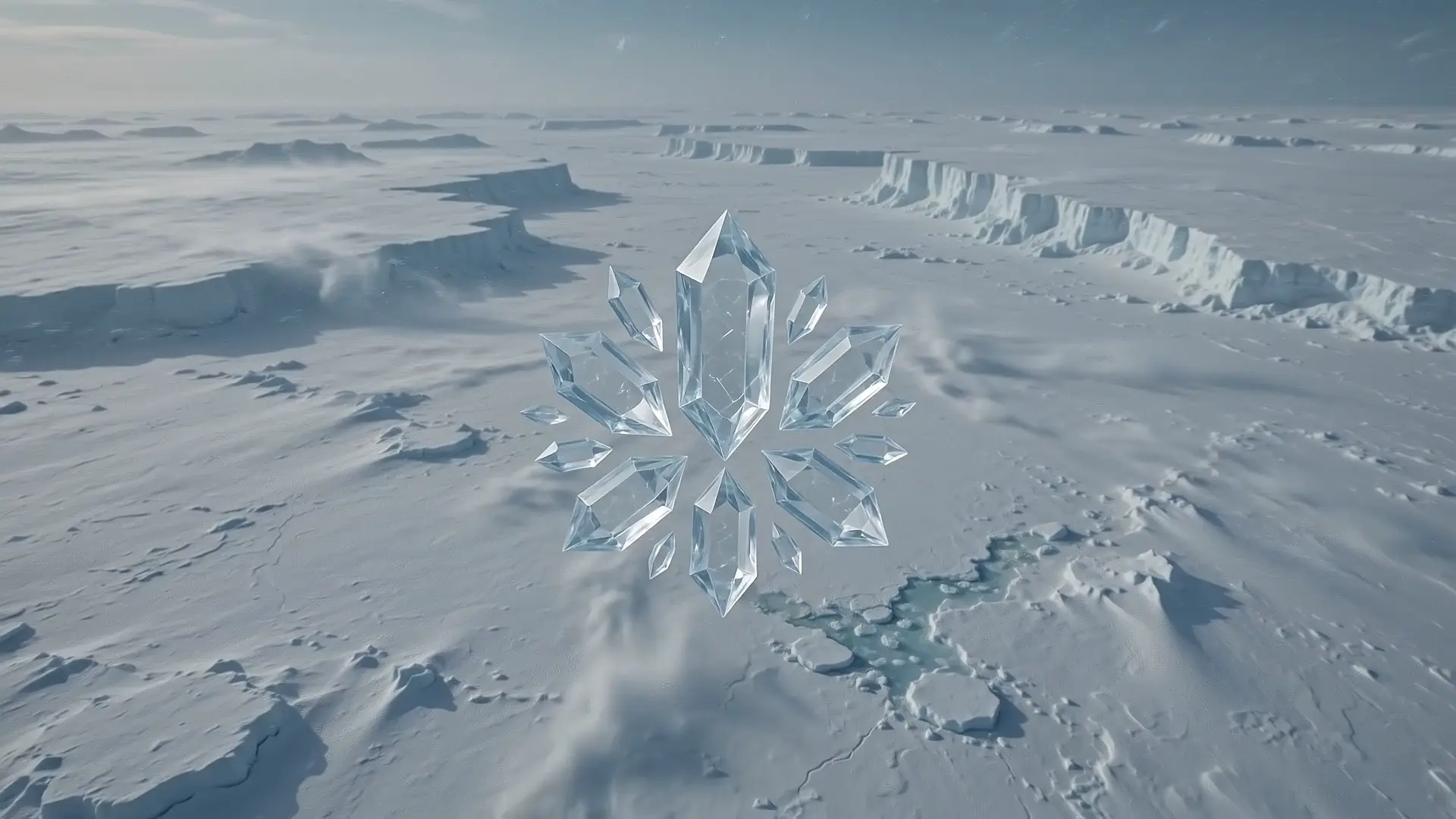
AI Video combines the capabilities of an advanced generator, helping you create professional videos from text, images, and existing footage. Whether you need content generation, video enhancement, or style transformation, AI Video provides efficient tools for a wide range of creative and commercial scenarios.
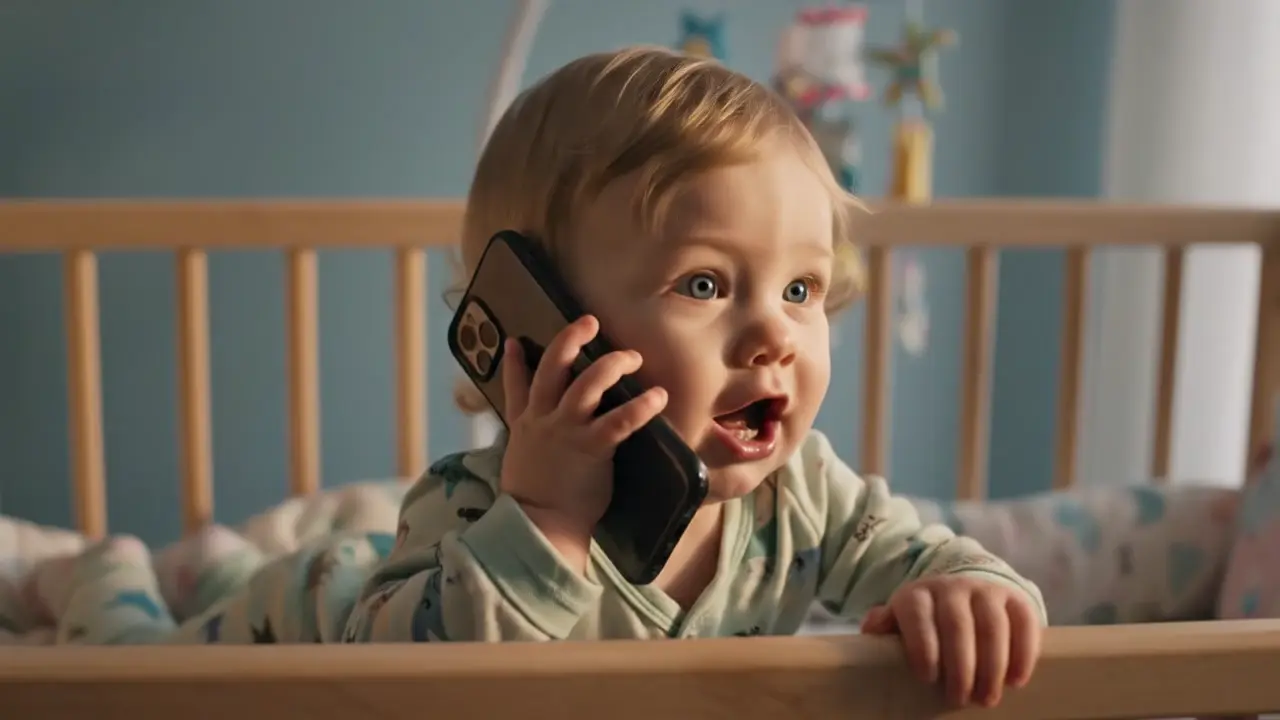
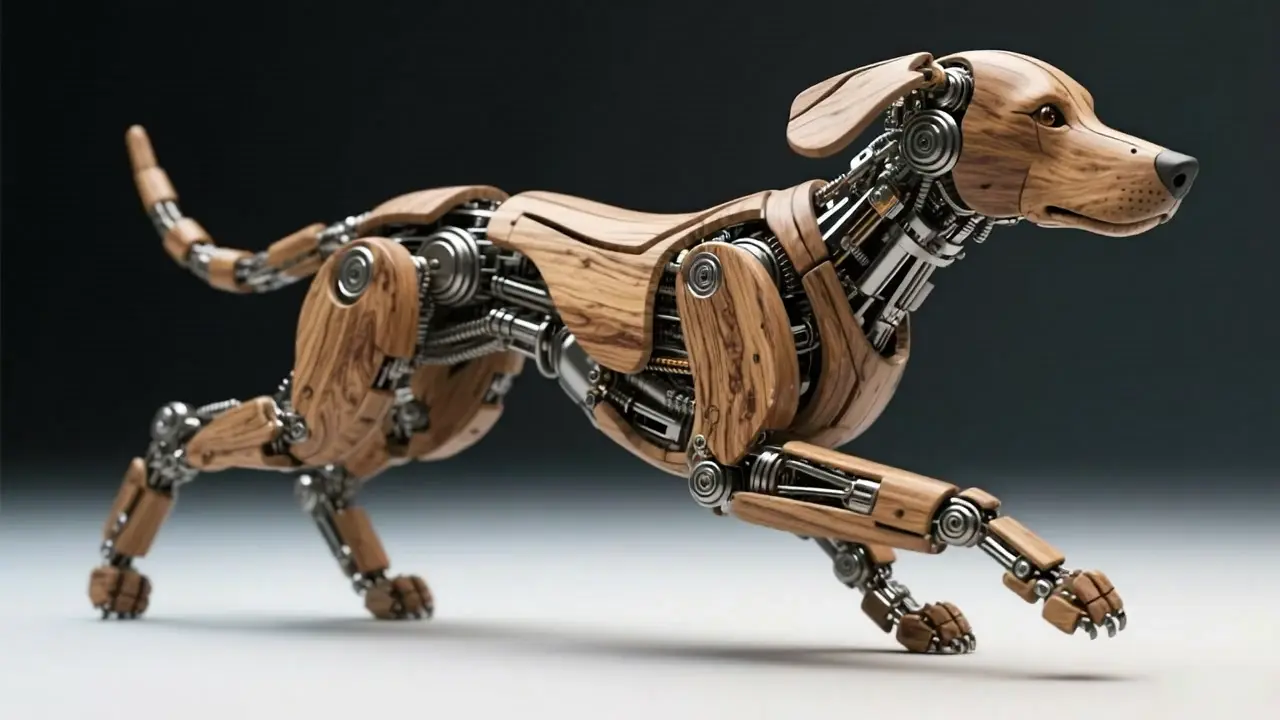
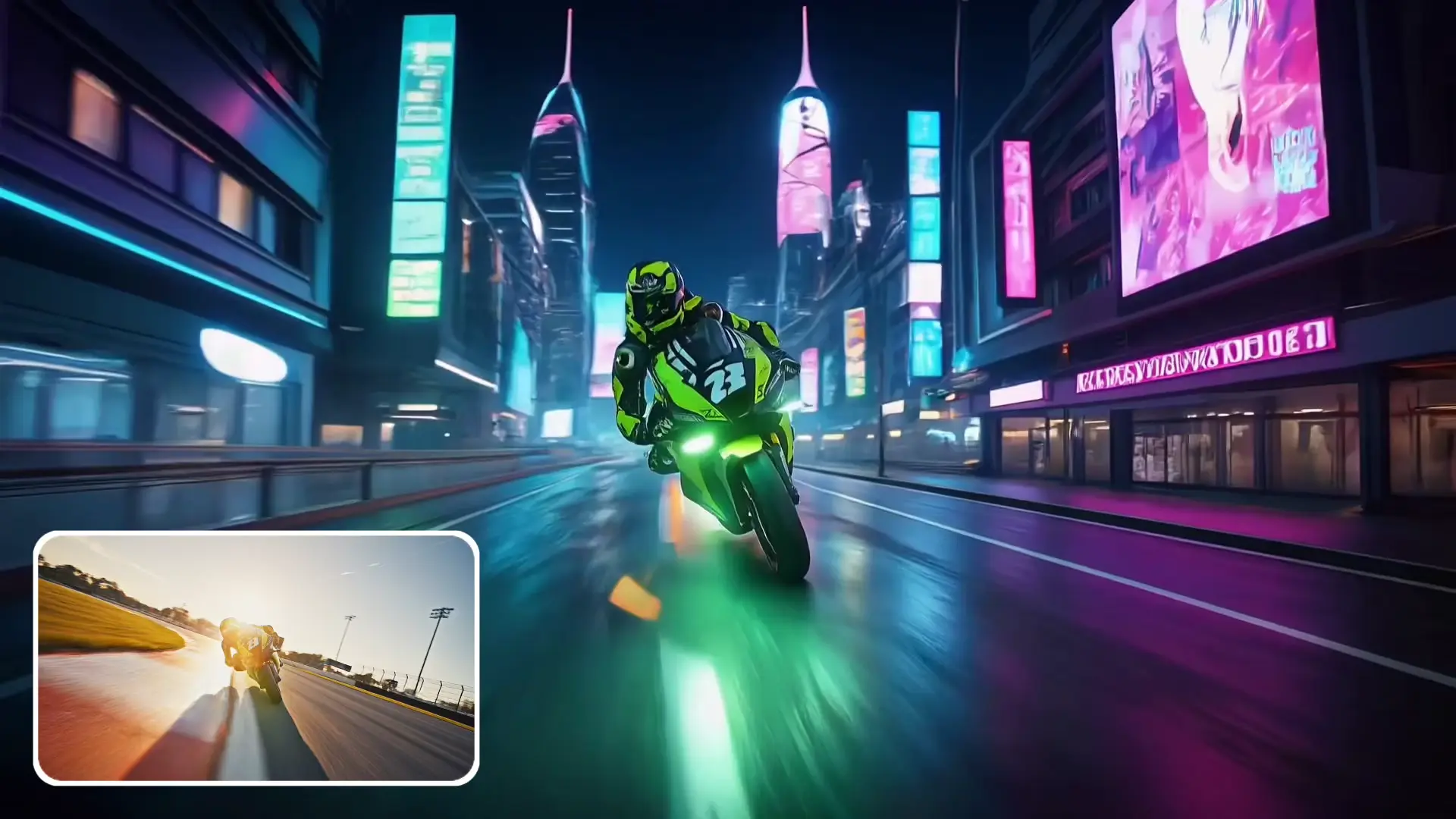

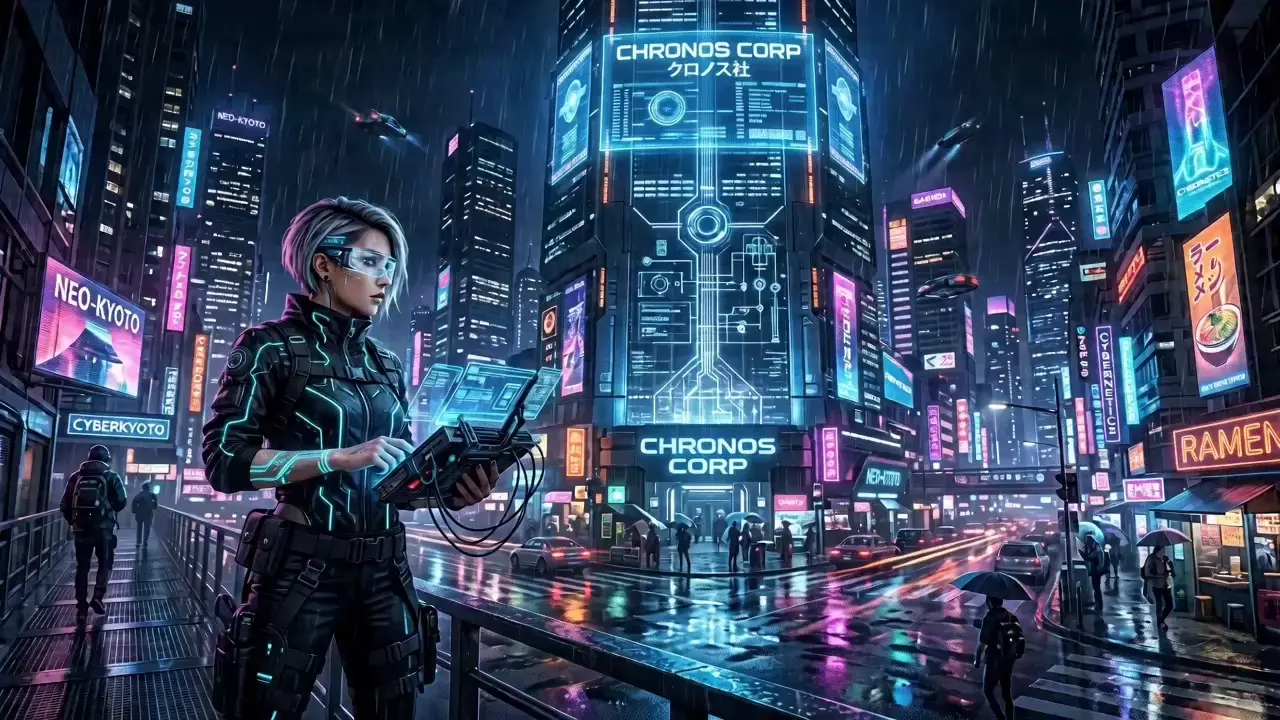
Prompt Examples Wedding Video
E-commerce Video
Practical Tips
Ethan, Short Video Blogger
I update all self-media platforms with AI Video. Its smooth camera movement and cinematic quality outperform manual editing. AI Video significantly improves my content production efficiency and greatly improves my account content quality.
Ava, E-commerce Content Editor
We make all product short videos with AI Video. The unified and clean footage effectively increases our store conversion rate.
Sophie, Wedding Videographer
Romantic short videos generated by AI Video are popular with wedding clients and bring more referral orders.
James, Enterprise Marketing Director
Our team uses AI Video for brand materials. With the same budget, AI Video helped us achieve significantly higher exposure while reducing production time.
Character distortion is a common industry problem. AI Video is equipped with exclusive character locking algorithms. You can add detailed descriptions of character appearance, clothing and figure in prompts or upload reference portraits to lock features, avoiding sudden shifts of facial looks and outfits across frames on AI Video, improving AI Video output stability.
Yes. AI Video is designed for users of all skill levels. Simply enter text prompts or upload images and videos, then choose your preferred settings. The platform automatically handles video generation and rendering, allowing beginners to create professional-looking content without learning complex editing software.
Generation time depends on video length, resolution, selected model, and server workload. Most standard AI Video projects can be completed within a few minutes, while higher-resolution or longer videos may require additional processing time.
Text to Video generates videos from written prompts. Image to Video animates static images with motion and camera effects. Video to Video transforms existing footage through style changes, quality enhancement, and visual optimization.
Yes. Developed with fully licensed models, AI Video allows users to apply generated videos for mainstream platform release, self-media monetization, paid ads and brand promotion in compliance with platform agreements.
AI Video supports a wide range of content types, including marketing videos, product demonstrations, social media clips, brand advertisements, educational content, storytelling videos, promotional campaigns, and creative short films.
4K rendering consumes high computing power. Use 1080P resolution on AI Video for fast draft iteration and detail adjustment, then generate 4K ultra-HD final versions after confirmation for balanced speed and quality.
Standard modes of AI Video support up to 30-second clips. The exclusive one-click generation function of AI Video supports up to 180-second videos, covering most commercial ad and brand promotion scenarios. Extra-long videos can be split into separate clips and merged after generation on AI Video.
AI Video supports original lossless export with no mandatory compression. Final clarity depends on your parameter settings and source material quality. You can export ultra-clear videos by selecting 4K resolution and high-definition materials on AI Video.
Monthly allowance expires and resets automatically with leftover credits non-transferable to next month on AI Video. Users can purchase additional credits on demand to support large-scale batch video production.
Viddo AI is an advanced all-in-one AI video and image generation platform that lets you quickly and easily create stunning videos and images from various inputs. These AI Model powered by Google, OpenAI, Grok AI, ByteDance, Alibaba, Kling, Runway, Vidu, Minimax, Elevenlabs, Midjourney,and so on.