
Seedance 2.0: As low as $0.345 per video
Veo3.1 Lite: As low as $0.0575 per video


Waiting for your creations!
Transform your images into breathtaking videos with our advanced AI technology. With Veo 2, you can add movement, depth, and engaging effects to your static visuals. Turn your memories into dynamic stories that captivate your audience's attention.




Leverage the latest advancements in AI video generation. Veo 2 integrates cutting-edge models to deliver stunning results while simplifying your creative process.
Discover a variety of video effects that can elevate your creations. From cinematic transitions to dynamic overlays, see how these effects can transform your visuals.
Bring your static images to life with smooth animations and camera movements, creating an immersive experience for your viewers.
Try Text to Video
Enhance your videos with dynamic effects that make your images pop. Choose from various transitions and overlays to add flair.
Try Image to Video
Experience seamless video creation with intuitive controls and fast processing times, allowing you to generate videos quickly.
Try Video to Video
Export your videos in various formats to suit different platforms, ensuring your creations look great everywhere.
Try Image to Video
Take control of your video creation process with customizable settings that allow you to fine-tune every detail.
Try Video to Video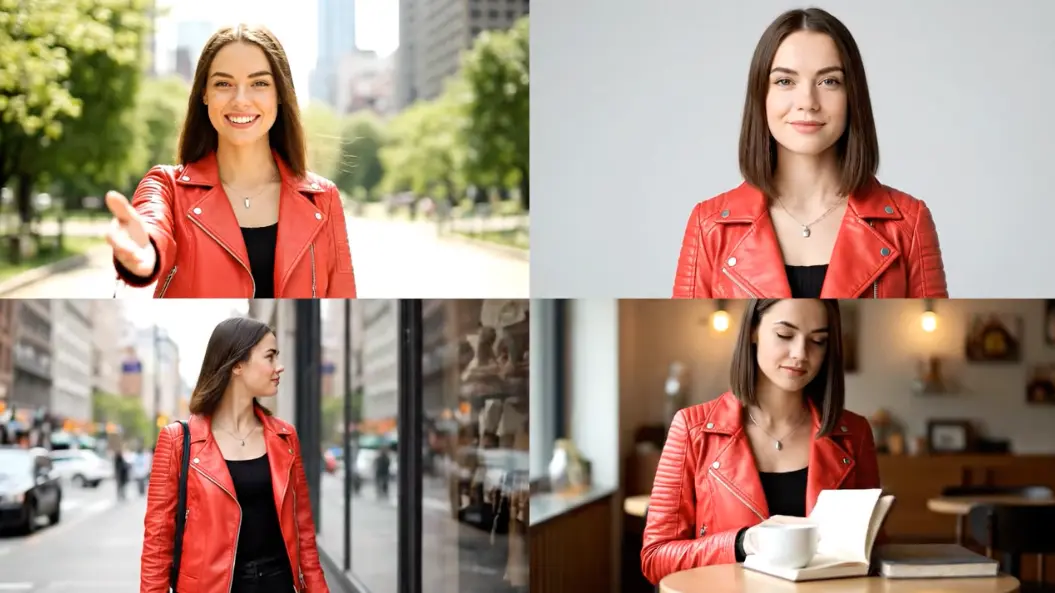

John Doe, Photographer
Image to Video Veo 2 has completely changed how I showcase my photography. The animations bring my images to life in ways I never thought possible.

Emily Smith, Graphic Designer
As a designer, I love using Veo 2 to create dynamic presentations for my clients. The ease of use and quality are top-notch!

Michael Brown, Social Media Influencer
Veo 2 has helped me engage my followers with stunning video content. My likes and shares have increased significantly since I started using it.

Sarah Johnson, Event Planner
The ability to animate event photos into videos has made my promotional materials stand out. Clients love the fresh approach!

David Williams, Content Creator
Image to Video Veo 2 is a fantastic tool for creating captivating content. I can easily bring my creative visions to life.

Laura Wilson, Marketing Specialist
Veo 2 has streamlined my workflow. I can produce high-quality videos quickly, which is essential for my fast-paced environment.

Start by uploading any image you want to animate in the Veo 2 interface.
Choose from various animation styles and effects to enhance your image.
Click 'Generate.' Your animated video will be ready in moments, perfect for sharing across platforms.
Image to Video Veo 2 is an advanced AI tool that transforms your static images into dynamic videos with animations and effects.
Yes, you can select different animation styles, camera movements, and effects to personalize your videos.
There is no limit to the number of images you can animate with Veo 2, allowing you to create as many videos as you like.
The generation process is quick, typically taking under 120 seconds for videos, depending on complexity.
Yes, all videos created under our paid subscription plans come with full commercial rights.
Veo 2 offers unique features and superior quality, providing a seamless user experience and exceptional output.

Viddo AI is an advanced all-in-one AI video and image generation platform that lets you quickly and easily create stunning videos and images from various inputs. These AI Model powered by Google, OpenAI, Grok AI, ByteDance, Alibaba, Kling, Runway, Vidu, Minimax, Elevenlabs, Midjourney,and so on.