
Seedance 2.0: As low as $0.345 per video
Veo3.1 Lite: As low as $0.0575 per video


Waiting for your creations!
Experience the future of storytelling with our AI-powered text to video editing tool. Transform simple text into captivating videos in minutes. Our AI understands your prompts and visualizes them in stunning detail, making video creation accessible and efficient.




Our AI video editing platform utilizes the latest generative models, ensuring you receive high-quality outputs without the hassle of multiple subscriptions.
Explore a range of video effects designed to enhance your text to video editing experience, inspiring creativity and engagement.
Input a description and let our AI craft a stunning video that brings your words to life, redefining storytelling.
Try Text to Video
Transform static images into dynamic videos. Our AI adds motion to your visuals, ensuring they captivate your audience.
Try Image to Video
Enhance your existing videos with new styles or effects, allowing for endless creative possibilities.
Try Video to Video
Create smooth transitions between scenes, enhancing your storytelling without jarring cuts.
Try Image to Video
Ensure consistency in character appearance across different scenes for coherent narratives.
Try Video to Video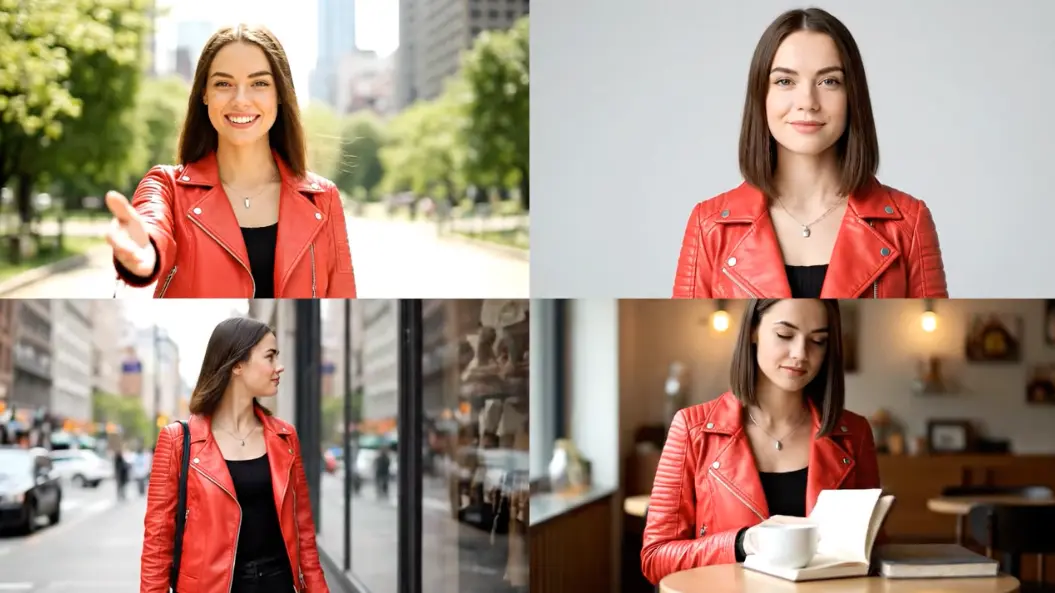

Alex Johnson, Digital Marketer
Viddo's text to video editing has transformed how we create ads. The speed and quality are remarkable.

Priya Sharma, YouTuber
As a solo creator, this tool saves me hours. The text-to-video feature is invaluable.

Marcus Chen, E-commerce Store Owner
Transforming product photos into animated videos has boosted our engagement significantly.

Sophia Dubois, Animator & Digital Artist
The 'Consistent Character' feature is a game-changer for my animated stories.

Ben Carter, High School Teacher
Creating engaging simulations for my class has never been easier.

Elena Rodriguez, Real Estate Agent
The Image to Video feature has made creating property tours a breeze.

Begin by entering a detailed text prompt or upload an image to guide the AI.
Choose from various styles, angles, and formats to personalize your video.
Hit the 'Generate' button. The AI processes your input, allowing for quick previews and downloads.
The AI synthesizes your text input into a unique video by leveraging vast visual datasets.
From cinematic shorts to character animations, the possibilities are vast with our text to video editing tool.
Yes, videos produced under our paid plans come with full commercial rights.
Typically, our AI generates videos in under 120 seconds for premium users.
Absolutely! Our platform is designed for ease of use, requiring no technical background.
We prioritize speed, quality, and user experience, setting our tool apart in the market.

Viddo AI is an advanced all-in-one AI video and image generation platform that lets you quickly and easily create stunning videos and images from various inputs. These AI Model powered by Google, OpenAI, Grok AI, ByteDance, Alibaba, Kling, Runway, Vidu, Minimax, Elevenlabs, Midjourney,and so on.