
Seedance 2.0: As low as $0.345 per video
Veo3.1 Lite: As low as $0.0575 per video


Waiting for your creations!
Transform your text prompts into captivating videos with Viddo's AI Video Generator. Whether it's a story or concept, bring it to life easily.




Utilize cutting-edge generative models for your text to video prompts, ensuring high-quality results while you focus on creativity.
Explore limitless creative possibilities for your text to video prompts with a visually stunning gallery of effects.
Transform your text prompts into stunning videos with our AI's incredible accuracy.
Try Text to Video
Upload images and let our AI animate them into engaging videos to complement your text prompts.
Try Image to Video
Convert existing videos into new styles, enhancing your text to video prompts with visual flair.
Try Video to Video
Create smooth transitions between your video clips, enhancing your text to video experience.
Try Image to Video
Ensure consistency in characters across your videos when using text to video prompts.
Try Video to Video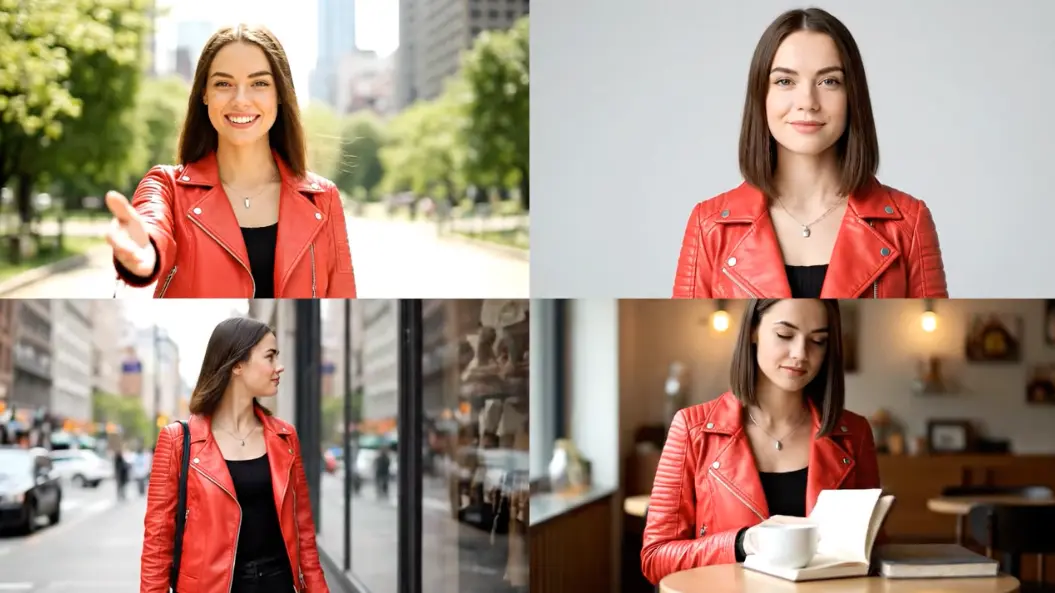

Alex Johnson, Digital Marketer
Viddo's text to video prompt feature has changed how I create content. I can turn ideas into videos quickly and efficiently.

Priya Sharma, YouTuber
This tool is incredible for generating unique visuals from my text prompts. It saves me so much time.

Marcus Chen, E-commerce Store Owner
I use the text to video prompt feature to create engaging product videos, boosting my sales significantly.

Sophia Dubois, Animator & Digital Artist
Creating animated stories from text prompts has never been easier. The quality is exceptional.

Ben Carter, High School Teacher
Transforming historical text into engaging videos helps my students understand better. It's a fantastic tool.

Elena Rodriguez, Real Estate Agent
I use the text to video prompt feature to create property tours that captivate my clients.

Enter a detailed text prompt in the input box to generate a video.
Select your desired style and settings for your video.
Click 'Generate.' Preview and download your video once it's created.
Our AI synthesizes your text input to create unique video content using advanced generative models.
You can create a wide range from cinematic videos to animations based on your text descriptions.
Yes, videos generated under our subscription plans come with full commercial rights.
Typically, video generation takes under 120 seconds, depending on complexity.
Absolutely! Our platform is user-friendly and requires no technical skills.
Our combination of speed, quality, and user experience makes our tool unique and effective.

Viddo AI is an advanced all-in-one AI video and image generation platform that lets you quickly and easily create stunning videos and images from various inputs. These AI Model powered by Google, OpenAI, Grok AI, ByteDance, Alibaba, Kling, Runway, Vidu, Minimax, Elevenlabs, Midjourney,and so on.