
Seedance 2.0: As low as $0.345 per video
Veo3.1 Lite: As low as $0.0575 per video


Waiting for your creations!
Transform your ideas into stunning videos with our Video AI Editor App. Enjoy an intuitive interface that allows you to create professional-quality videos in minutes, whether starting from a simple text prompt or an existing image. Experience the future of video editing with AI.




Our Video AI Editor App integrates the latest video models, ensuring you have access to the best technology for your video creations. Create stunning videos without complexity.
Unlock innovative video effects and discover endless possibilities with our Video AI Editor App. Create professional-quality videos effortlessly.
Input a detailed text prompt, and watch as our AI transforms it into a stunning video clip, making storytelling easier than ever.
Try Text to Video
Upload any image, and our AI will create an animated video, perfect for showcasing your products or art.
Try Image to Video
Transform existing videos with new styles, creating fresh, dynamic content effortlessly.
Try Video to Video
Create smooth transitions between different video clips, elevating your editing to a new level.
Try Image to Video
Define your character's appearance once, and our AI ensures consistency across all scenes for coherent storytelling.
Try Video to Video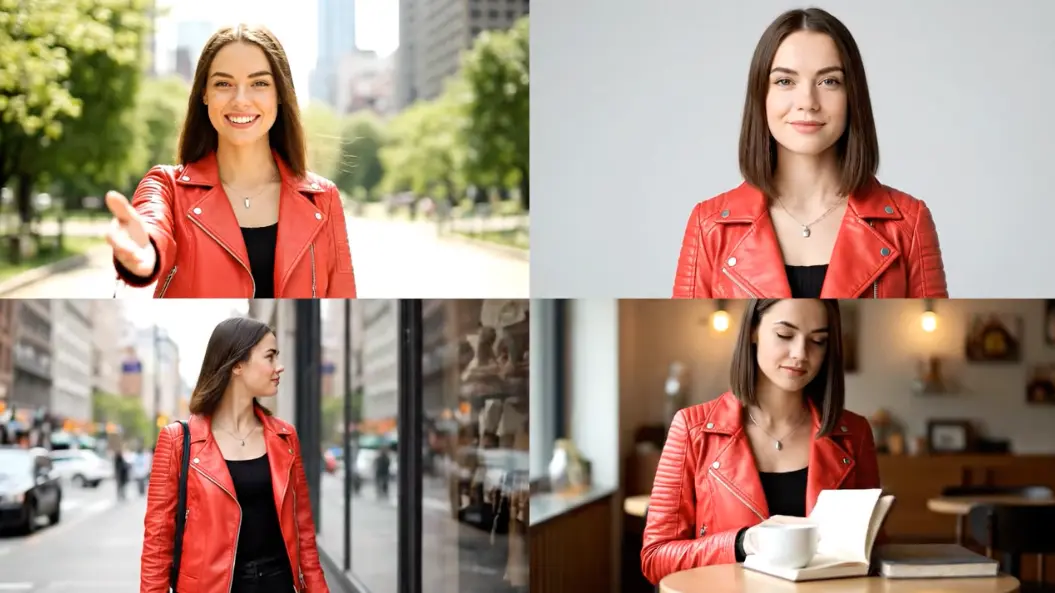

Alex Johnson, Digital Marketer
The Video AI Editor App has transformed our marketing strategy. We can produce multiple video concepts in the time it used to take to create one.

Priya Sharma, YouTuber
This app is a game changer for my content creation. I save hours on editing with the text-to-video feature.

Marcus Chen, E-commerce Store Owner
I animate product images effortlessly, resulting in increased engagement on social media.

Sophia Dubois, Animator & Digital Artist
The consistency feature allows me to create animated stories seamlessly without worrying about character design changes.

Ben Carter, High School Teacher
I use the app to create engaging historical video content for my students, making lessons more interactive.

Elena Rodriguez, Real Estate Agent
With the Image to Video feature, I create dynamic property tours that captivate potential buyers.

Start by typing a detailed text prompt or upload an image in the Video AI Editor App.
Choose the artistic style, camera angle, and aspect ratio using the intuitive menu.
Click "Generate" and watch as your video is created. Preview, adjust, and download your stunning video.
The app utilizes advanced generative AI models to create videos based on your prompts, synthesizing knowledge from vast visual datasets.
You can create a wide range of videos, from animations to seamless transitions, giving you endless creative possibilities.
Yes, videos created under our subscription plans come with full commercial rights for all your marketing and business needs.
Generation time varies but typically takes less than 120 seconds for shorter clips.
Absolutely! The app is designed for everyone, regardless of technical skills, making video creation accessible.
We combine quality, speed, and user-friendly features, offering a superior editing experience compared to other tools.

Viddo AI is an advanced all-in-one AI video and image generation platform that lets you quickly and easily create stunning videos and images from various inputs. These AI Model powered by Google, OpenAI, Grok AI, ByteDance, Alibaba, Kling, Runway, Vidu, Minimax, Elevenlabs, Midjourney,and so on.