llms

Kling 4.0 AI Video Generator

Build 3 to 30 second clips on Viddo AI with up to 10 keyframes and 15 reference assets . Upload your images, videos, and voice reference, create videos up to 30 seconds in a single generation .

Generate With AI

If you're not satisfied, you can generate again or enter prompt for your own.

Select the aspect ratio for your Video

adaptive

16:9

9:16

1:1

30s
3
720p
1080p
Required credits: 0

Waiting for your creations!

What Is Kling 4.0 AI Video Generator

A video model from Kuaishou built for clips with beats rather than a single moment. You decide where the shot lands, then let the model fill in the movement between. Output runs 3 to 30 seconds in one pass, across 21:9, 16:9, 1:1, and 9:16.

The difference shows up when a scene changes direction. Instead of one prompt and hoping, you place up to 10 keyframes and load up to 15 reference assets, holding character, product, and voice steady across every beat. Longer clips stay continuous rather than stitched from separate shots.

What you get in a generation:
· Up to 10 keyframes placed anywhere on a 3-30 second timeline
· Up to 15 reference assets combined in one run
· Two-channel stereo audio with dialogue in 9 languages
· Regional accent support, including Beijing, US, and UK English
· 720p, 1080p, and 4K output across four aspect ratios
· 8,000-token prompts for scene, camera, and dialogue direction
AI Image to Video Ads

Kling 4.0 Prompts: Copy & Paste Video Examples

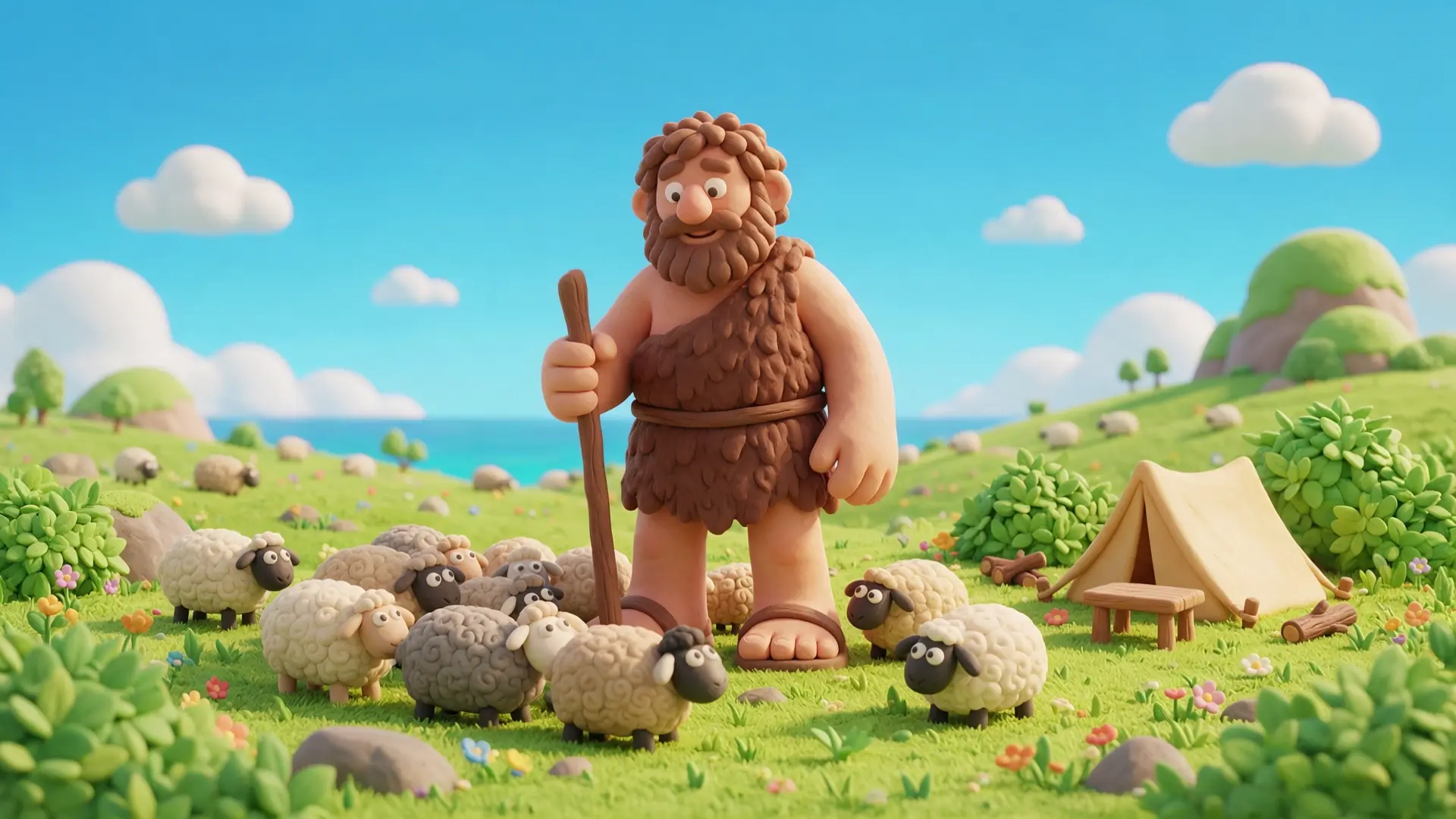
Clay animation shepherd walking toward camera with sheep in a green meadow

Clay Style Shepherd and Flock

Prompt

Clay animation style, stop-motion look with visible plasticine fingerprint texture and soft rounded edges. A stocky shepherd in a brown rope tunic holds a wooden staff and walks toward camera across a bright green meadow. Round white and black woolly sheep fill the foreground. Flat cyan sky with puffy white clouds, teal hills on the horizon, a small canvas tent at the right. Even daylight, soft rounded shadows, saturated toy colors. Handmade miniature set, no motion blur.

Why it works

Names the material (clay) and the miniature set, so the model renders matte plasticine instead of photoreal fur.
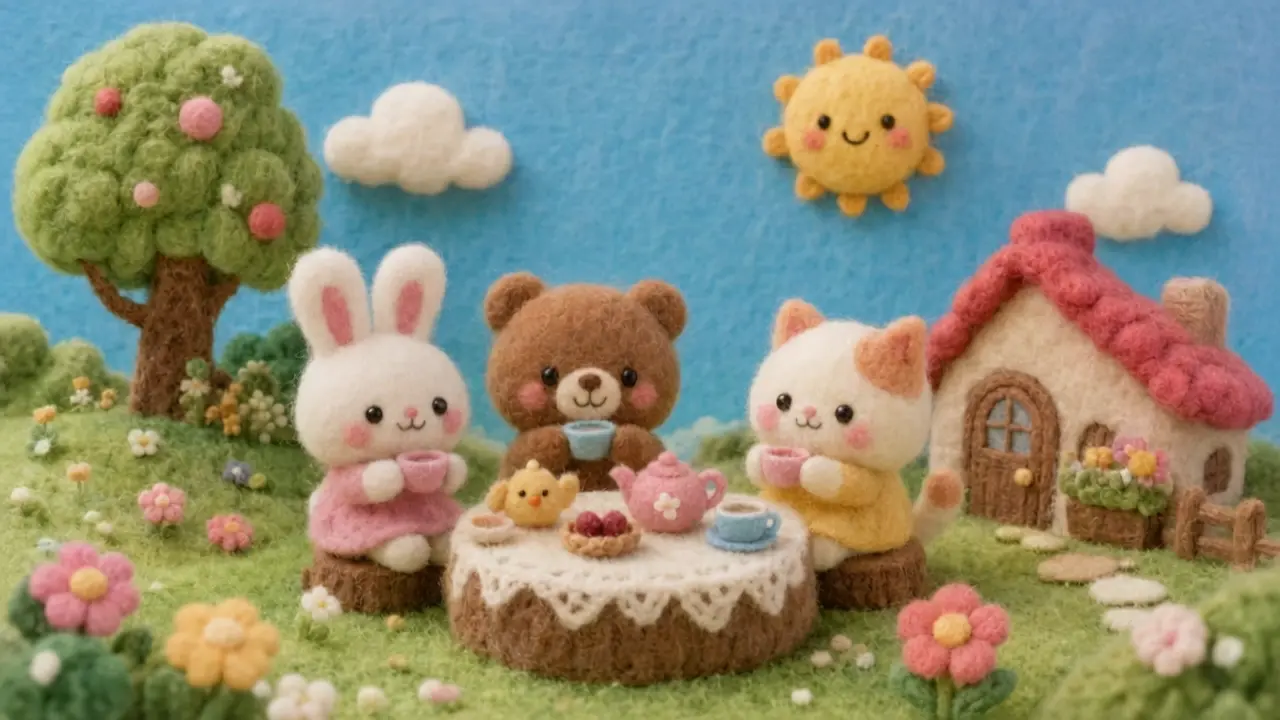
Felt stop-motion rabbit, teddy bear and cat having tea under an apple tree

Felt Style Tea Party

Prompt

Felt stop-motion craft style, everything made of wool, felt and fabric with visible fuzzy fibers and stitching. A white plush rabbit in a pink dress, a brown teddy bear, and a cream cat in a yellow dress sit around a lace-covered table with a teacup. A woolly felt apple tree with pink pom-pom fruit, a felt cottage with a pink roof, a smiling felt sun in the sky. Soft pastel palette, even diffused light, handmade miniature set.

Why it works

Naming the fiber material and the soft pastel palette keeps the render in felt instead of drifting toward plastic.
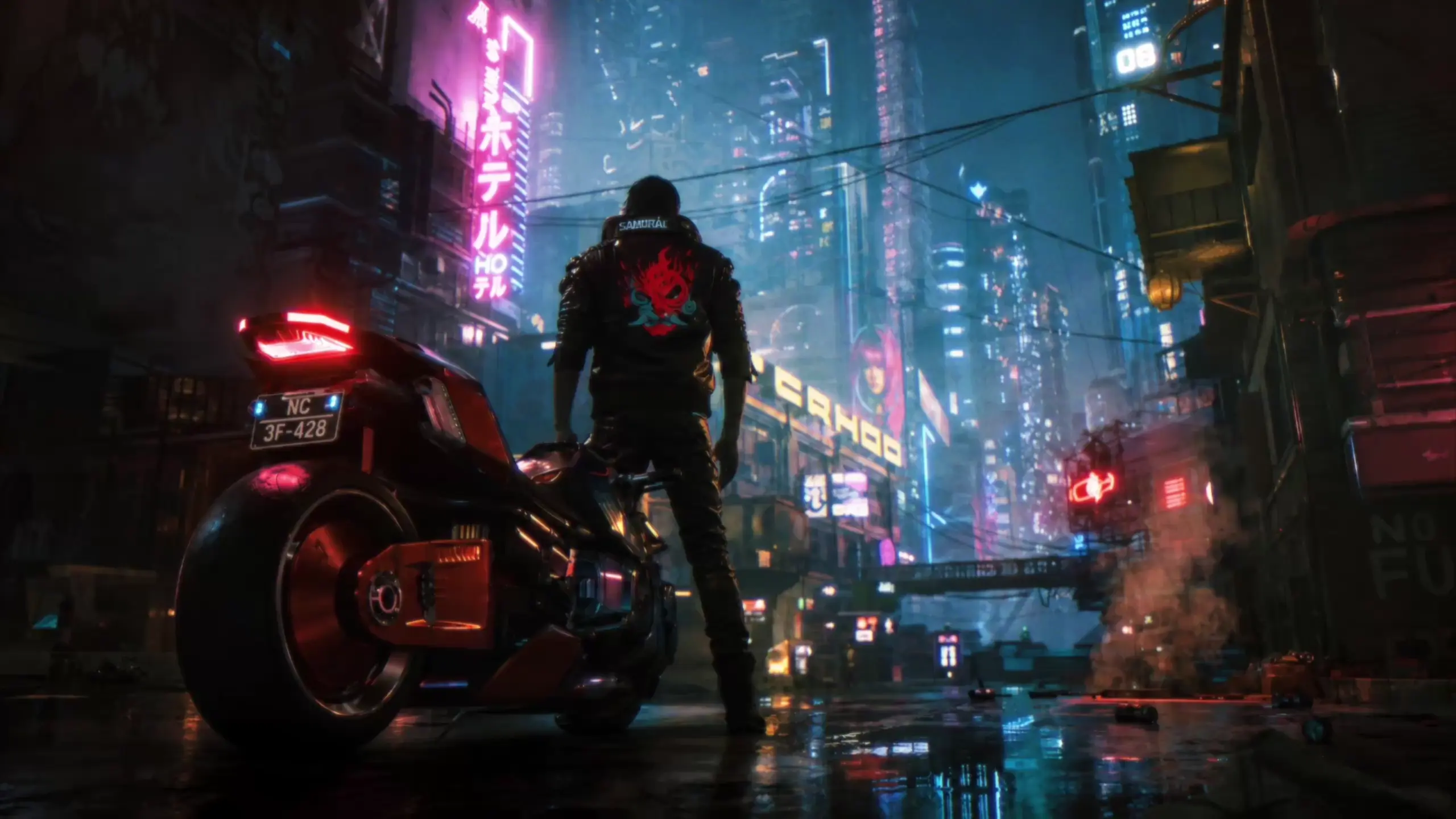
Cyberpunk motorcycle rider on a rain-soaked neon city street at night

3D Cyber Motorcycle Pursuit

Prompt

Cinematic 3D cyberpunk animation. Rain-soaked neon city street at night, wet asphalt reflecting blue and magenta signage, steam rising from vents. A rider in a black leather jacket with a glowing red dragon patch on the back leans over a matte black motorcycle. Camera pushes from a low rear three-quarter angle to a tight close-up on the rider's face. Volumetric neon haze, cyan and magenta key light, shallow depth of field, 35mm anamorphic look.

Why it works

Gives the camera path and the two light colors, so the sequence reads as one continuous push rather than random cuts.
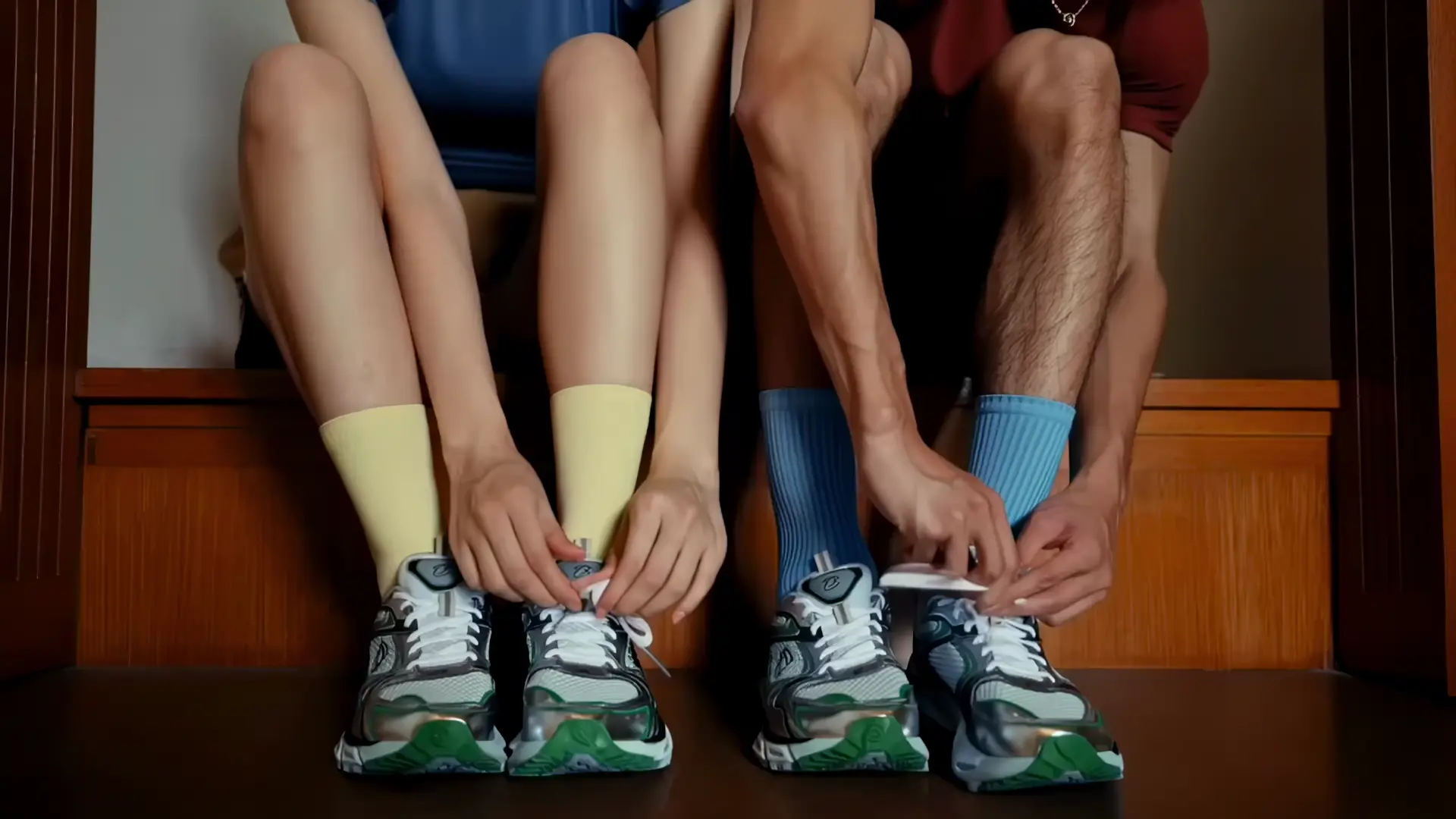
Running shoe product commercial from a wood floor to a mountain overlook

30-Second Product Commercial, Shoe to Mountain

Prompt

30-second brand commercial for a running shoe. Beat 1, seconds 0-8: the shoe rotates slowly on a warm wood floor, hard key light raking across the sole. Beat 2, seconds 8-18: split-screen street running, two runners in city daylight, tracking camera at hip height. Beat 3, seconds 18-30: the shoe on gravel at a mountain overlook, then two people facing a lake with mountains behind them at golden hour. Clean product detail, natural daylight, no text overlays.
Why it works

Three named beats with time ranges let keyframes lock the shoe angle at the start and the landscape shot at the end.
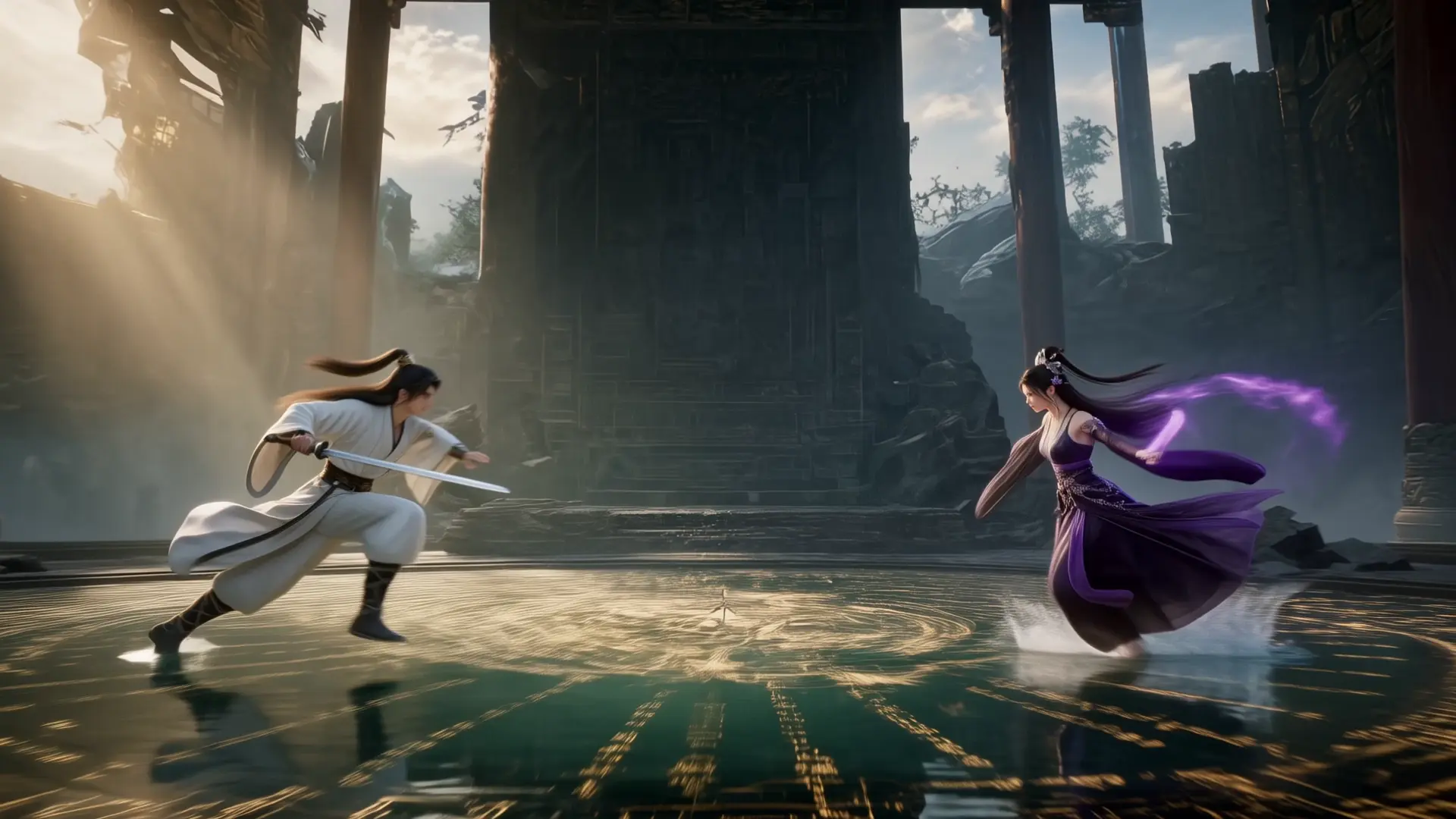
Two martial artists clashing mid-air in a ruined stone temple hall

Game Trailer Staff Duel

Prompt

Cinematic game trailer shot. Two martial artists in flowing white and dark purple robes clash mid-air inside a ruined stone temple hall with tall windows. On impact, gold and violet energy arcs explode outward, dust and debris swirl through volumetric shafts of light. Camera sweeps around the duel in fast arcs, tight on the clash then wide on the hall. High contrast teal and orange grade, heavy atmosphere, slow-motion impact frame, no text.

Why it works

Two energy colors plus an explicit slow-motion impact frame is what makes a game trailer beat read as a trailer.
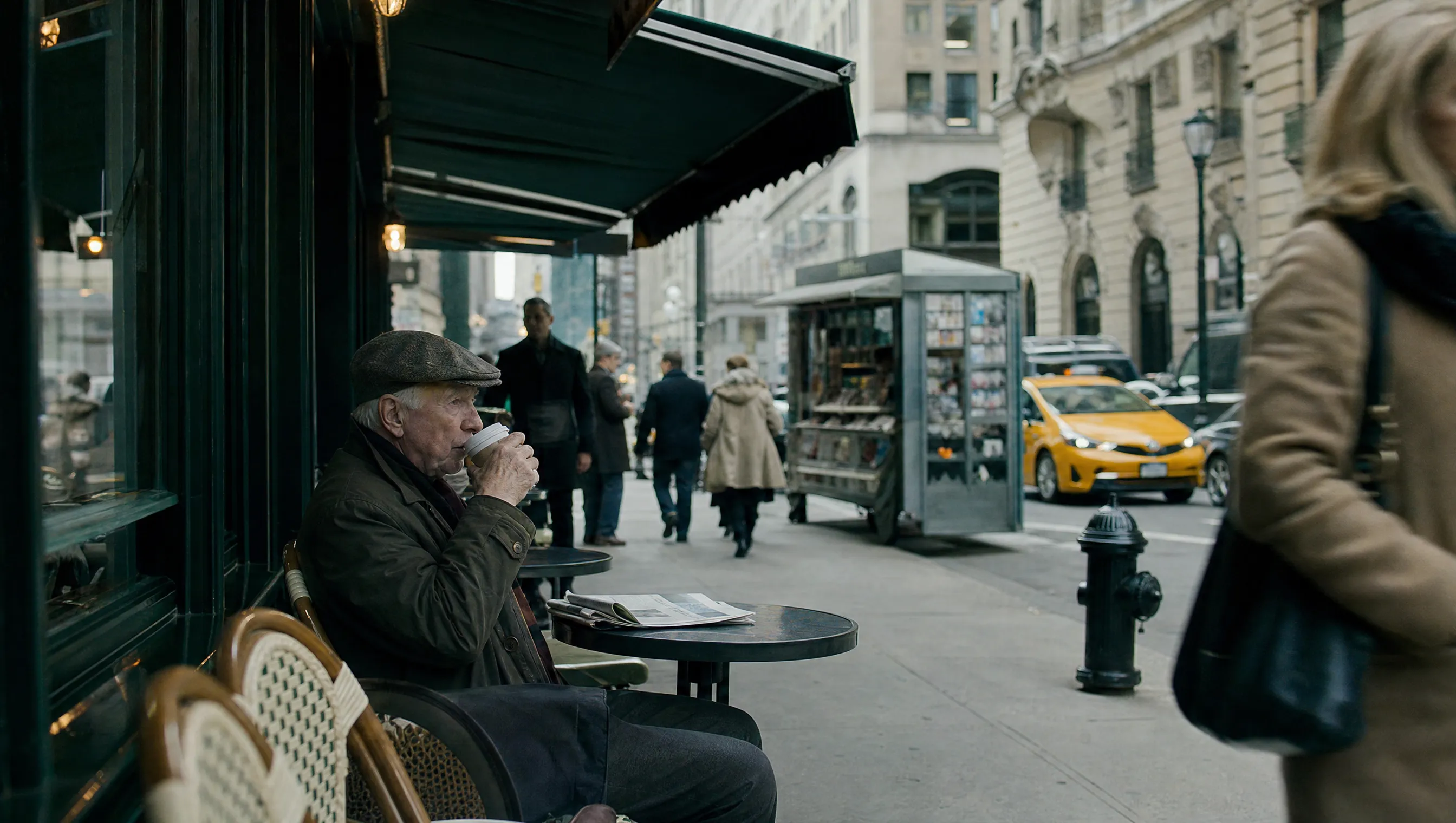
How to Create Kling 4.0 Videos on Viddo AI

Keyframe Control Across a 30-Second Timeline
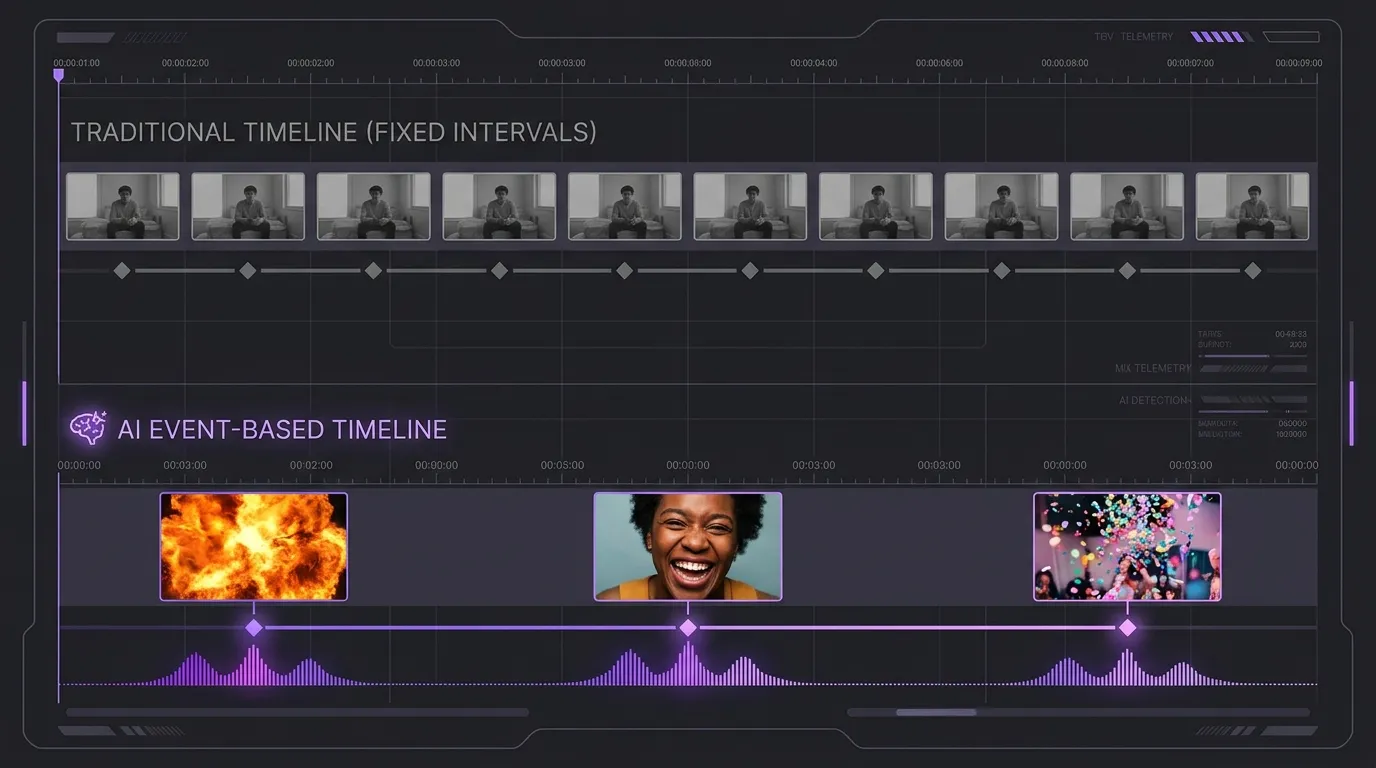
Ten keyframes changes how you work. You stop writing one prompt and hoping, and start marking beats: the open, the turn, the reveal, the settle. Frame 1 fixes the start, frame 10 the ending, and the frames between control what changes — enough room on a 30-second clip for a full arc.
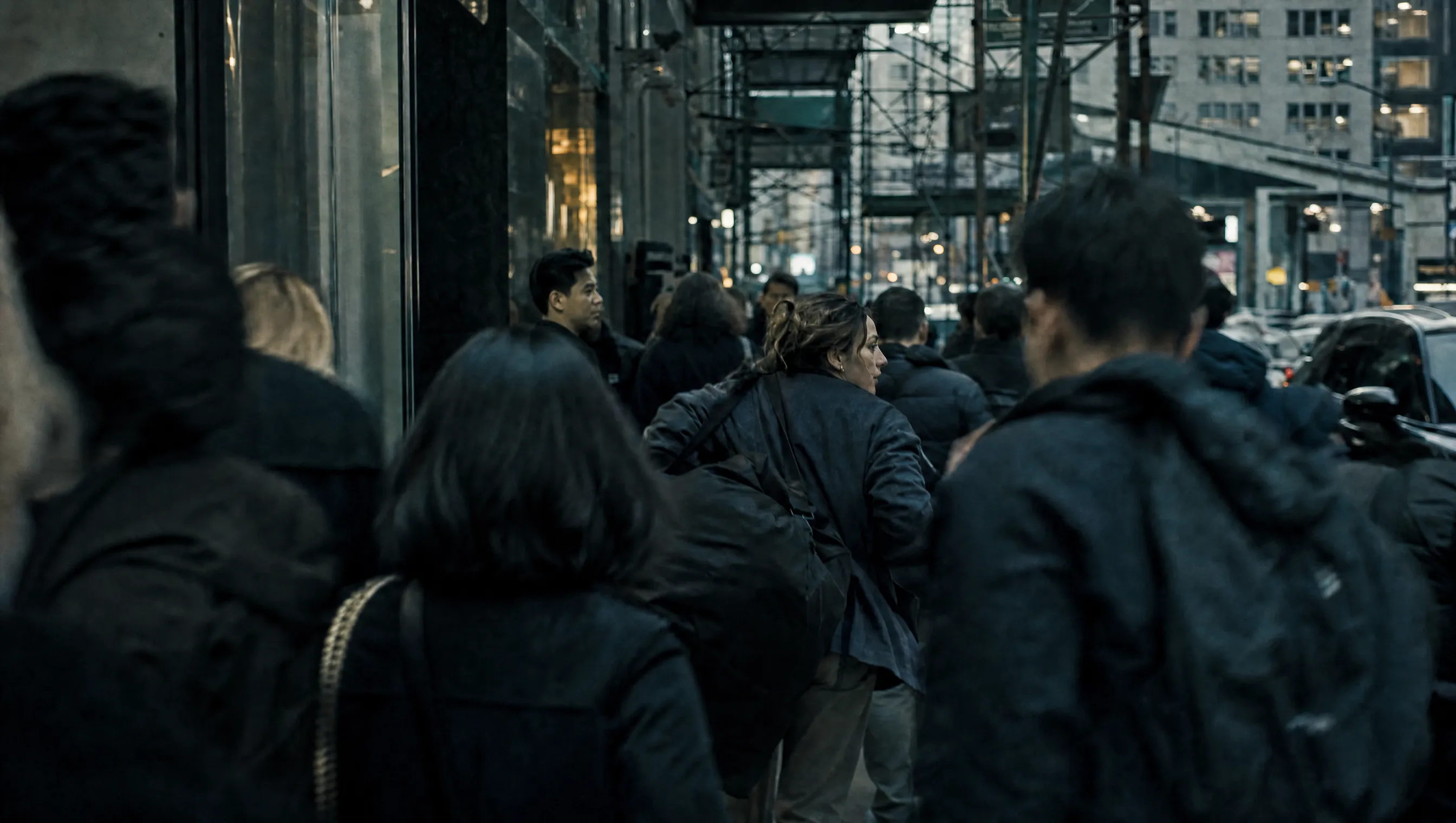
Place frames at story beats, not at even time intervals. Even spacing gives you ten nearly identical shots.
Keyframe Control Across a 30-Second Timeline
Native 3-30 Second Clips in One Generation
Clips generate between 3 and 30 seconds natively in one pass, covering a single product beat at the short end and a continuous narrative at the long end. Because the clip comes out in one shot rather than being stitched, motion stays continuous and characters stay in frame.

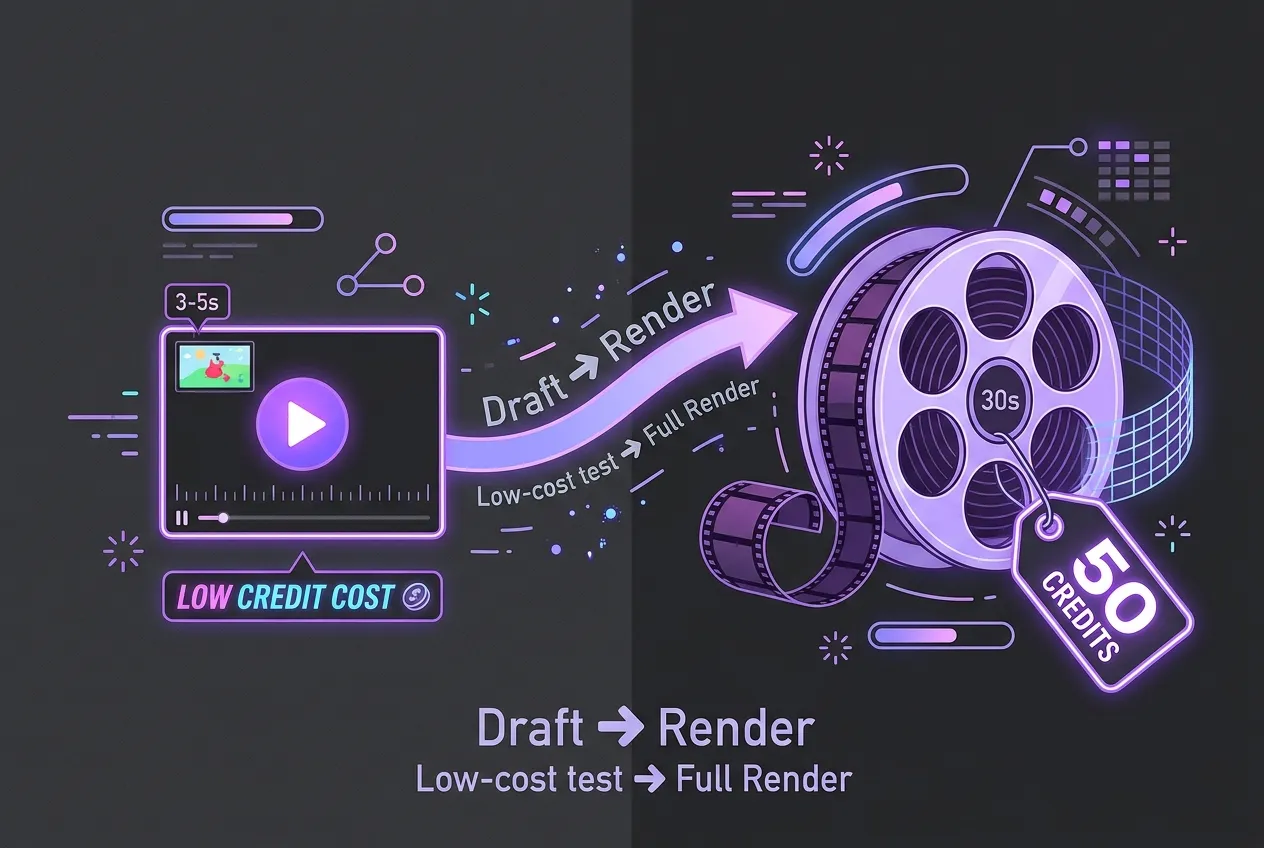
Draft at 3 to 5 seconds to lock the look, then re-render the same prompt at 30 seconds for the final cut.
Native 3-30 Second Clips in One Generation
Up to 15 Reference Assets in One Generation
A single generation takes up to 15 reference assets together, called Omni Reference: 10 images, 5 videos totalling 30 seconds, up to 7 subjects, and a voice reference for timbre. The model holds them together instead of picking one, so character, product, environment, and voice all come from your material.

Assign one subject per beat so each image controls the frame it lands on.
Up to 15 Reference Assets in One Generation
Audio and Lip Sync That Match the Performance
Output carries two-channel stereo and tighter lip-sync matching, so dialogue lines, delivery, and mouth movement stay in step. Sound, speech, and performance read as one take rather than layers added afterwards. Dialogue runs in 9 languages with regional accents, so a Mandarin line and an English line can share one clip.

Write the exact line in the prompt. Naming the line gets you that line instead of an improvised one.
Audio and Lip Sync That Match the Performance

Pro Tips for Better Keyframe Results

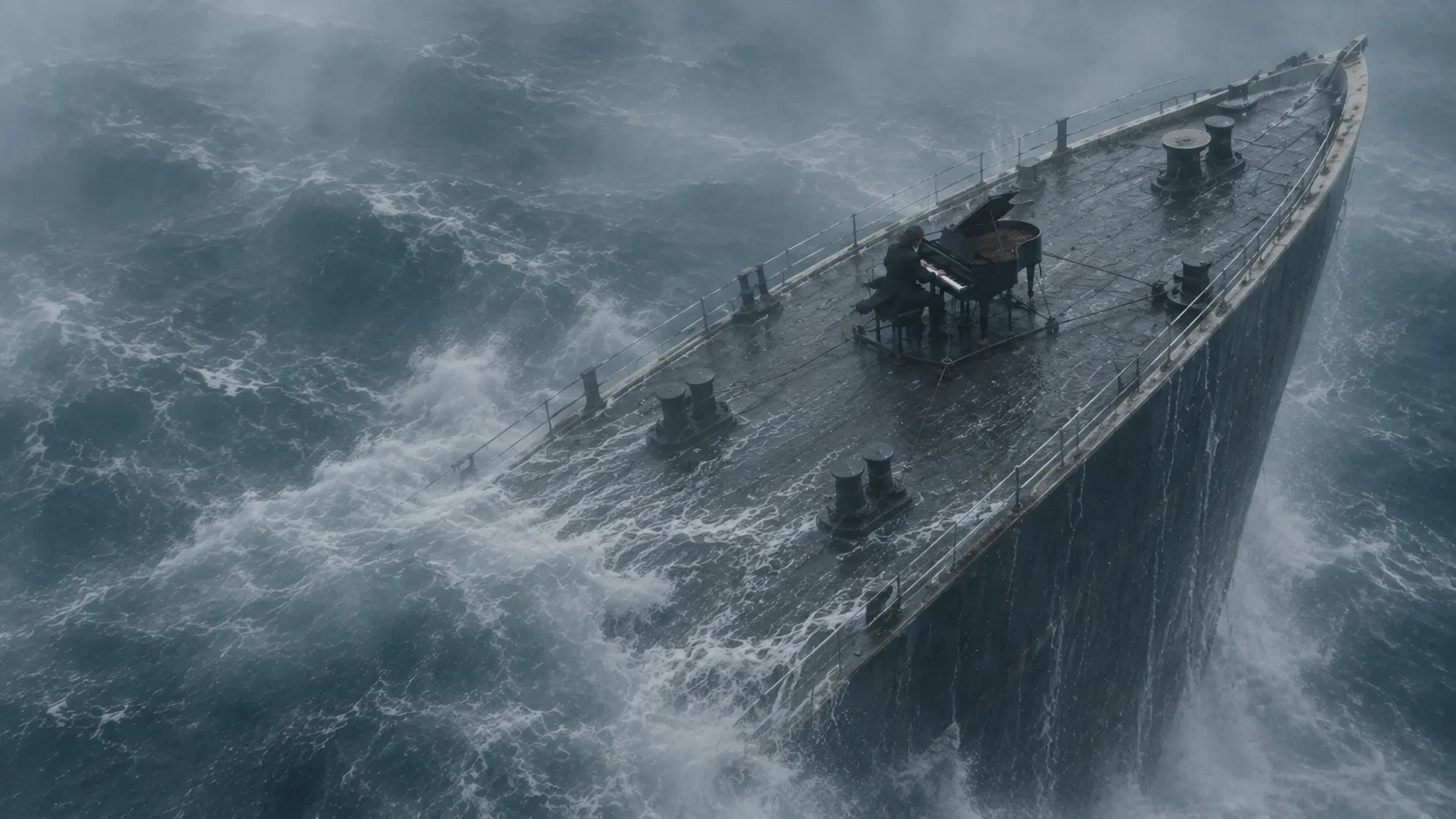
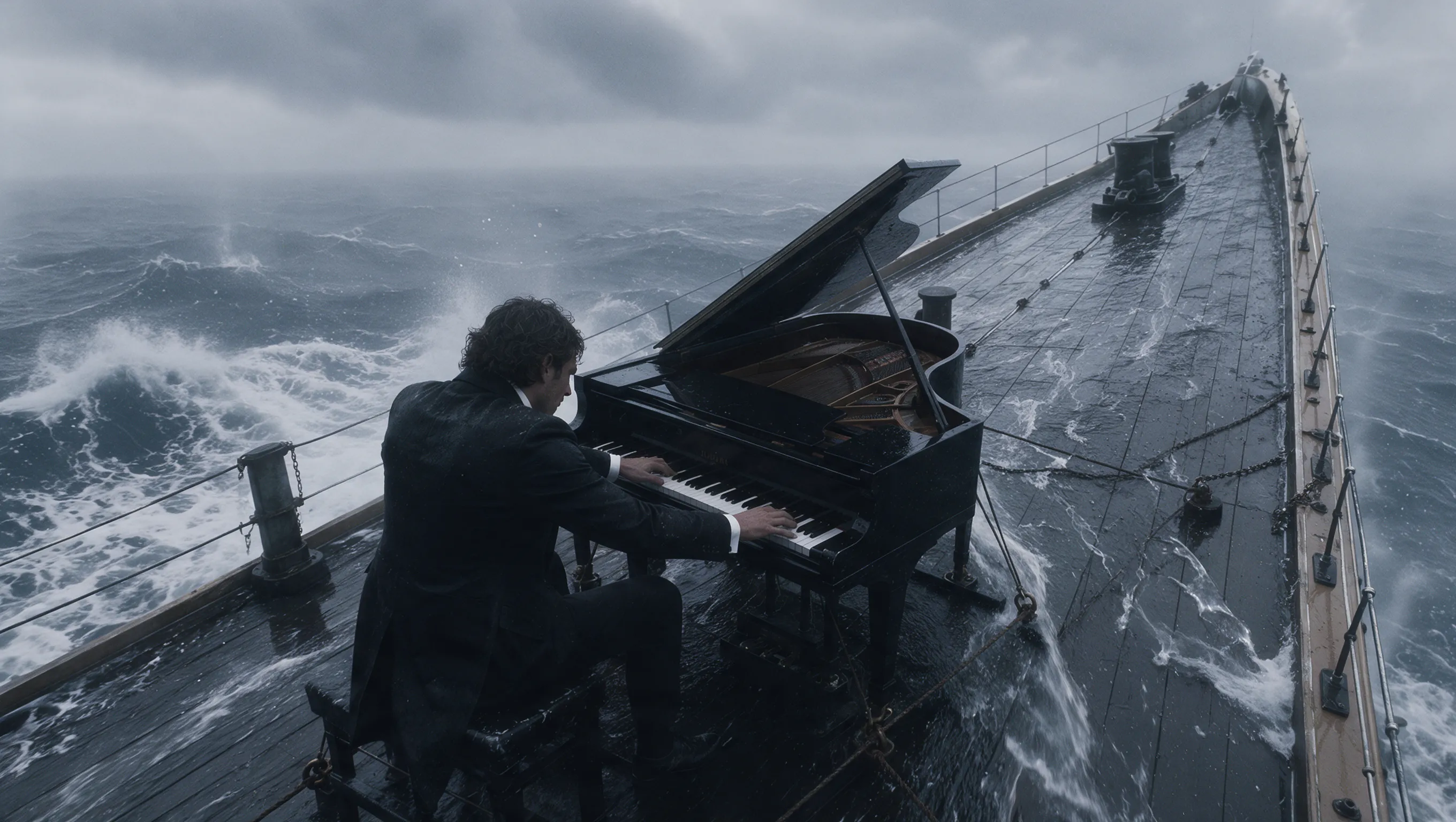
Timeline of a pianist in a storm with rain and a cliff edge

Place beats, not even intervals

Ten evenly spaced keyframes produce ten nearly identical shots. Mark the moment something changes, and keep the style named in the prompt so the look holds across every keyframe.
Short draft clip before rendering a longer 30-second video

Draft short, then render long

Confirm the look at 3 to 5 seconds before spending credits on a 30-second clip.
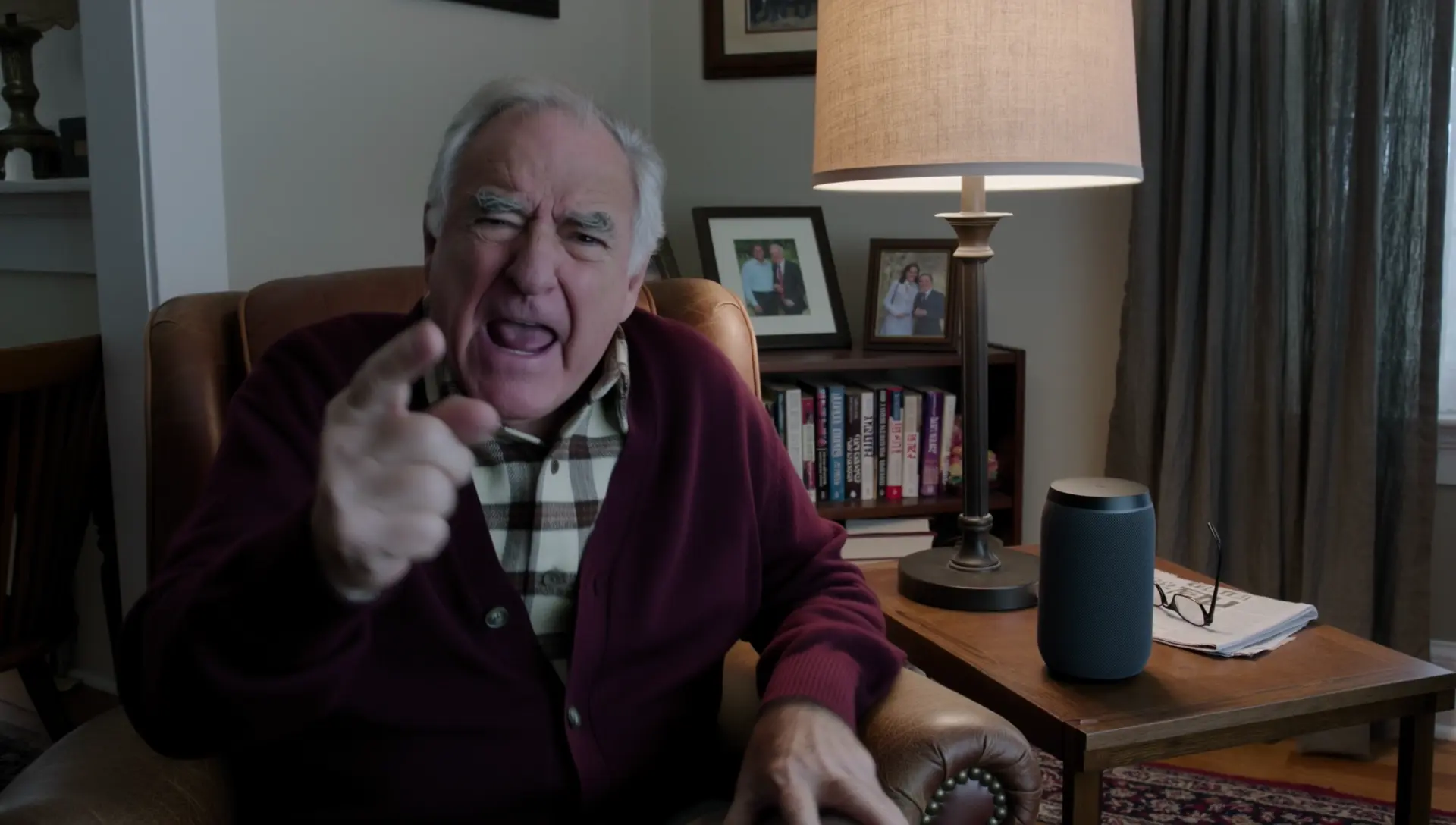
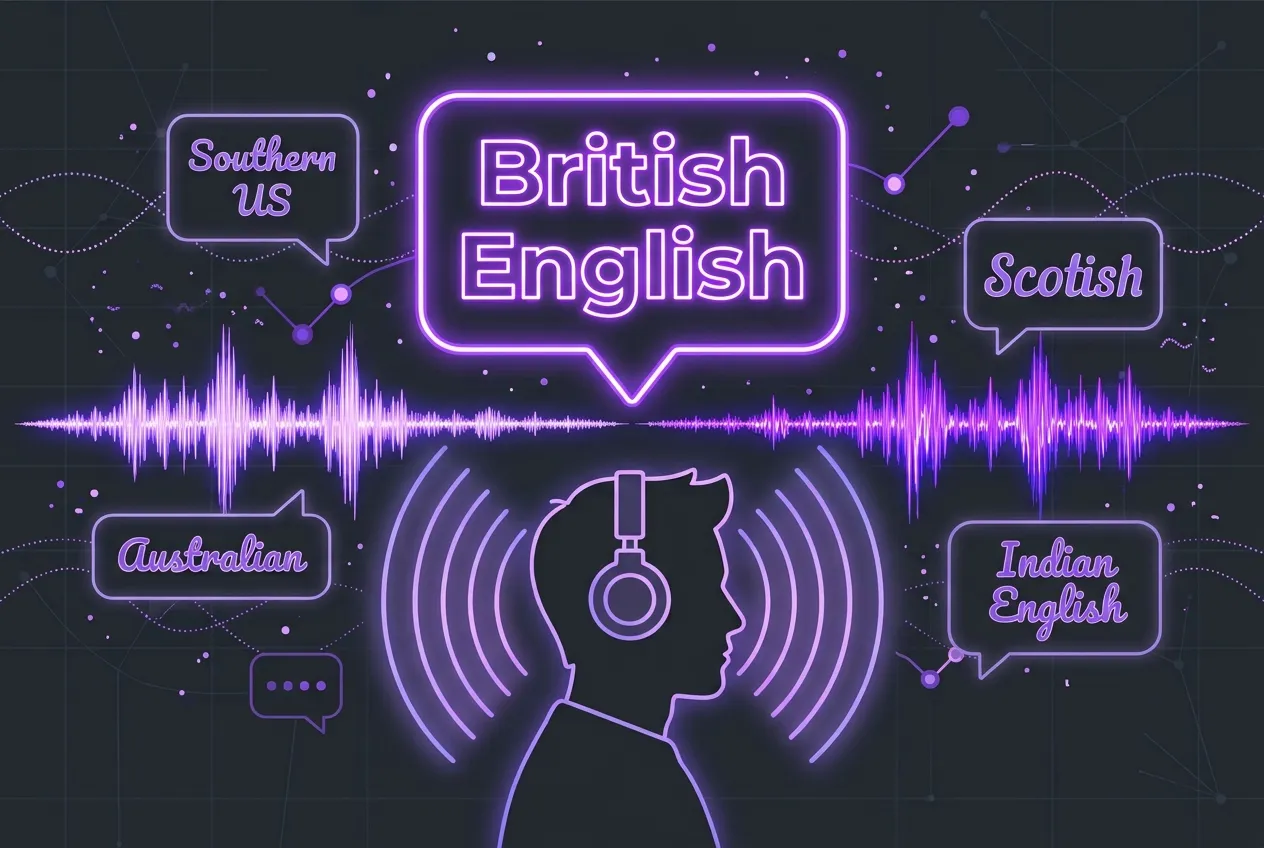
Dialogue scene with a named regional accent

Name the accent, not just the language

Specifying the accent gives more control than asking for the language alone.
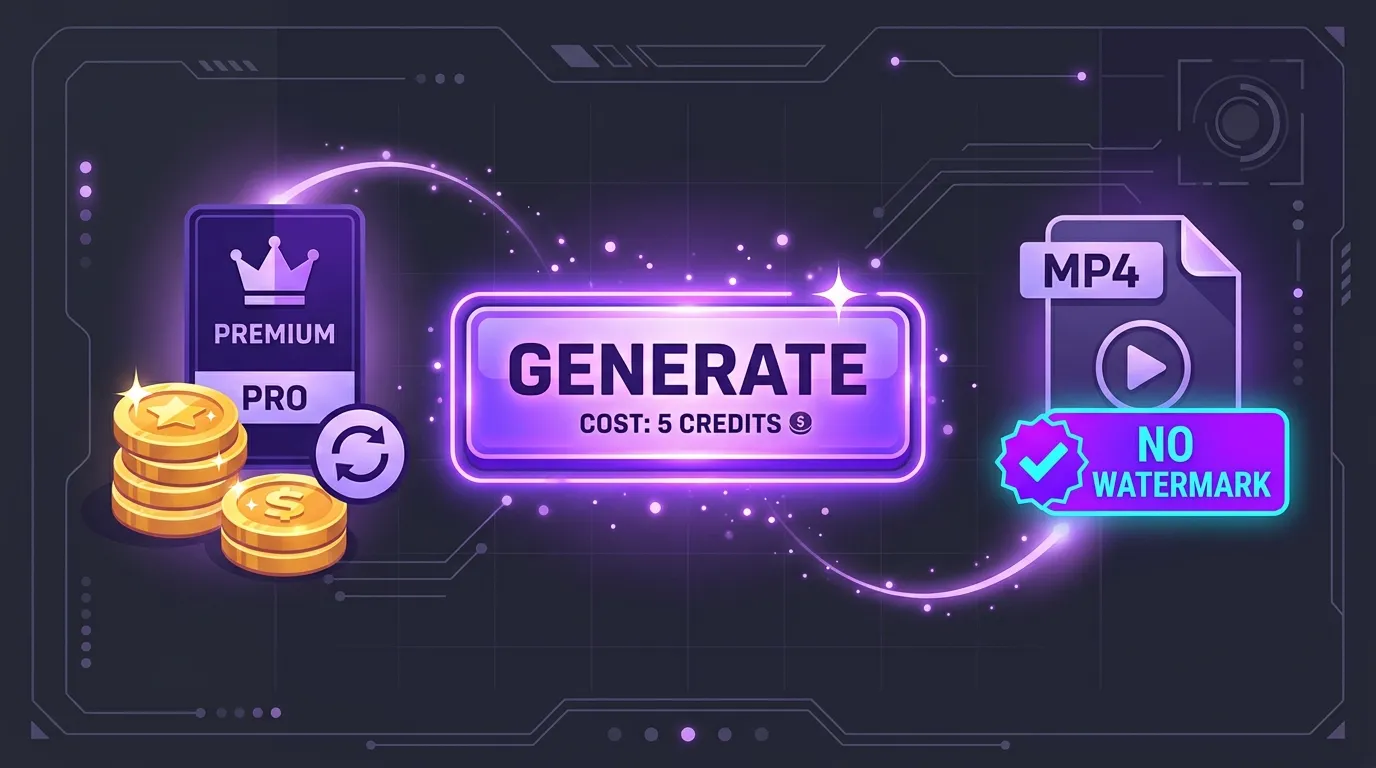
Generate button showing required credits for a watermark-free MP4

Subscription and credits are required

Viddo AI needs an active subscription with credits on the account. Required credits appear on the Generate button, and outputs are watermark-free MP4.

Pro Tips for Better Keyframe Results

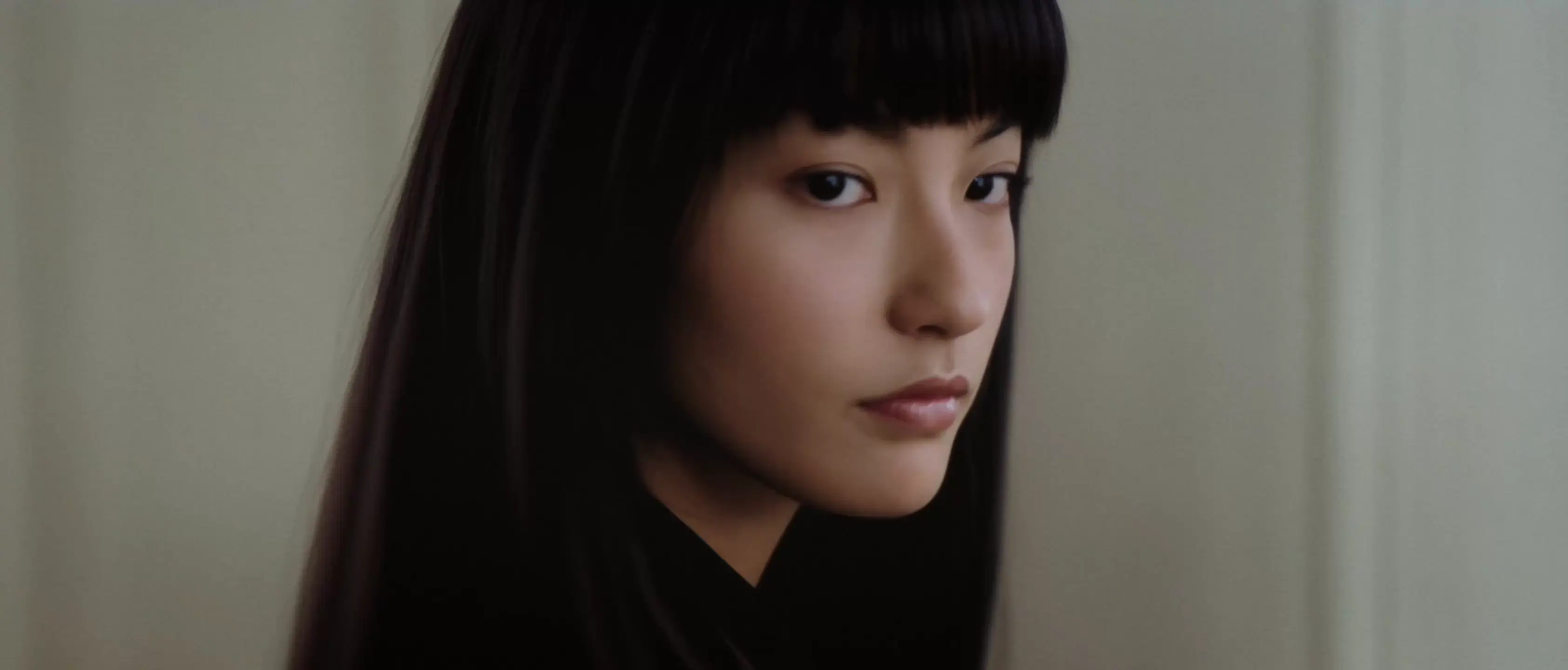
Dark-haired woman, head-and-shoulders portrait

Keyframe Beat Control

Prompt

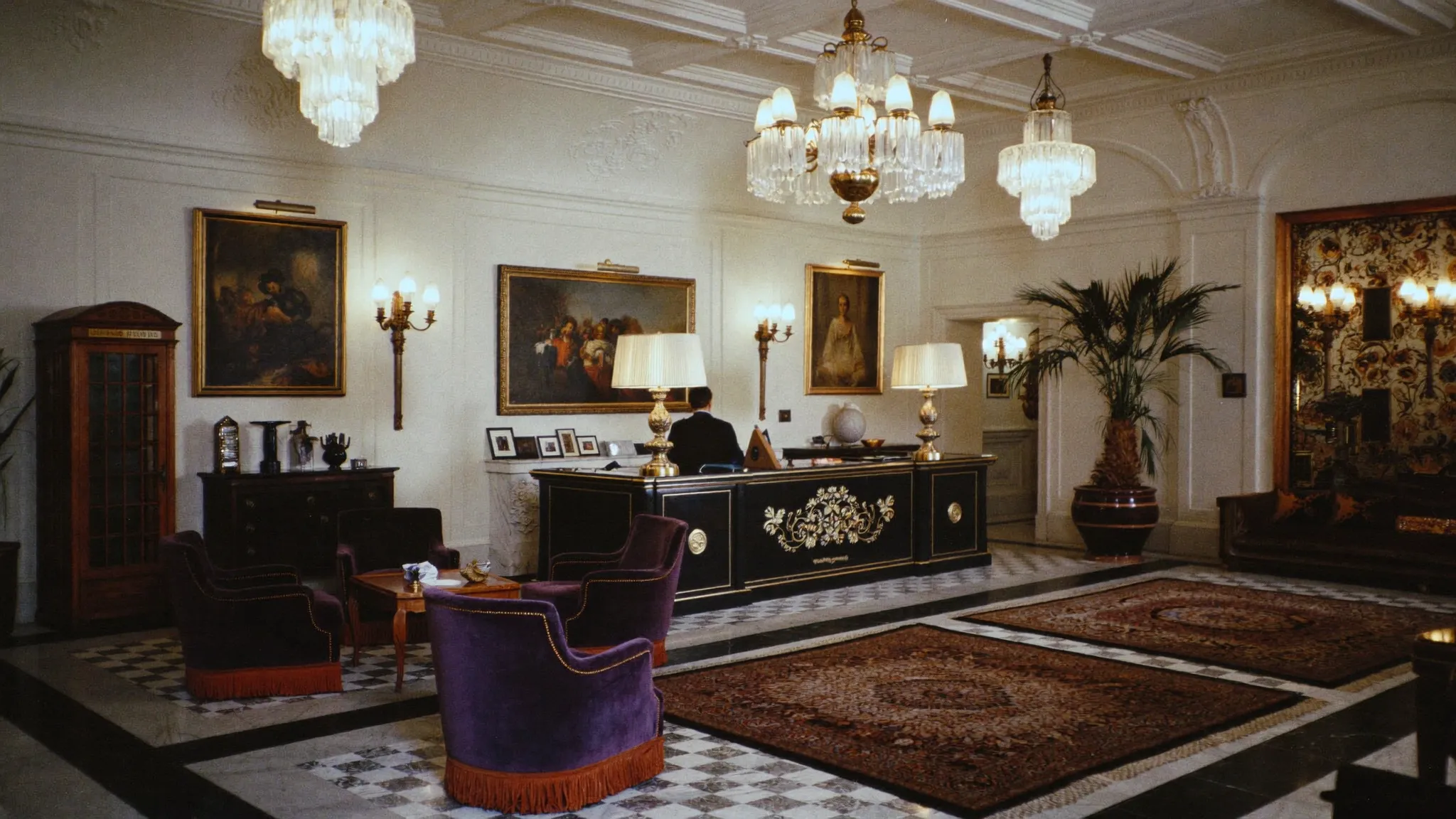
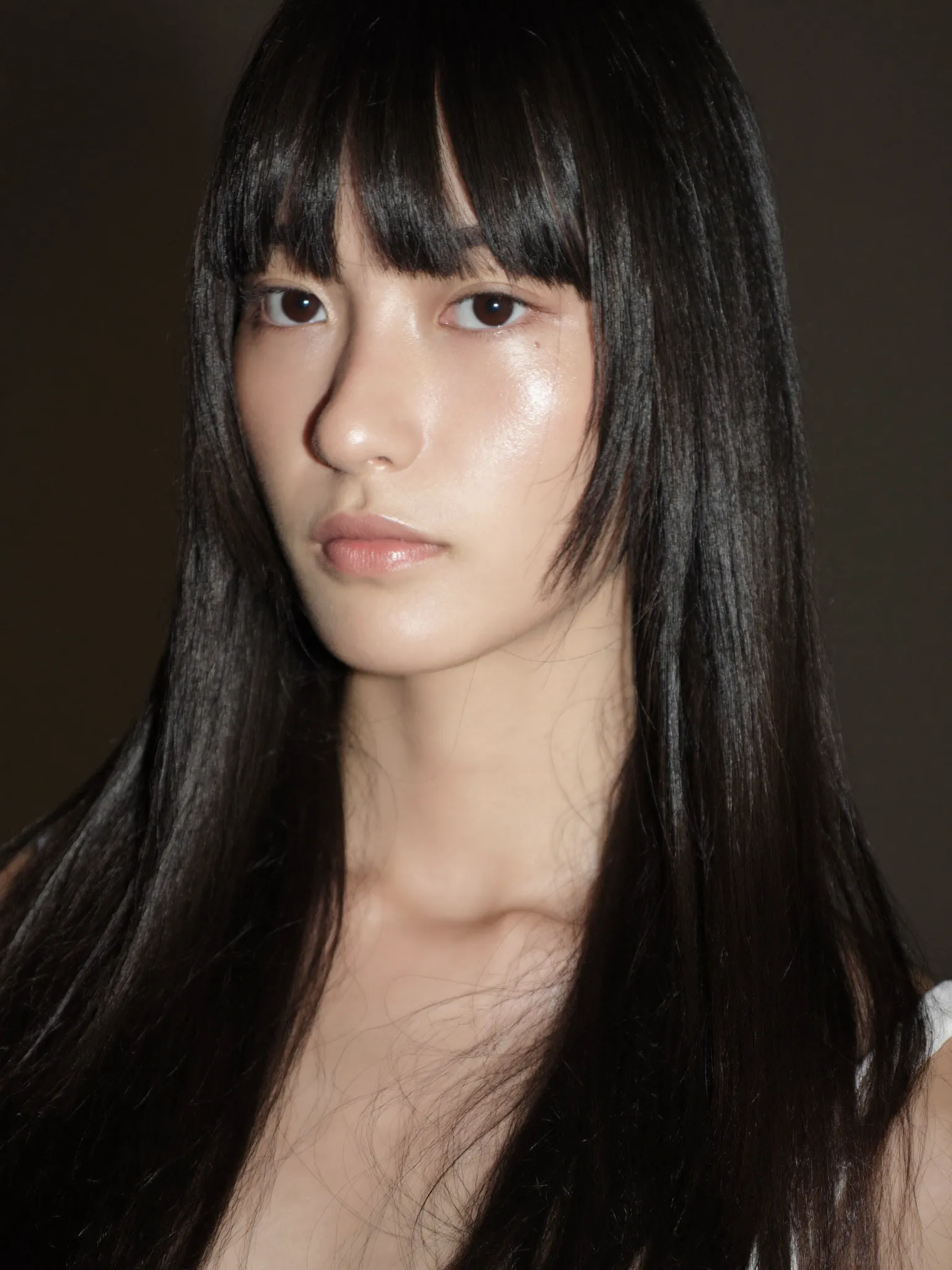
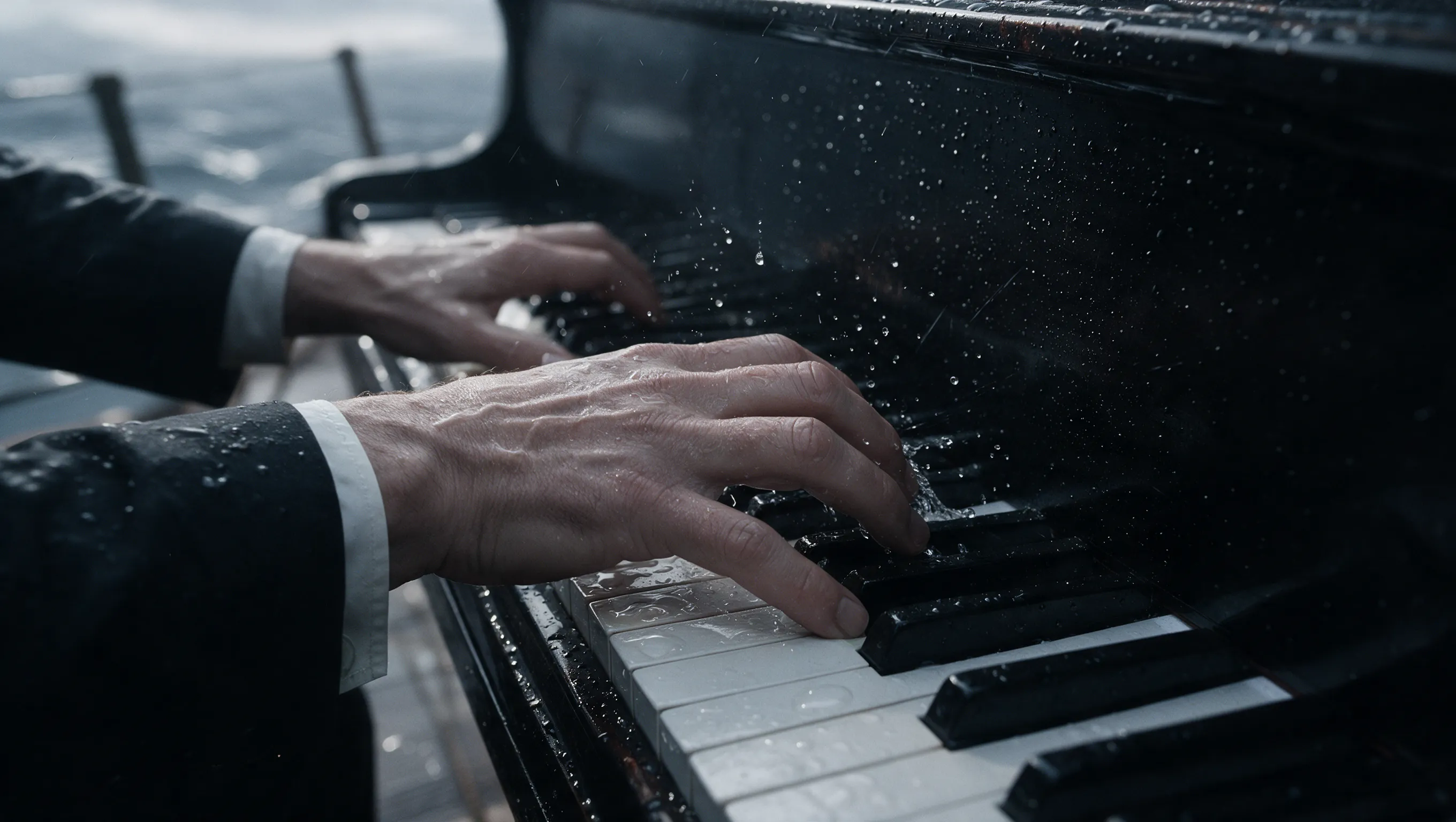
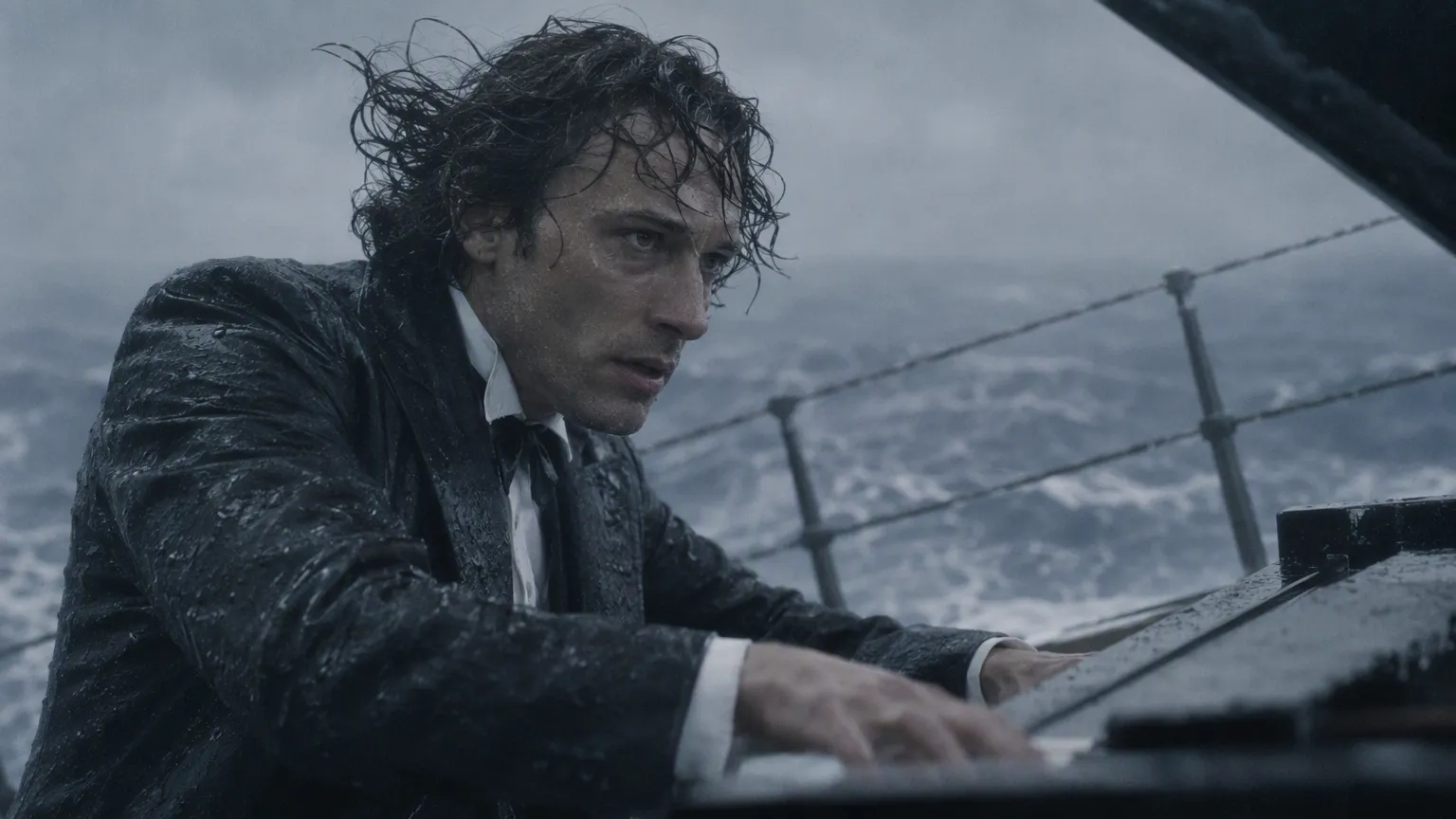
A room and a face, then four keyframes of a pianist caught in a storm, produce a 15-second 21:9 scene where two men in suits collide before the shot opens out onto the keys, the rain and the cliff edge. Fixed wide and medium framing, warm lamp light against the cold blue of the keyframes.

Inputs: 6 reference assets

  • Reference image — ornate European salon, chandeliers and a purple armchair
  • Reference image — dark-haired woman, head-and-shoulders portrait
  • Keyframe — hands playing piano in the rain
  • Keyframe — wet-haired pianist in a suit, close-up
  • Keyframe — surge of water over rocks
  • Keyframe — figure at a cliff edge in the storm
Ornate European salon, chandeliers and a purple armchairDark-haired woman, head-and-shoulders portraitHands playing piano in the rainWet-haired pianist in a suit, close-upSurge of water over rocksFigure at a cliff edge in the storm
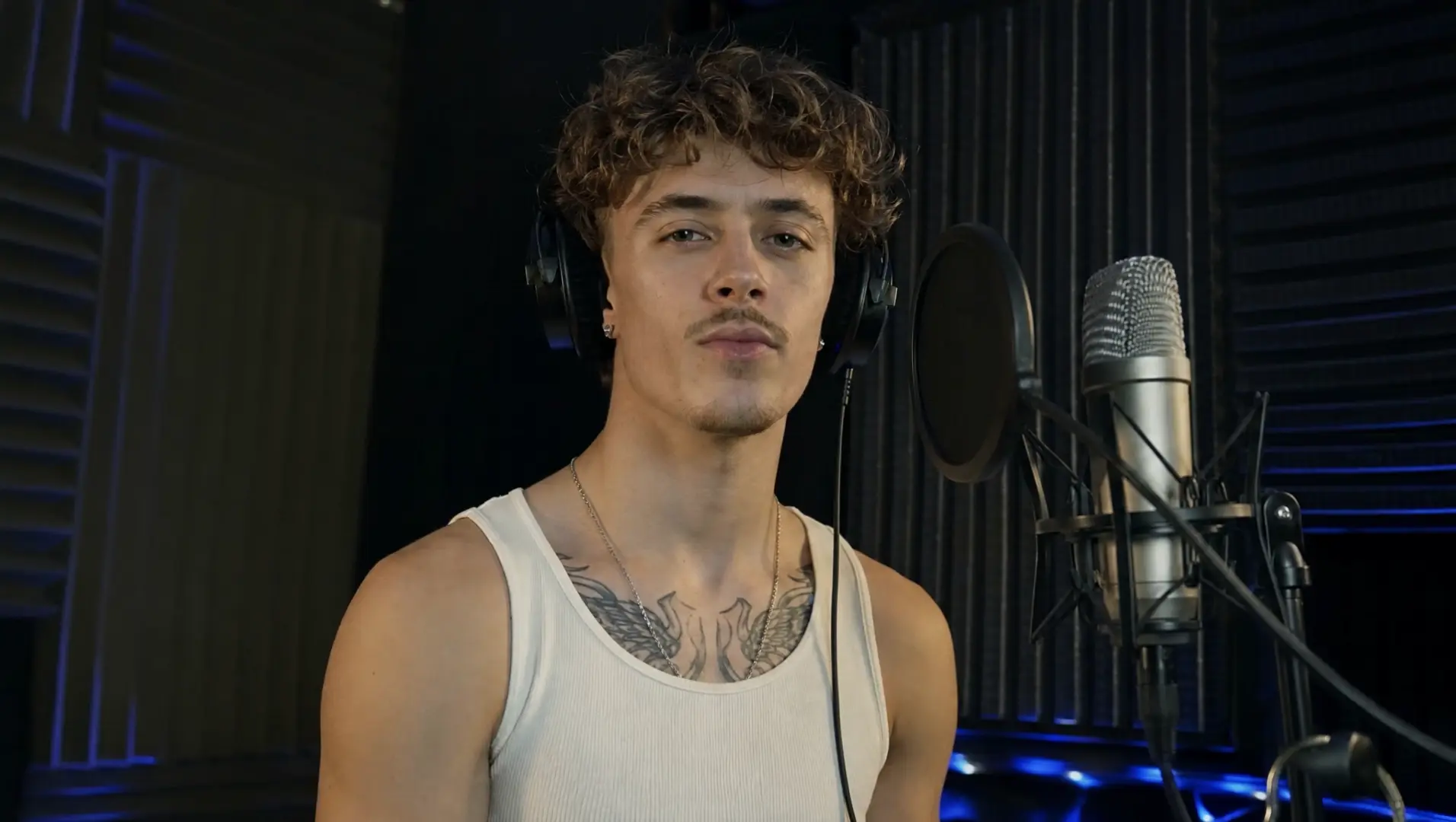
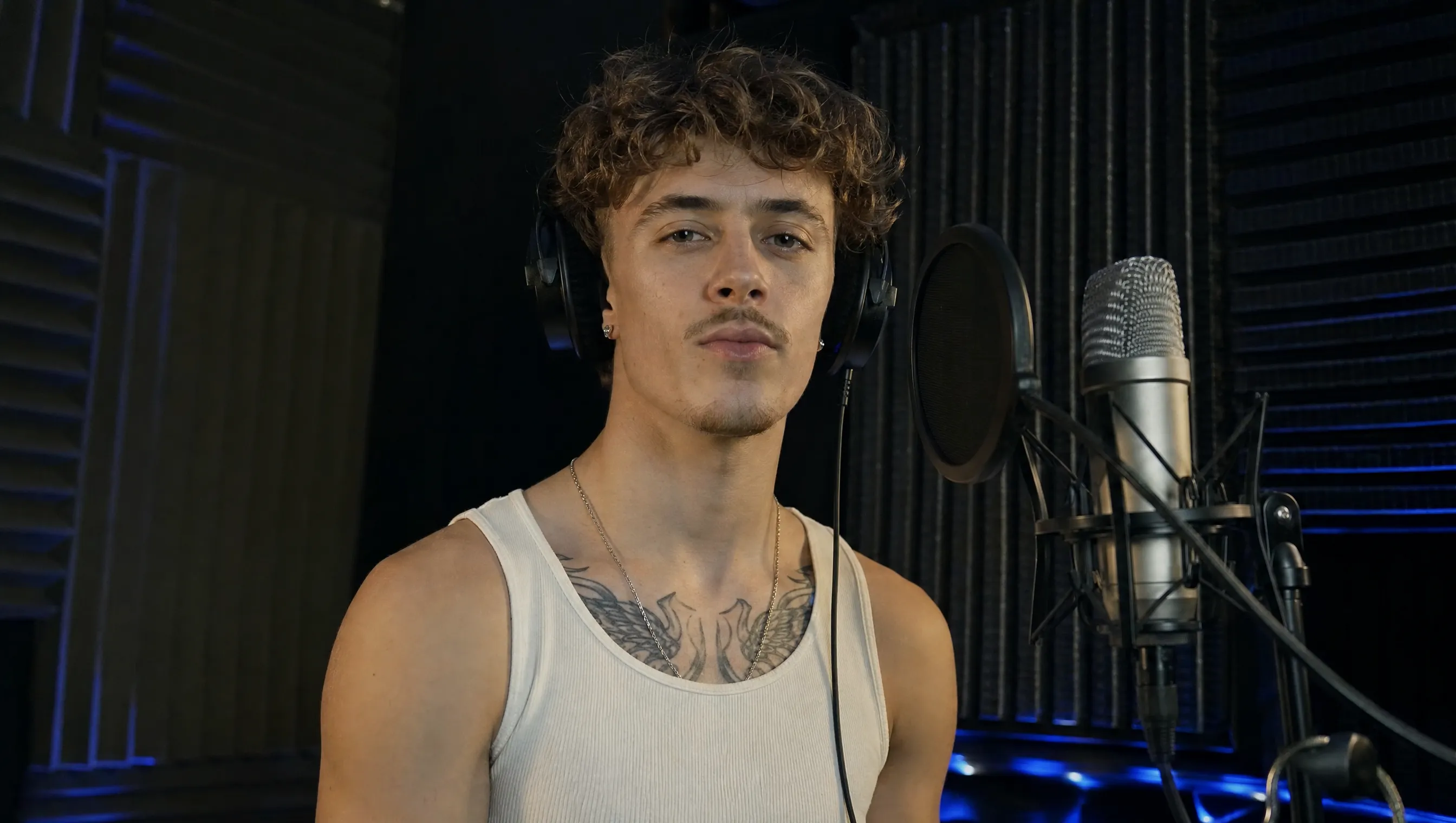
Young man in a white tank top singing at a studio microphone

Start and End Frame Lock

Prompt

One start frame and one end frame, rendered as a full 30-second studio performance. The opening frame fixes the singer at the microphone in cool blue light and the end frame fixes him in warm amber, so both ends are locked and the 28 seconds between are generated in one pass.

Inputs: 2 reference assets

  • Start frame — young man in a white tank top at a studio microphone
  • End frame — the same singer lit in warm amber
Young man in a white tank top at a studio microphoneThe same singer lit in warm amber
Six-person character sheet with motorcycle, sports cars and a drink bottle

Multi-Character Sheet

Prompt

A six-item reference sheet plus a drink bottle produce a 15-second action cut that moves from a dark cockpit to a blue motorcycle, a red supercar, an explosion, and a figure silhouetted against the fire. Tracking and wide shots, hard daylight against the orange of the flames, high-contrast red and cool blue.

Inputs: 2 reference assets

  • Multi-character reference — six-person sheet: three suited men, a blue motorcycle, two red sports cars, a film equipment kit
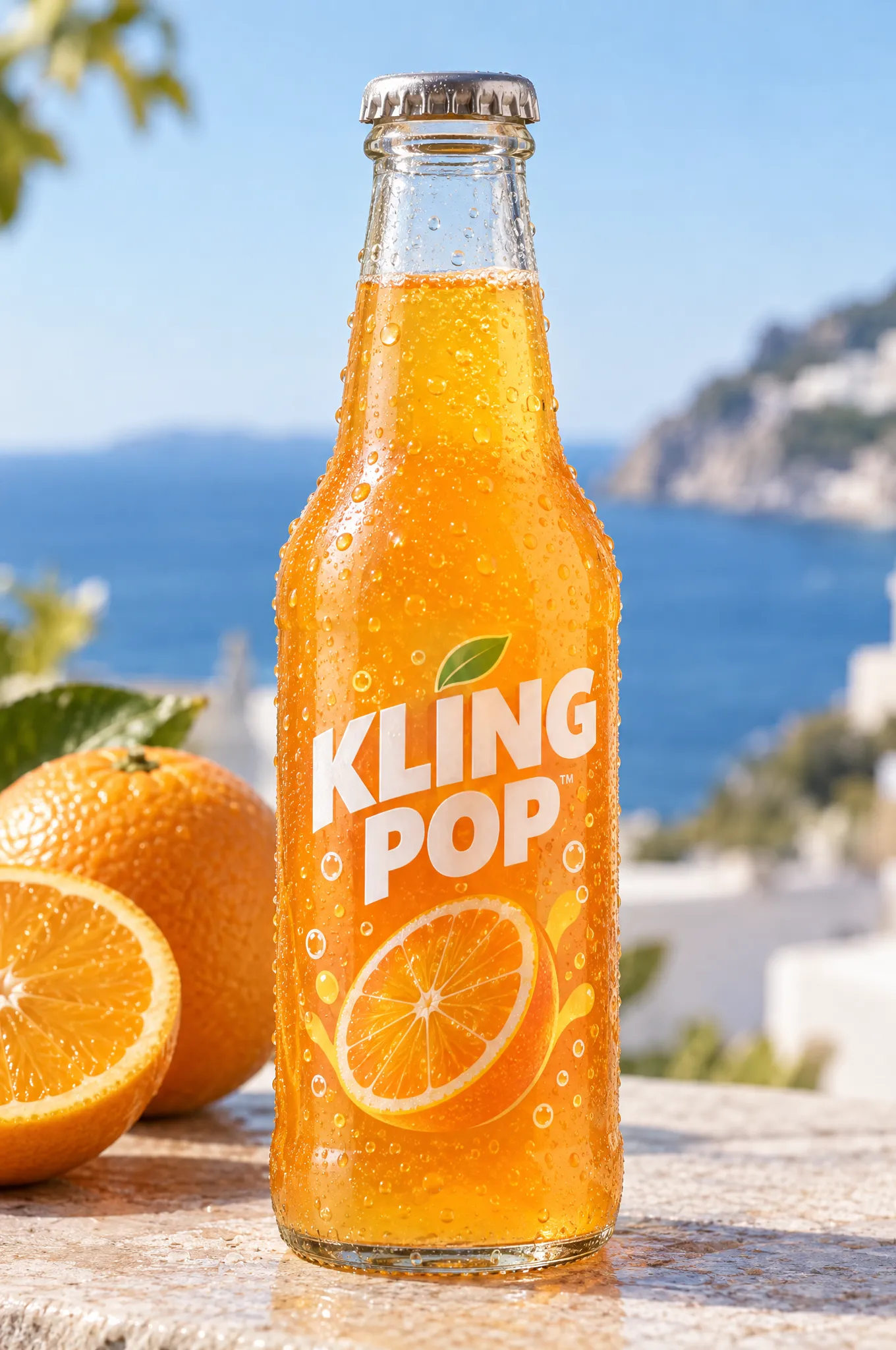
  • Product reference — Fanta-style orange bottle
Six-person sheet: three suited men, a blue motorcycle, two red sports cars, a film equipment kitFanta-style orange bottle
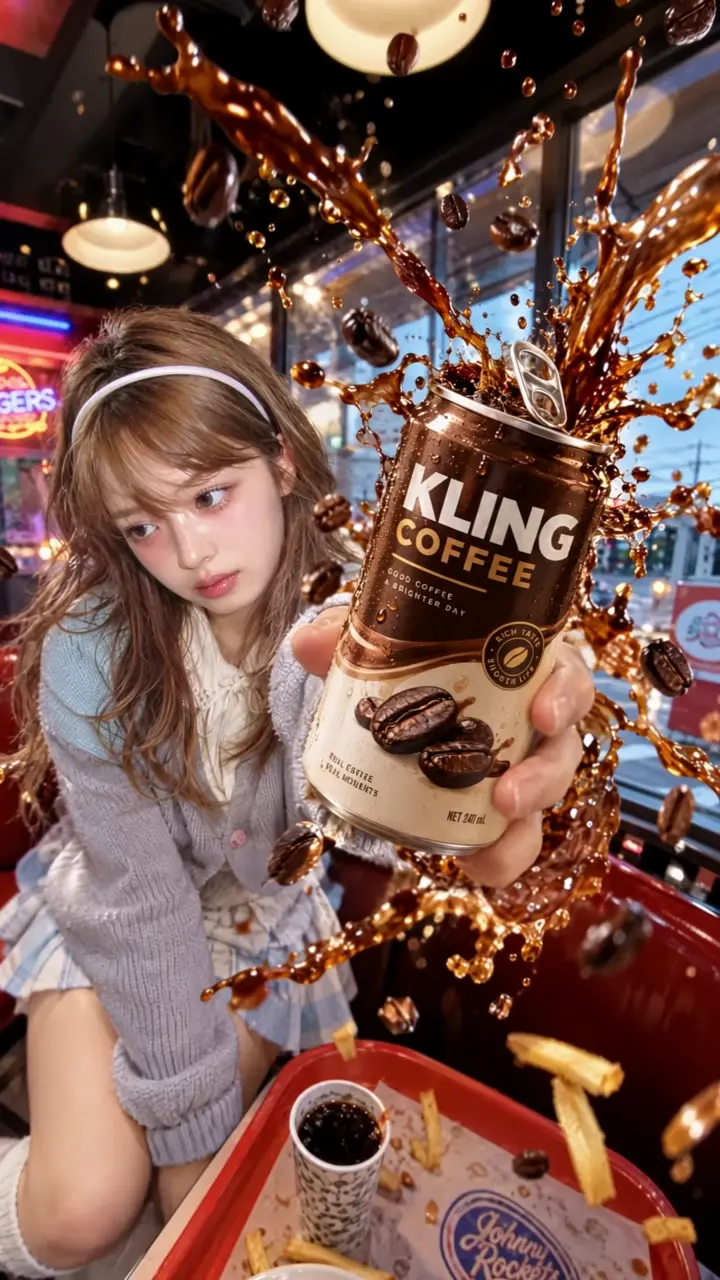
Branded coffee can in a retro diner with warm neon interior

Product Reference Shot

Prompt

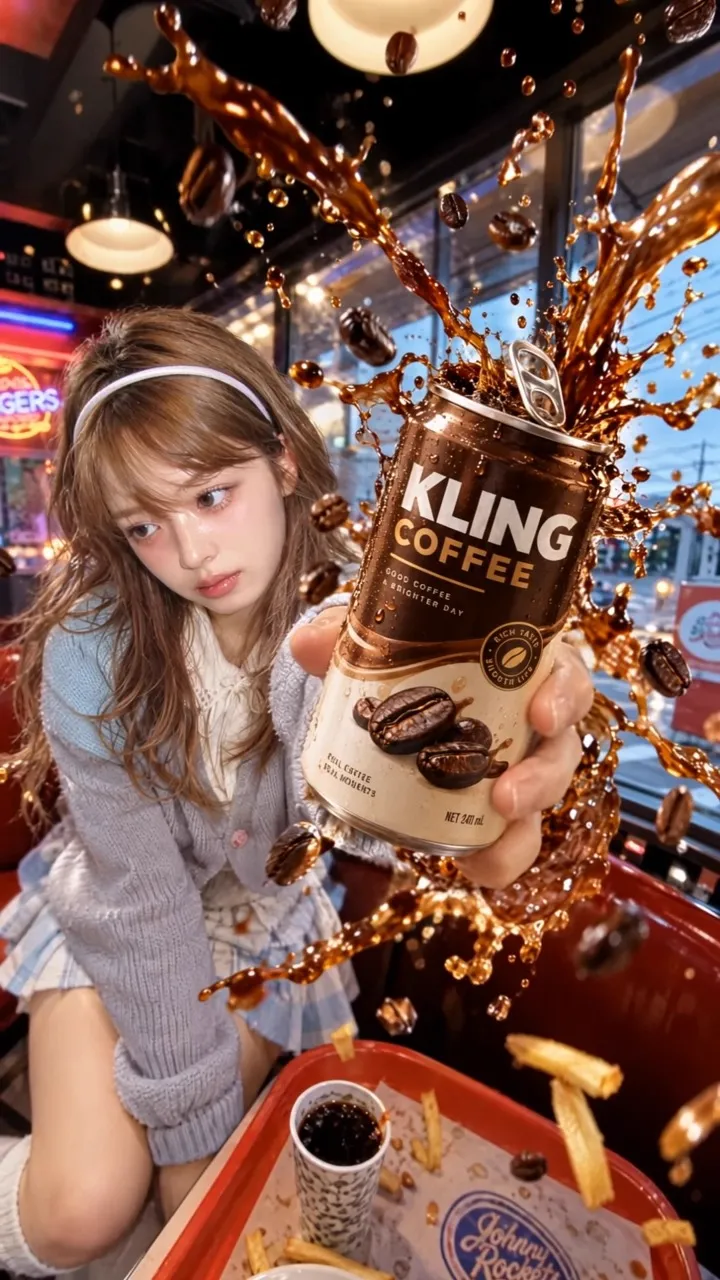
One product photo of a coffee can produces a 4-second 9:16 clip. A woman lifts the can towards camera inside a neon-lit diner, with a whip transition past her shoulder and back to the product, under warm practical lighting and a saturated commercial grade.

Inputs: 1 reference assets

  • Product reference — branded coffee can in a retro diner, warm neon interior
Branded coffee can in a retro diner, warm neon interior
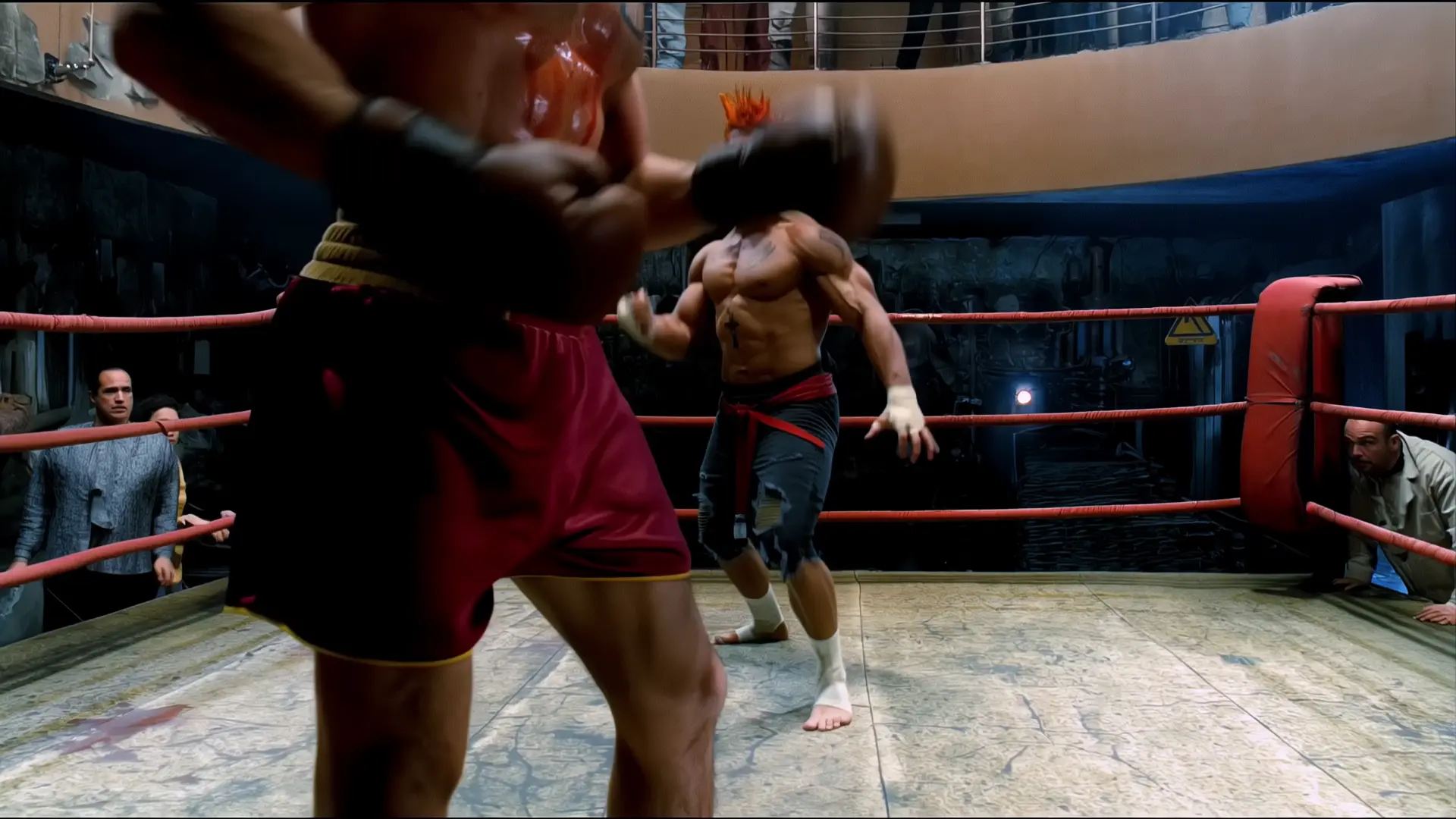
Two fighters exchanging punches in a boxing ring

Motion Reference Transfer

Prompt

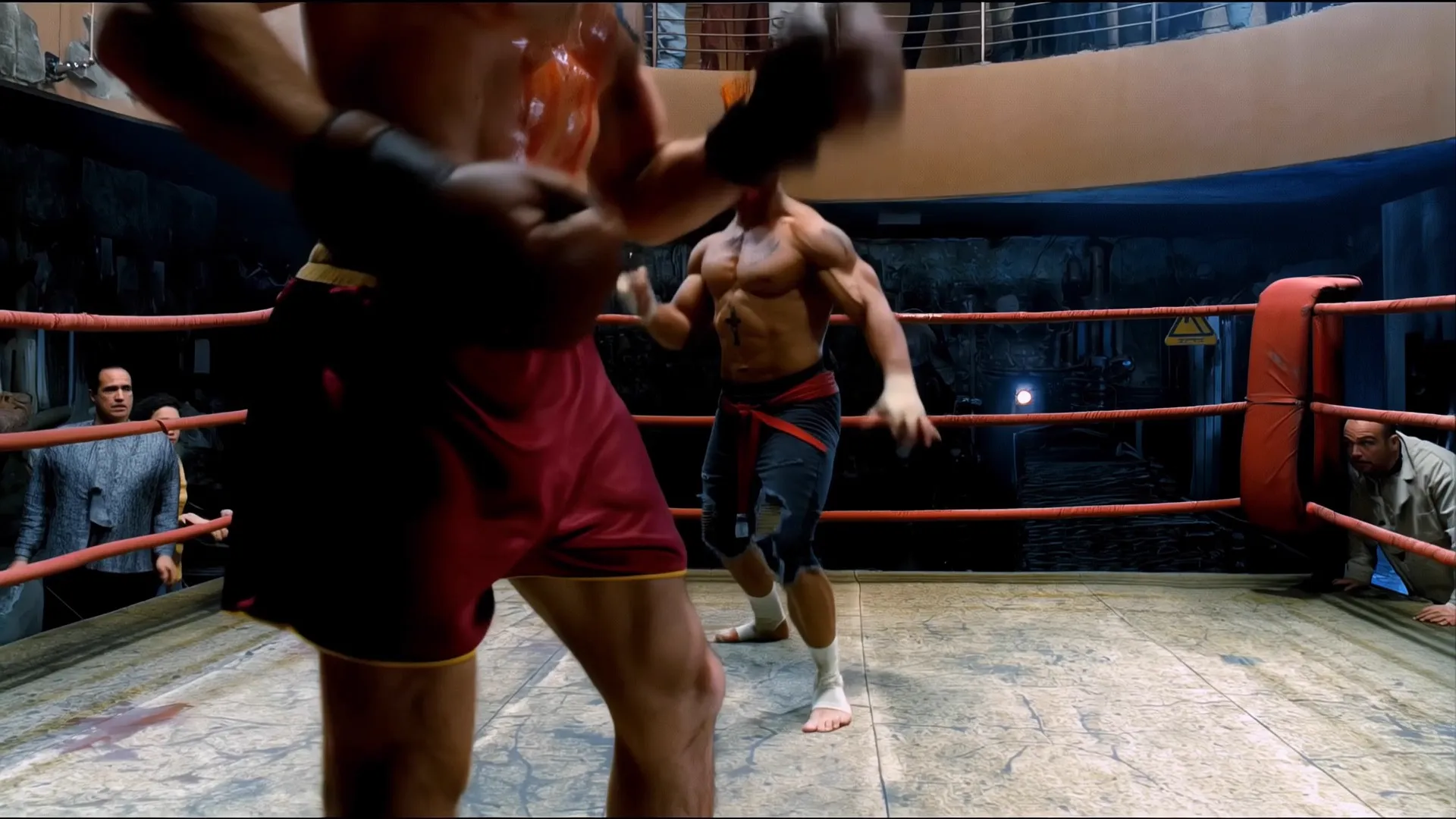
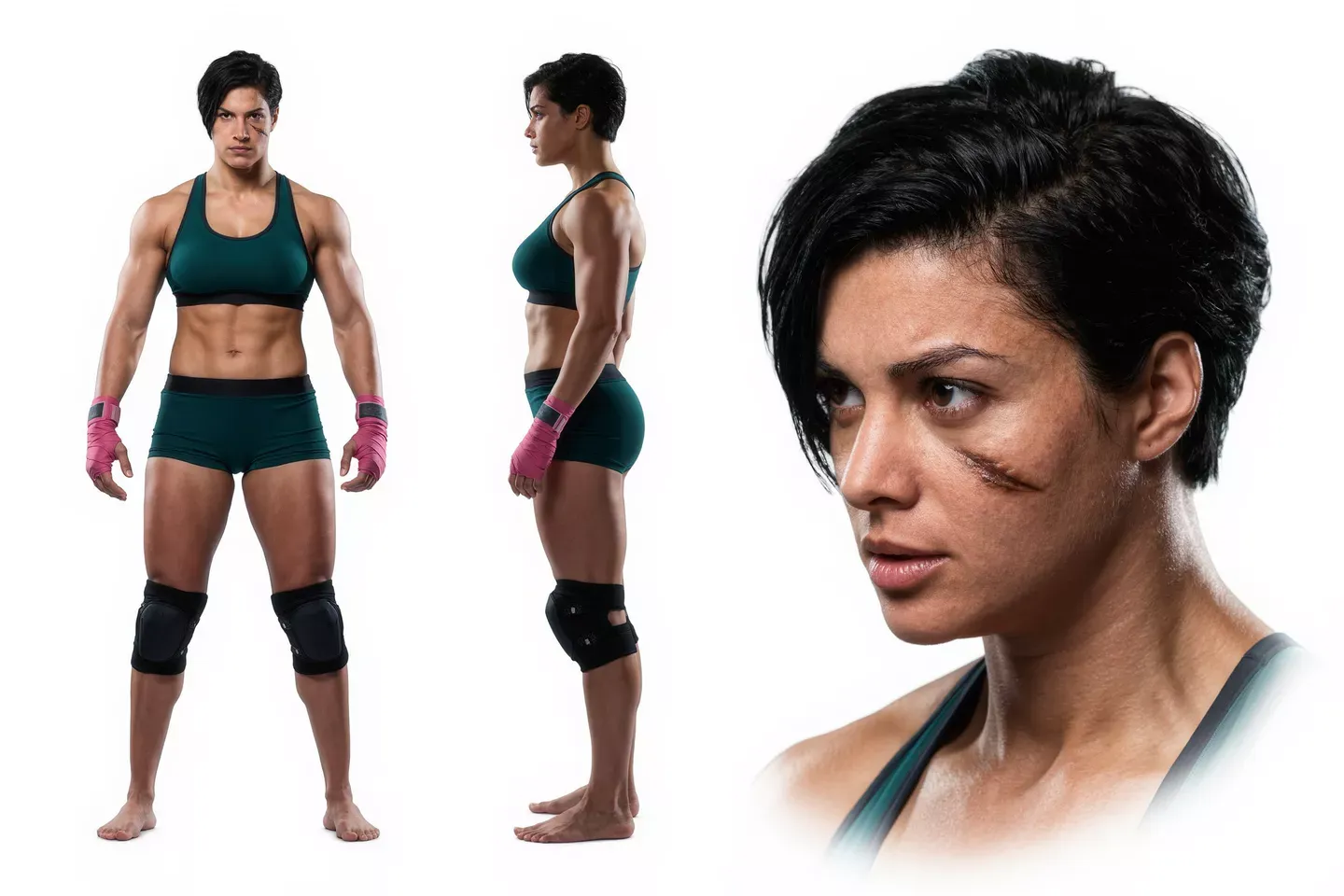
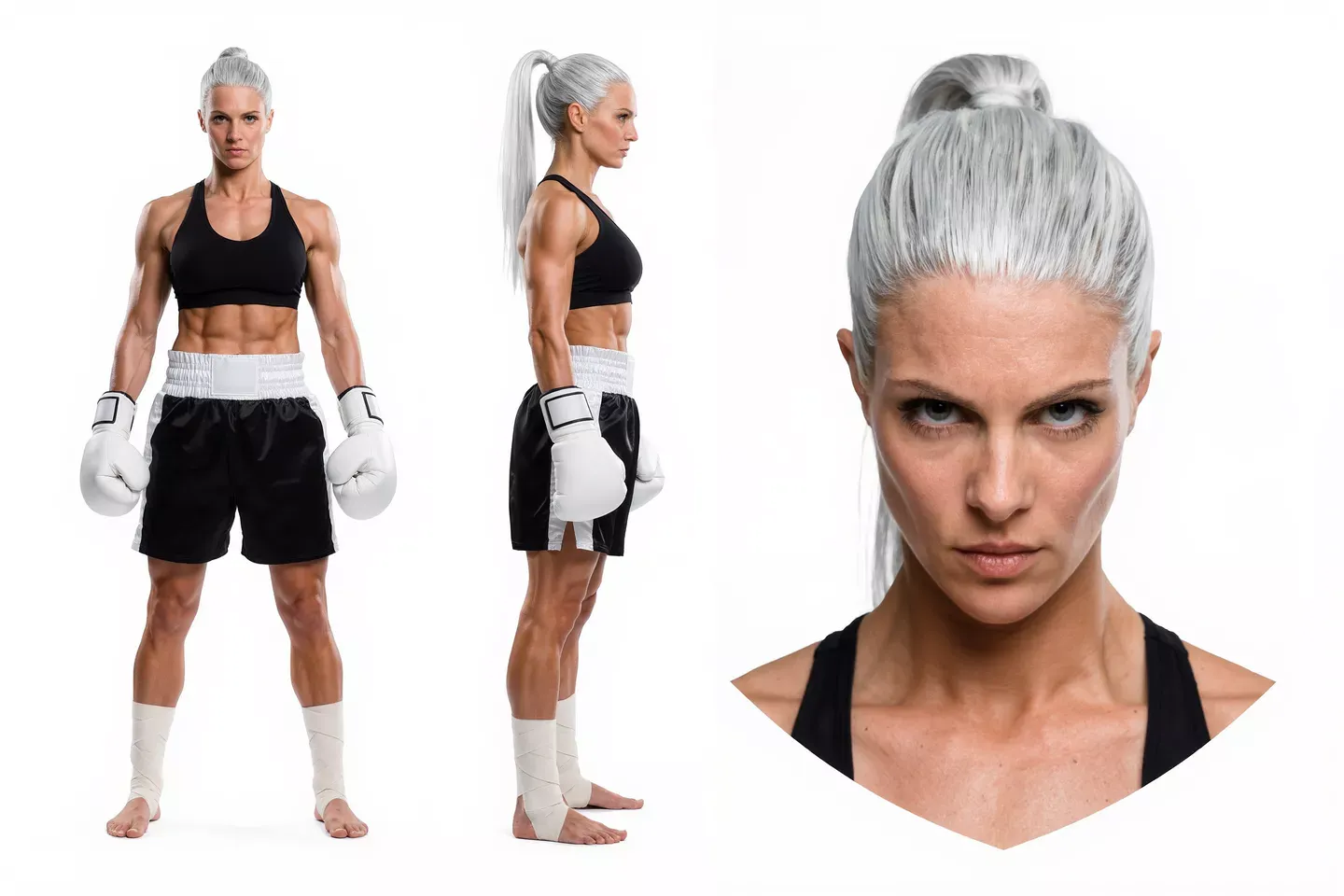
A boxing clip plus character reference frames produce a 7-second fight in a ring. The camera tracks ringside under hard overhead arena spotlights, and the footage reads like a broadcast rather than a render because the movement came from the reference.

Inputs: 3 reference assets

  • Motion reference — two fighters exchanging punches in a ring
  • Motion reference — fighter pair, front and back views
  • Motion reference — fighter pair, front and back views
Two fighters exchanging punches in a ringFighter pair, front and back viewsFighter pair, front and back views
Brown-and-white dog in a white studio sitting and looking up

Reference Video Plus Image

Prompt

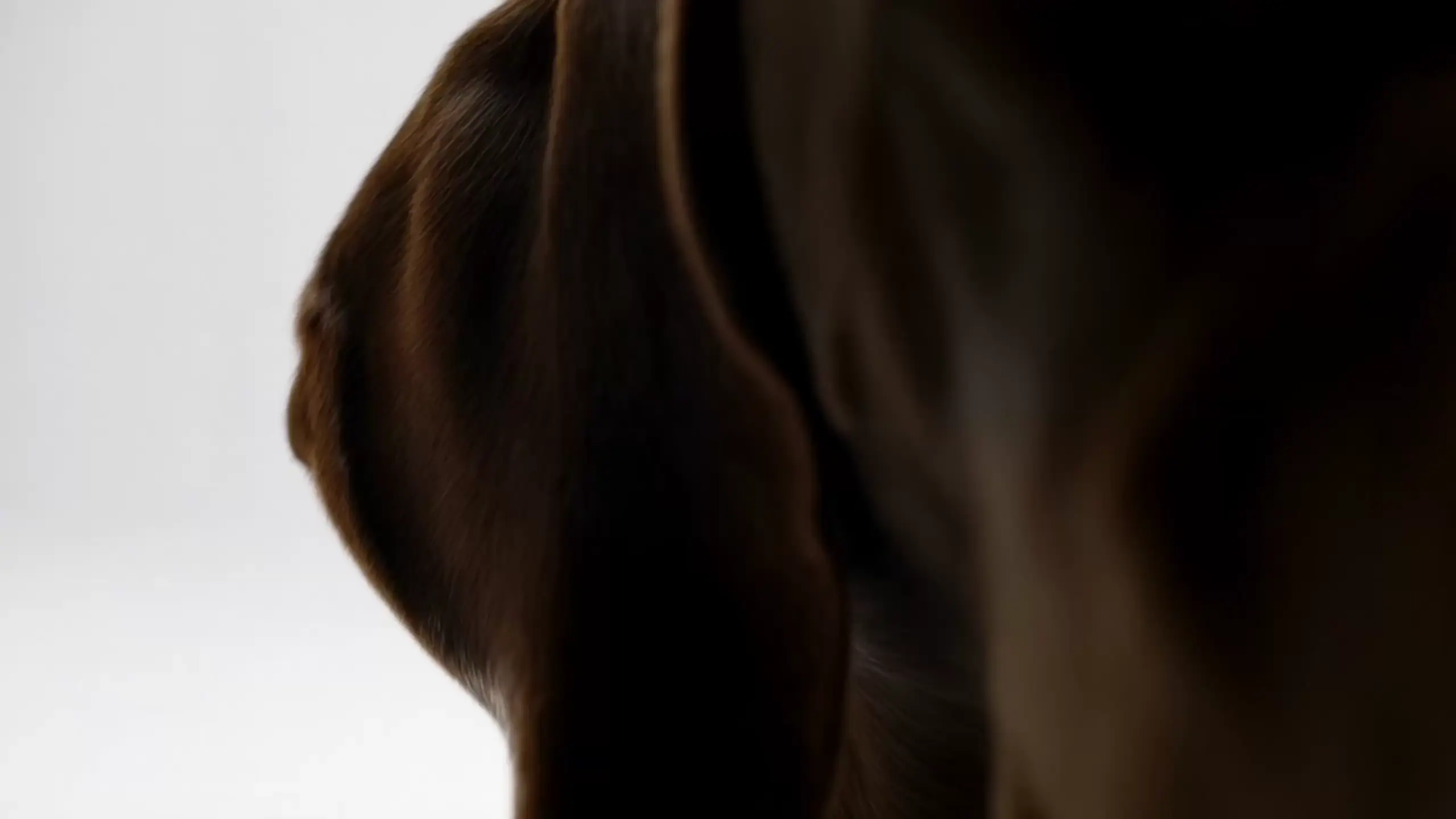
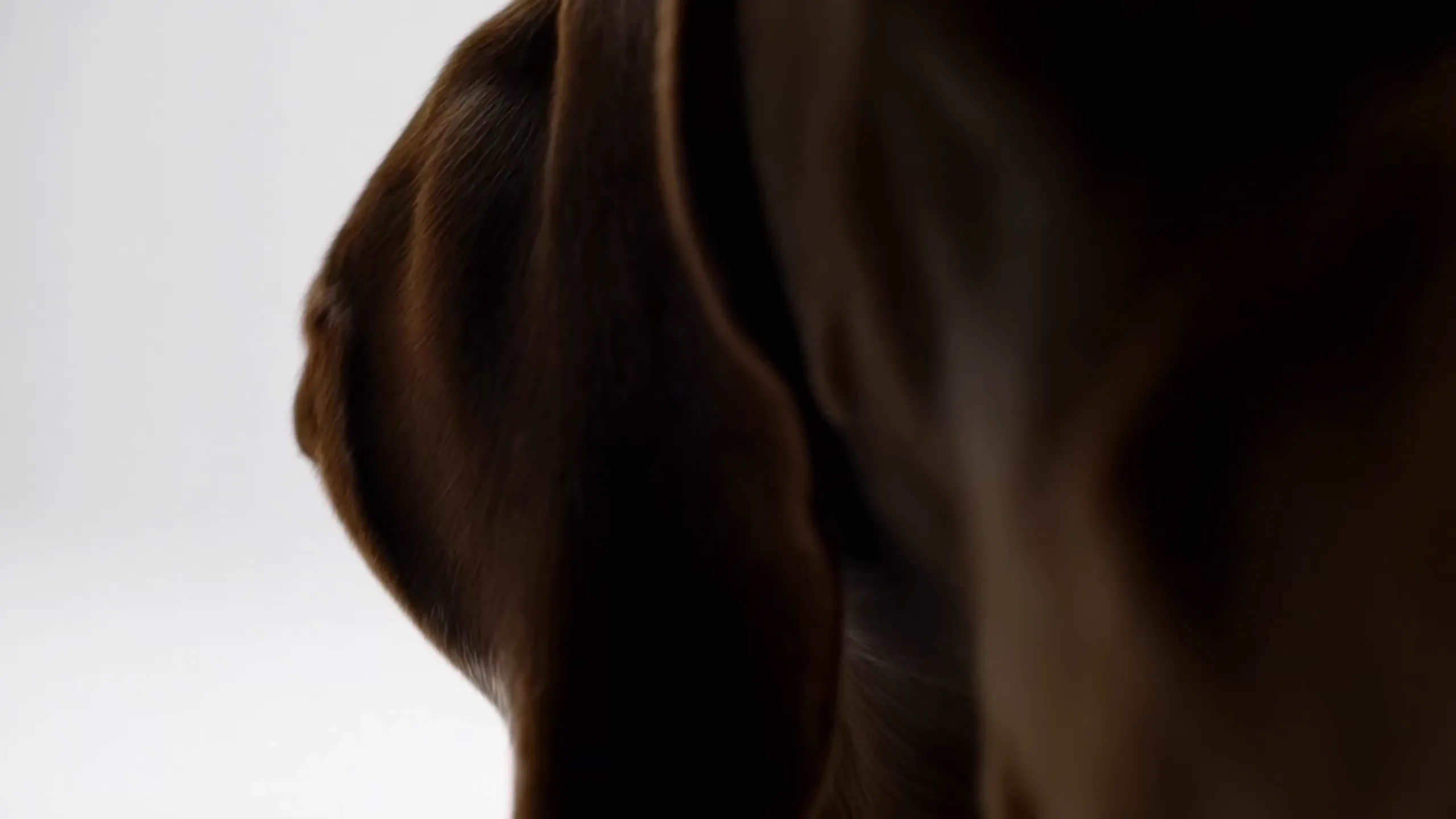
A reference video of a brown-and-white dog paired with a cat photo produces a 14-second studio clip. The dog sits, looks up and is petted, then pushes its head out of a white sleeve, as the camera pushes slowly in under even softbox light in a clean high-key grade.

Inputs: 2 reference assets

  • Reference video — dog in a white studio, sitting and looking up
  • Reference image — grey-and-white cat on a step
Dog in a white studio, sitting and looking upGrey-and-white cat on a step
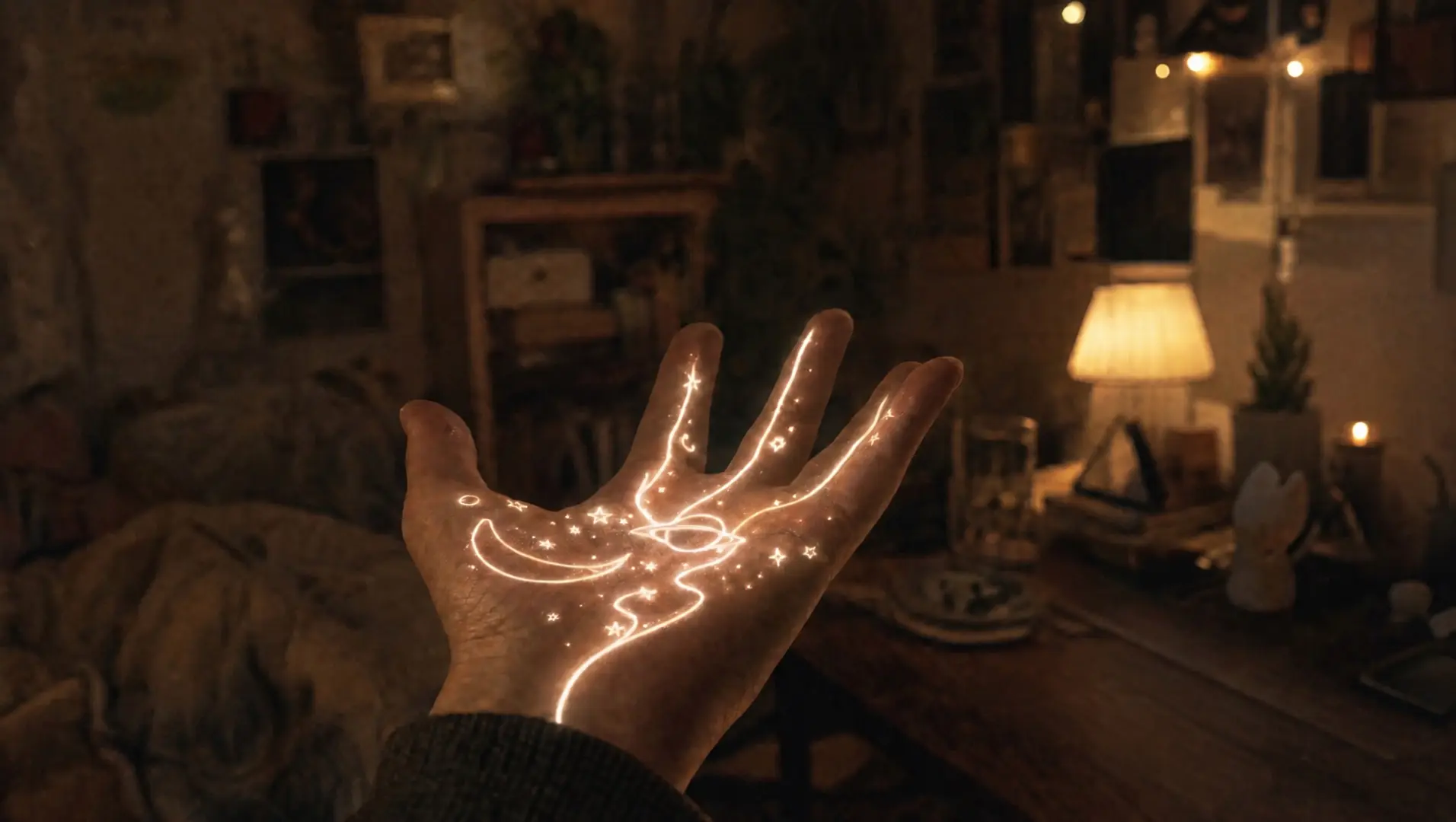
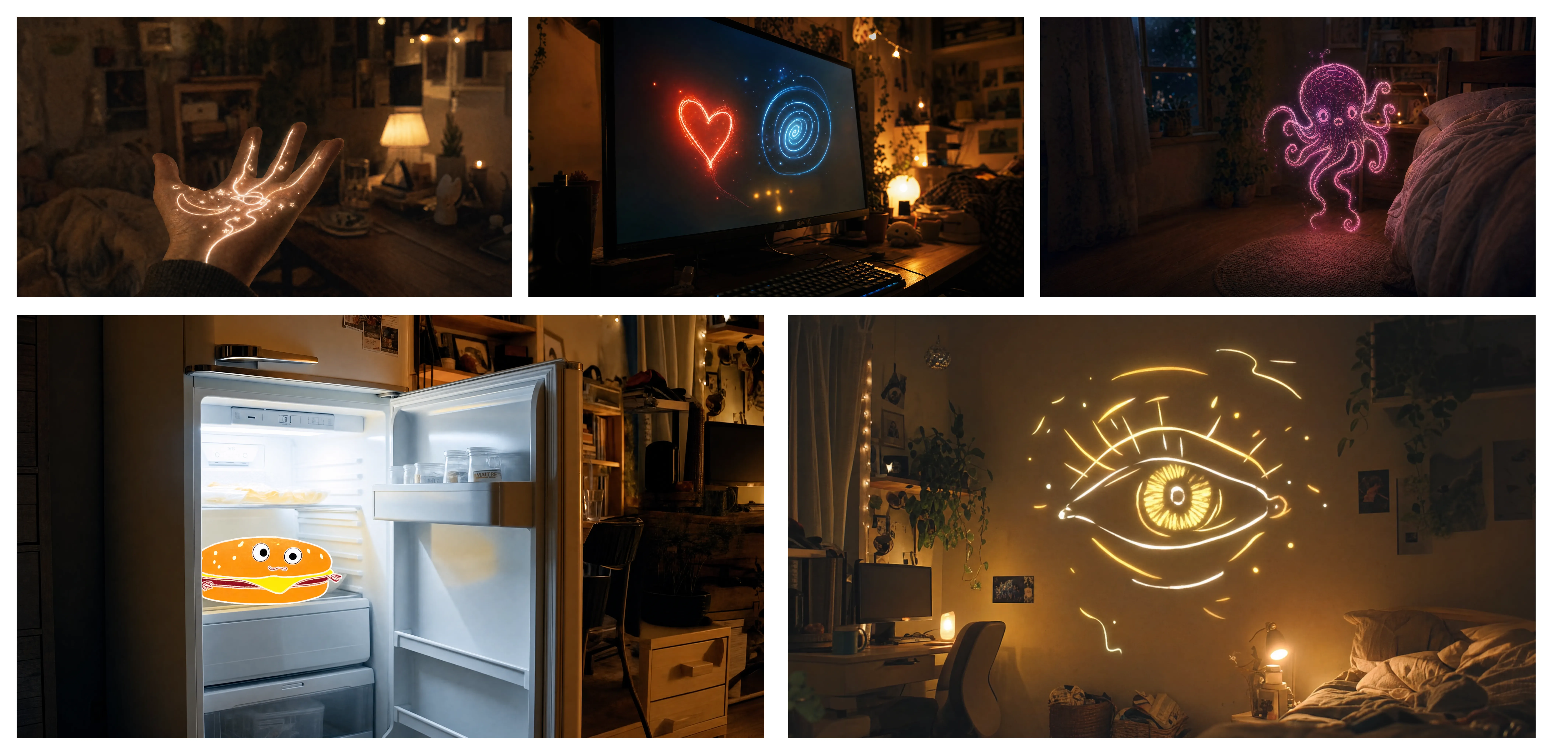
Storyboard sheets of a neon bedroom, jellyfish glow and a painted eye

Ten Keyframes on One Timeline

Prompt

Two large storyboard sheets and two smaller ones place ten fixed points on a 20-second 16:9 timeline. The result moves through a bedroom lit by neon art, a glowing jellyfish, a wardrobe, an open fridge and a painted eye, all in warm lamp light with a saturated glow.

Inputs: 4 reference assets

  • Keyframe sheet — five-frame storyboard of a bedroom with neon art, a jellyfish glow, a face and an eye motif
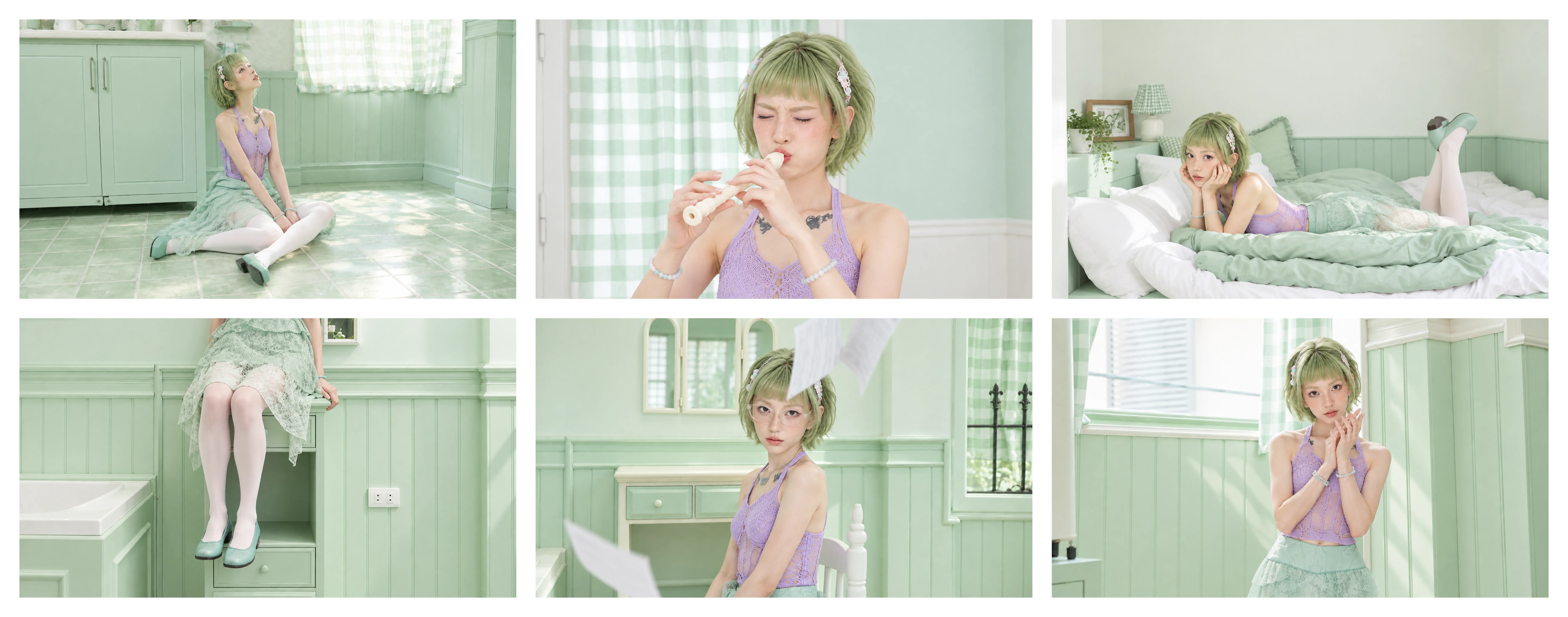
  • Keyframe sheet — six-frame sheet of a young woman in a mint bedroom
  • Keyframe sheet — two frames, neon glow and an eye
  • Keyframe sheet — two frames, neon glow and an eye
Five-frame storyboard of a bedroom with neon art, a jellyfish glow, a face and an eye motifSix-frame sheet of a young woman in a mint bedroomTwo frames, neon glow and an eyeTwo frames, neon glow and an eye

FAQ About This AI Video Generator

1

Is Kling 4.0 free to use on Viddo AI?

To ensure the best possible user experience, we use a high-quality Kling 4.0 model, so we currently do not offer free trial credits. However, we provide an exclusive service: if the generated video does not meet your expectations, we can restore the credits used or issue a refund.

2

How many credits does Kling 4.0 cost?

Every Kling 4.0 second costs 22 credits for 720p output, which means 66 credits for 3 seconds and 660 for 30 seconds. 1080p output costs 50% more than 720p, at 33 credits per second, 99 credits for 3 seconds and 990 credits for 30 seconds. The Generate button shows the exact credit total before you render.

3

Can I use Kling 4.0 with my own images and videos?

Yes, you can use your own images or videos to create engaging videos with the Kling 4.0 AI Video Generator. Up to 10 images, 5 videos, and 7 subjects can be combined in one generation, alongside a voice reference.

4

What should I do if a Kling 4.0 generation fails?

If a video fails to generate and the task status shows 'Failed,' no credits will be deducted. If the video is generated successfully but the results do not meet your expectations, we can offer you a refund.

5

Does it match lip movement to dialogue?

Yes. Two-channel stereo with tighter lip-sync matching keeps dialogue, delivery, and mouth movement aligned. Naming the exact line in your prompt gets you that line, not an improvised one.

6

Can I use the output commercially?

Yes, for projects covered by your Viddo AI subscription license. Review the current terms before publishing, and confirm rights on footage, music, or voice you upload.

Discover More

Start Creating on Viddo AI

Create your first Kling 4.0 AI video on Viddo AI. Upload reference images and videos, use up to 10 keyframes to guide your scenes, and combine up to 15 reference assets in a single generation. Want to explore more? Switch to Seedance, Veo, or Wan in the same workspace and find the right model for your next video.
Start Creating on Viddo AI
viddo.ai

Viddo AI is an advanced all-in-one AI video and image generation platform that lets you quickly and easily create stunning videos and images from various inputs. These AI Model powered by Google, OpenAI, Grok AI, ByteDance, Alibaba, Kling, Runway, Vidu, Minimax, Elevenlabs, Midjourney,and so on.

© 2026 viddo.ai. All rights reserved.