
Seedance 2.0: As low as $0.345 per video
Veo3.1 Lite: As low as $0.0575 per video


Waiting for your creations!
Revolutionize your video editing with Sora 2 Edit. Our AI technology simplifies the editing process, allowing you to turn text prompts or images into captivating videos quickly and efficiently. Experience a new level of creativity without the hassle of traditional editing software.




With Sora 2 Edit, access industry-leading AI models that continuously evolve to provide the best results. Focus on your creativity while we handle the technical details.
Dive into a world of creative possibilities with AI effects that enhance your video editing experience. Get inspired by our gallery of stunning creations.
With Sora 2 Edit, describe scenes or actions, and our advanced AI will create stunning videos that reflect your narrative.
Try Text to Video
Breathe life into your images by uploading them to create animated videos. Add dynamic movements and effects to captivate your audience.
Try Image to Video
Transform your existing videos with new styles and effects, giving them a fresh and unique aesthetic.
Try Video to Video
Create smooth transitions between clips with AI-generated effects that enhance storytelling.
Try Image to Video
Keep characters consistent across scenes with our AI's ability to retain appearances and styles throughout your edits.
Try Video to Video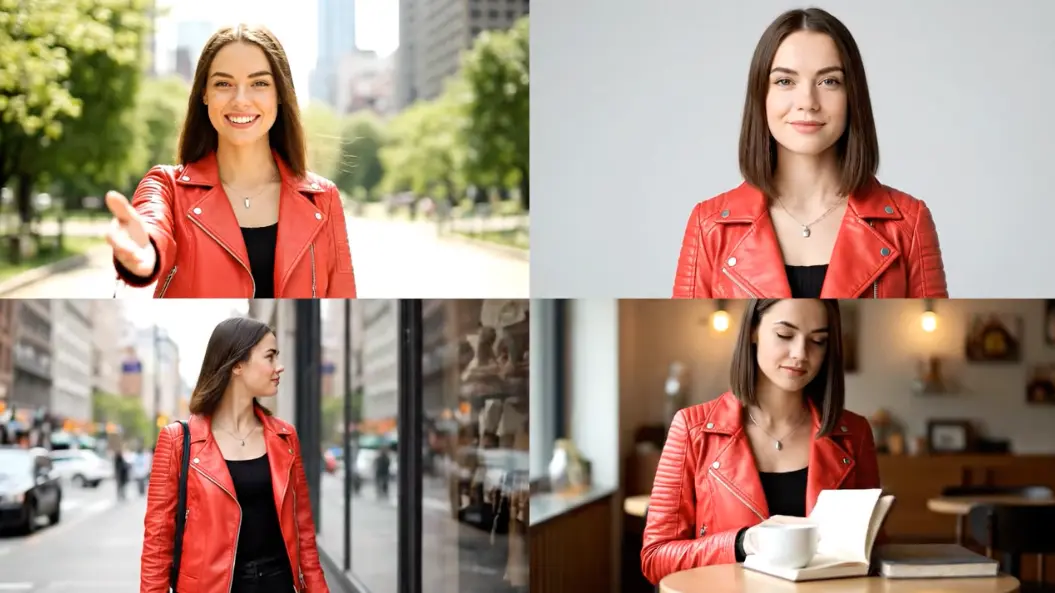

Liam Smith, Video Editor
Sora 2 Edit has transformed my editing workflow. I can create high-quality edits in a fraction of the time it used to take me!

Emma Brown, Content Creator
This tool is a game changer! The text-to-video feature saves me so much time, allowing me to focus on creativity.

Noah Davis, Social Media Influencer
I love how easy it is to animate my photos and videos. My audience engagement has skyrocketed since I started using Sora 2 Edit.

Olivia Johnson, Marketing Specialist
Sora 2 Edit helps me create stunning promotional videos quickly. The results are always impressive!

William Garcia, Freelance videographer
The character consistency feature has made my animations much smoother and more professional-looking.

Sophia Martinez, Online Educator
I use Sora 2 Edit for creating educational videos. It's so easy to use and really enhances my teaching materials.

Type a detailed description or upload an image that represents your vision.
Choose your preferred video style, effects, and aspect ratio from our user-friendly interface.
Hit 'Generate' and watch as Sora 2 Edit brings your idea to life. Preview, make adjustments, and share your final video.
Sora 2 Edit utilizes advanced AI models to interpret your input and create unique video content that matches your description, a process known as text-to-video synthesis.
You can create a variety of videos, from animations to promotional content. The possibilities with Sora 2 Edit are virtually endless.
Yes, videos generated under our subscription plans come with commercial rights, allowing you to use them in various marketing efforts.
Most videos are generated in under 120 seconds, depending on the complexity of the request.
Absolutely! Our platform is designed with user-friendliness in mind, making it accessible to everyone.
Sora 2 Edit combines speed, quality, and a wealth of creative options, ensuring a unique editing experience that stands out.

Viddo AI is an advanced all-in-one AI video and image generation platform that lets you quickly and easily create stunning videos and images from various inputs. These AI Model powered by Google, OpenAI, Grok AI, ByteDance, Alibaba, Kling, Runway, Vidu, Minimax, Elevenlabs, Midjourney,and so on.