
Seedance 2.0: As low as $0.345 per video
Veo3.1 Lite: As low as $0.0575 per video


Waiting for your creations!
Transform your text into stunning visual narratives with Viddo's AI. No more tedious editing or complex software. Just input your text and watch the magic happen as our AI crafts a professional video tailored to your vision.




Utilize Viddo’s powerful AI models built for excellence in video creation. Our platform continuously learns from industry-leading techniques, ensuring your videos are of the highest quality without the need for multiple tools or subscriptions.
Dive into a world of creativity with Viddo's innovative video effects. Inspire your projects and see the magic unfold with every creation.
Input your text, and our AI will create a high-definition video narrative that brings your story to life. It's the easiest way to create engaging content.
Try Text to Video
Transform your static images into dynamic videos effortlessly. Upload any image, and our AI will add motion and effects to captivate your audience.
Try Image to Video
Use our AI to take your existing videos and give them a fresh perspective with new visual styles and effects.
Try Video to Video
Create smooth transitions between clips that keep your audience engaged and enhance storytelling.
Try Image to Video
Maintain your character's look and feel across different scenes to ensure cohesive storytelling.
Try Video to Video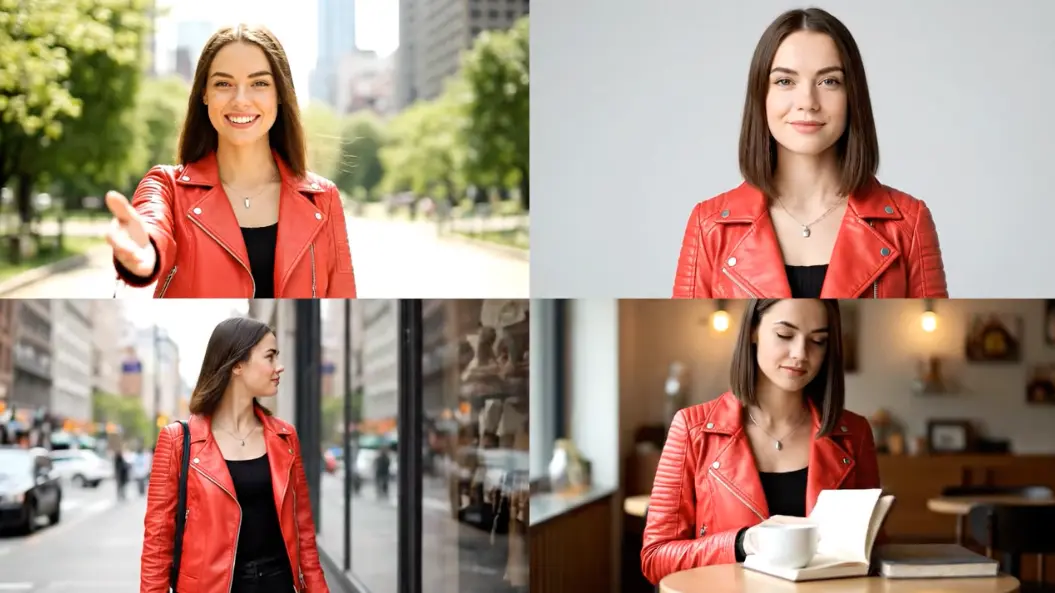

Emily Carter, Content Creator
Using Viddo for text to video has been a game-changer! It saves me so much time and the results are astonishing.

Michael Lee, Marketing Specialist
The quality of the videos generated is top-notch. My campaigns have seen improved engagement since I started using Viddo.

Jessica Wong, Social Media Influencer
I love the versatility of the tool. It allows me to create unique content that stands out on all my platforms.

David Brown, Educator
Creating educational videos has become so much simpler. My students love the engaging content generated with Viddo.

Sarah Johnson, Freelance Designer
This tool has made my workflow so much smoother. I can focus on creativity rather than technical issues.

Tom Green, Business Owner
I create promotional videos for my products quickly and efficiently, which has boosted my sales significantly.
Follow these simple steps to start generating your videos today.

Begin by typing your text into the AI video generator. Be as detailed as possible to get the best results.
Select the style and effects that match your vision from our user-friendly options.
Click 'Generate' to create your video. Once done, you can preview, adjust, and download your creation.
Explore the diverse user base that can take advantage of our AI video generator.
Our AI analyzes your text input and creates a video that visually represents your words, utilizing advanced generative techniques.
You can create promotional videos, educational content, animations, and more with our versatile text to video feature.
Yes, all videos created under our subscription plans include commercial rights for use in advertising and promotions.
Most videos are generated within minutes, depending on the complexity of your request.
Absolutely! Our platform is designed for users of all skill levels, making video creation accessible to everyone.
Viddo combines ease of use with powerful features and high-quality outputs, making it an ideal choice for creators.

Viddo AI is an advanced all-in-one AI video and image generation platform that lets you quickly and easily create stunning videos and images from various inputs. These AI Model powered by Google, OpenAI, Grok AI, ByteDance, Alibaba, Kling, Runway, Vidu, Minimax, Elevenlabs, Midjourney,and so on.