
Seedance 2.0: As low as $0.345 per video
Veo3.1 Lite: As low as $0.0575 per video


Waiting for your creations!
Transform your ideas into stunning videos instantly with powerful text-to-video AI tool. Create cinematic scenes, captivating social media content, and dynamic visuals from simple text prompts.
Our all-in-one text to video platform integrates the best AI models and continuously incorporates the latest AI video technologies. You can seamlessly access and experiment with all models on Viddo AI, eliminating to switch between multiple platforms, and enjoy a unified, cutting-edge content creation experience.
Seedance V2.0
Google Omni
Google Veo 3.1
Google Veo 3
Kling V3.0
Grok imagine
Google Veo 3.1 Fast
Hailuo 2.3
Wan 2.7
Wan 2.6
Vidu Q3 Pro
Runway Gen-4
Seedance V1 Pro
Seedance V1 Lite
Kling V2.6
Kling V2.1 Master
Happy Horse 1.0
Viddo’s text to video AI transforms your text prompts into stunning, high-quality video. Simply describe your idea and bring any creative vision to life with AI-generated videos.
AI-Powered Script-to-Screen Magic
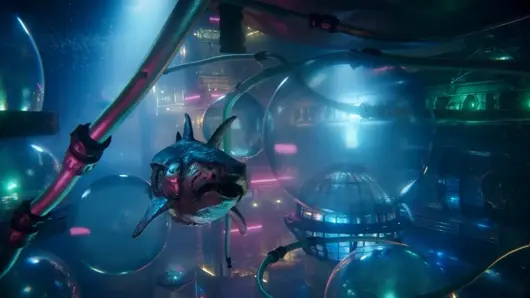
Cinematic Quality with Zero Editing Skills

Built-in Audio That Matches Your Message
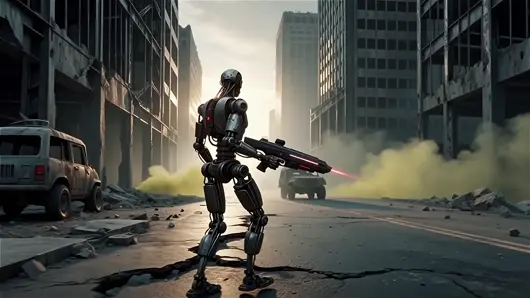
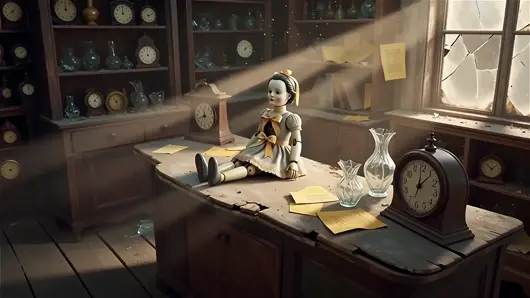
Contextual Scene Generation with Human-Centric Focus
Discover guides, tutorials, and creative insights to help you generate high-quality videos and maximize the power of text-to-video AI technology.
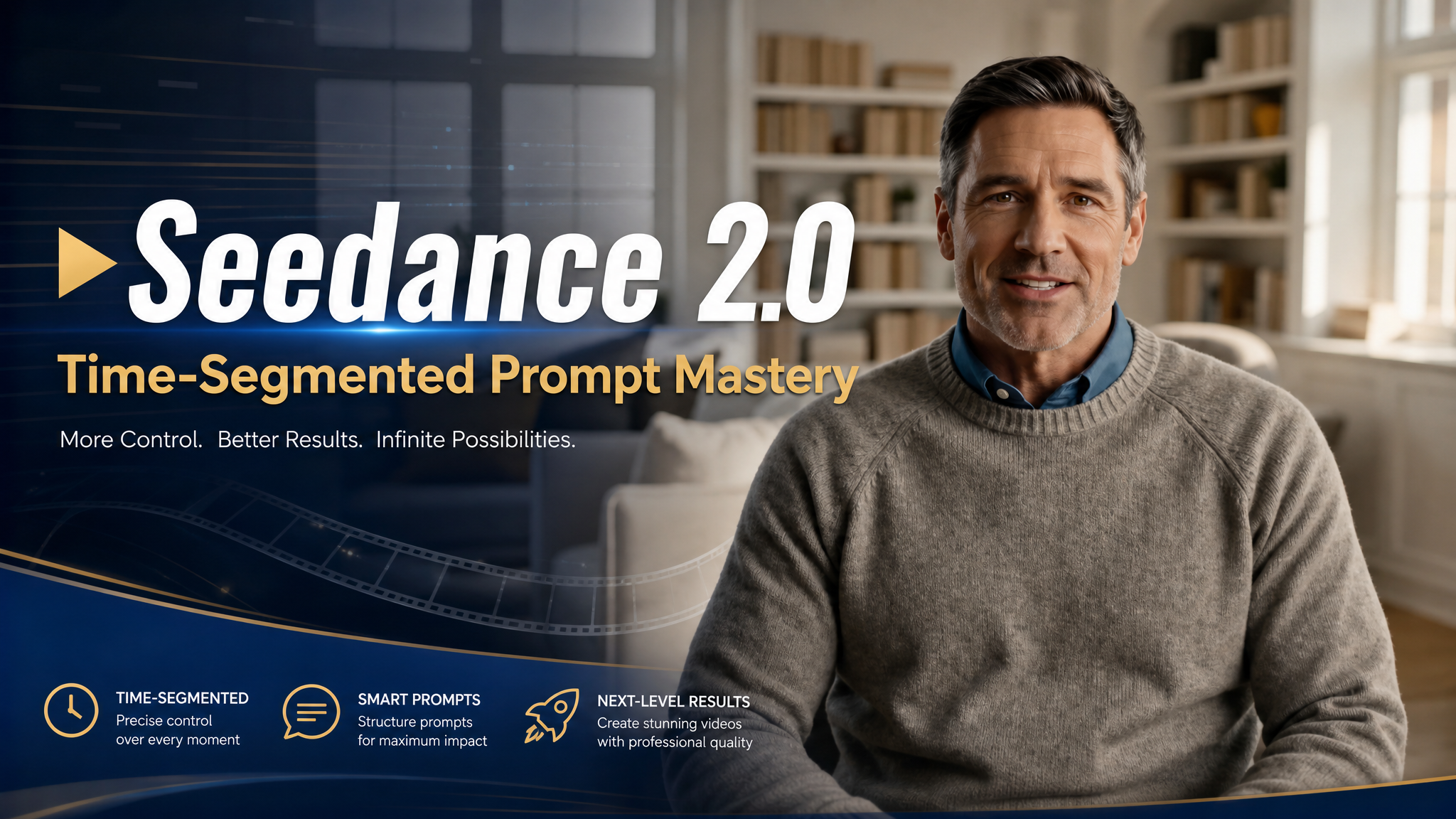
Seedance 2.0 Time-Segmented Prompt Mastery
Master Seedance 2.0's 15s limit. Split prompts into single-core segments to reduce jitter, boost clarity, and apply the 5-step T.I.M.E.S framework.
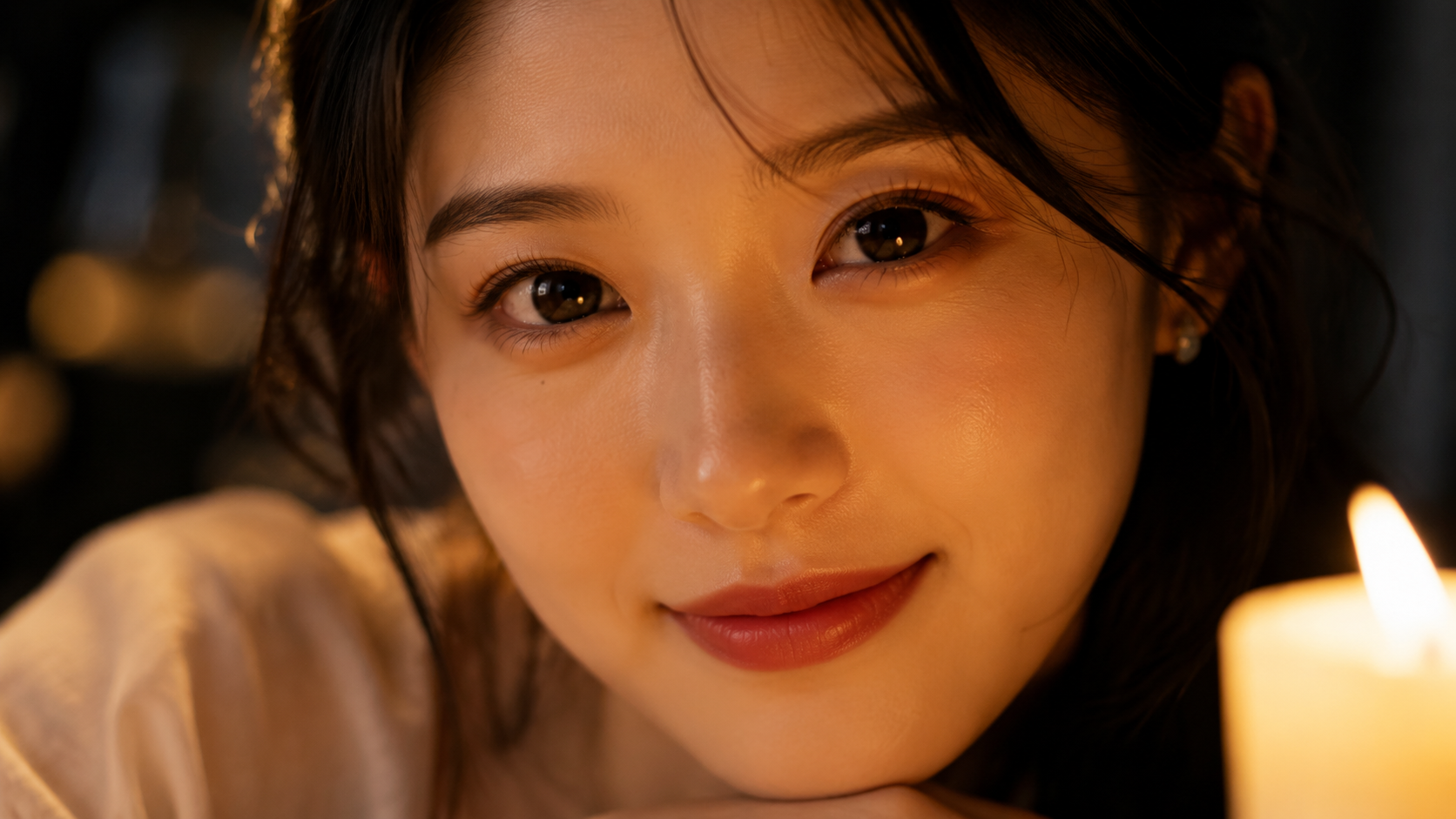
Micro-Expression Prompts for AI Video: Complete Guide
Learn how to design micro-expression prompts for AI video generation. Covers FACS anatomy, 6 emotions with basic/advanced/pro templates, and platform tips
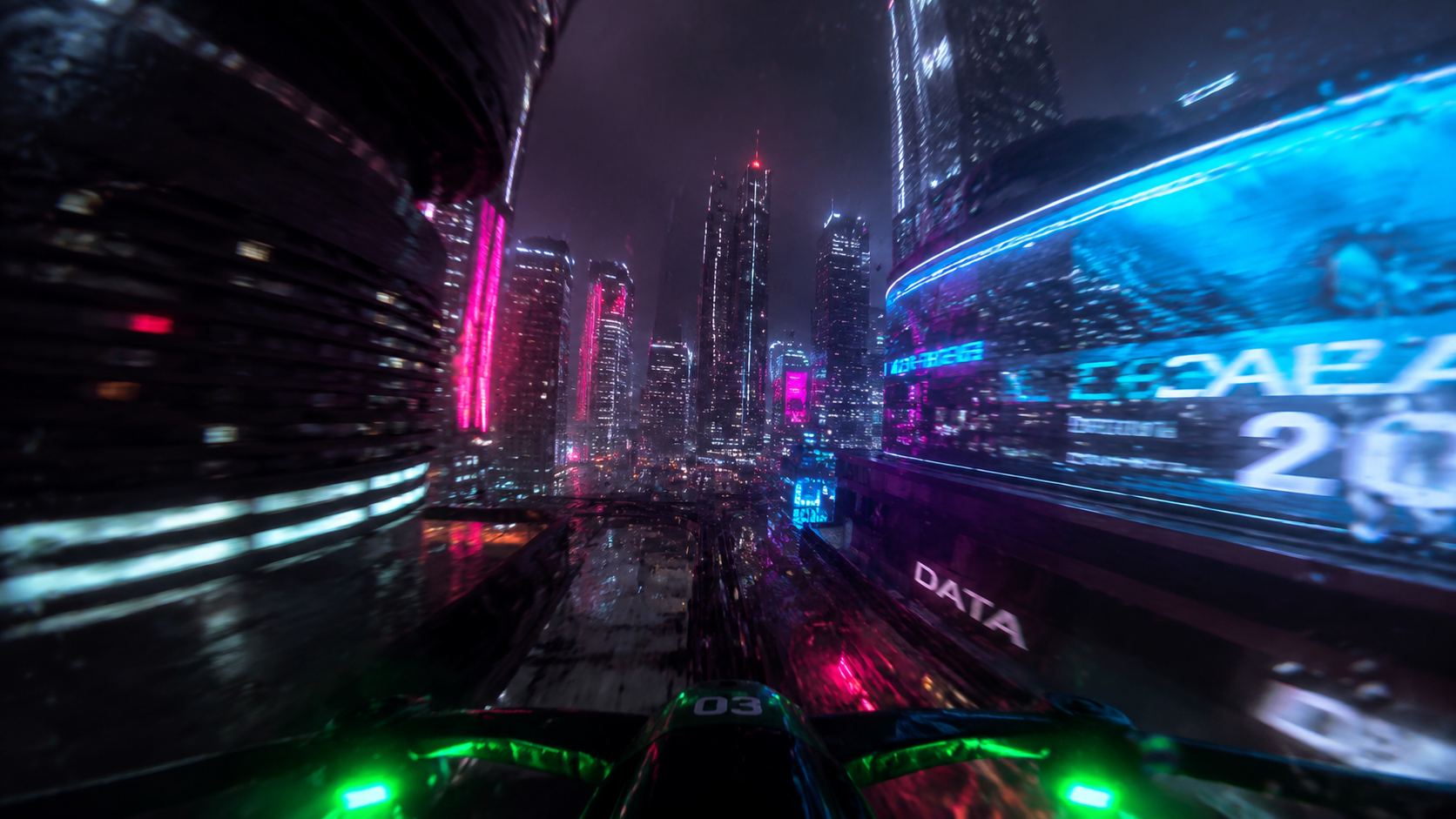
AI FPV Video Tutorial (2026) — Image + Red Line Method
Learn AI FPV video generation with the viral "Image + Red Line" method. Draw a flight path, generate cinematic FPV footage in minutes — no drone needed.
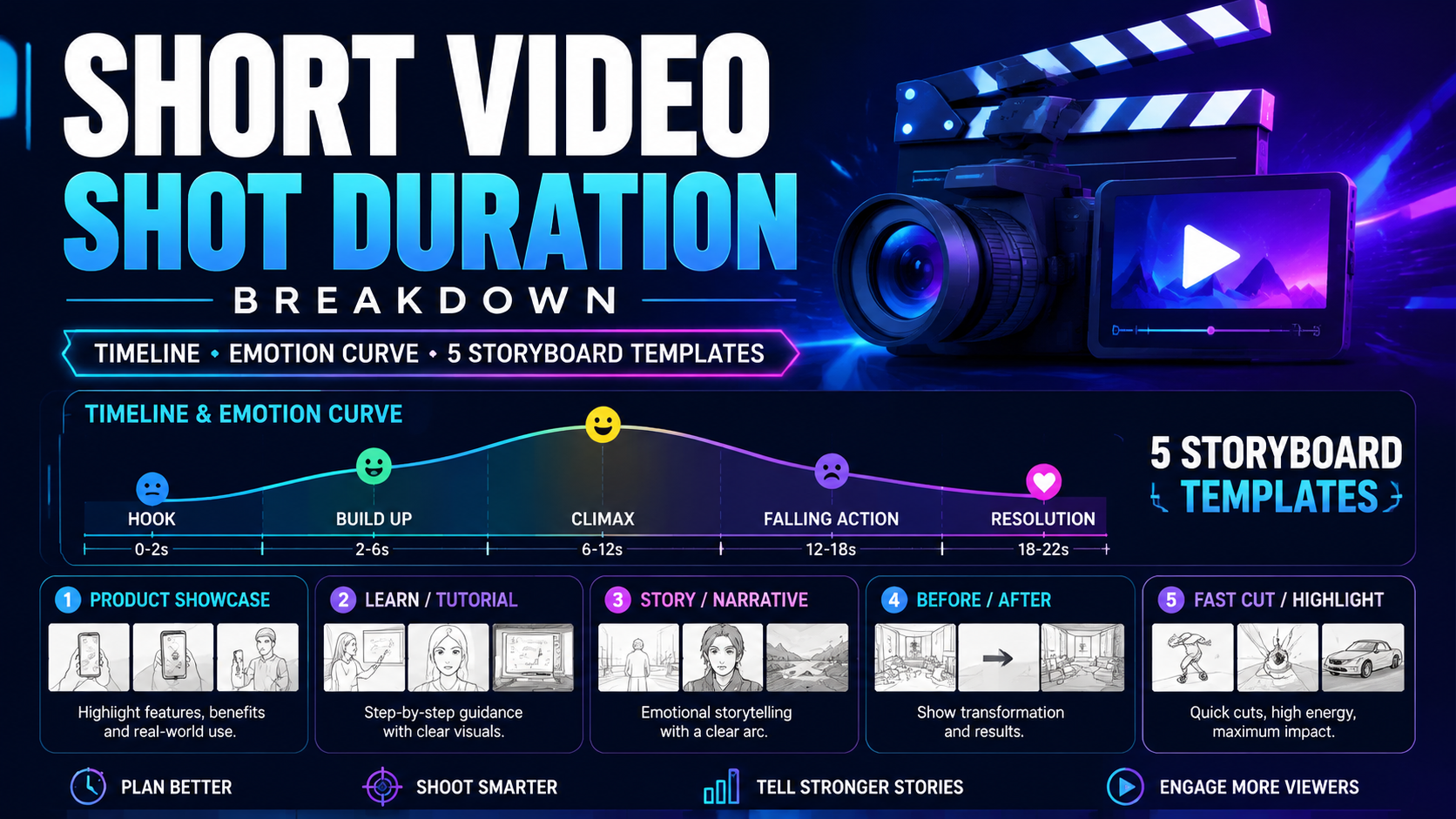
Storyboard Shot Duration Breakdown: Formula & Templates for AI Short Videos
Struggling with messy short video pacing? Master storyboard shot rules, 3-7s attention law & reusable Viddo AI prompts for all short video types.
Create an account to unlock the full features of our Text to Video interface.
Find the tool on your dashboard and choose to start from scratch or use AI assistance.
Enter your idea in the text box. You can type a simple prompt, scene description, or full script.
Click the “Generate” button.The AI will process your script and create a video with matching visuals, motion, and music.It only takes a few minutes, and your video will be ready to preview and download.
Sophia M., Content Creator
Viddo AI Text to Video tool helped me turn my blog posts into engaging videos in minutes. A total game-changer for my content strategy!
David K., Digital Marketer
As a marketer, I'm amazed by how quickly I can generate ad videos just by typing a few lines. It's fast, smart, and saves me hours.
Lena T., Social Media Manager
I've tried many AI tools, but this one nails the visuals and pacing like a pro. Perfect for my social media campaigns!
Jason P., Startup Founder
I used Viddo AI to create a product explainer video. The results looked like I hired a professional team!
Ravi D., HR Specialist
Perfect for creating training materials. I simply typed the key points and the AI handled the rest. Super efficient.
Nina V., Creative Director
From script to video in one step—this tool has transformed how I pitch my creative ideas to clients.
Viddo AI Text to Video tool transforms your written prompts, stories, or scripts into fully generated videos using advanced AI. Just type your idea, and the AI brings it to life with visuals, motion, and music.
No experience is needed. Simply enter your text prompt or video idea, and the AI will automatically generate a high-quality video for you - no technical skills required.
Yes. You can write your own prompt to describe the visual style, tone, pacing, or scene details you want. The AI will follow your instructions and generate a video that matches your creative vision.
Most videos are generated in just a few minutes, depending on length and complexity. You'll be able to preview and download your video once it's ready.
You can create a wide range of content - explainer videos, short films, social media posts, product demos, educational content, and more - all starting from simple text descriptions.
Yes. Videos created using Viddo AI can be used for marketing, business, or any other commercial use, as long as they follow our usage and licensing terms.
Ready to take your videos to the next level? Upgrade to access faster rendering, longer video durations, advanced customization, and premium styles.
Whether you're creating for business, education, or content marketing, Viddo AI Pro gives you everything you need to turn scripts into stunning, high-quality videos - effortlessly.
Viddo AI is an advanced all-in-one AI video and image generation platform that lets you quickly and easily create stunning videos and images from various inputs. These AI Model powered by Google, OpenAI, Grok AI, ByteDance, Alibaba, Kling, Runway, Vidu, Minimax, Elevenlabs, Midjourney,and so on.