llms

Select the aspect ratio for your Video

16:9

9:16

4:3

3:4

1:1

21:9

Required credits: 0

Waiting for your creations!

Zombie AI Video: Create One-Click AI Zombie Transformation Effects with Viddo AI

Want to hop on the viral zombie-transformation trend? Generate your very own Zombie AI Video effortlessly on Viddo AI. Our exclusive Zombie AI Video effect works with just an uploaded image — no complex prompts or confusing model selection required. Simply upload a portrait photo, pick your video aspect ratio, and hit generate. The AI will instantly render a smooth-playing Zombie AI Video with hyper-realistic zombie-transformation visuals.

This Zombie AI Video preserves your facial features while layering in classic zombie aesthetics: pale, decaying skin, sunken eye sockets, subtle wounds, tattered clothing, and eerie atmospheric lighting. Whether you are crafting spooky Halloween short clips, trending TikTok videos, or fun meme assets, this Zombie AI Video effect supports custom canvas sizes to produce ready-to-post material optimized for all social platforms. No video-editing or VFX expertise is needed, nor do you need elaborate zombie makeup. Anyone can create high-quality output powered by Zombie AI Video.
AI Image to Video Ads

What is Zombie AI Video?

Zombie AI Video is a viral short-form AI-transformation format sweeping across TikTok, Instagram Reels and YouTube Shorts. The Zombie AI Video effect turns static portrait photos into fluid animated sequences showing a human gradually morphing into a zombie.

Unlike traditional editing workflows that demand matting and manual effect stacking, this Zombie AI Video generator leverages AI to handle all animation and visual transformation automatically. After you upload a photo, set your aspect ratio and trigger rendering, the AI produces a complete Zombie AI Video that depicts the full progression from human to lifelike zombie.

Creators gravitate toward Zombie AI Video for its speed and simplicity. No raw footage or custom scene design is necessary. With one single photo and properly configured aspect settings, you can get cinematic-grade Zombie AI Video for social posts, Halloween marketing, fan-art derivatives and horror short-film segments.
AI Image to Video Ads

How to Create Viral AI Zombie Love Story & Video

Viddo AI's Zombie AI Video effect is purpose-built for fast one-click photo-to-zombie-video conversion. While competing tools force you to write prompts and manually tweak various parameters, our Zombie AI Video workflow has been fully streamlined.
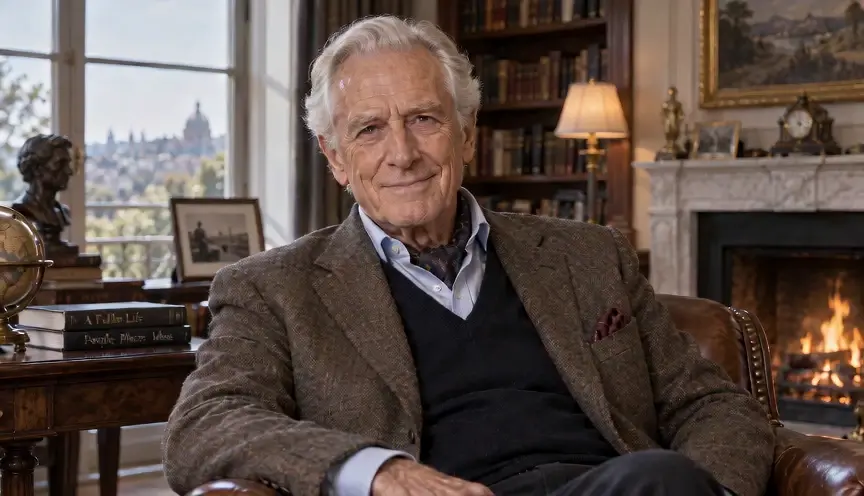
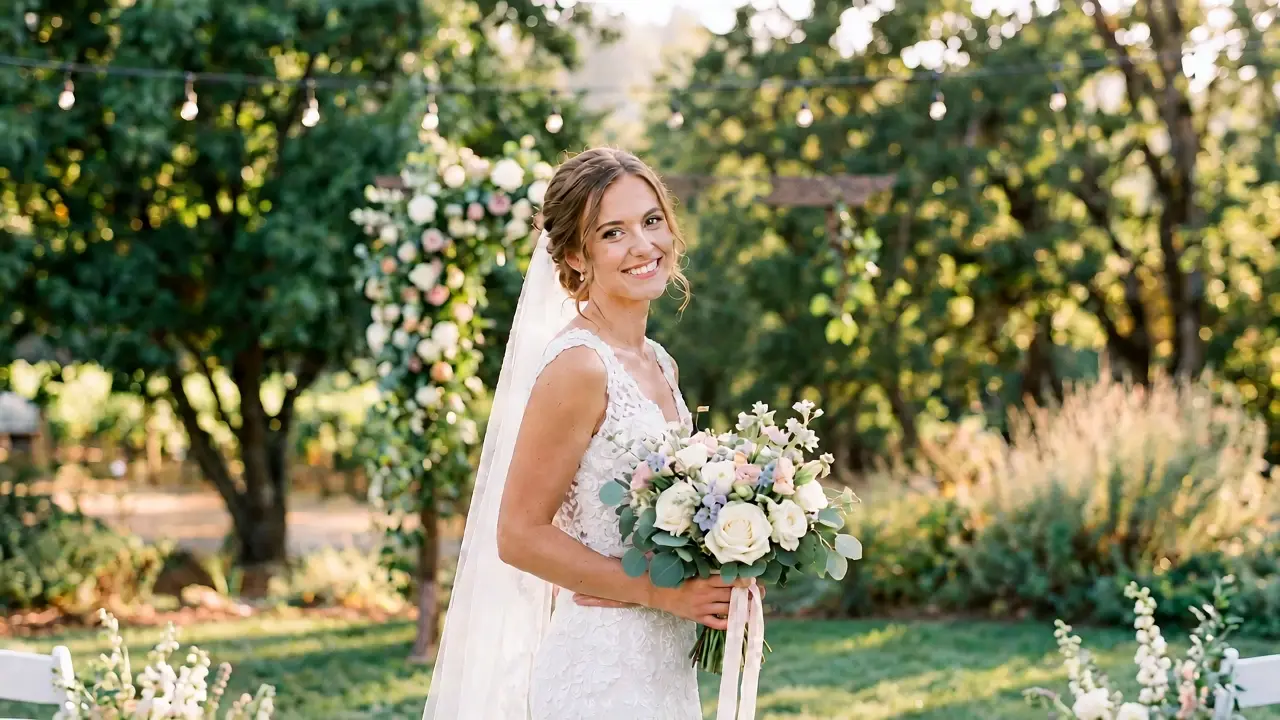
One-click Zombie AI Video from any photo
Upload selfies, portraits or close-ups, select your aspect ratio and click generate. The AI renders your Zombie AI Video without any prompt writing.
One-click Zombie AI Video from any photo
Stable facial identity throughout transformation
Your recognizability stays intact during Zombie AI Video generation, greatly reducing face-distortion artifacts common in alternative solutions.
Stable facial identity throughout transformation
Multi-aspect-ratio support for every platform
Zombie AI Video supports 16:9, 9:16, 4:3, 3:4, 1:1 and 21:9 canvases. Pick dimensions matching your publishing channel for TikTok, Reels, YouTube, video thumbnails and widescreen content.
Multi-aspect-ratio support for every platform
Cinematic Halloween-grade horror styling
Every Zombie AI Video comes with moody dim lighting, authentic decaying-skin details and silky motion — ideal for Halloween-themed posts and viral short-form trends.
Cinematic Halloween-grade horror styling
Fast Zombie AI Video rendering
All AI computation runs on backend servers. Once you confirm settings and start generation, wait briefly to preview and download your Zombie AI Video.
Fast Zombie AI Video rendering
MP4 export for seamless sharing
Finished Zombie AI Video files export in MP4 format, ready for social-media publishing. Upgrade to Premium to download watermark-free Zombie AI Video assets and unlock commercial-use licensing.
MP4 export for seamless sharing

Common Use Cases for Zombie AI Video

The Zombie AI Video effect fits a broad spectrum of content-creation workflows. Countless creators leverage Zombie AI Video for social content and Halloween-campaign assets.

Viral social-media trend content

The primary use for Zombie AI Video is joining the smash-hit zombie-morph challenges on TikTok and Instagram Reels. Render a vertical 9:16 Zombie AI Video to drive strong views and audience engagement.

Halloween social posts & marketing campaigns

Content creators and brands build chilling Halloween short videos, promotional snippets and holiday social collateral with Zombie AI Video. Custom-sized Zombie AI Video assets work for posters, short clips and promo reels to build immersive spooky-holiday atmosphere.

Meme-oriented and comedic derivative works

Meme accounts and comedy short-series producers build playful content with Zombie AI Video. Mildly spooky yet humorous Zombie AI Video output fuels light-hearted viral entertainment.

Horror content and short-film source material

Independent creators select 16:9 or 21:9 widescreen settings on Zombie AI Video to generate transformation B-roll for low-budget horror shorts, edit-based remixes and YouTube-hosted horror series.

Thumbnail and social-cover source frames

Capture still frames from your Zombie AI Video to craft eye-catching video thumbnails and social-profile cover graphics.

Frequently Asked Questions About Zombie AI Video

1

What kinds of photos work best for Zombie AI Video?

We recommend well-lit, sharp front-facing solo-portrait photos. Inputs of this type help produce Zombie AI Video with consistent identity and smooth morph transitions. Blurry pictures, group shots and images with major facial occlusion may degrade Zombie AI Video clarity and subject recognizability.

2

Do I need to write prompts to make Zombie AI Video?

No. Preset configurations power Viddo AI's Zombie AI Video effect. Just upload your photo, set your aspect ratio and trigger generation to get finished Zombie AI Video without custom prompt engineering.

3

What aspect ratios are supported for Zombie AI Video?

Six ratios are available: 16:9, 9:16, 4:3, 3:4, 1:1, and 21:9. Match your Zombie AI Video canvas to your target platform: 9:16 for vertical short-form content, 16:9 for landscape videos, and 1:1 for square social-media publications.

4

How long is a finished Zombie AI Video?

Zombie AI Video is built for short-form content optimized for fast vertical or horizontal morph clips. Exact runtime depends on rendered output; the format prioritizes fast-paced transformation sequences.

5

Will people still recognize my face in Zombie AI Video output?

Yes. The Zombie AI Video effect overlays zombie-themed visual changes while retaining your original facial markers, so you remain identifiable before and after the morph. Sharp front-facing source photos further stabilize facial consistency in Zombie AI Video.

6

Does aspect-ratio choice impact Zombie AI Video visual quality?

It does. Different ratios alter framing and subject cropping. The 9:16 format emphasizes faces and upper bodies, perfect for showcasing the morph; 16:9 and 21:9 leave extra space for immersive environmental mood. Choose dimensions aligned with your creative objective for your Zombie AI Video.

7

Will my exported Zombie AI Video include a watermark?

Zombie AI Video rendered under free accounts may carry watermarks. Upgrade to Viddo AI Premium to export watermark-free Zombie AI Video and unlock full commercial-use entitlements.

8

What file format is used for exported Zombie AI Video?

Completed Zombie AI Video assets export as MP4 files, fully compatible with TikTok, Instagram Reels, YouTube Shorts, Douyin and most mainstream video-editing suites.

9

How much time does Zombie AI Video generation take?

Processing duration varies based on platform load and selected parameters, yet rendering for Zombie AI Video is generally quick. Once complete you can review your Zombie AI Video in-browser before downloading.
Discover More

Start Building Your Zombie AI Video Right Now

Ready to ride the viral wave? Dive straight into Viddo AI's Zombie AI Video effect. Upload your portrait photo, pick a platform-optimized aspect ratio and press generate to render your bespoke Zombie AI Video. In just a handful of steps, produce stunning Zombie AI Video assets for Halloween celebrations, social-media viral trends and creative projects.
Start Building Your Zombie AI Video Right Now
viddo.ai

Viddo AI is an advanced all-in-one AI video and image generation platform that lets you quickly and easily create stunning videos and images from various inputs. These AI Model powered by Google, OpenAI, Grok AI, ByteDance, Alibaba, Kling, Runway, Vidu, Minimax, Elevenlabs, Midjourney,and so on.

© 2026 viddo.ai. All rights reserved.